Quick answer
For most people, a 2.4GHz USB wireless mouse is the simplest and most reliable choice. If you need to switch between multiple devices or want a rechargeable battery, consider a tri-mode or rechargeable model. For ergonomic comfort and higher precision, look for a 4800 DPI ergonomic mouse. Match the mouse to your hand size, connection needs, and whether you prefer silent clicks.
Choosing a wireless mouse can be confusing with so many options. This guide breaks down the key differences between TECKNET's 2.4GHz USB, tri-mode, and 4800 DPI ergonomic models so you can pick the right one for your setup.
We'll cover connection types, DPI settings, battery life, and ergonomics, with specific product examples from the TECKNET lineup. By the end, you'll know exactly which mouse fits your hand, your devices, and your budget.
Connection types: 2.4GHz USB vs tri-mode
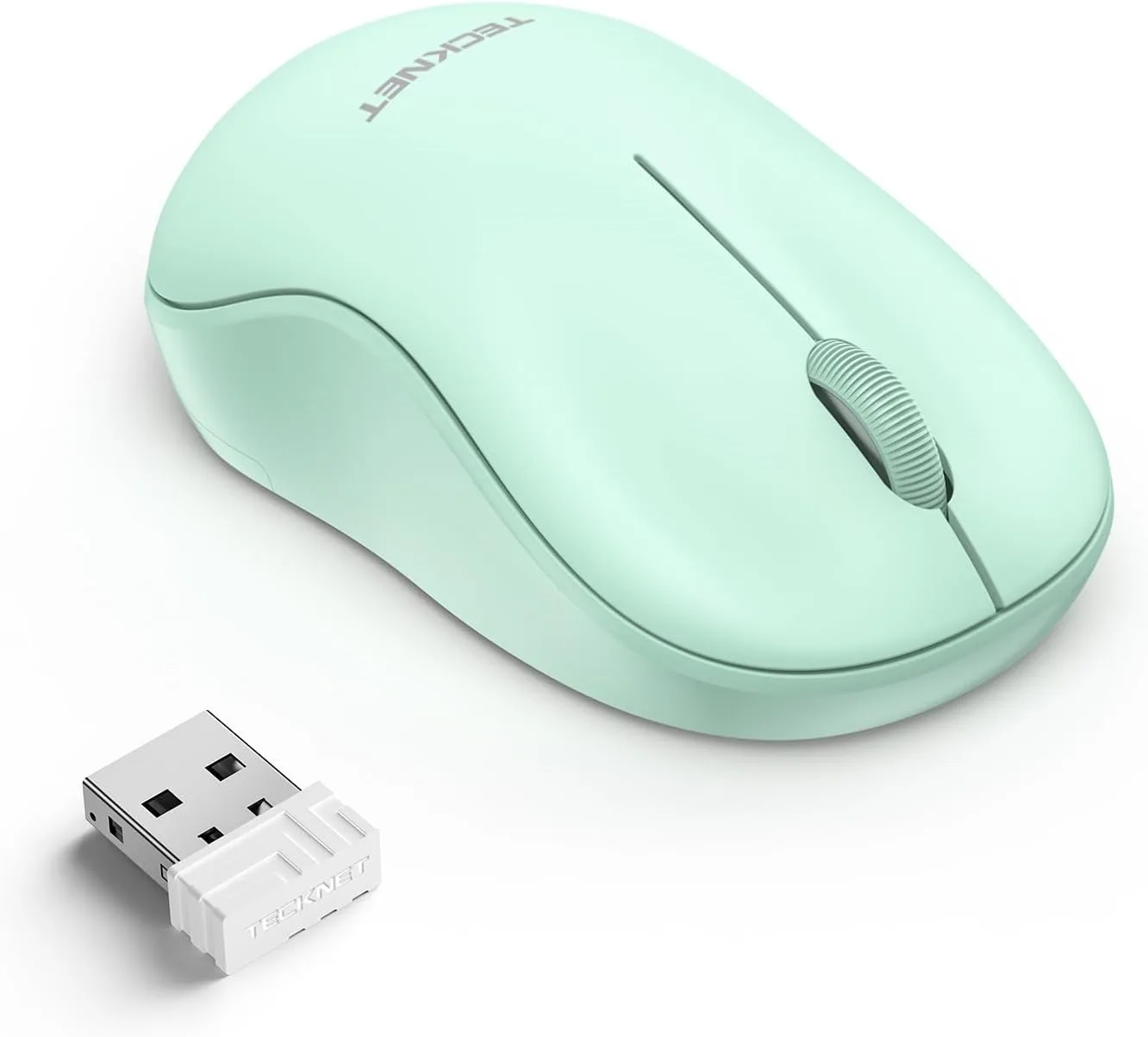
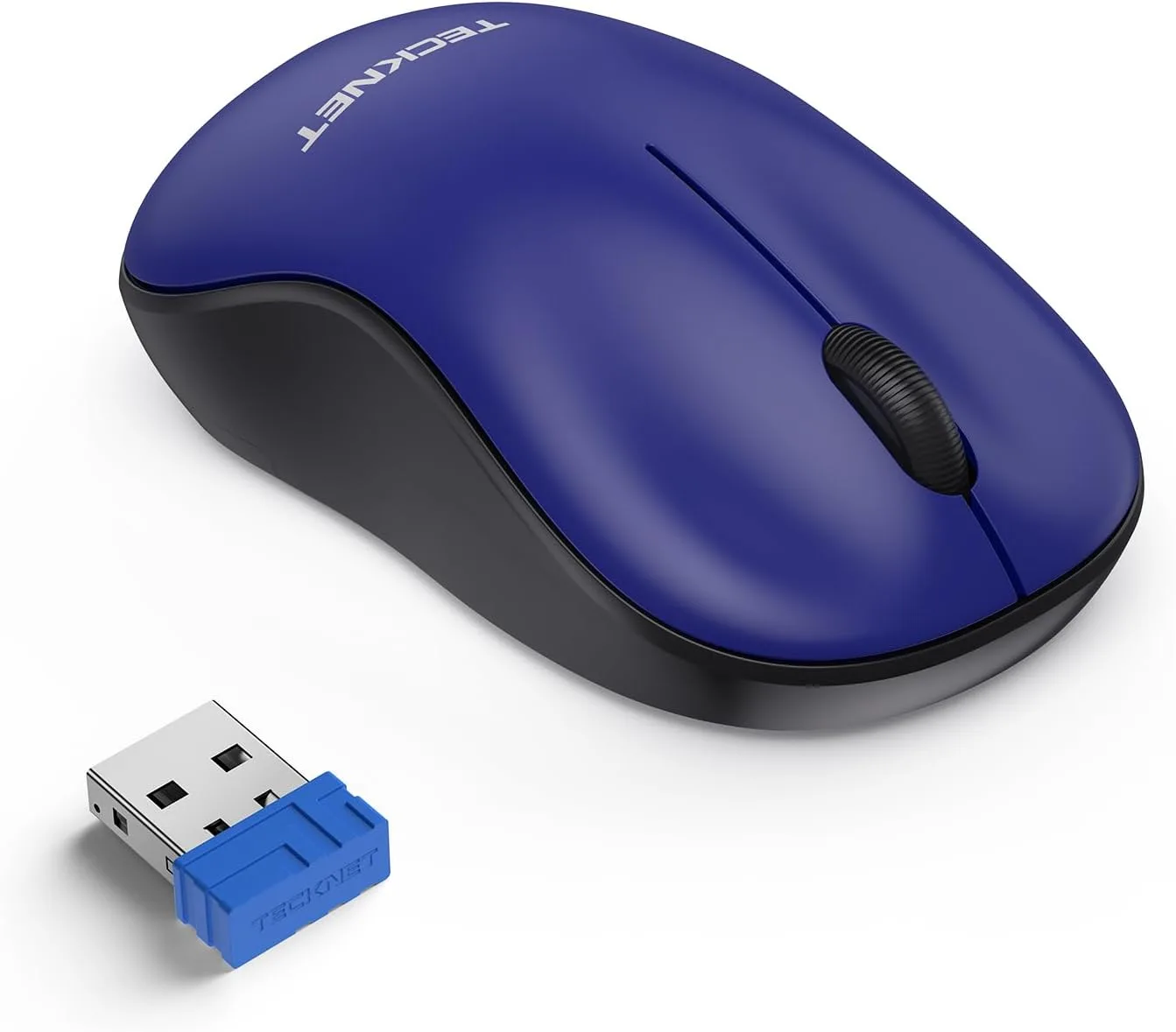
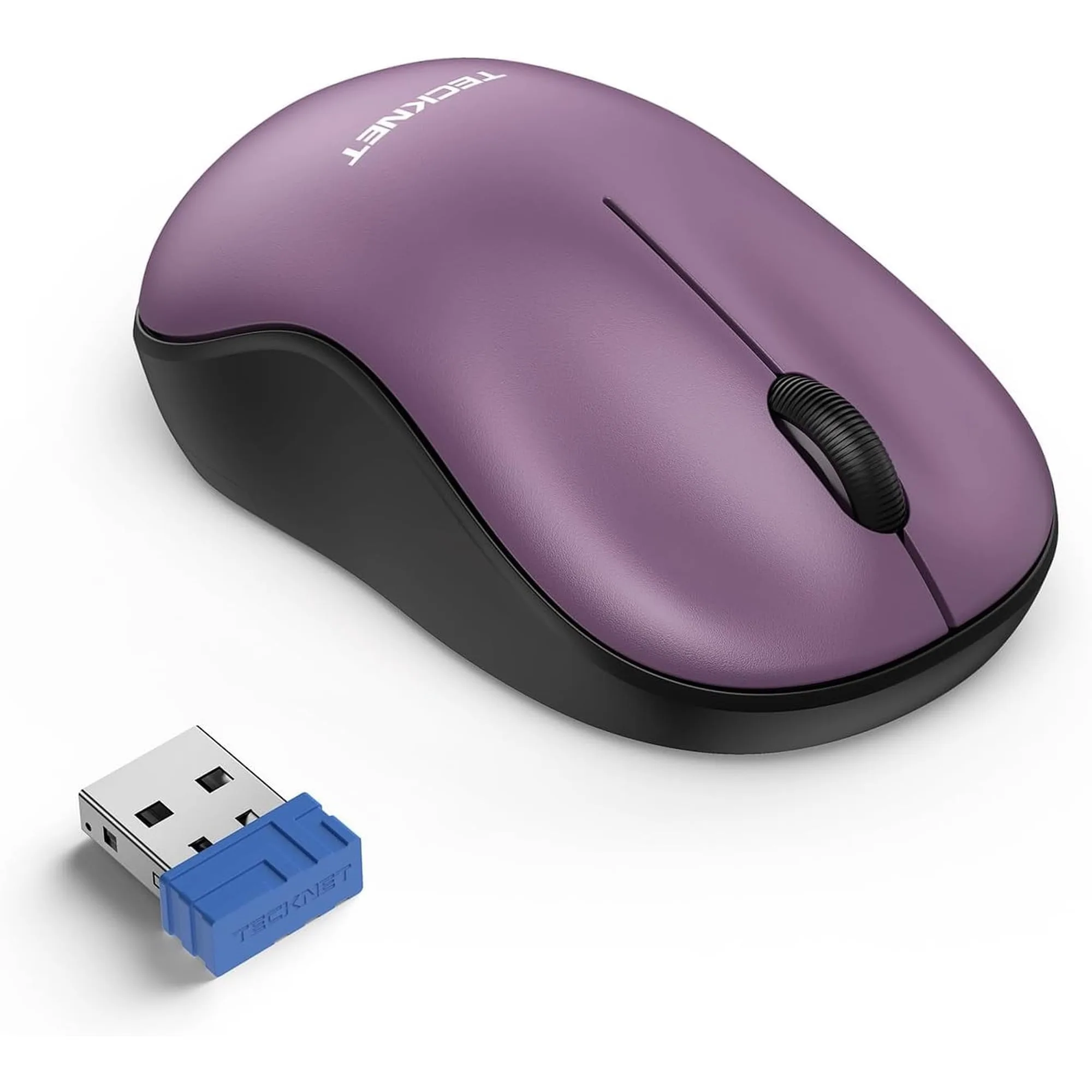
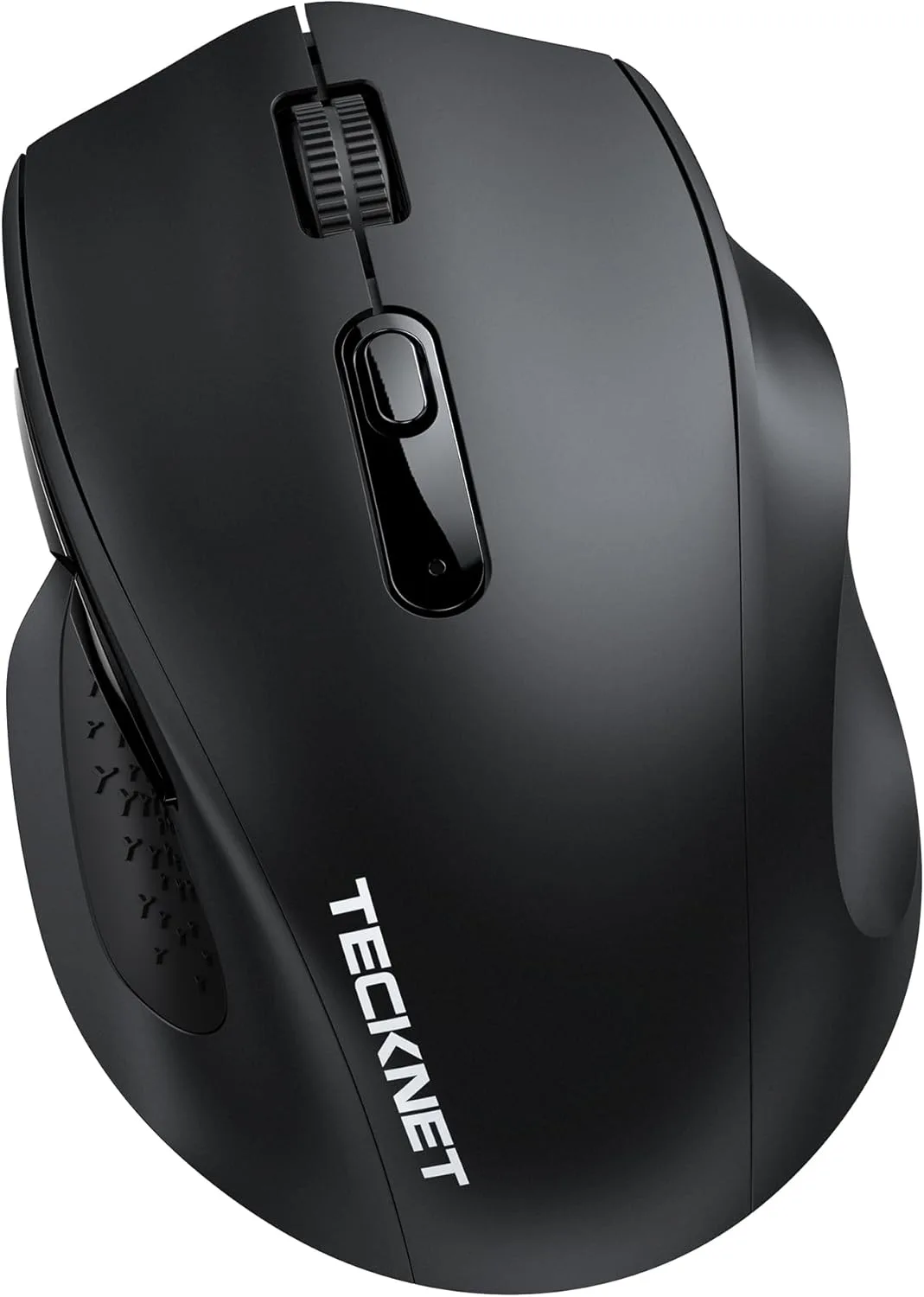
Most TECKNET wireless mice use a 2.4GHz USB receiver that plugs into your computer. This connection is stable, lag-free, and works without drivers. For example, the TECKNET Wireless Mouse,2.4GHz with USB Receiver offers a reliable connection up to 49ft and runs for 24 months on two AAA batteries. It's ideal if you want a simple, no-fuss mouse for a single device.
Tri-mode mice can connect via 2.4GHz USB, Bluetooth, and sometimes a wired mode. They let you switch between devices like a laptop, tablet, and desktop with a button press. If you frequently move between devices, a tri-mode model is worth the extra cost. However, for a single computer, a standard 2.4GHz mouse is more affordable and just as reliable.
- Check if your computer has USB-A or USB-C ports. Some TECKNET mice include a USB-C adapter for newer laptops.
- Bluetooth mode is handy for tablets and phones, but 2.4GHz USB generally offers lower latency for gaming or precise work.
DPI settings explained: 800 to 4800 DPI
DPI (dots per inch) measures cursor sensitivity. Higher DPI means the cursor moves farther for the same hand movement. Most TECKNET mice offer adjustable DPI levels, often from 800 to 3200 or 4800 DPI. For everyday tasks like browsing and office work, 1200–1600 DPI is comfortable. For high-resolution monitors or gaming, 2400 DPI and above can be useful.
The TECKNET Wireless Mouse for Laptop offers five DPI settings (800/1200/1600/2400/3200) that you can change on the fly. This flexibility lets you switch from precise photo editing to fast navigation. If you need even higher sensitivity, look for a model with 4800 DPI, such as the TECKNET 4800 DPI ergonomic mouse (available in our store).
- Start at 1600 DPI and adjust until the cursor feels natural.
- Higher DPI is not always better; too high can make the cursor hard to control.
Silent clicks and ergonomics for comfort
Silent mice reduce the clicking noise, making them ideal for shared spaces like offices, libraries, or dorms. The TECKNET Wireless Mouse,2.4GHz with USB Receiver features silent left and right buttons, so you can work without disturbing others. Its ergonomic shape reduces wrist fatigue during long sessions.
For smaller hands or travel, consider the TECKNET Wireless Mouse for Laptop, which measures 3.9 x 2.3 x 1.5 inches and is designed for small to medium hands. It's also silent and ergonomic. If you want a fun color, the Wireless Mouse, 2.4G Quiet Computer Mouse with USB Receiver comes in a gradient mint green and is compact for kids or small hands.
- Check the mouse dimensions against your hand size. A mouse that's too small can cause cramping.
- Ergonomic shapes with a slight hump support the palm and reduce strain.
Rechargeable vs battery-powered
Battery-powered mice use AA or AAA batteries and can last many months. The TECKNET Wireless Mouse,2.4GHz with USB Receiver runs for 24 months on two AAA batteries, so you rarely need to replace them. This is convenient if you don't want to remember to charge.
Rechargeable mice have built-in batteries and charge via USB-C. The TECKNET Rechargeable Mouse with Jiggler has an 800mAh battery and supports plug-and-play. It also includes a jiggler feature to keep your computer awake. Rechargeable models are better for heavy daily use, while battery models are better for occasional use or as a backup.
- Rechargeable mice cost more upfront but save on battery purchases over time.
- If you travel often, a rechargeable mouse with USB-C charging means one less cable to pack.
Keyboard and mouse combos: space-saving options
If you need both a keyboard and mouse, a combo set can save money and desk space. The TECKNET Wireless Keyboard & Mouse Combo includes a mini keyboard and mouse that share a single USB receiver. The receiver stores inside the mouse, so you won't lose it. The mouse has adjustable 1600 DPI and silent clicks.
For an ultra-slim keyboard, the TECKNET BASICS 2.4G Wireless Keyboard is only 11.5 x 4.9 inches and weighs 10.4 oz. It has media hotkeys and a quiet typing experience. Pair it with any TECKNET mouse for a complete wireless setup.
- Combos are great for home offices or dorm rooms where space is limited.
- Check keyboard layout: some combos have compact layouts that may take time to get used to.
Decision rules for choosing your TECKNET mouse
- If you use one computer and want a simple, reliable mouse: Choose a 2.4GHz USB model like the TECKNET Wireless Mouse,2.4GHz with USB Receiver. It offers a stable connection, long battery life, and silent clicks. Best for office, home, or school use.
- If you switch between multiple devices (laptop, tablet, desktop): Look for a tri-mode mouse that supports 2.4GHz, Bluetooth, and wired connections. TECKNET offers tri-mode options in our store. Convenient for power users and travelers.
- If you need high precision for design or gaming: Choose a mouse with adjustable DPI up to 3200 or 4800, such as the TECKNET Wireless Mouse for Laptop (3200 DPI) or a 4800 DPI ergonomic model. Higher DPI gives faster cursor movement on large screens.
- If you have small hands or need a portable mouse: The TECKNET Wireless Mouse for Laptop (3.9 x 2.3 x 1.5 inches) or the Wireless Mouse, 2.4G Quiet Computer Mouse with USB Receiver (3.94 x 2.28 x 1.52 inches) are designed for small to medium hands. Compact size reduces fatigue during travel.
- If you want to avoid replacing batteries: Consider a rechargeable mouse like the TECKNET Rechargeable Mouse with Jiggler, which has an 800mAh battery and USB-C charging. Rechargeable is better for heavy daily use.
Key product facts at a glance
- TECKNET Wireless Mouse,2.4GHz with USB Receiver,Computer Mouse for Laptop,PC,Computer,Chromebook,Notebook,2600 DPI,5 Adjustment Levels: Left and right buttons feature a silent clicking design, ideal for libraries, dorms, offices, or any shared space where you don’t want to disturb others. Ergonomic shape reduces wrist fatigue during extended use. Compact size: 4.1" x 2.7" x 1.5". Tiny USB receiver plugs in easily—no drivers needed. 2.4GHz wireless technology delivers reliable connection up to 49ft / 15m. Runs for 24 months on 2 AAA batteries (not included). This mouse is a solid all-rounder for office or home use, with long battery life and silent clicks. The compact size suits most hands, and the 2600 DPI with 5 levels gives you flexibility.
- https://tecknetero.com/products/tecknet-wireless-mouse-for-laptop-2-4g-silent-mouse-qui-af70058910cef701c8cff799-1306276TECKNET Wireless Mouse for Laptop, 2.4G Silent Mouse Quiet Click, Small Portable Computer Mouse, 5 DPI Levels, Cordless Mice for PC, Chromebook, Mac: Silent clicking design for left and right buttons. Ideal for open offices, libraries, or crowded trains. Work without disturbing others. Measures 3.9 x 2.3 x 1.5 inches. Designed for small to medium hands. Portable for a better travel experience. Ergonomic design fits your palm naturally, reducing wrist fatigue. Suitable for both left and right hands. Five DPI settings (800/1200/1600/2400/3200). Change sensitivity. If you have small to medium hands or need a travel-friendly mouse, this is a great choice. The five DPI settings let you adjust sensitivity for different tasks, and it's ambidextrous.
- TECKNET Wireless Keyboard & Mouse Combo, 2.4GHz Mini Cordless Set, Silent Adjustable 1600 DPI, Quiet Click, Lag-Free for PC/Laptop/Mac/Chrome OS: Powerful Wireless 2.4 GHz Connection:2.4G wireless technology – stable connection up to 15m (49 ft). Keyboard & mouse share Nano receiver. Receiver stores inside mouse battery compartment – no lost dongles. 12 Convenient Function Hotkeys:Scissor-key design – comfortable, quiet typing. 12 multimedia hotkeys for music, web, email, and more. Note: Multi-function keys not compatible with MAC. Space-Saving &... This combo is perfect for tight desks or travel. The shared receiver and storage compartment prevent lost dongles. The quiet scissor keys and silent mouse are good for shared spaces. Just note the hotkeys don't work on Mac.
- TECKNET BASICS 2.4G Wireless Keyboard, Ultra Slim Compact Computer Keyboard with Media Hotkeys, Silent Small USB Keyboard for Laptop PC Desktop Smart TV Notebook Chromebook-Silver: Measures 11.5"×4.9" and weighs 10.4 oz. Perfect for home, office, coffee shop, or business trips. Stylish chocolate keycaps deliver smooth, quiet tapping. Reduced key travel minimizes finger fatigue. Plug USB receiver into Windows, Mac, Chrome OS, or Linux. Stable connection up to 32.8ft. Intelligent power-saving mode + on/off switch. Wakes with one key press. Lasts 12 months (2 hrs/day use). This ultra-slim keyboard is highly portable and works with multiple operating systems. The quiet keys and long battery life make it a great companion for a TECKNET mouse.
Who is this guide for?
Best for
- Shoppers comparing TECKNET wireless mice for office, home, or travel
- Users who need a silent mouse for shared spaces
- Anyone unsure about DPI, connection types, or battery options
Not for
- Gamers seeking ultra-high DPI (above 4800) or customizable buttons
- Users who need a wired mouse for zero-latency competitive gaming
Pick the TECKNET mouse that matches your connection needs, hand size, and budget. A 2.4GHz USB model is great for most people, while tri-mode and rechargeable options add flexibility. For precision, look for higher DPI. And if you want a complete setup, consider a keyboard combo. No matter your choice, TECKNET offers reliable wireless mice at affordable prices.