Quick answer
Start by swapping the charging cable and power adapter, then try a different wall outlet. If the Toniebox still won't charge or turn on, clean the charging contacts and check the dock alignment. If those steps fail, the battery is likely the issue—consider a battery replacement or contact support. Stop DIY fixes if you see swelling, heat, or damaged wiring, and choose a replacement or repair instead.
Check the charging cable and adapter first
A dead Toniebox often points to the charging cable or adapter, not the battery. Unplug the cable from both the wall and the Toniebox, then inspect the full length for kinks, fraying, or bent connector pins. If you have a spare Toniebox charging cable or a compatible USB power adapter, swap it in and try charging for at least 30 minutes. Also test a different wall outlet, ideally one you know powers other devices. If the Toniebox shows any sign of charging with the new cable, the original cable or adapter is the problem. If nothing changes, move on to the charging dock and contacts.
Clean the charging contacts and check dock alignment
Dust, lint, or sticky residue on the metal contacts can block the charging connection. Unplug the Toniebox and dock, then wipe the contacts on both the Toniebox and the dock with a dry, soft cloth. Avoid liquids, abrasive cleaners, or metal tools that can scratch the contacts. If you use a Toniebox charging dock, make sure the Toniebox sits fully seated and centered—if it feels loose or rocks, the contacts may not touch. After cleaning and reseating, plug everything back in and watch for a charging indicator. If the Toniebox still won't turn on after 30 minutes on a known-good cable and dock, the battery is the next suspect.
Battery care habits that prevent charging problems
Toniebox battery life and charging reliability both benefit from simple habits. Charge the Toniebox before the battery is completely empty—ideally when you notice playtime getting shorter. Avoid leaving it plugged in for days at a time, and don't store it in a hot car or direct sun, since heat stresses the battery. If you're putting the Toniebox away for a while, charge it to about half full first. These steps won't fix a battery that's already failed, but they reduce the chance of a Toniebox not charging in the first place.
When to replace the battery or choose another option
If the Toniebox won't charge on a known-good cable, a clean dock, and a different outlet, the battery is the most likely cause. A Toniebox battery replacement can restore normal playtime, but only attempt it if you're comfortable with small connectors and the manufacturer allows user replacement. Stop immediately if the battery looks swollen, smells unusual, or feels hot—those are signs to replace the whole unit or contact support rather than continue. If your Toniebox is still under warranty or you're unsure about the repair, contact Tonies support or consider a new Toniebox 2 set instead of risking damage.
Charging problem diagnosis chart
- No charging light or indicator: The Toniebox shows no sign of power when plugged in. Try a different charging cable, adapter, and wall outlet. Clean the contacts on the Toniebox and dock. If there's still no indicator after 30 minutes, the battery or charging port may be faulty. If a known-good cable and outlet produce no indicator, stop and consider battery replacement or support.
- Charges but won't turn on: The Toniebox indicates charging but won't power on after 30 minutes. Leave it plugged in for another hour, then try turning it on again. If it still won't turn on, the battery may be holding too little charge or the power button may be stuck. If it still won't turn on after a full charge attempt, the battery is the likely cause.
- Battery drains very quickly: The Toniebox turns on but playtime is much shorter than usual, even after a full charge. Check for heat, swelling, or unusual smells. If none are present, a battery replacement may restore normal run time. Stop using the Toniebox and contact support if you notice swelling, heat, or odor.
Toniebox 2 sets that include charging essentials
- Ms. Rachel Toniebox 2 Starter Set - Sky Blue: Ms. Rachel Toniebox 2 Starter Set - Sky Blue includes a Toniebox 2 and a Ms. Rachel Tonie figurine. A complete starter set means you get a fresh Toniebox 2 and a character Tonie, so you can rule out a worn-out older unit if charging problems persist.
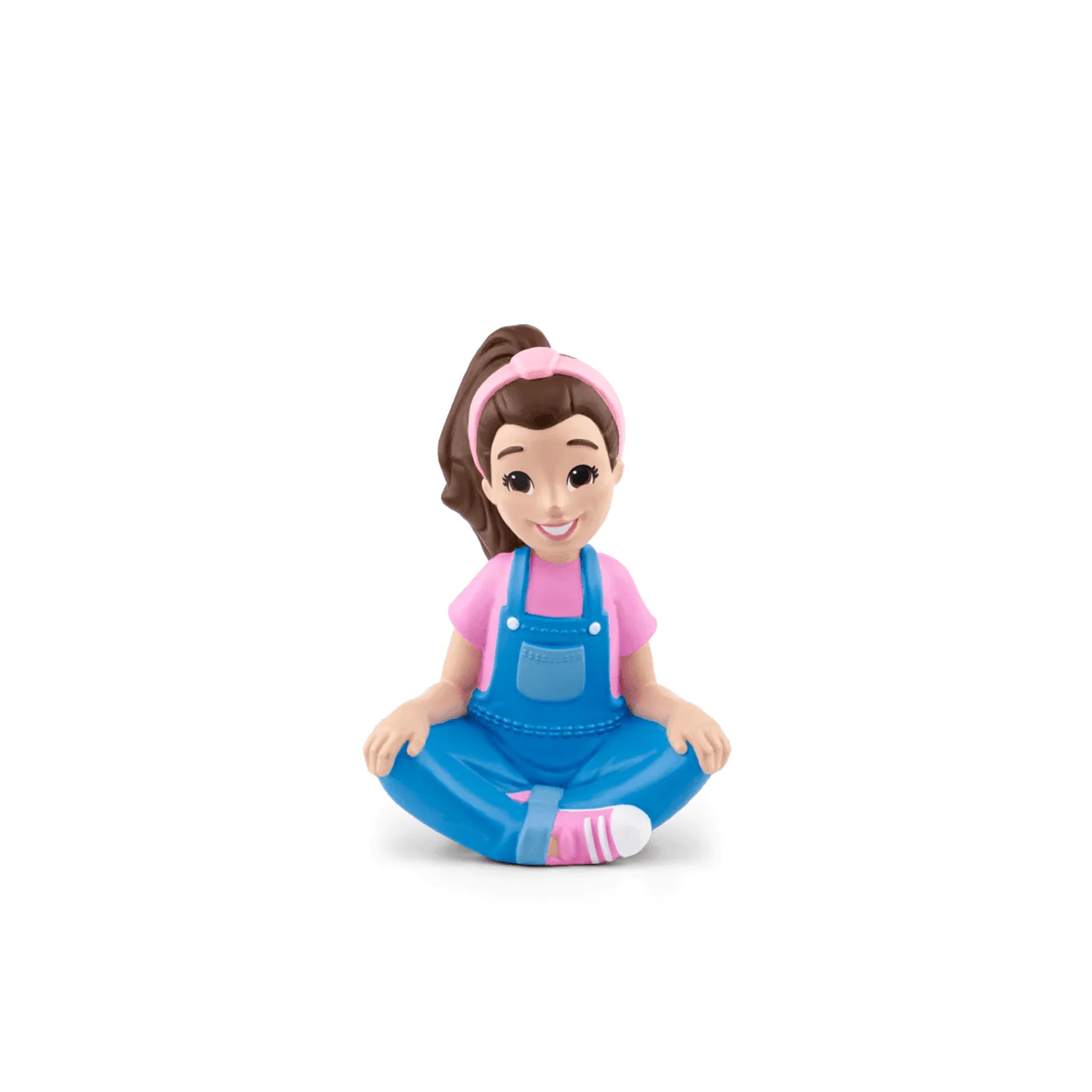
Ms. Rachel Tonie
- Playtime Puppy Toniebox 2 Starter Set - Cloud Pink: Playtime Puppy Toniebox 2 Starter Set - Cloud Pink includes a Toniebox 2 and a Favorite Children's Songs: Playtime Songs figurine. If you're replacing a Toniebox with charging issues, this set gives you a new player and a music Tonie without buying them separately.
- My First Tonies Toniebox 2 Set: My First Tonies Toniebox 2 Set includes the Toniebox 2 in Sky Blue and the My First Tonies: Travel Tonie, designed for children ages 1 and up with a run time of 30-45 minutes. For families with very young children, this set pairs a new Toniebox 2 with a gentle first-listening Tonie; the 30-45 minute run time is a useful baseline when checking whether your current battery is holding a normal charge.