Quick answer
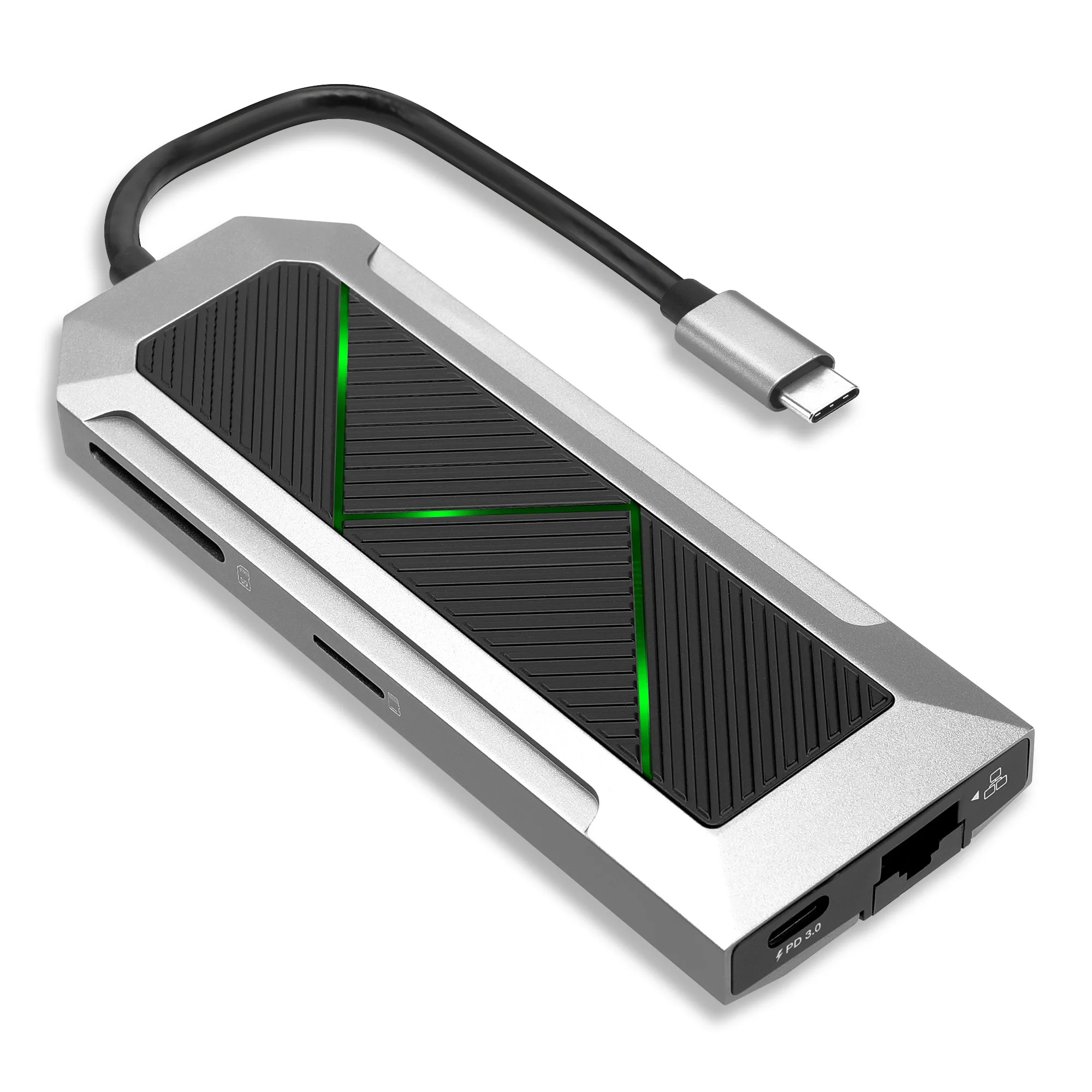
For most 4K work, buy an 8-in-1 USB-C hub that combines HDMI 4K at 60Hz, Gigabit Ethernet, an SD and micro-SD reader, three USB-A 3.0 ports and USB-C PD 3.0 pass-through charging. That single combination covers an external monitor, wired network, camera cards, peripherals and laptop power without carrying separate dongles. If you only present slides occasionally, a smaller hub is enough; if you edit 4K footage daily, prioritise 60Hz HDMI and Ethernet over extra ports.
Match ports to your 4K workflow, not to a port count
A higher port count does not automatically mean a better hub. Start by listing the devices that must stay connected at the same time: monitor, Ethernet cable, SD card, mouse, keyboard and charger. If your list is three items or fewer, a compact hub is easier to carry and less likely to overheat. If you regularly use five or more, an 8-in-1 model reduces the need for a second adapter.
- Count simultaneous connections, not total ports.
- Check that HDMI supports 4K at 60Hz if you work on a 4K monitor all day.
- Confirm the hub has Ethernet if your office Wi-Fi is unreliable during video calls.
- Look for SD and micro-SD slots if you import camera or drone footage.
- Check PD 3.0 pass-through if you want to charge the laptop while the hub is in use.
HDMI 4K at 60Hz: the spec that separates work hubs from travel hubs
A 4K monitor at 30Hz feels laggy for cursor movement, scrolling and video editing, even though the image looks sharp. A USB-C to HDMI 4K 60Hz adapter keeps motion smooth and is the minimum for daily 4K work. Many budget hubs list 4K but only at 30Hz, so check the refresh rate before buying. If you use a 1080p monitor, 60Hz is still preferable but less critical.
Ethernet and SD slots: the ports that save real time
A USB-C hub with Ethernet and SD covers two tasks that wireless and cloud tools handle slowly: stable video calls and fast photo or video import. Gigabit Ethernet avoids Wi-Fi dropouts during client meetings, and a built-in SD reader means you do not need to hunt for a separate card reader. If you never use wired internet or removable storage, you can save money by choosing a hub without them.
PD 3.0 charging and USB-A ports: keep the laptop powered and peripherals connected
PD 3.0 USB hub pass-through lets you plug your laptop charger into the hub and charge through the same USB-C cable that carries data and video. Without it, you may need to unplug the hub to charge. Three USB-A 3.0 ports are enough for a mouse, keyboard and one external drive; if you use more, add a separate powered USB hub rather than overloading a bus-powered model.
Windows and Mac compatibility: check the fine print
Most USB-C hubs work with both Windows and Mac, but some features depend on the laptop's USB-C port supporting DisplayPort Alt Mode and Power Delivery. Check your laptop manual or the port symbol before buying. If your laptop has only one USB-C port, a hub with PD pass-through is essential so you do not have to choose between charging and connecting a monitor.
Decision rules for buying a USB-C hub
- If you use a 4K monitor daily: Choose a hub with HDMI 4K at 60Hz, not 30Hz. The refresh rate matters more than the number of extra ports. Check the spec sheet for 60Hz before you buy.
- If you join video calls on office Wi-Fi: Prioritise a hub with Ethernet and PD 3.0 pass-through so you can stay wired and charged during long meetings. Ethernet plus PD 3.0 is the reliability combo.
- If you import photos or drone footage: Pick a hub with both SD and micro-SD slots to avoid carrying a separate card reader. Built-in card slots save bag space and setup time.
- If you travel light and present occasionally: A smaller hub with HDMI and one or two USB-A ports is lighter and cheaper; you can leave Ethernet and card slots at home. Match the hub to the trip, not to the desk setup.
- If your laptop has only one USB-C port: PD pass-through is non-negotiable because you need that port for both charging and the hub. No PD means you will have to unplug to charge.
Product facts to compare
- 8-in-1 USB Splitter Hub - Adapter voor USB-C naar HDMI, 4K en 60Hz, USB-C, 3x USB-A PD 3.0, SD, micro-SD & ethernet - USB-C-dongel voor Mac OS, Window: 8-in-1 USB-C splitter hub with HDMI 4K 60Hz, USB-C, 3x USB-A 3.0 PD 3.0, SD, micro-SD and Ethernet, for Mac OS and Windows. This single hub covers monitor, network, cards, peripherals and charging, which matches the core needs of a 4K work setup.
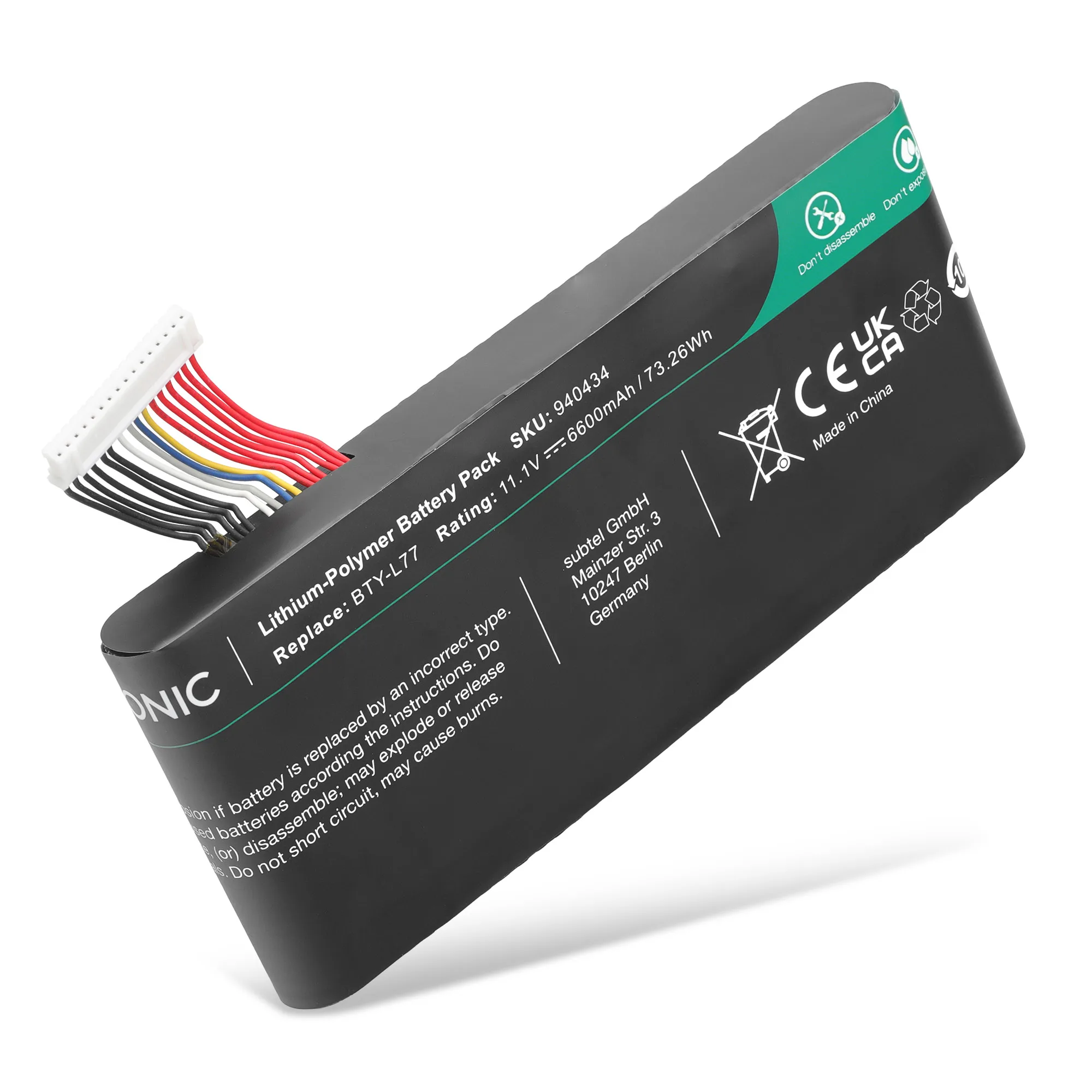
- Batterij voor MSI GT72 2QE, GT72S 6QE, GT72 6QD, GT72VR 6RD, GT72 2QD, GT72VR 7RE, GT72VR 6RE Laptop - 6600mAh 11.1V: CELLONIC replacement battery for MSI GT72 series laptops, 6600mAh 11.1V, with 3-year warranty. If your laptop battery no longer holds a charge, a hub alone will not fix unplugged work time; replacing the battery restores portable runtime.
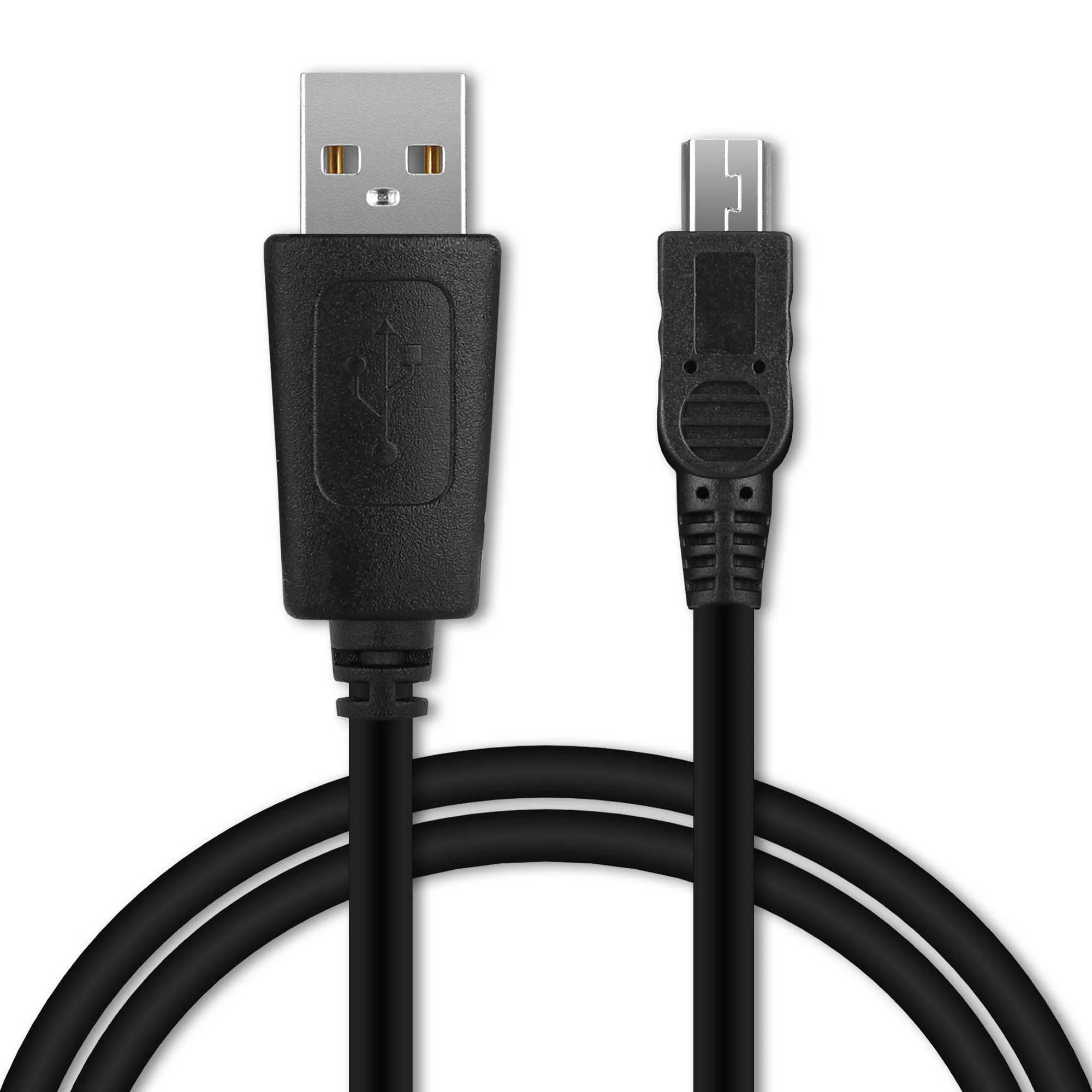
- USB Kabel compatibel met mobiele telefoons, tablets, GPS, smartwatch of luidsprekers - 1m Oplaadkabel 1A PVC: USB charging and data cable for phones, tablets, GPS, smartwatch or speakers, 1m, 1A, PVC. A spare cable in your bag means you can charge a peripheral from the hub's USB-A port without borrowing one from another device.
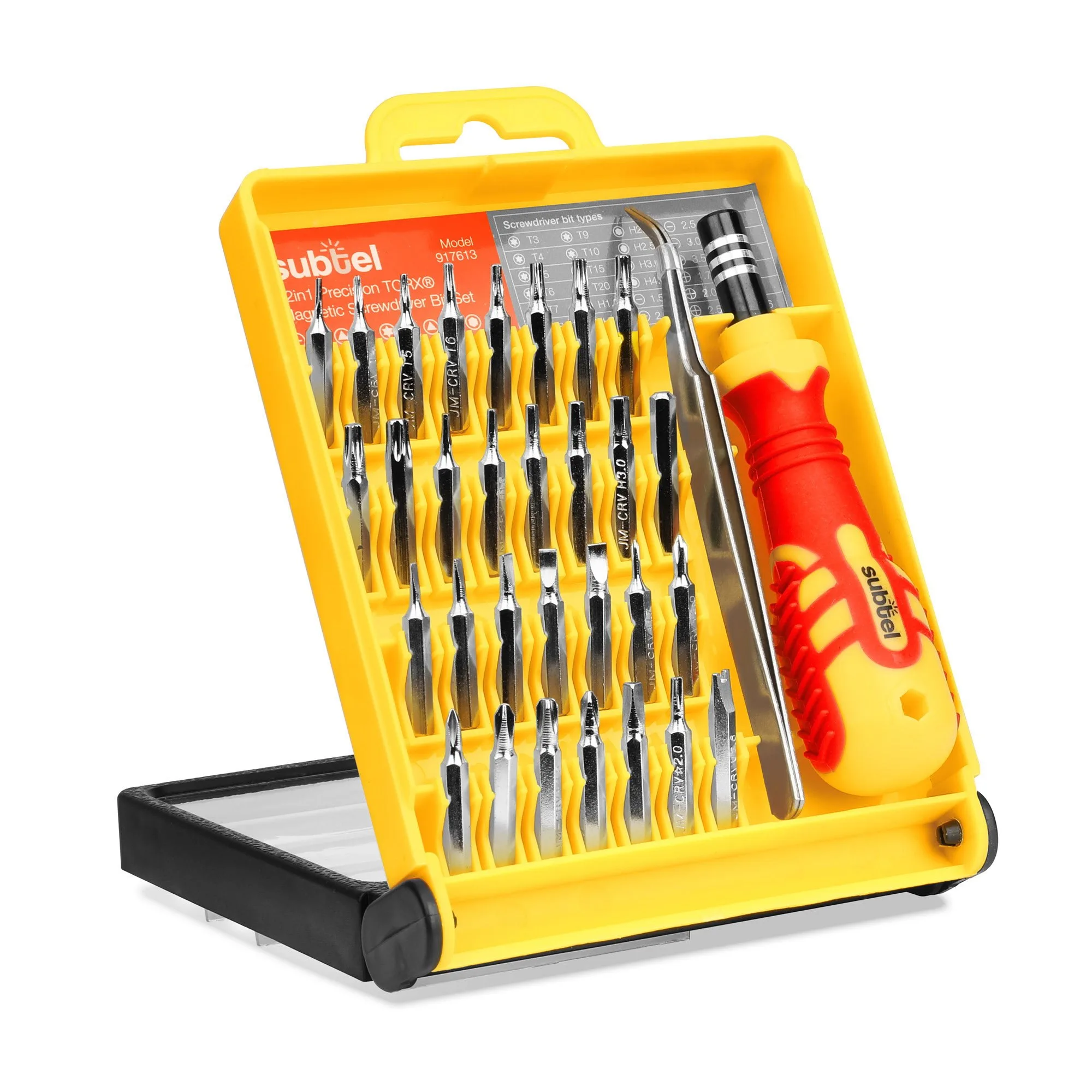
- 32-in-1 Precision TORX Magnetic Screwdriver Bit Set & Laptop Screwdriver Set Tri-Wing, Tri-Point & Star Bits For Phones, Tablets, Home Laptop Repair,: 32-in-1 precision TORX magnetic screwdriver bit set with Tri-Wing, Tri-Point and Star bits for phones, tablets and laptop repair. If you upgrade or repair your own laptop, the right bits prevent stripped screws when you open the chassis to replace a battery or SSD.
Who should buy which hub
Best for
- Remote workers and students who connect a 4K monitor, wired network and SD cards from one USB-C port
- MacBook and Windows laptop users who want charging, video, Ethernet and peripherals through a single dongle
- Photographers and video editors who import footage daily and need 60Hz preview without adapters
Not for
- Users who only need to connect a single USB-A mouse or keyboard; a basic adapter is cheaper
- Laptops without DisplayPort Alt Mode or USB-C Power Delivery, because HDMI and charging may not work through the hub
- Anyone who needs more than three USB-A peripherals at once; a powered desktop dock is a better fit