Quick answer
The Valoi Easy35 is a dedicated film holder that simplifies home 35mm film scanning by keeping negatives flat and at a fixed focal distance, giving you sharper, more consistent results with your camera and macro lens setup.
Why use a dedicated holder like the Valoi Easy35?
Scanning film with a flatbed scanner or by holding negatives against a light source often leads to soft focus, dust, and curled film. The Valoi Easy35 solves these by clamping the film strip tightly and positioning it at a fixed height, so each frame is equally sharp without guesswork.
The trade-off: you need a digital camera with a macro lens and a stable copy stand or tripod. It's faster and sharper than flatbeds, but requires a bit of initial setup.
What you'll need before starting
A digital camera with a macro lens (50mm or 60mm macro is ideal), a light source (LED video panel or a dedicated light table), a copy stand or sturdy tripod, a dust blower or brush, and a clean, dust-free workspace.
Step-by-step scanning with the Valoi Easy35
- Set up your copy station: Mount your camera on the copy stand and align it vertically over the light source. Place the Valoi Easy35 holder on the light table. Adjust the camera height so the field of view just covers one film frame. Common mistake: using a lens that's too long or too short forces you to crop or reposition—aim for 1:1 magnification. Check that the camera sensor is parallel to the film plane to avoid tilted focus.
- Insert the film strip: Open the hinged top of the holder and slide one strip of 35mm negatives emulsion-side up (the dull side). Close the lid firmly—you'll hear and feel it click. The holder's spring tension flattens the film. Common mistake: touching the emulsion with bare fingers leaves oil prints; use cotton gloves or hold edges only. Inspect the film side to side: if it's not lying flat, open and reposition the strip.
- Set camera and light exposure: Set the camera to manual mode, ISO 100 (or native), aperture f/8–f/11 for sharpness across the frame, and shutter speed around 1/60s–1/125s. White balance should match your light source (e.g., 5500K for daylight LED). Use a remote release or self-timer to avoid shake. Common mistake: trusting auto exposure—adjust exposure plus or minus 0.5EV if highlights clip or shadows block up. Shoot one test frame and check the histogram before scanning the whole strip.
- Capture each frame: Advance the film by sliding the holder to the next frame—the Easy35 has detents that align each frame under the lens. Take a photo for each frame, using the same exposure. Common mistake: moving the holder too far or too little, which crops the frame; use the detent markings as guides. Review on a large screen after the first couple of frames to confirm no dust spots.
- Convert and edit the scans: Transfer the RAW files to your computer. In editing software apply a negative inversion (many tools like Lightroom, Negative Lab Pro, or NLP handle this). Adjust white balance, contrast, and clean up dust with the clone tool. Common mistake: inverting without checking the black point and white point—use the eyedropper on a clear rebate area for accurate color. Save a preset for your film stock to speed up batch processing next time.
Product mentioned in this guide
-
Valoi Easy35 Minox Film Holder: The Valoi Easy35 Minox Film Holder is a compact, dedicated solution for scanning Minox film (9.2mm wide, frame size ~8x11mm) with the Easy35 system. Even if you scan rare formats like Minox, the same design philosophy applies to the standard 35mm holder: precise flatness and alignment mean sharper results with less rework.
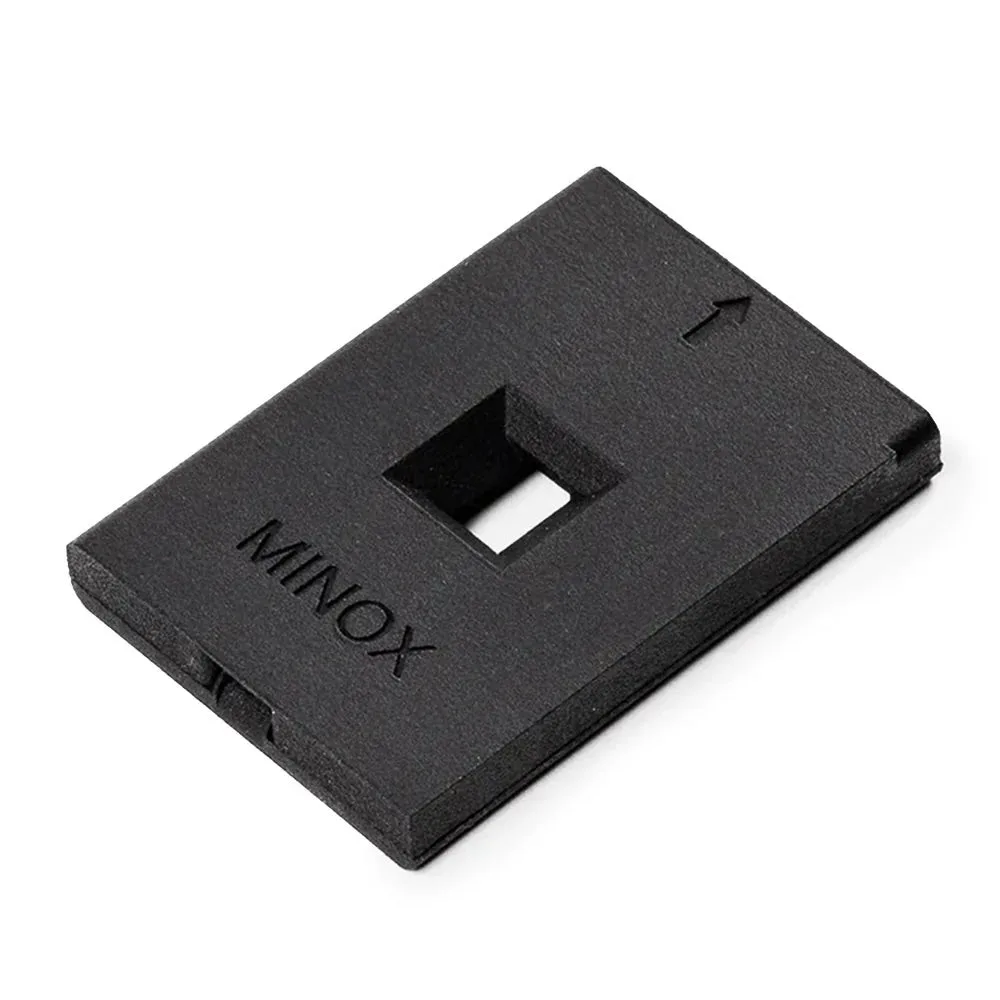
Valoi Easy35 Minox Film Holder