Quick answer
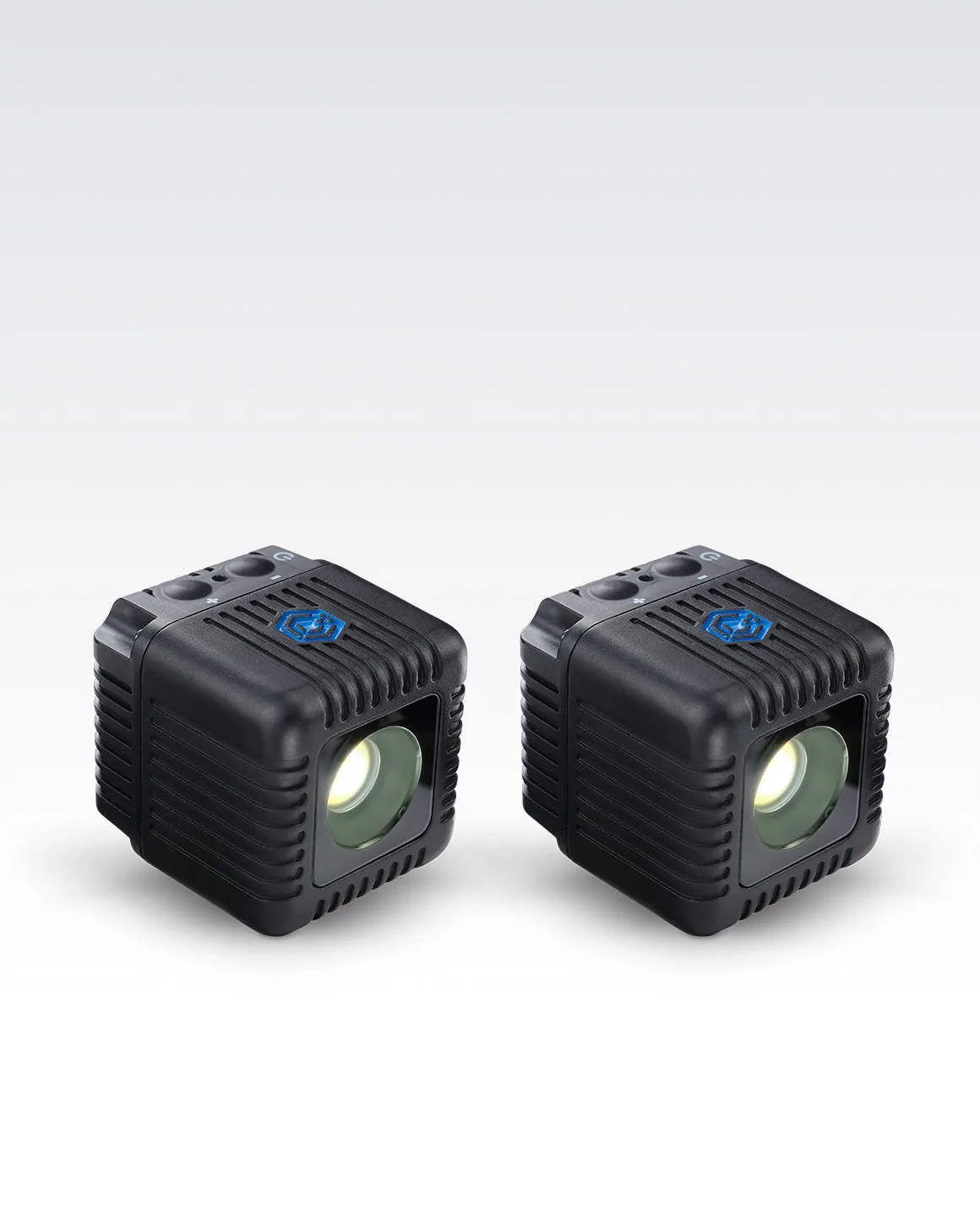
Treat a waterproof LED cube light as a placement problem first and a brightness problem second. Scout the exact spot, set your camera exposure before adding the light, then place the cube close to the subject and control output from the Lume Control app so you can adjust without moving the light. The Lume Cube 2.0 2-Pack gives you two compact, waterproof, high-CRI cubes for key and accent work in one kit.
Scout the shot and decide where the light can live
Walk the location at the same time of day you plan to shoot and note where ambient light falls, where water or weather can reach the camera, and which surfaces can hold a small cube. A waterproof LED cube light is most useful when it can sit within arm's reach of the subject, not across the scene. Look for ledges, rails, branches, or submerged positions that keep the cube stable and pointed where you want it. If the only safe spot is far away, plan to move the subject closer to the light instead of pushing the cube to maximum output.
Set camera exposure before adding light
Dial in the background first. Lock shutter speed, aperture, and ISO so the scene looks the way you want without the cube turned on, then add light for the subject. This prevents the common mistake of raising ISO to compensate for a light that is simply too far away. For outdoor portraits, start with a shutter speed that freezes motion and an aperture that keeps the subject sharp, then bring in the cube as fill or key. If the background blows out when you add light, lower the cube output in the app rather than changing your camera settings again.
Place the cube for shape, not just brightness
Move the cube off-axis: 45 degrees to the side and slightly above eye level gives faces and products dimension. For underwater photography light, position the cube so it rakes across the subject rather than pointing straight into the lens, which reduces backscatter and flat-looking results. In the Lume Cube 2.0 2-Pack, use one cube as the main light and the second as a rim or background accent. Keep both cubes at similar distances if you want even coverage, or push the accent closer for a brighter edge.
Control output and color from the app
Once the cubes are placed, use the Lume Control app to adjust brightness and color without touching the lights and risking a shift in position. This is the practical advantage of an app controlled LED light in outdoor work: you can fine-tune from behind the camera while watching the scene. Make one change at a time, check the frame, and stop when the subject reads clearly against the background. If you are shooting a sequence, save your settings so the next setup starts from a known look.
Protect the shot from water, weather, and battery surprises
Waterproof does not mean you should ignore seals, ports, or mounting tension. Check that any access points are closed before the cube goes near water, and secure the mount so the light cannot shift if the surface moves. Cold air and long shoots drain batteries faster than a quick indoor test, so charge before you leave and carry spares. If you are shooting near saltwater, rinse and dry the cubes after the session. For a two-cube setup, confirm both are charged and paired to the app before you hike or swim to the location.
Outdoor cube light workflow
- Scout and mark the light position: Visit the location at your shooting time, find a stable spot within arm's reach of the subject, and confirm the cube can point where you need it. Checkpoint: if the only safe spot is far away, move the subject closer rather than maxing out the light.
- Lock camera exposure without the cube: Set shutter speed, aperture, and ISO so the background looks correct before you turn on any light. Checkpoint: adding the cube should change the subject, not force you to redo your camera settings.
- Place the cube off-axis: Position the main cube about 45 degrees to the side and slightly above the subject, then add a second cube as a rim or background accent. Checkpoint: straight-on light flattens the subject; angle it to create shape.
- Tune brightness and color in the app: Use the Lume Control app to adjust output and color from behind the camera, changing one setting at a time and checking the frame. Checkpoint: save the look once it works so your next setup starts from a known point.
- Verify seals, mounts, and batteries: Close all access points before the cube goes near water, secure the mount against movement, and carry charged spares for cold or long shoots. Checkpoint: a waterproof light still fails if the mount slips or the battery dies mid-sequence.
Product facts
- Lume Cube 2.0 2-Pack App Controlled Waterproof LED Lights: The Lume Cube 2.0 2-Pack provides a compact, waterproof, and ultra-durable LED cube lights setup for creators who demand reliable lighting in any setting. A two-cube kit lets you place a key light and an accent light without buying two separate units, which simplifies outdoor packing.
- Lume Cube 2.0 2-Pack App Controlled Waterproof LED Lights: These mini but mighty cube lights fit in the palm of your hand, yet deliver powerful, high-CRI illumination wherever your shoot takes you. High-CRI output helps colors read accurately in photos, and the small size makes the cubes easy to hide in a scene or carry in a pocket.
- Lume Cube 2.0 2-Pack App Controlled Waterproof LED Lights: With the 'Lume Control' App, you can wirelessly control the lights. You can adjust brightness and settings from behind the camera instead of walking back to each cube and risking a placement shift.


