Quick answer
Choose 128GB if you play a focused set of systems and want faster browsing; choose 256GB if you want a broad library and don't mind longer initial scans. Before buying any pre-loaded card, confirm the card's physical format and storage type match your handheld, and check whether the listing states console compatibility. A pre-loaded card is a convenience purchase, not a guarantee of every game you want.
Why capacity is the first decision, not the last
Storage size affects more than how many games fit. On handhelds that scan the card at boot or when you open a system menu, a larger card means more files to index, which can slow down navigation until the cache builds. A 128GB card keeps that list manageable for most 8-bit and 16-bit libraries, while a 256GB card makes more sense if you plan to add disc-based systems or keep multiple regions of the same console.
There is no universal 'right' size because emulator file sizes vary enormously. A single disc-based game can occupy hundreds of megabytes, while cartridge-era games are often measured in kilobytes. If you are unsure, start with 128GB and treat it as a working library rather than a permanent archive.
Compatibility checks that matter more than the label
Pre-loaded cards are often sold by console family, but the details matter. Check the listing for the exact handheld models named, and confirm whether the card is a microSD or another format. If the listing does not state your model, treat that as a decision limitation: you may need to format or reorganize the card yourself, or it may not fit at all.
Also confirm the card is intended for game storage rather than system firmware. Some handhelds require the operating system on internal storage and only read games from the card, while others can boot from the card. That difference changes how you set up the device and whether a pre-loaded card is plug-and-play for you.
What 'pre-loaded' actually saves you
A pre-loaded card saves the time you would spend sourcing, naming, and organizing game files. That is real value if you want to start playing quickly or you are buying for someone who does not want to manage a library. The trade-off is that you get the curator's choices, not your own. If a specific title or translation is missing, you will still need to add it yourself.
Pre-loaded cards also vary in how neatly they are organized. A card with clear system folders is easier to navigate than one with a flat file list. When a listing does not describe folder structure, assume you may need to reorganize it to match your handheld's menu expectations.
Protect the card and the console together
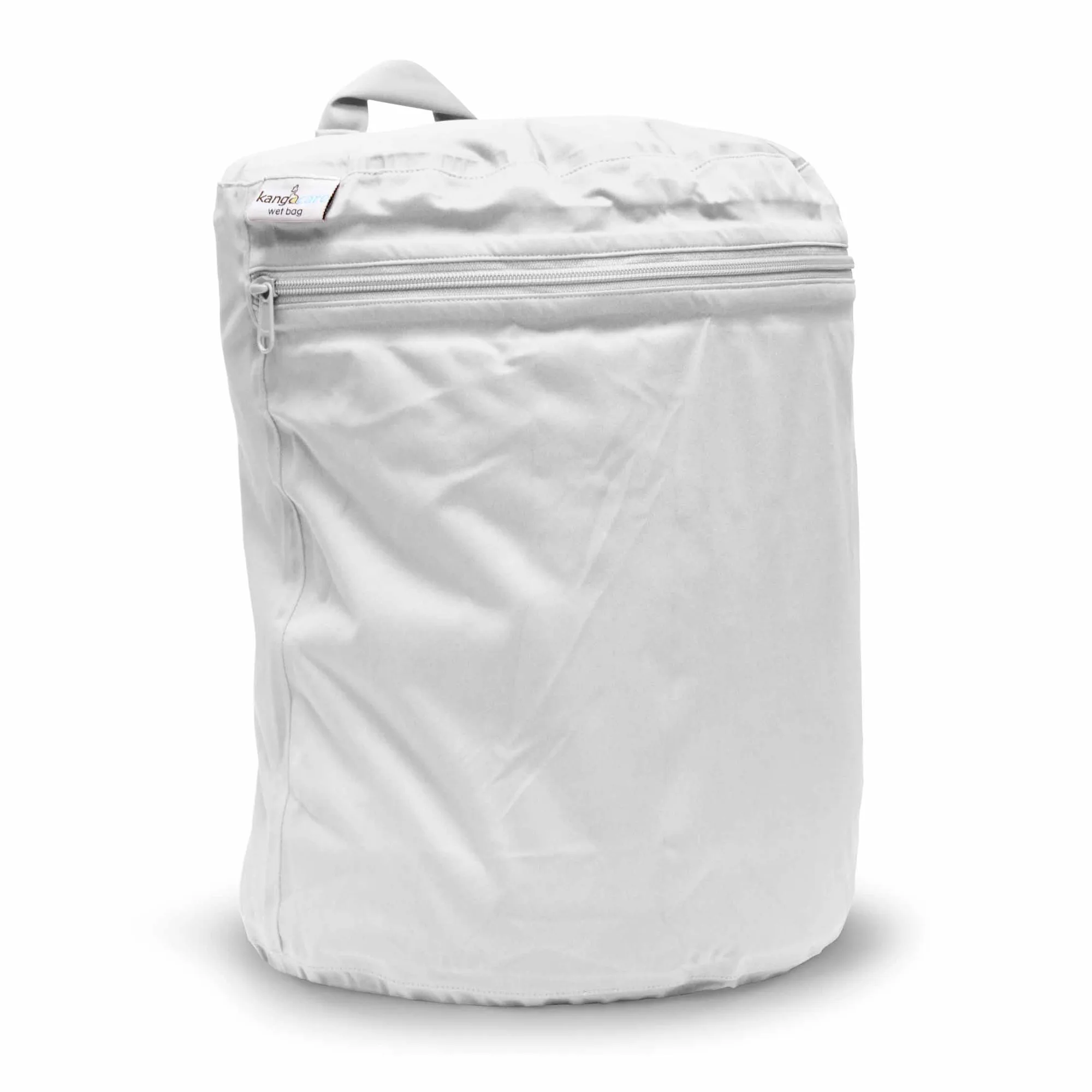
A game card is only as useful as the device it lives in. If you carry a handheld in a bag, a storage bag or case reduces the chance of pressure damage to the card slot or screen. Look for a bag sized to your specific model rather than a generic pouch, because a loose fit lets the console shift around.
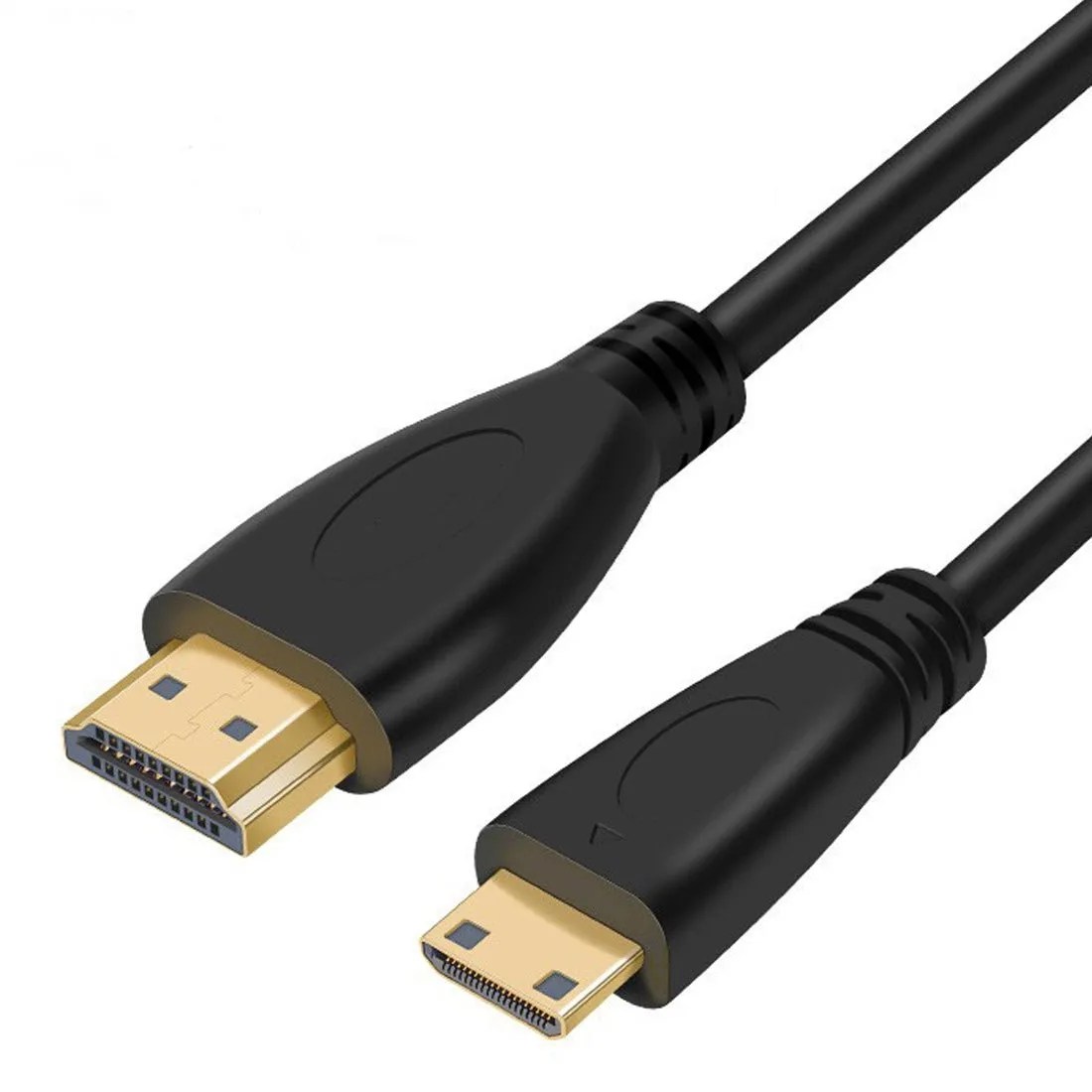
For home play, a video cable lets you move the same library to a larger screen without reconfiguring anything. That is often a better upgrade than a bigger card if your current capacity already covers the systems you actually play.
Decision rules for choosing a pre-loaded card
- Match the card to your exact model: Check the listing for your handheld's model name before buying. If your model is not named, assume you may need to format or reorganize the card. No model match means no plug-and-play promise.
- Pick 128GB for focus, 256GB for breadth: Choose 128GB if you play a defined set of cartridge-era systems. Choose 256GB if you want disc-based systems, multiple regions, or room to add games later. Capacity should follow your library, not the other way around.
- Budget for protection and output: A model-specific storage bag and a Mini HDMI cable often improve daily use more than another capacity tier. Add them when you carry the handheld or play on a TV. Spend on the accessories you will actually use before upsizing the card.
- Treat pre-loaded as a starting point: Expect to add or remove titles to match your taste. Check whether the card is organized by system folder, and plan to reorganize if it is not. Convenience now, curation later.
Products that fit this decision
- 128GB/256GB Brand Game Card for RG Cube, RG556, RG406V, RG406H Handheld Game Console: The 128GB/256GB Sandisk Game Card is compatible with the RG Cube, RG556, RG406V, and RG406H handheld consoles, and is offered in both storage sizes. If you own one of those exact models, this removes the compatibility guesswork and lets you pick capacity based on your library rather than format.
- Handcraft Storage Bag for RG557/RG556 Retro Handheld Game Console: The Handcraft Storage Bag fits RG556 and RG557 retro handheld consoles and is described as combining style with protection for travel. A model-specific bag reduces movement in transit, which helps protect both the console and the card seated in its slot.
- Retro Game Console Connection Cable HDMI to Mini HDMI (1.5m): The HDMI to Mini HDMI cable is 1.5m long with gold-plated connectors and a Mini HDMI connector, intended to connect a console to a TV or computer for a larger picture. If your handheld has a Mini HDMI output, this cable lets you use the same game card library on a bigger screen without moving files.
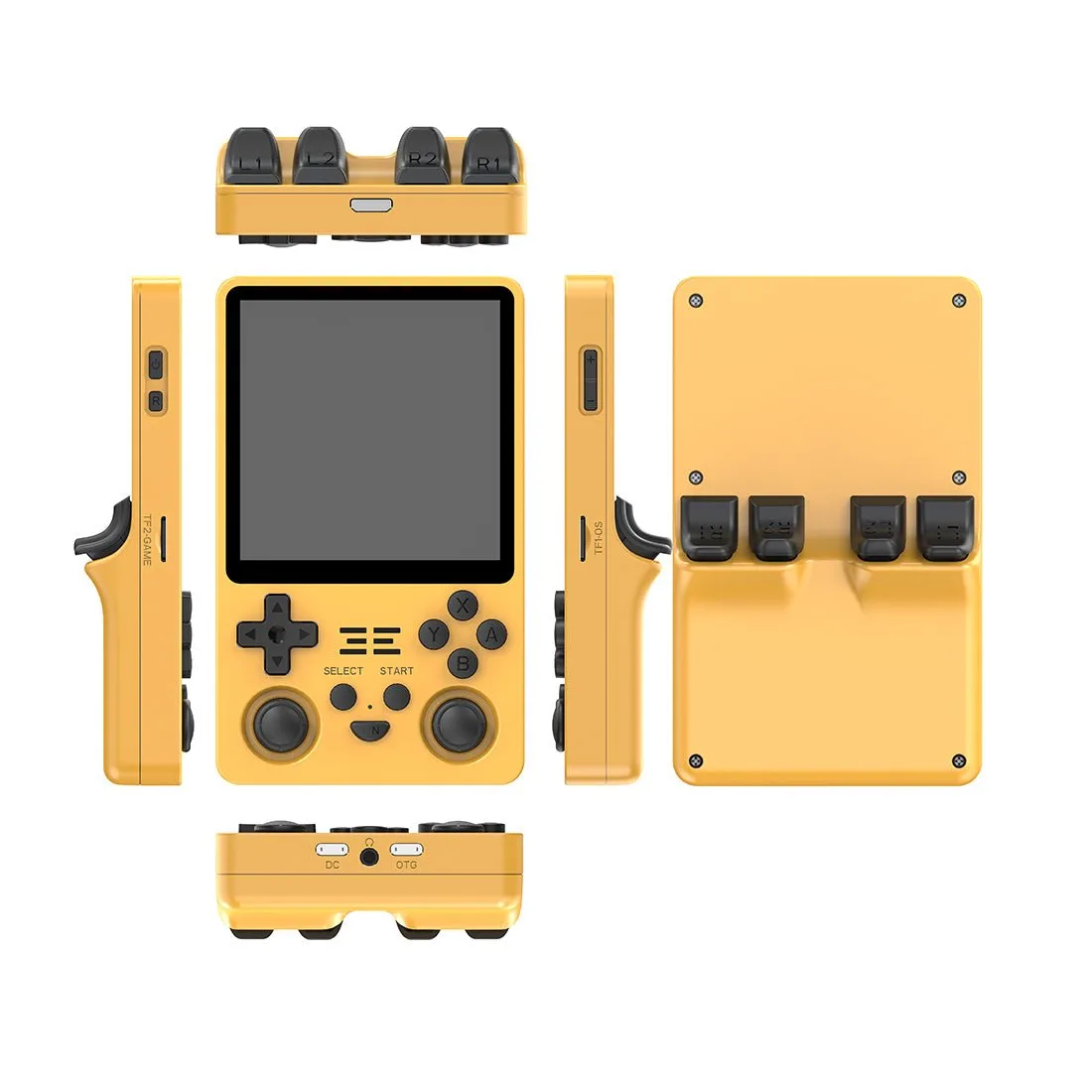
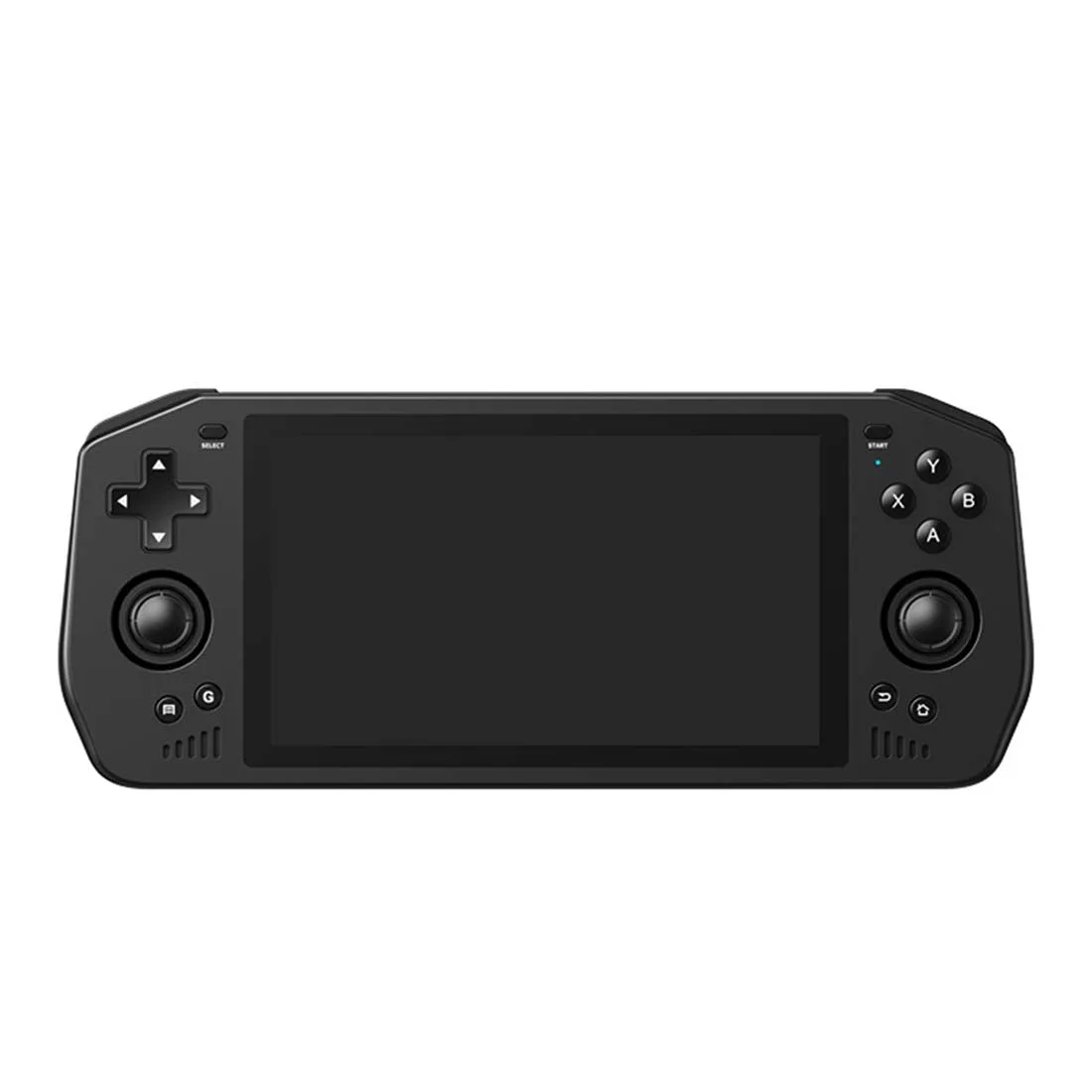
- Powkiddy X28 Retro Arcade Handheld Game Console: The Powkiddy X28 uses a T618 processor, a 5.5-inch IPS touchscreen at 750 x 1280, and supports multiple emulators including GAMECUBE, PSP, PS, and N64. A handheld that supports disc-based systems will fill a card faster, which makes 256GB more relevant if you plan to use those emulators.
Who should buy a pre-loaded card
Best for
- Owners of RG Cube, RG556, RG406V, or RG406H who want a compatible card without format guesswork
- Buyers who want to start playing quickly and do not want to source and organize game files
- Gift buyers who want a handheld and card that work together out of the box
Not for
- Players who already have a curated library and only need empty storage
- Owners of handhelds not named in the card listing, unless they are comfortable formatting and reorganizing
- Buyers who need a specific title or translation that the pre-loaded set may not include