Quick answer
A scratchy glide almost always traces back to three things: debris trapped between the skate and the pad, worn or damaged PTFE feet, or a mousepad surface that has been compromised. Clean the pad and skates first. If the roughness persists, inspect the skates for gouges or flat spots. When the PTFE itself is damaged, replacement skates are the only real fix.
Symptom check: is it the skate or the pad?
Before you buy anything, isolate the source. Lift the mouse and run a finger across the skate edges. A healthy PTFE skate feels slick and slightly rounded. If you feel a burr, a gouge, or a sharp lip, the skate is the problem. Next, run a clean finger across the mousepad in the area where the scratchiness occurs. A pad that feels gritty, has a visible scar, or catches your skin is the problem. If both feel smooth but the mouse still scratches, the issue is likely debris you cannot see — dust, hair, or dried skin — sitting between the two surfaces.
Cause 1: debris on the pad or skates
This is the most common and easiest fix. Dust, food crumbs, pet hair, and dead skin cells collect on cloth pads and cling to the adhesive edges of skates. Under the weight of your hand, those particles act like sandpaper. Wipe the pad with a microfiber cloth dampened with water — no soap unless the pad manufacturer allows it. For the skates, use a dry cotton swab or a piece of tape to lift particles from the edge. Do not use alcohol on PTFE; it can degrade the adhesive. After cleaning, test the glide. If the scratchiness disappears, you are done.
Cause 2: worn or damaged PTFE skates
PTFE skates wear down over months of use. The edges round off, the surface develops flat spots, and tiny grooves appear where grit has been dragged across them. Once the wear pattern is deep enough, no amount of cleaning will restore a smooth glide. You can confirm this by running a fingernail across the skate. If it catches, the skate is done. Replacement is straightforward: remove the old feet, clean the mouse base with isopropyl alcohol, and press on new skates. Choose a replacement that matches your priority — speed, control, or a balance of both.
Cause 3: mousepad surface damage
Cloth pads can develop shiny, worn patches where your mouse travels most. Those patches have less texture, which changes glide feel and can make skates feel rougher by contrast. Hard pads can scratch permanently if grit is trapped under the mouse. If the pad surface is visibly damaged, no skate swap will fully fix the scratchiness. You can rotate the pad 180 degrees to move the worn zone away from your main swipe area, but eventually the pad needs replacing. Check the pad under a bright light at a low angle — damage shows up as a change in sheen.
When to replace instead of repair
If you have cleaned the pad, cleaned the skates, and confirmed the pad surface is intact, but the glide still feels rough, the skates are the culprit. Stop cleaning and replace them. Continuing to use damaged skates can accelerate mousepad wear because the rough edges act like a file. Replacement skates are inexpensive, take a few minutes to install, and immediately restore a predictable glide. If you are unsure which replacement to pick, match the new skates to the feel you want: faster for tracking-heavy games, more controlled for flick-heavy aiming.
Diagnosis: match the symptom to the fix
- Gritty feel that changes with pad location: Debris is trapped in the pad or on the skate edge. Clean both with a dry or slightly damp microfiber cloth. If the glide smooths out immediately, no replacement is needed.
- Consistent roughness across the whole pad: The PTFE skates are likely worn or damaged. Inspect for gouges or flat spots with a fingernail. If the skate catches your nail, replace the skates.
- Roughness only in one area of the pad: The mousepad surface is damaged or worn in that zone. Check under angled light for a change in sheen. Rotate the pad if possible; otherwise plan to replace the pad.
- Roughness persists after cleaning and new skates: The pad surface itself has degraded beyond what cleaning can fix. Replace the mousepad — new skates alone will not solve it.
Replacement options that address scratchy glide
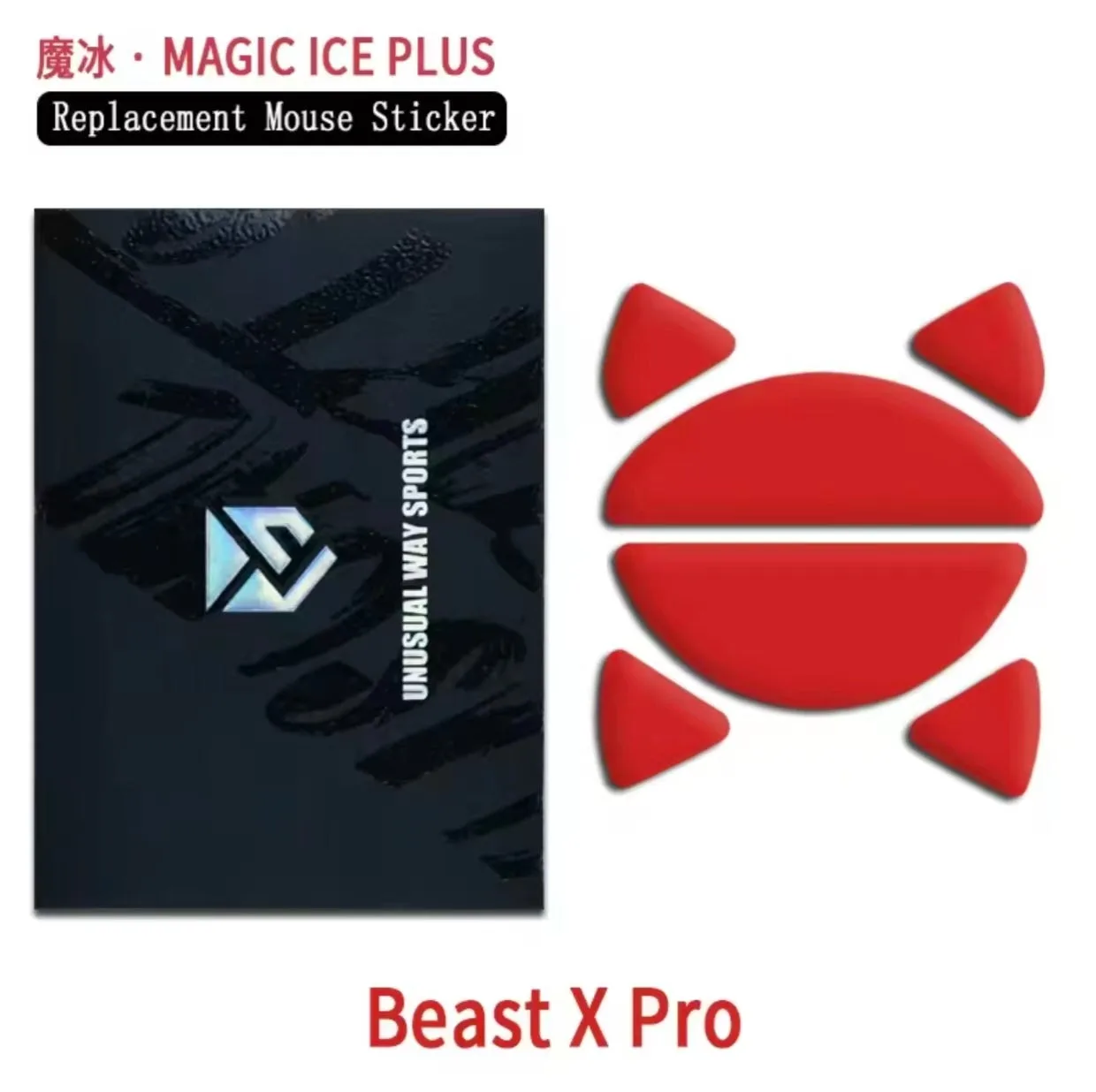
- Magic Ice Plus - WLMOUSE Beast X Pro: Magic Ice Plus is engineered for enhanced durability through two additional manufacturing processes compared to the original Magic Ice, and it retains the speed characteristics of Magic Ice as much as possible. If your scratchiness came from worn PTFE, a more durable skate delays the return of the same problem.
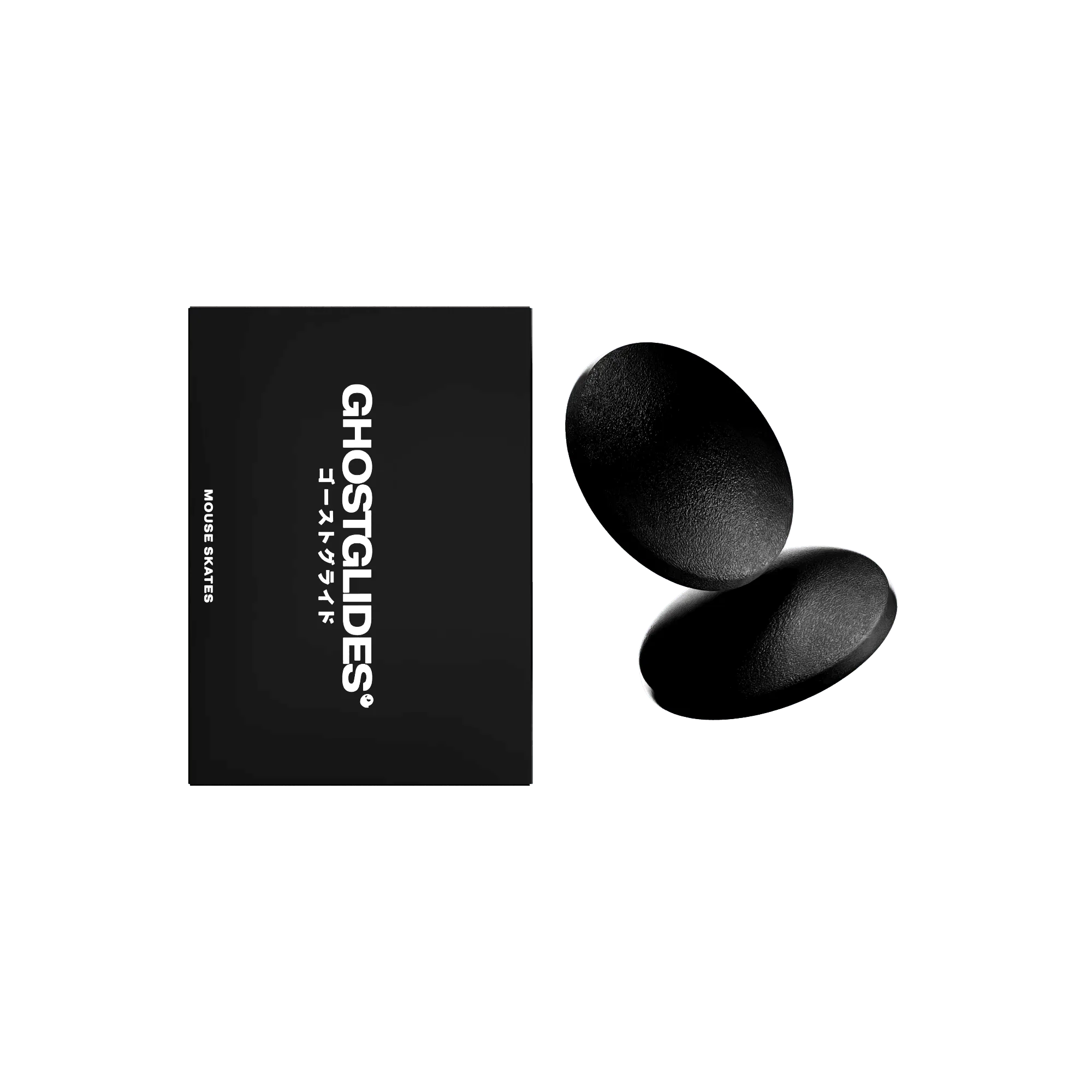
- VORTEX CLOTH-CONTROL DOTS: VORTEX CLOTH-CONTROL DOTS use a tough UHMW material with a unique grit-blasted textured surface, designed for those who want a more controlled glide on cloth mousepads. If your scratchiness is actually a loss of control on a cloth pad, these dots trade some speed for consistent control.
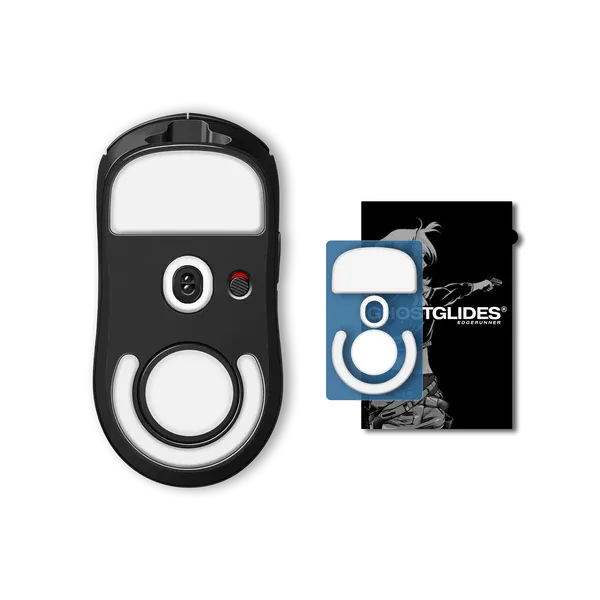
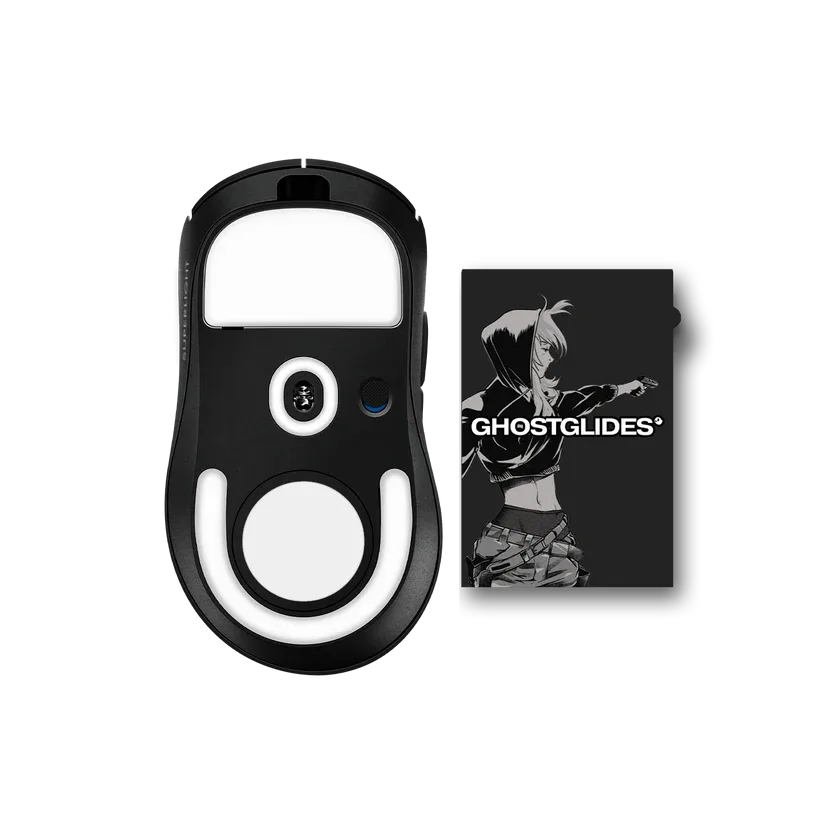
- EDGERUNNER LOGITECH G PRO X SUPERLIGHT 2 DEX: EDGERUNNER LOGITECH G PRO X SUPERLIGHT 2 DEX PTFE skates feature a micro-curve design that provides increased surface contact and a balance between speed and control. If you want a direct replacement that avoids exaggerated curves and uncontrollable speed, this shape is a balanced starting point.