Quick answer
Most car mount phone heat comes from three things: direct sun through the windshield, wireless charging while the screen runs navigation, and a case that traps warmth against the phone. The fastest fix is to move the mount out of direct sunlight, stop wireless charging on hot days, and pull the case off during long drives. If your phone still overheats after those changes, the mount position or the charger is the problem, not the phone.
Your phone shuts down mid-route, dims the screen, or flashes a temperature warning right when you need the map most. That is not random bad luck. A phone overheating in a car mount is a predictable result of where the mount sits, how it charges, and what is wrapped around the phone.
The good news is that you can usually fix it without buying anything new. Work through the causes below in order, because the cheapest fix is often the one that solves it.
Symptom: the phone gets hot but keeps working
A warm phone in a mount is normal. Glass and metal absorb heat from the sun, and running GPS plus a bright screen adds more. The phone is designed to shed that heat, so warmth alone is not a failure.
Watch for the point where warmth becomes a warning. If the screen dims on its own, the charge rate drops, or the phone pauses charging, the phone has already started protecting itself. That is your signal to change something before it shuts down completely.
- Dimming screen brightness on a hot day is a cooling behavior, not a screen fault.
- A phone that stops charging at 80 percent in the heat is protecting the battery, not broken.
Cause 1: direct sunlight through the windshield
A dash or windshield mount puts the phone in the strongest sun the car has to offer. Even with the air conditioning on, the phone's back can sit in direct radiant heat while the cabin air stays cool. This is the single most common reason a phone overheats in a car mount.
The fix is simple: get the phone out of the sun's path. A vent mount or a lower dash position keeps the phone in shaded, moving air. On very hot days, aim a vent at the back of the phone rather than at your face.
- Vent mount vs dash mount heat: a vent mount usually runs cooler because conditioned air passes over the phone.
- If you must keep a screen mount, angle it so the back of the phone faces away from the window.
Cause 2: wireless charging plus navigation
Wireless charging creates heat on its own, and it creates more when the phone is not perfectly aligned on the coil. Add a navigation app, a bright screen, and cellular data, and the phone is generating and absorbing heat at the same time. This is why car charger heat is often worse than the phone simply sitting in the sun.
Plug in with a cable for long drives instead of charging wirelessly. A cable charges faster with less waste heat, and it frees the charging coil from doing double duty. If you use a car screen phone mount charger, treat wireless charging as a short-trip convenience, not an all-day power source.
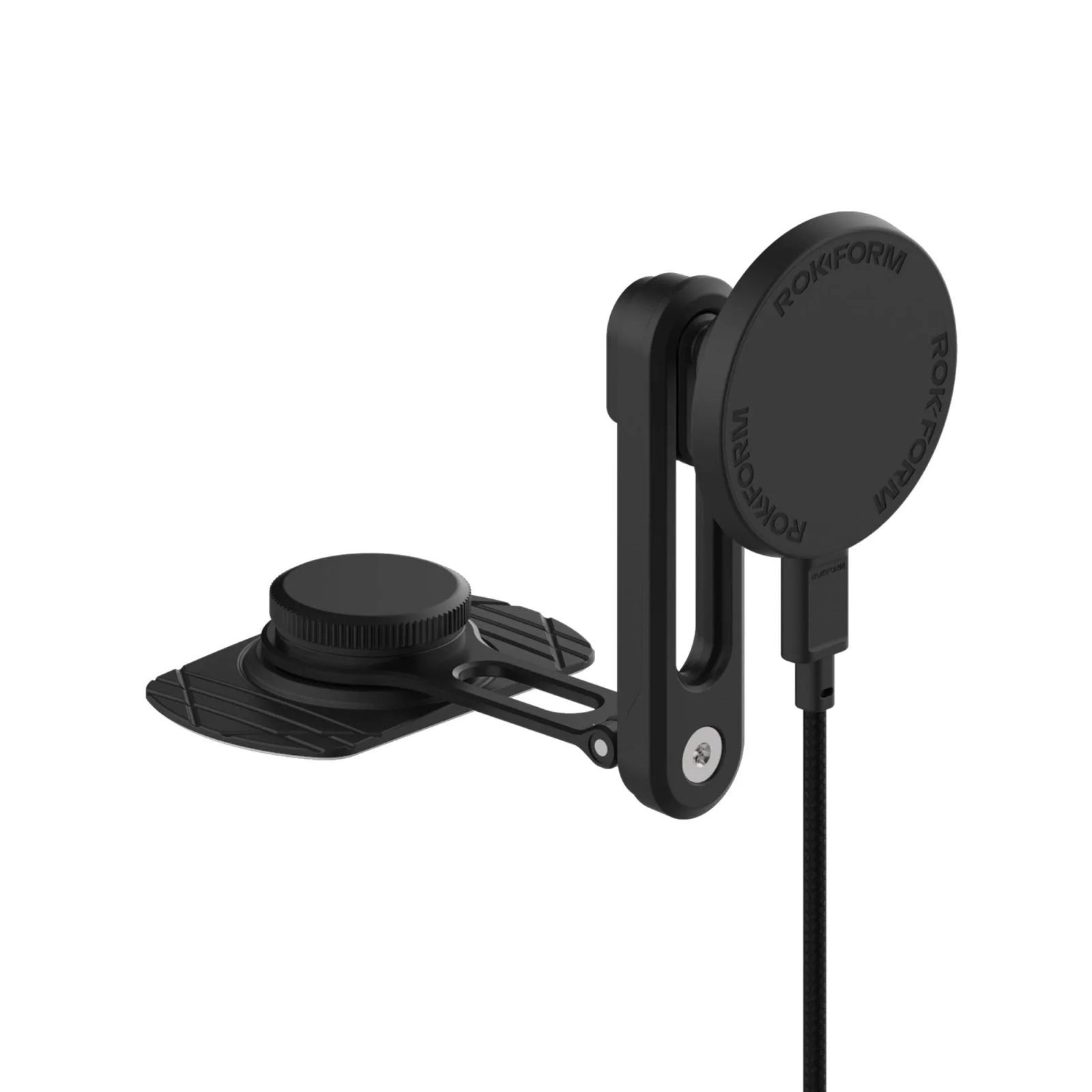
car screen phone mount charger
- Remove thick cases before wireless charging, since extra distance between phone and coil increases heat.
- Charge to a comfortable level before you leave, so the car charger has less work to do.
Cause 3: the case holds heat against the phone
A protective case does its job by wrapping the phone, and that same wrap slows heat loss. Rugged cases with hard outer shells and soft inner cores are excellent for drops but add insulation. In a hot car, that insulation is working against you.
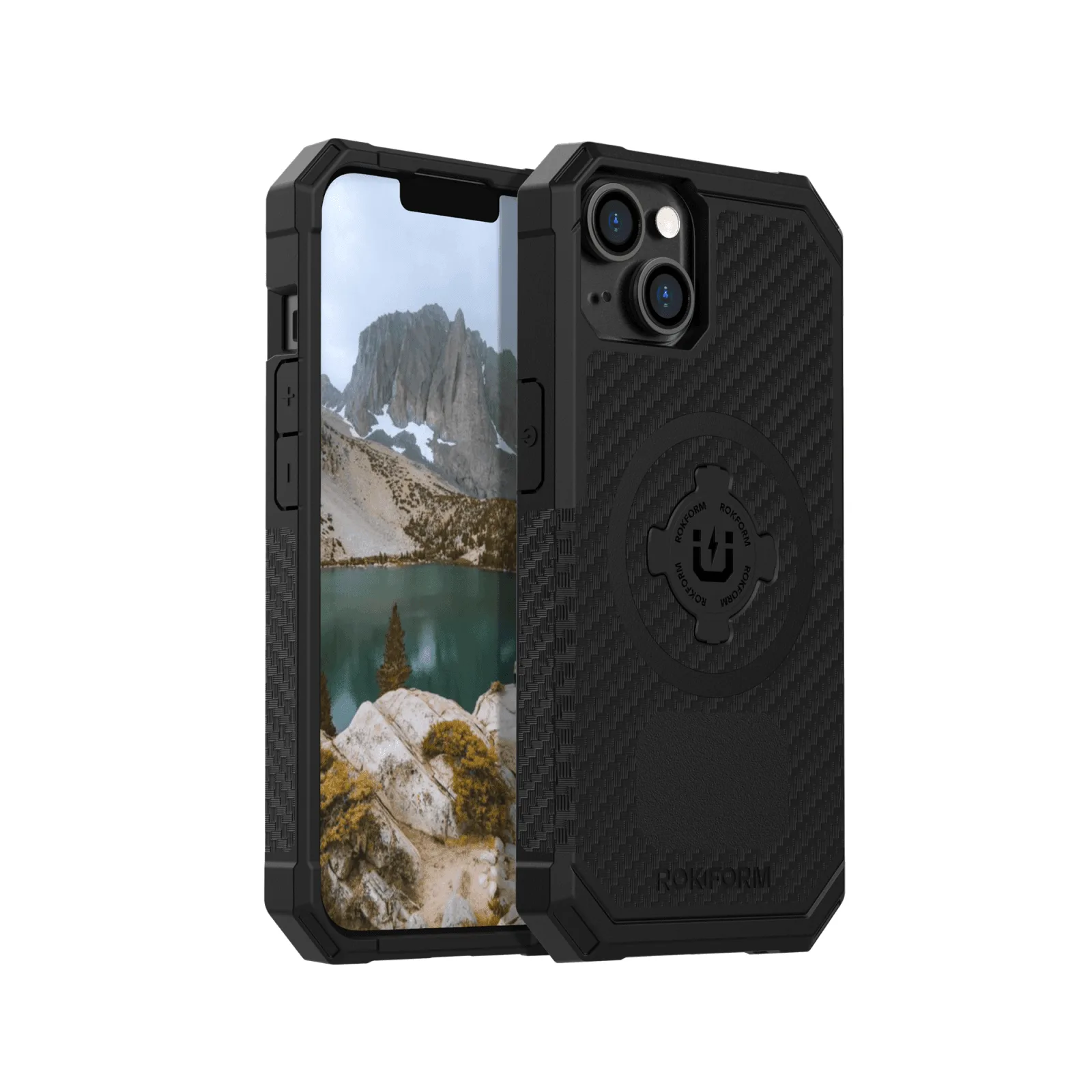
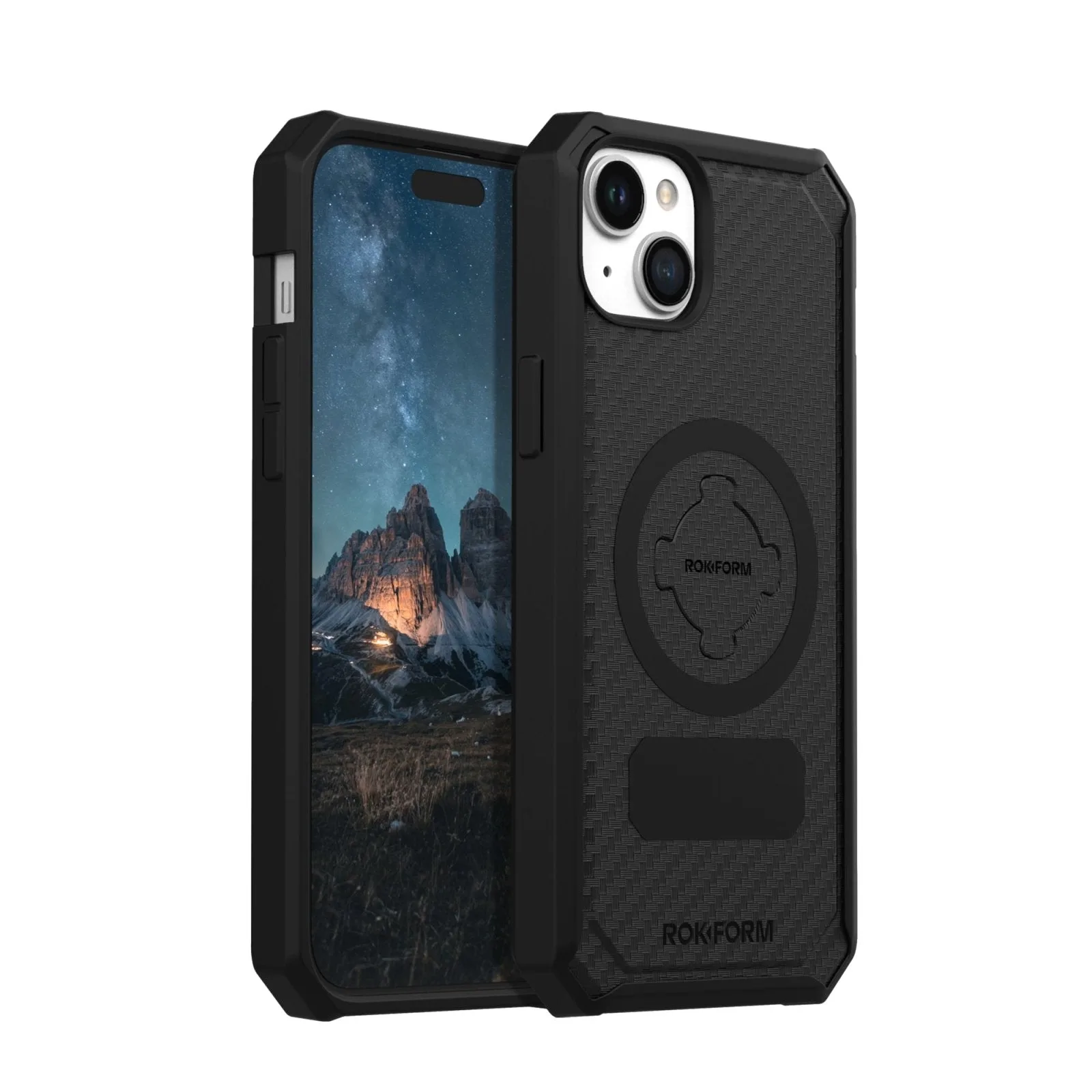
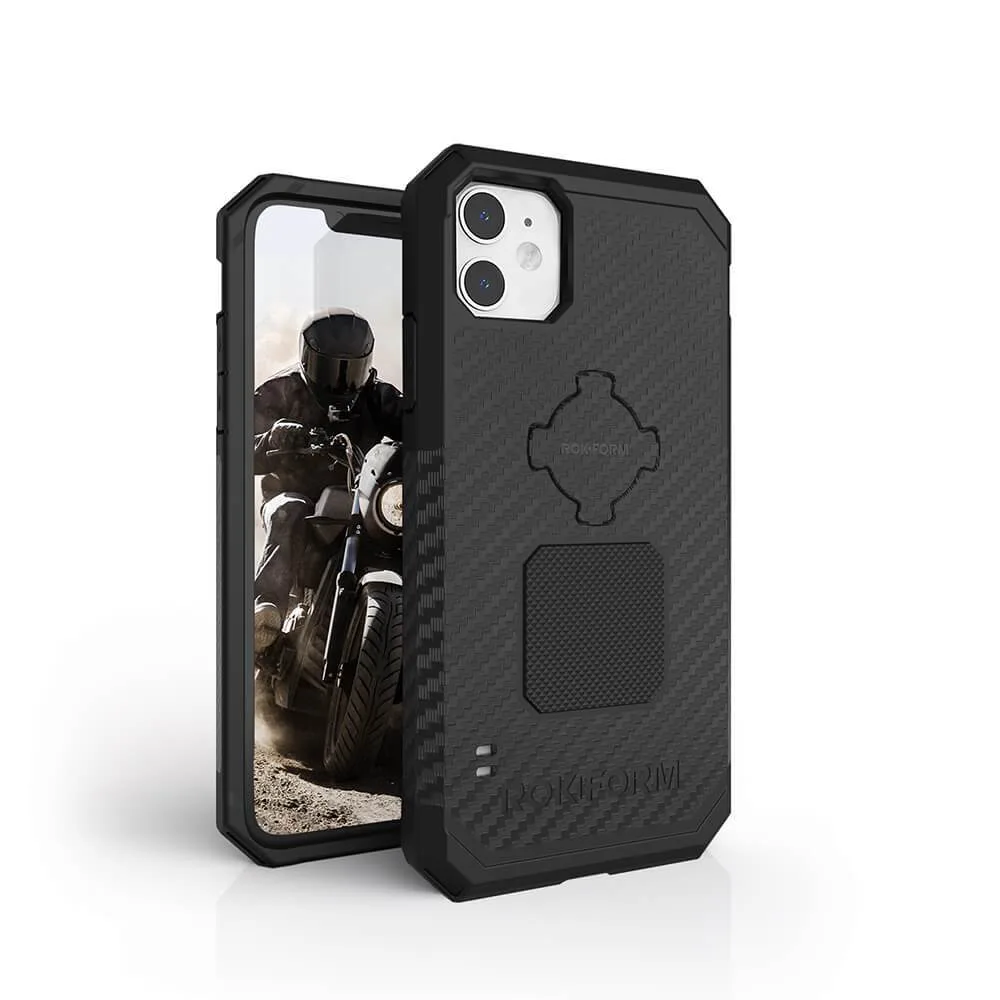
You do not have to give up protection. Take the case off for long summer drives, or choose a mount that holds the phone without pressing a large pad against the back. The Rokform https://rokformeyh.com/products/iphone-11-rugged-case-72d73ee320955750db548c42-1346424https://rokformeyh.com/products/iphone-15-plus-rugged-case-magsafe-compatible-12df194a4e6bc2ddf40c44d6-1346413https://rokformeyh.com/products/rugged-case-iphone-14-fd02613aeff0b5e8a8d3803d-1346428Rugged Case - iPhone 11 uses a dual-compound design with a hard polycarbonate shell and soft impact core, so it protects well, but it will run warmer than a bare phone in direct sun.
- If you use a wireless charger, a thin case cools faster than a thick rugged one.
- A tempered glass screen protector does not cause overheating, but a hot screen makes touch response feel sluggish.
Corrective actions that work in order
Start with the free fixes. Move the mount out of direct sun, switch off wireless charging on hot days, and remove the case for long drives. These three changes solve most overheating complaints without spending anything.
If the problem continues, check the mount itself. A mount that presses a large surface against the back of the phone blocks airflow. A mount that holds the phone by the edges, or one that sits in a vent with air moving past it, gives heat somewhere to go. Then check the charger: a low-quality charger that runs hot will heat the phone through the cable.
- Park in shade when you can, and use a sunshade on the windshield.
- Do not leave the phone in the mount with the screen on while parked.
When to stop and choose a different mount
If you have moved the mount, stopped wireless charging, and removed the case, and the phone still overheats, the mount position is the limiting factor. A dash mount in a hot climate may never work for long drives, no matter what you change.
At that point, switch to a vent mount or a lower, shaded position. Do not keep pushing a phone that has already shown a temperature warning, because repeated heat stress shortens battery life over time. Choosing a cooler mount is cheaper than replacing a battery.
- Stop using the mount for the day if the phone shows a temperature warning.
- Choose a mount that leaves the back of the phone exposed to moving air.
Diagnose your car mount heat in three checks
- Check the sun: Feel the back of the phone after 20 minutes of driving. If it is hot to the touch and the cabin is cool, direct sunlight is the cause. Move the mount to a vent or lower dash position.
- Check the charger: Unplug the charger and see if the phone cools within a few minutes. If it does, the charging method is adding heat. Switch to a cable for long drives and keep wireless charging for short trips.
- Check the case: Remove the case and hold the phone in the same position. If it cools noticeably, the case is trapping heat. Take the case off on hot days, or choose a mount that leaves the back exposed.
Products that help with car mount heat
- Car Screen Phone Mount Charger: Built for cars with a large center screen, this mount keeps the device locked and charging fast. A screen mount sits lower than a windshield mount, so the phone stays out of direct sun and runs cooler during navigation.
- Rugged Case - iPhone 11: Dual-compound design with a hard polycarbonate outer shell and soft impact-resistant core, and it exceeds military drop-test standards MIL-STD 801G-516.6. The same materials that protect against drops can trap heat, so remove the case on hot days or use a mount that does not press a large pad against the back.
- iPhone 15 Plus Tempered Glass Screen Protector (2 Pack): 9H hardness, 0.33mm thin, 3D touch compatible, made from tempered glass manufactured in Japan. A screen protector does not cause overheating, but it does add a layer over a screen that is already working hard in the heat, so keep brightness down when the phone is warm.
Car mount phone heat is almost always a placement, charging, or case problem, not a phone defect. Fix the sun exposure first, then the charger, then the case. If the phone still overheats after all three, change the mount position rather than living with the warnings.