Quick answer
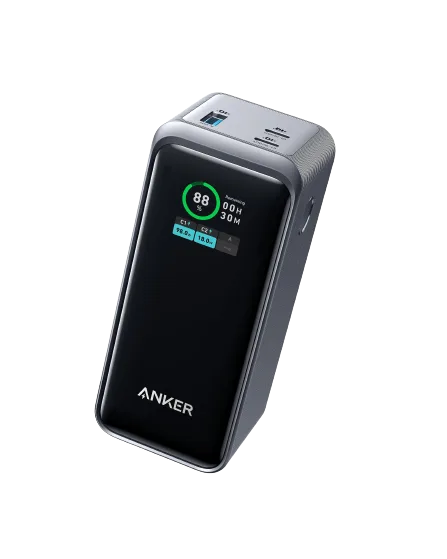
A power bank usually charges slowly because the cable, wall adapter, or port is limiting the current—not because the battery is faulty. Start by swapping to a USB-C PD cable and a wall charger that meets or exceeds the power bank's input rating. If the power bank still charges slowly after that, the issue is likely the power bank's own input limit or a worn port, and you should consider a different model.
Check the cable first: it is the most common bottleneck
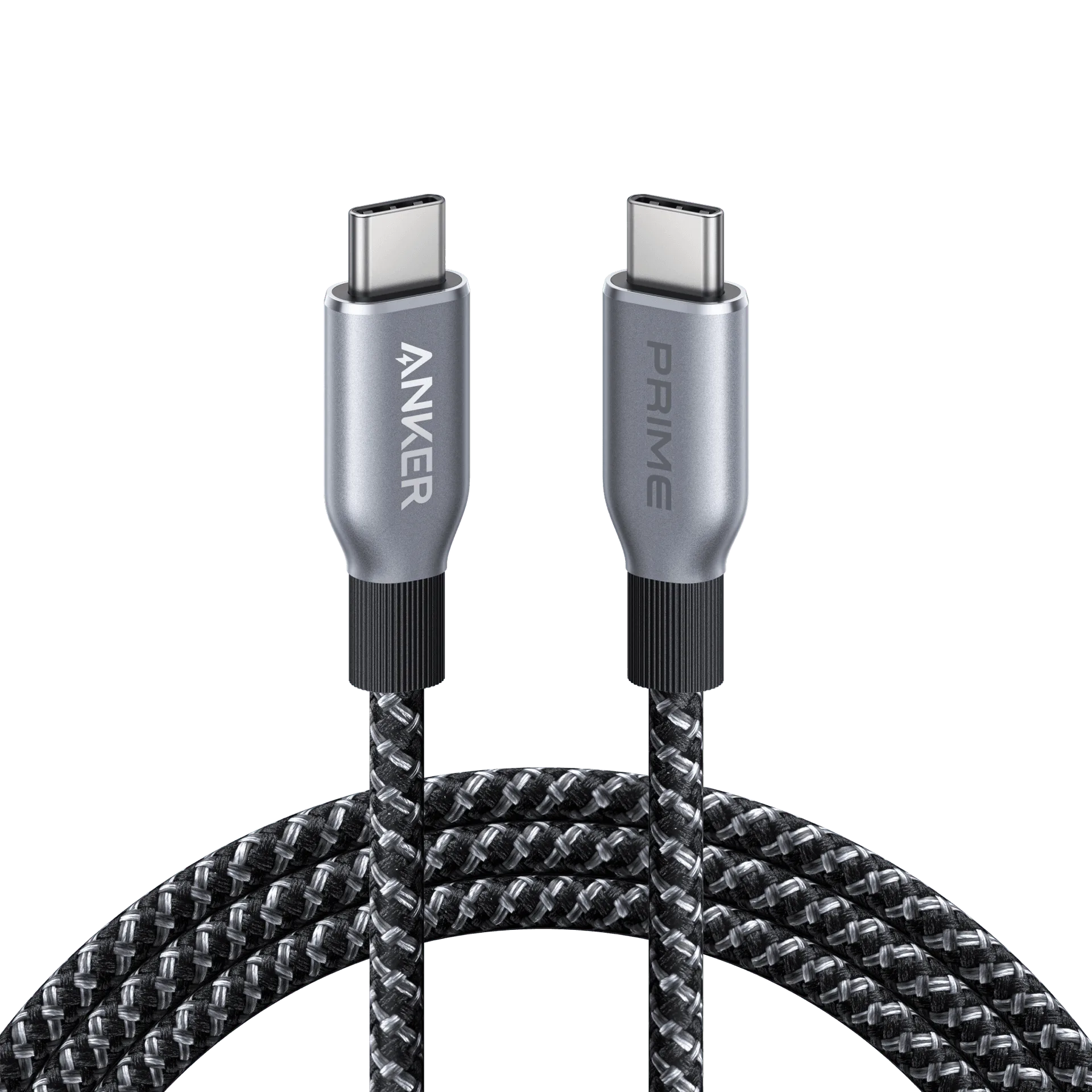
Many USB-C cables look identical but only support lower power delivery. A cable rated for 60W may not carry the full current a higher-wattage power bank needs, so the bank falls back to a slower charging speed. Look for a cable explicitly rated for USB-C PD and the wattage your power bank accepts. If you are using the short cable that came with an older phone, that is often the limiting factor.

cables
A quick test: try a different USB-C PD cable you know supports fast charging. If the charge speed improves, the original cable was the problem. If nothing changes, move on to the wall adapter.
Match the wall adapter to the power bank's input
Power bank wattage explained simply: the input rating is the maximum power the bank can accept. If your power bank supports 30W input but you plug it into a 12W phone charger, it will charge at 12W—slowly. Check the power bank's input specification and use a wall charger that meets or exceeds it. A higher-wattage charger will not damage the bank; the bank only draws what it needs.
For example, a 140W multi-port charger can fast-charge a high-capacity power bank while also powering a laptop. But if you connect the bank to a low-power USB-A port, expect slow charging regardless of the bank's capabilities.
Ports matter: not every USB-C port is equal
On multi-port chargers and power banks, some ports deliver more power than others. A USB-C PD port may support 100W while a USB-A port tops out at 12W. Plugging your power bank into the wrong port will slow it down. Check the port labels or the charger's specifications to find the highest-wattage USB-C PD port.
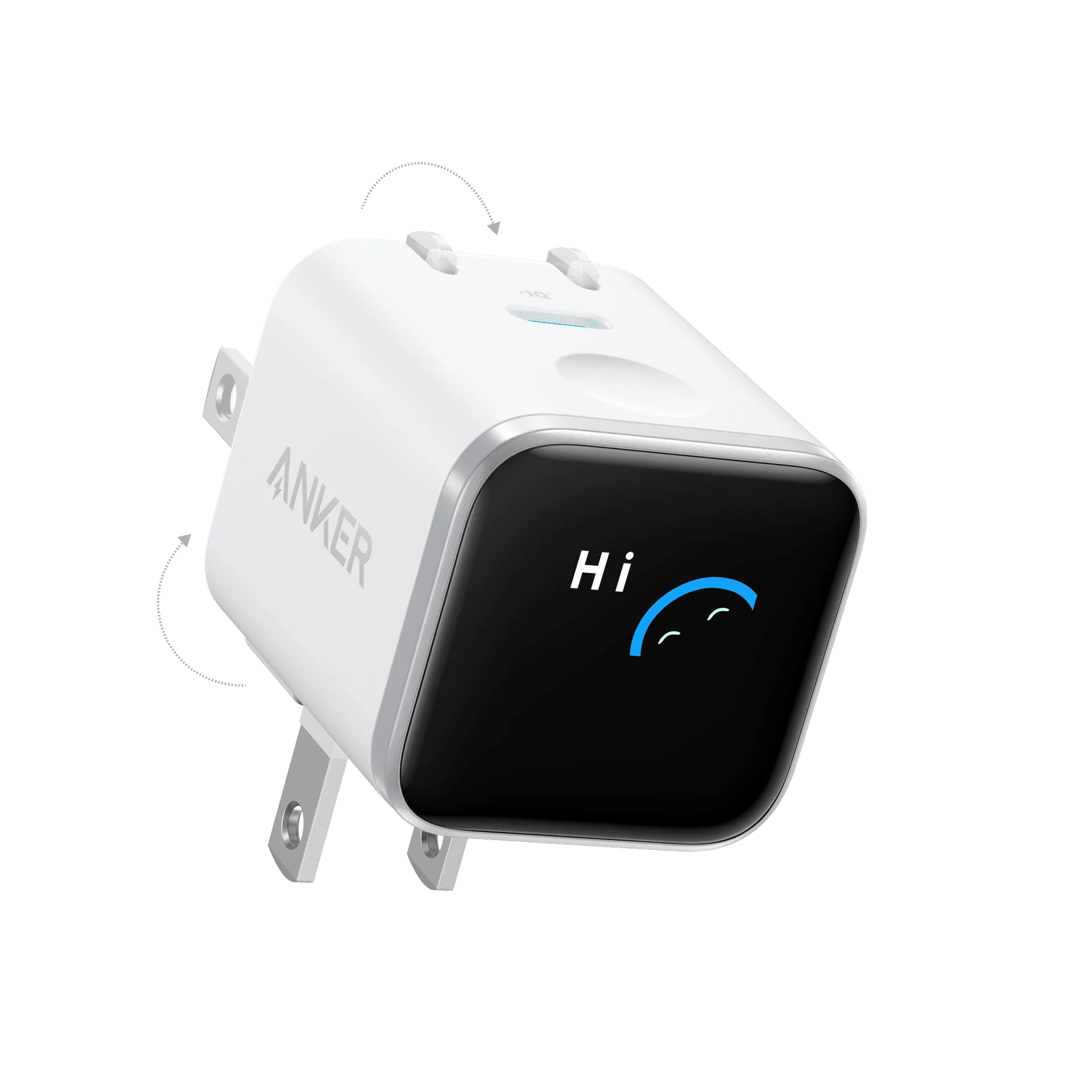
chargers
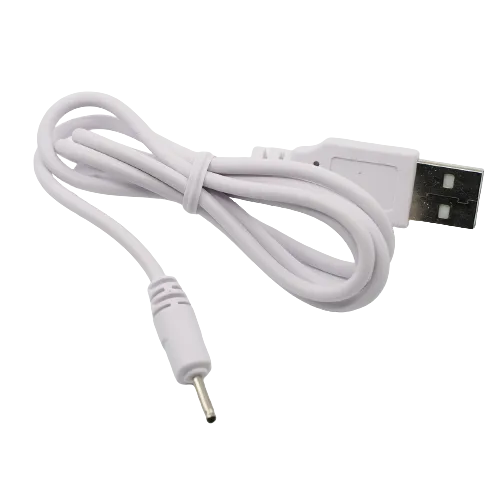
If your power bank has both USB-C and micro-USB inputs, always use the USB-C port for charging when possible. Micro-USB is typically limited to 10W or less and is a common reason a power bank takes long to charge.
When the power bank itself is the limit
If you have confirmed the cable, adapter, and port are all capable, but the bank still charges slowly, the power bank's internal input circuit may be the cap. Some models advertise fast output but have a lower input rating—meaning they charge devices quickly but take hours to refill. That is a design limitation, not a defect.
In that case, no cable or charger upgrade will help. You either accept the slower recharge time or choose a power bank with a higher input rating. If the bank is very old or the port is loose or damaged, replacement is the practical fix.
Slow-charge diagnosis: symptom, cause, fix, and when to stop
- Symptom: Power bank takes 8+ hours to recharge: Likely cause: The wall adapter is low-wattage (e.g., a 5W or 12W phone charger). Corrective action: Switch to a USB-C PD wall charger rated at or above the bank's input. Checkpoint: If charge time drops significantly, the adapter was the issue.
- Symptom: Power bank charges slowly even with a fast charger: Likely cause: The USB-C cable does not support PD or is damaged. Corrective action: Try a known USB-C PD cable rated for the bank's wattage. Checkpoint: If speed improves, replace the old cable.
- Symptom: Power bank only charges fast from one specific port: Likely cause: You are using a lower-power port on a multi-port charger. Corrective action: Move the cable to the highest-wattage USB-C PD port. Checkpoint: If all ports behave the same, the power bank's input is the limit.
- Symptom: No improvement after cable, adapter, and port changes: Likely cause: The power bank's input rating is low by design, or the port is worn. Corrective action: Check the bank's specs. If input is below 18W, it will always charge slowly. Stop here and consider a power bank with a higher input rating.
Products that help you charge at full speed
- Anker Laptop Charger (140W, 4-Port, PD 3.1) with USB-C Cable: Anker Laptop Charger (140W, 4-Port, PD 3.1) with USB-C Cable delivers 140W total power output and has 4 ports for charging multiple devices. A high-wattage wall charger like this ensures your power bank receives its maximum supported input, eliminating the adapter as a bottleneck. The included USB-C cable also removes cable uncertainty.
- PowerDrive III Duo USB-C Car Charger: Anker PowerDrive III Duo USB-C Car Charger has dual USB-C ports and charges two devices at once. If you often recharge your power bank in the car, a dual-port car charger with USB-C PD support can deliver faster charging than a standard USB-A car port, so your bank is ready when you arrive.