Quick answer
Use a shift adapter when you need to keep vertical lines parallel in architecture or product shots but don't want to buy a dedicated tilt-shift lens. It moves the lens off-axis so the camera stays level, which corrects keystone distortion at the source. The trade-off is that you're limited to the lens mount the adapter supports, and you still need a lens with a large enough image circle to cover the shifted position.
Symptom: converging verticals you can't fix in post
You tilt the camera up to fit a building or a tall product, and the vertical lines lean inward. Software can stretch them back, but it crops the frame and softens edges. A shift adapter solves this optically: the lens shifts while the sensor stays parallel to the subject, so verticals stay vertical.
Likely cause: the camera is tilted, not the lens
Keystone distortion happens because the sensor plane is no longer parallel to the subject. Tilting the camera changes perspective; shifting the lens changes framing without changing perspective. That's the core difference between a shift adapter and simply pointing the camera upward.
Corrective action: pick a shift adapter that fits your lens and body
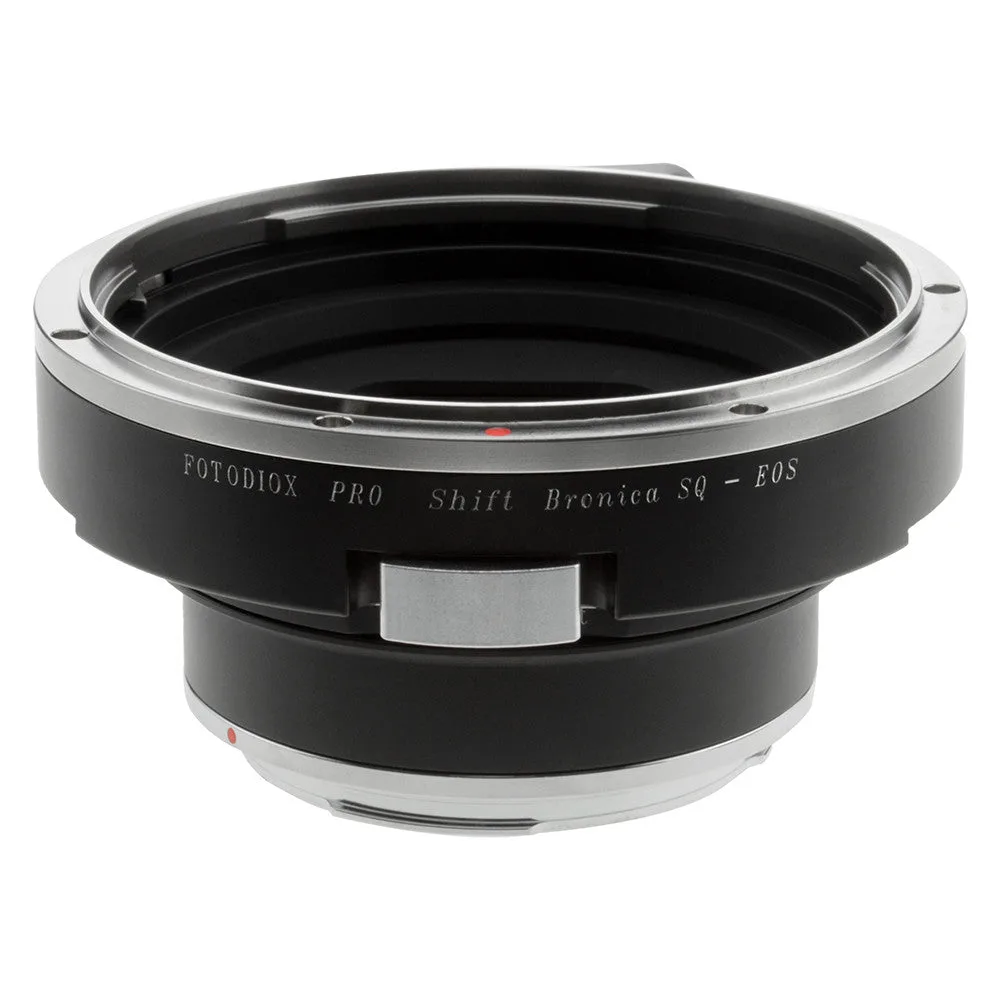
A shift adapter sits between an existing lens and a camera body, adding a sliding mechanism. The Fotodiox Pro Lens Mount Shift Adapter for Bronica SQ to Canon EOS lets you shift the lens 9mm in each direction and rotate 360 degrees, so you can correct keystone distortion in-camera. It also allows infinity focus or beyond and uses high-tolerance construction for a solid, play-free connection. This is a practical tilt-shift alternative if you already own Bronica SQ lenses and a Canon EOS body.
For product photography, the same shift movement lets you shoot straight-on without moving the tripod, which keeps lighting and reflections consistent. You can shift to frame a tall bottle or a flat-lay without changing the camera angle.
When to stop and choose another option
Stop if your lens doesn't have enough image circle to cover the shifted position—you'll see dark corners or soft edges. Stop if you need tilt (for controlling depth of field) rather than just shift; a shift adapter only moves the lens parallel to the sensor. And stop if your camera body or lens mount isn't supported by the adapter you're considering. In those cases, a dedicated tilt-shift lens or a different adapter is the better path.
Diagnosis: is a shift adapter the right fix?
- Verticals converge when you tilt the camera up: The sensor is no longer parallel to the subject. A shift adapter lets you keep the camera level and move the lens instead. If you can keep the camera level and shift, this is the correct fix.
- You need to control depth of field, not just perspective: Shift moves the lens parallel to the sensor; tilt changes the plane of focus. A shift-only adapter won't give you tilt. If you need tilt, choose a tilt-shift lens or a tilt adapter instead.
- Your lens covers a larger image circle than the sensor: Shifting requires extra coverage. Lenses designed for smaller formats may vignette or soften when shifted. Test at maximum shift before relying on it for a paid shoot.
Product facts
- Fotodiox Pro Lens Mount Shift Adapter - Bronica SQ Mount Lens to Canon EOS (EF, EF-S) Mount SLR Camera Body: Mounts Bronica SQ Mount Lenses to Canon EOS (EF, EF-S) Mount SLR Cameras; infinity focus or beyond allowed. Adapter allows the lens to shift 9mm in each direction and rotate 360 degrees. Gives you in-camera keystone correction and flexible framing without buying a tilt-shift lens, as long as your Bronica SQ lenses cover the shifted image circle.
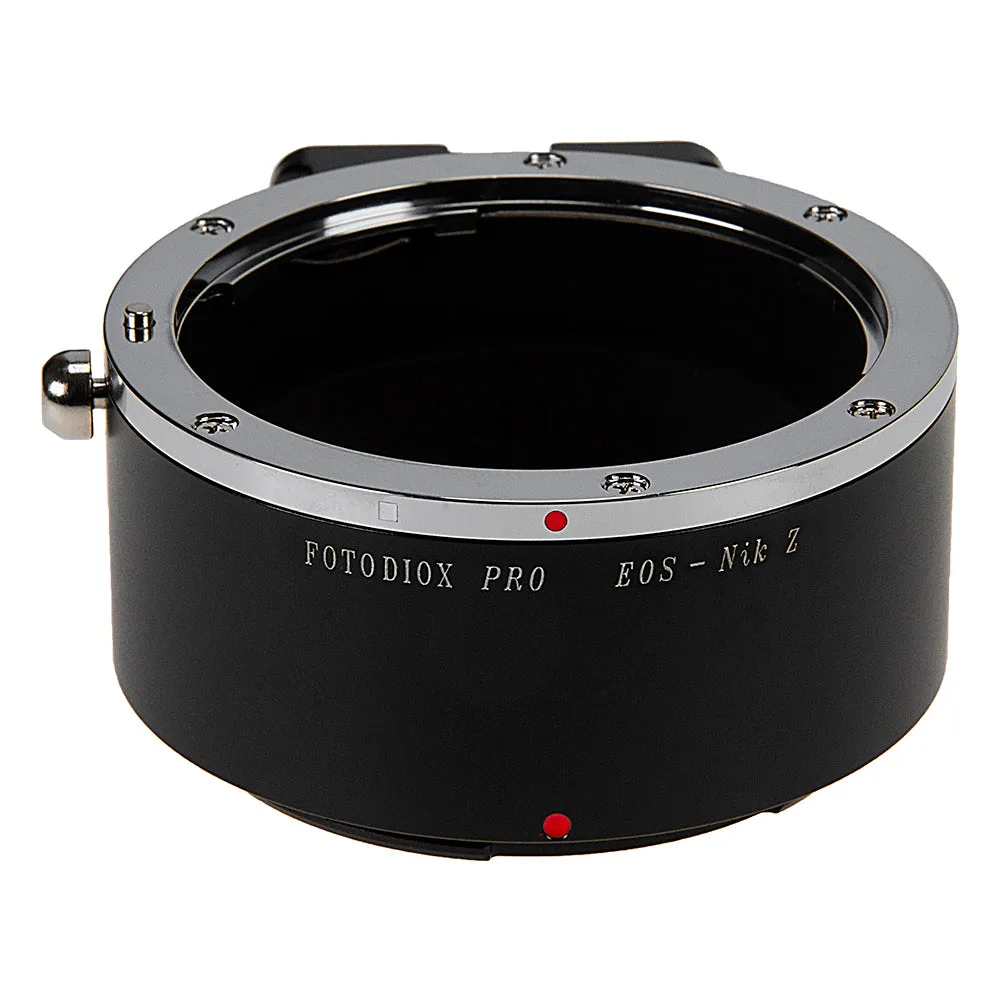
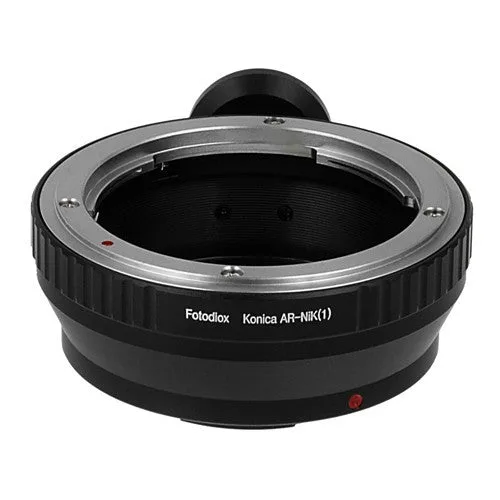
- Fotodiox Pro Lens Mount Adapter Compatible with Canon EOS (EF / EF-S) D/SLR Lenses to Nikon Z-Mount Mirrorless Camera Bodies: Mounts Canon EOS (EF / EF-S) D/SLR Lenses to Nikon Z-Mount Mirrorless Camera Bodies; infinity focus or beyond guaranteed; precise fit and solid connection with no play, gap or wiggling. A non-shift adapter for using Canon EF/EF-S glass on Nikon Z bodies—useful if you need basic mount conversion but not shift movements.
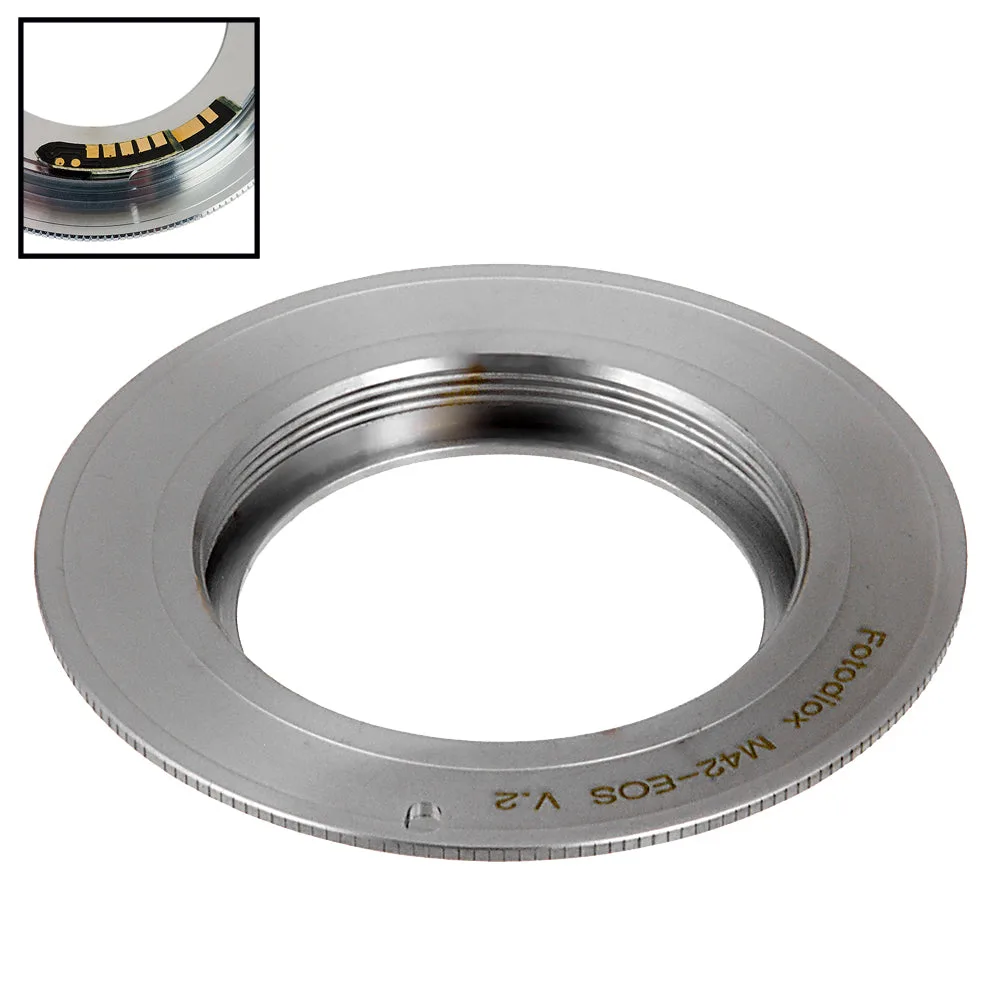
- Fotodiox Pro Lens Mount Adapter Compatible with M42 Type 2 Screw Mount SLR Lens to Canon EOS (EF, EF-S) Mount SLR Camera Body - with Generation v10 Focus Confirmation Chip: Mounts M42 Type 2 Screw Mount SLR Lenses to Canon EOS (EF, EF-S) Mount SLR Cameras with Generation v10 Focus Confirmation Chip; infinity focus or beyond guaranteed. Adds focus confirmation for vintage M42 lenses on Canon EOS, but it does not provide shift, so it won't correct keystone distortion.