Quick Answer
Phone charging slows with a power bank usually because of a mismatched cable, a dirty port, or the device not supporting the power bank's output protocol. Check the cable first, then clean the port, and verify your phone's fast-charging standard.
Why the Cable Matters More Than You Think
A cable rated for charging but not data can still limit power delivery. Even if the power bank supports 100W output, a standard USB-A to USB-C cable may only deliver 15W. Use a cable rated for the same fast-charging standard your phone uses—like USB-C to USB-C with Power Delivery (PD) for most modern phones.
Damaged or bent cables also increase resistance, reducing charging speed. If your cable feels warm during charging, that's a sign of power loss in the wire.
Port and Connection Issues
Lint or debris in your phone's charging port can prevent a solid electrical connection, forcing the charger to fall back to a slower, safer rate. Inspect the port with a flashlight and gently clean it with a non-conductive tool like a toothpick.
The power bank's output port matters too. Some power banks have one port dedicated to higher-speed output. Check the markings near the ports—look for 'PD' or a lightning bolt icon.
Diagnosis: Step by Step
- Symptom: Phone charges slowly or shows 'charging slowly' notification when connected to a power bank.
- Likely Cause: Wrong cable type, damaged cable, dirty port, or the power bank's output port not matching your phone's fast-charging protocol. If you are using a USB-A to USB-C cable, try switching to a USB-C to USB-C cable rated for Power Delivery.
- Corrective Action: 1. Swap the cable for one that supports your phone's fast-charging standard (e.g., USB-C PD). 2. Clean your phone's charging port with a dry toothpick. 3. Plug into the power bank's highest-output port (often marked PD). 4. Restart your phone to reset the charging negotiation. After step 3, check if charging speed improves. If not, proceed to step 4.
- When to Stop or Choose Another Option: If none of the steps restore fast charging, your phone may not support the power bank's output protocol, or the power bank itself may be faulty. Test with a different device. If the power bank works with another phone, the issue is your phone's charging circuit or battery health. Consider contacting the power bank manufacturer for support or replacing the power bank if it fails to charge any device quickly.
Product Facts
-
UGREEN Nexode Power Bank 20000mAh 100W: The UGREEN Nexode Power Bank 20000mAh 100W supports 100W power output through its USB-C port. If your phone supports fast charging via USB-C Power Delivery, this power bank can deliver full speed—provided you use a compatible cable and your phone's port is clean.
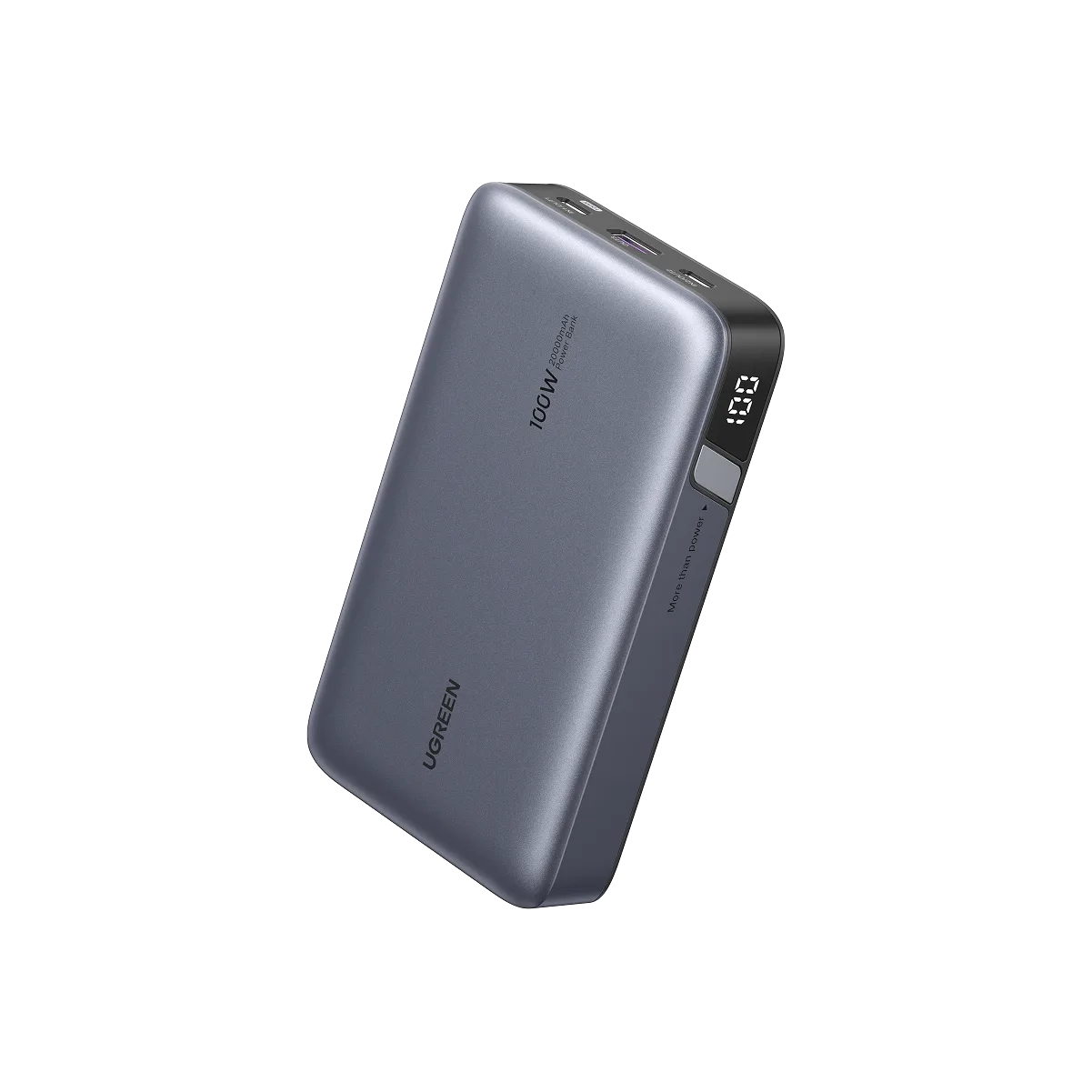
UGREEN Nexode Power Bank 20000mAh 100W