Quick Answer
Weak froth from your Creatista Pro usually comes from milk that is too warm, a clogged steam tip, or incorrect milk texture settings. Start by checking your milk temperature and cleaning the steam wand, then adjust the texture level in the one-touch menu.
Why Froth Quality Drops
The Breville Creatista Pro uses a Thermojet heating system that heats up in 3 seconds and can pull espresso and steam milk simultaneously. When froth turns thin or watery, the issue is rarely the machine's hardware—it's usually how the milk or settings interact with the steam wand. The most common culprits are milk temperature above 150°F (which denatures protein), a partially blocked steam tip, or a texture setting that's too low for your milk type.
Milk Selection and Temperature
Whole milk (around 3.25% fat) produces the thickest microfoam because its protein and fat content stabilize air bubbles. Skim or low-fat milk can froth but yields a drier, less creamy texture. If your milk is fresh from the fridge (around 40°F), you have a good starting point. Milk that has been sitting out or is above 50°F will struggle to form stable foam. For plant-based alternatives, look for barista editions that include added protein and stabilizers.
Steam Wand and Tip Care
Dried milk residue on the steam wand tip can restrict steam flow and produce large, uneven bubbles. After each use, purge the wand for 2-3 seconds and wipe it with a damp cloth. If froth quality has declined over time, remove the tip (it unscrews) and soak it in hot water with a descaling solution for 10 minutes. Rinse thoroughly before reattaching. A clean tip ensures the steam exits evenly, which is essential for a smooth vortex in the milk pitcher.
Adjusting the Texture Setting
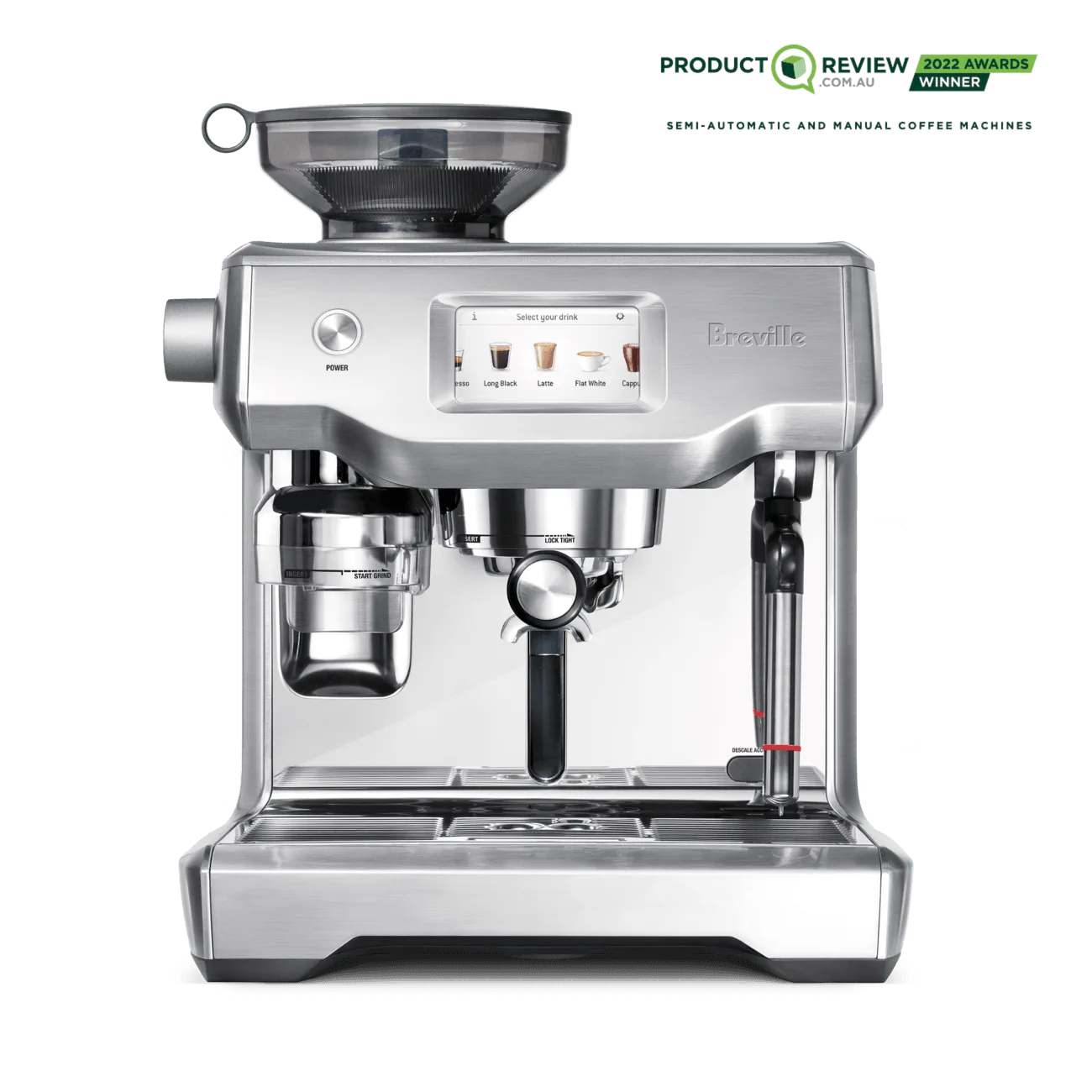
The Creatista Pro's one-touch menu lets you choose from several milk texture levels. If you've accidentally set it to a lower level (e.g., 1 or 2), the machine will produce less foam. Swipe the screen to select a higher texture number—levels 5-7 typically yield dense microfoam for lattes and cappuccinos. You can also adjust the milk temperature independently, so experiment with a higher temperature (around 150°F) if your drink is coming out lukewarm.
Diagnosis: Weak Froth on the Creatista Pro
- Symptom: Milk froth is thin, watery, or has large bubbles instead of a smooth microfoam. Check if the issue is consistent or happens only with certain milk types.
- Likely Cause: Milk too warm before steaming, clogged steam tip, or texture setting too low. Start with the easiest fix: use cold milk and a clean wand.
- Corrective Action: 1) Use fresh cold milk (40-45°F). 2) Clean the steam tip. 3) Increase texture level in the one-touch menu to 5-7. If froth improves, the issue is resolved. If not, proceed to the next step.
- When to Stop or Choose Another Option: If froth remains weak after cleaning and adjusting settings, the steam wand may need descaling or the machine may require service. Consider a descaling cycle using Breville descaling solution. If the problem persists, contact Breville support. Do not attempt to disassemble the steam wand. Professional service may be needed.
Product Mention
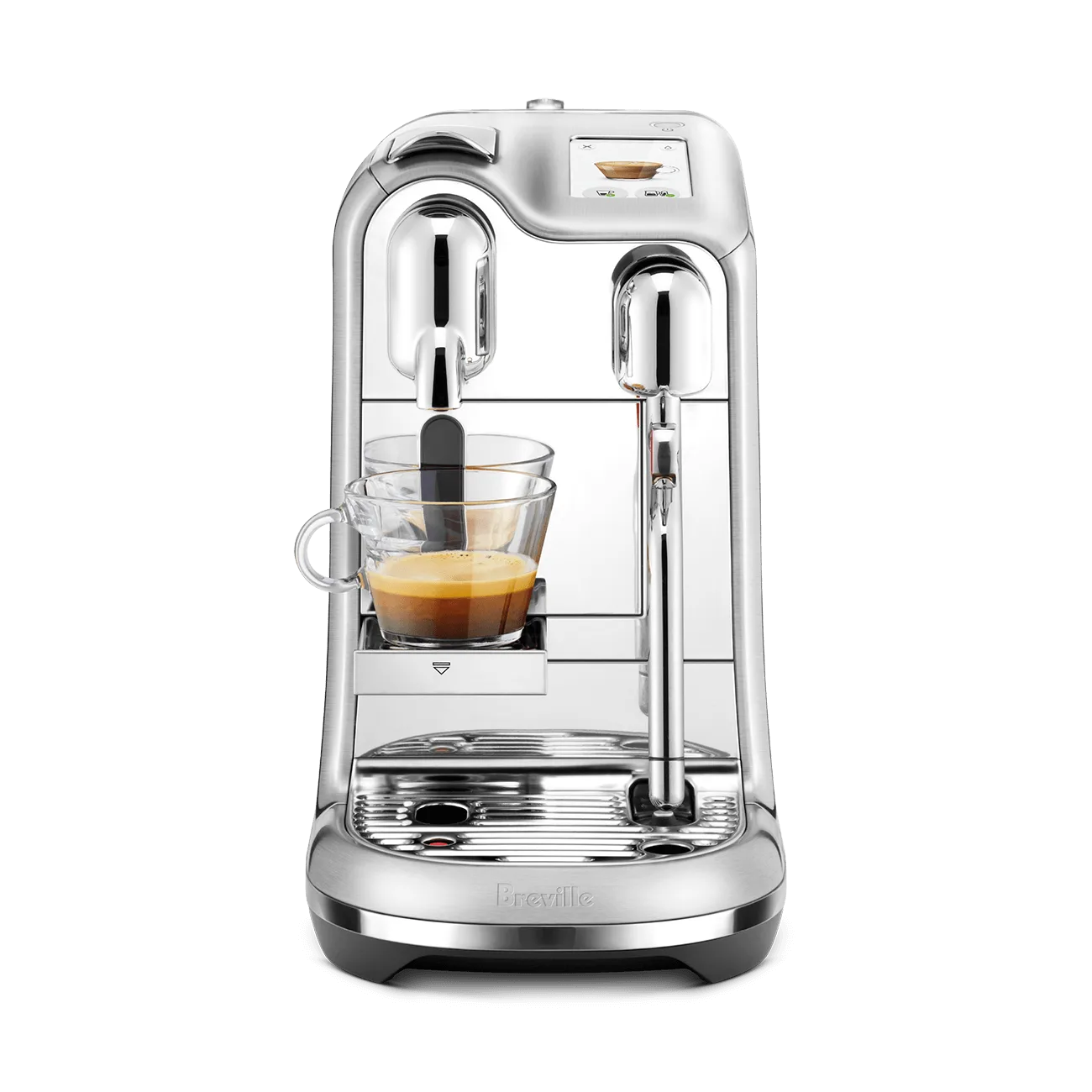
- Creatista® Pro: Easily create personalised café-style coffees at home. Enjoy 2 cappucinos in 75 seconds, simultaneous coffee extraction and automatic milk texturing thanks to the innovative Thermojet® heating system and its 3 second heat up time. Simply swipe and select your coffee with the intuitive one-touch menu. Easily adjust extraction, milk texture and temperature for smoother, richer coffee flavours. The Creatista Pro's adjustable texture and temperature settings give you direct control over froth quality—if you know where to look.