Quick answer
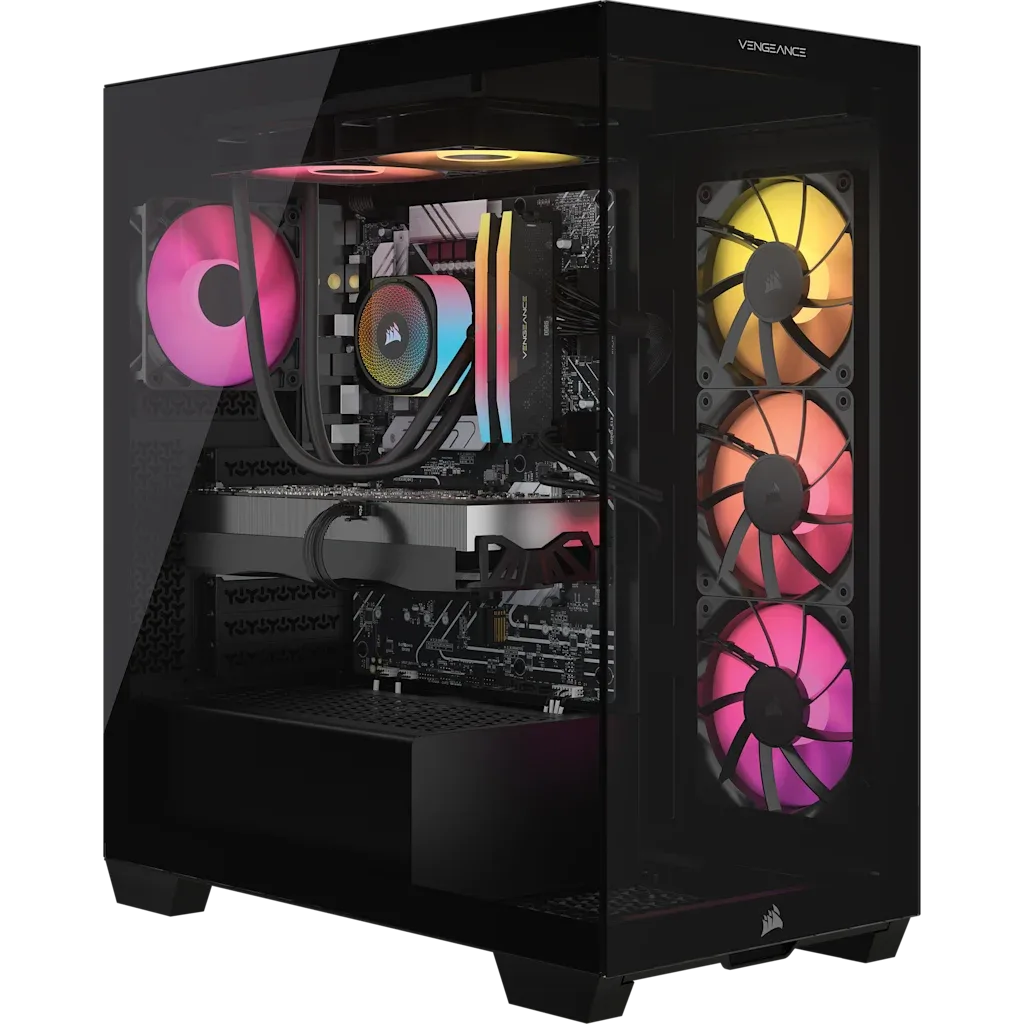
A VENGEANCE a7500 that won't boot usually has one of three causes: a loose power cable, a monitor not detecting the GPU, or a RAM seating issue. Start by checking the power cable connections and ensuring the monitor is plugged into the RTX 5080, not the motherboard. If that doesn't work, reseat the RAM modules.
Check the Power Supply and Cables
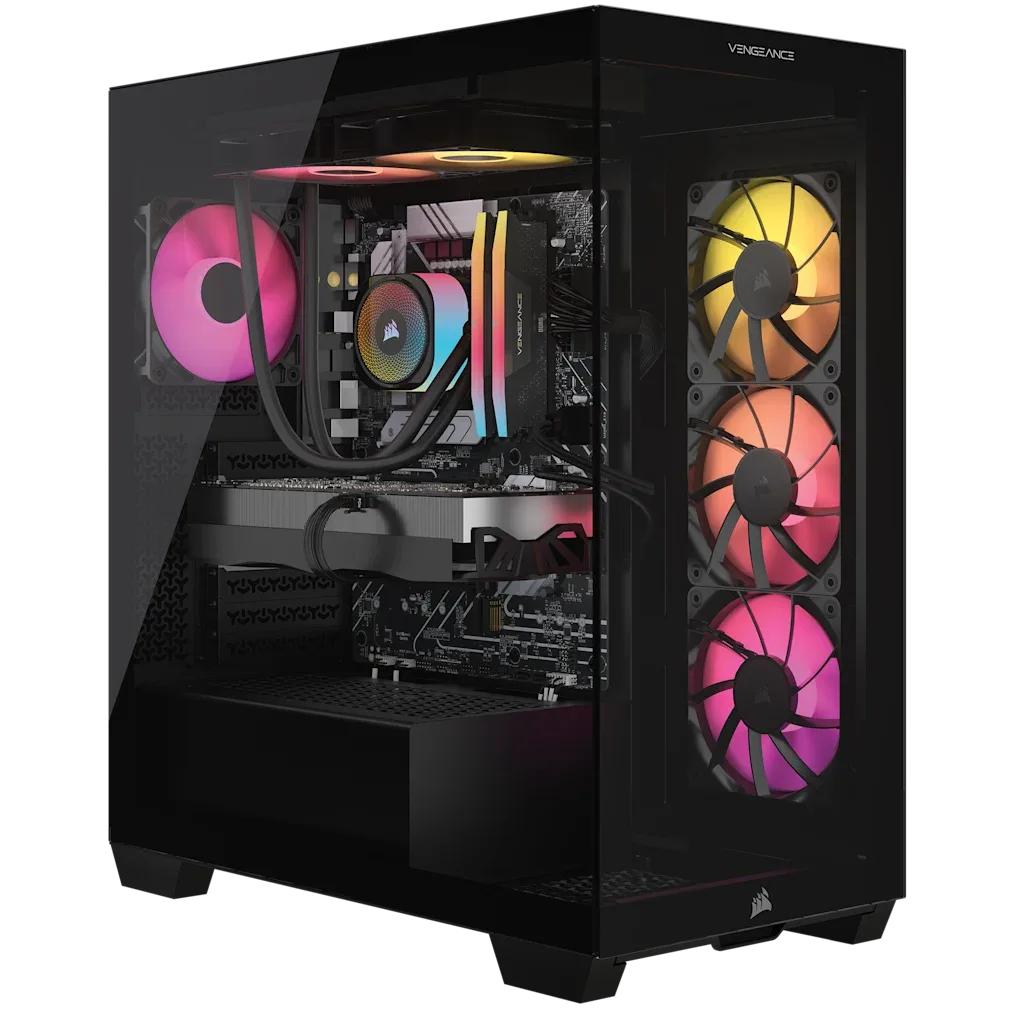
The first thing to verify is that all power cables are firmly connected. The VENGEANCE a7500 uses a high-wattage PSU to support components like the AMD Ryzen 9 9900X3D and GeForce RTX 5080. A loose 24-pin motherboard cable or GPU power connector can prevent the system from powering on at all. Unplug and reseat both ends of the power cables, and ensure the PSU switch is set to the on position.
Confirm the Display Connection
A common mistake is plugging the monitor into the motherboard's video output instead of the GPU. With a discrete RTX 5080, the motherboard ports are disabled. Connect your display cable directly to the RTX 5080's HDMI or DisplayPort. If you still see no display, try a different cable or monitor to rule out a hardware fault.
Reseat the RAM Modules
Loose or improperly seated RAM can cause a no-boot condition. The VENGEANCE a7500 ships with 32GB DDR5 in two sticks. Open the case, press down firmly on each module until the clips click, and ensure they are in the correct slots (usually A2 and B2). If the system still fails to POST, try booting with one stick at a time to identify a faulty module.
Diagnosis steps
- Symptom: No power at all: The PC shows no lights, fans, or any sign of life. Check the PSU switch, wall outlet, and 24-pin motherboard cable. If still dead, the PSU may need replacement.
- Symptom: Fans spin but no display: The system appears to power on, but the monitor remains black. Verify the monitor is connected to the RTX 5080, not the motherboard. Try a different cable or display.
- Symptom: Boot loop or beeps: The PC repeatedly turns on and off, or emits beep codes. Reseat the RAM modules. If the issue persists, test with one stick at a time. A faulty stick may need replacement.
Product facts
- VENGEANCE a7500 Gaming PC: AMD Ryzen 9 9900X3D, GeForce RTX 5080, 32GB DDR5, 2TB M.2 SSD, Win11 Home: Step up your game with a CORSAIR VENGEANCE a7500 Series Gaming PC, built with a full range of award-winning CORSAIR components, and powered by an AMD Ryzen™ 9000X3D Series CPU and NVIDIA® GeForce RTX™ 50 Series graphics. This configuration uses a high-end CPU and GPU that draw significant power; loose cables are a frequent cause of boot failure.