Quick Answer
The AirPods Pro TUNIC silicone skin offers a snug, protective fit and easy cleaning routine. Follow the steps below to install it correctly and maintain its appearance over time.
Why Silicone Skin Fit Matters
A properly fitted silicone skin protects your AirPods Pro charging case from scratches, dust, and minor drops. The TUNIC skin is designed to hug the case contours precisely, but incorrect installation can leave gaps or cause the skin to shift. Taking a few extra seconds during installation ensures full coverage and a secure hold.
How to Fit and Care for Your TUNIC Silicone Skin
- 1. Clean the Charging Case: Wipe the AirPods Pro charging case with a dry, lint-free cloth to remove dust, oils, or debris. A clean surface helps the silicone skin adhere snugly without bubbles or gaps. Skipping this step can cause the skin to fit loosely or trap dirt underneath.
- 2. Align the Skin at the Bottom: Start by placing the TUNIC skin over the bottom edge of the case, aligning the cutouts for the charging port and status light. Press gently to secure. Ensure the cutouts line up exactly; misalignment can block the charging port or LED.
- 3. Stretch and Smooth Upward: Gently stretch the silicone skin upward over the case lid, using your fingertips to smooth out any wrinkles or air pockets as you go. Work from the bottom to the top. Do not pull too hard; overstretching can thin the silicone or cause permanent distortion.
- 4. Secure the Lid Cutout: Press the skin firmly around the lid hinge area and the top edge. The skin should sit flush with the case surface, with no raised edges. A loose lid cutout may cause the skin to peel off when opening the case.
- 5. Check Fit and Adjust: Close the case and inspect all edges. If you see any gaps or bunching, lift the skin slightly and reposition it. Repeat the smoothing motion until it sits perfectly. A perfect fit means the skin stays in place during daily use without shifting.
- 6. Clean Regularly: Remove the skin weekly and wash it with mild soap and warm water. Dry completely before reattaching. This prevents buildup of oils and dirt that can discolor the silicone. Avoid harsh chemicals or abrasive scrubbing, which can damage the soft-touch finish.
Product Details
-
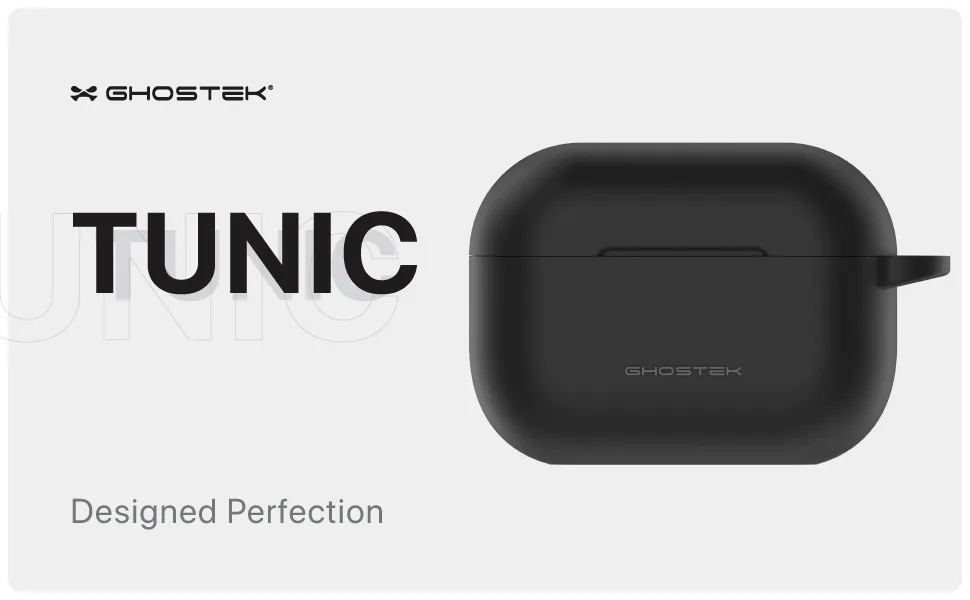
AirPods Pro Cases Silicone Skin Cover — TUNIC: This slim, silicone case offers a snug fit and a soft-touch finish, adding a layer of defense against everyday bumps and scratches while keeping your charging case looking sharp. The soft-touch finish not only feels pleasant but also helps prevent the case from slipping out of your hand or pocket.
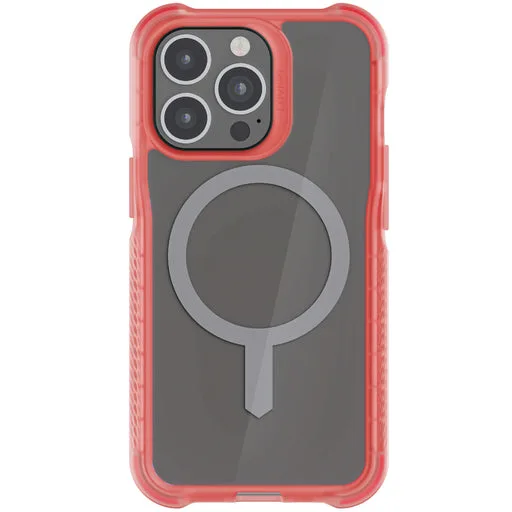
AirPods Pro Cases Silicone Skin Cover — TUNIC