Quick Answer
Most AISLPC handhelds that won't charge or power on are not dead: they are either not receiving enough current from the charger, stuck in a deep-discharge sleep, or plugged into a charge-only USB port. Start with a known-good 5V/2A wall charger and the cable that came in the box, then hold the power button for 10-15 seconds. If the charging LED still never lights after 30 minutes on that setup, stop and treat it as a hardware issue rather than continuing to press buttons.
Check the Charging Chain Before You Blame the Battery
A handheld console not charging is usually a power-delivery problem, not a battery failure. Work through the chain in order: wall outlet, charger, cable, then console. Use a 5V/2A USB wall adapter rather than a laptop USB-A port, a USB hub, a car stereo port, or a power strip with USB outlets. Those sources often cap current below what the console needs to both run and charge, so the screen may flicker on and immediately die.
The cable matters just as much. Many USB-C cables sold for phones are charge-only or wired for low current, and some are data-only. If you have swapped cables and the behavior changed, the cable was the fault. Test with the cable that shipped with your AISLPC console before buying anything.
- Use a 5V/2A wall charger, not a laptop or hub port.
- Try the original cable, then one known-good data-and-charge cable.
- Plug directly into a wall outlet, not an extension strip with USB ports.
- Leave it connected for 30 minutes before judging whether it charges.
If the LED Lights but the Console Won't Boot
A charging light with no boot points to a different fault than no light at all. Hold the power button for 10-15 seconds, release, wait five seconds, then press once normally. This clears a stuck sleep state on most retro handhelds. If your model has a reset pinhole, use a paperclip for one second with the console unplugged, then reconnect the charger and try again.
If the console has a removable microSD card, power it off, reseat the card, and try booting. A card that has shifted or been formatted incorrectly can leave the console on a black screen that looks identical to a dead battery. If it boots without the card, the card or its contents are the problem, not the power system.
- Hold power 10-15 seconds to clear a stuck sleep state.
- Reseat the microSD card with the console off.
- Try booting with the card removed to isolate card vs. power faults.
- If it boots without the card, re-copy your game library rather than replacing the console.
Deep Discharge and Long-Storage Wake-Up
A handheld that sat unused for months can drop into deep discharge, where the charging circuit trickles current and the screen stays dark for far longer than usual. Connect it to a 5V/2A charger and leave it alone for two to four hours. Do not repeatedly unplug and replug to check progress, because each replug can restart the trickle cycle.
If the console becomes warm near the charging port during this period, current is flowing and the battery is recovering. If it stays completely cold after two hours on a known-good charger, the battery or charge circuit is the likely cause and further waiting will not help.
- Charge undisturbed for 2-4 hours after long storage.
- Warmth near the port is a good sign; total coldness is not.
- Do not keep unplugging to test, as it restarts trickle charging.
Match the Advice to Your Model
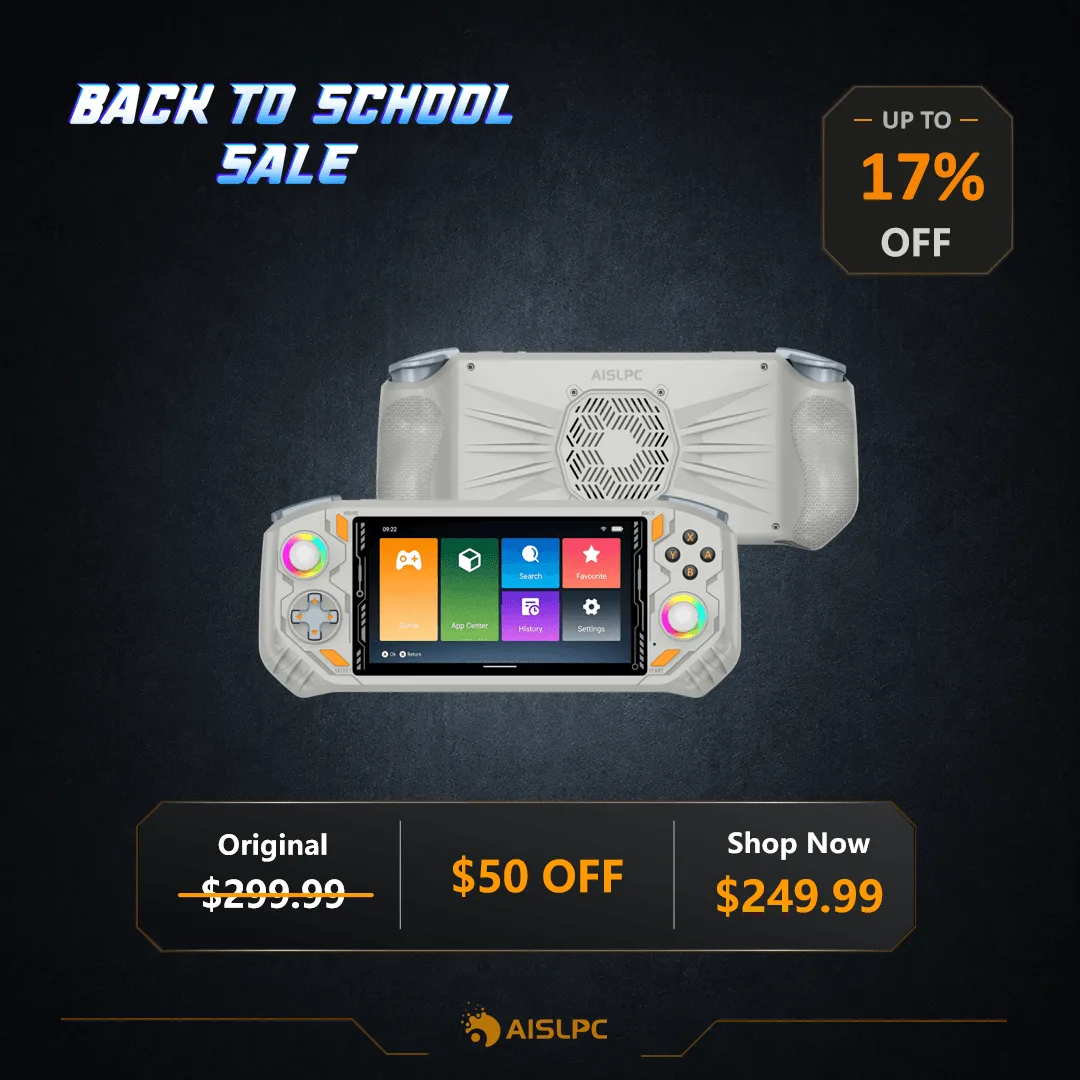
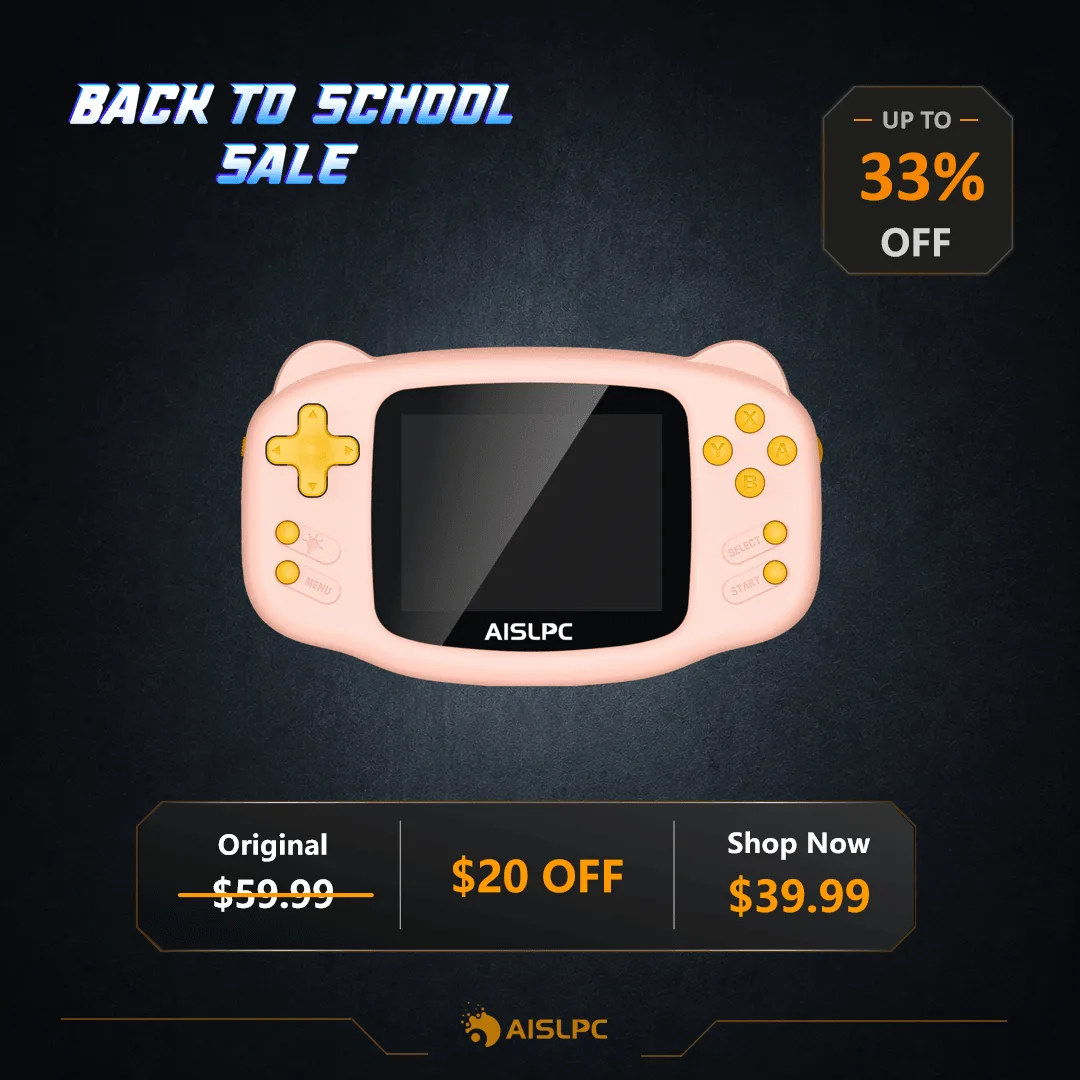
Charging behavior differs across the AISLPC range because the hardware does. The RG-K32B is built for kids with a simple, friendly design, so it is the model most likely to be left on, dropped, or stored with a drained battery, and it is the one where a parent should check the cable and charger first. The R36T runs an EmuELEC/Linux system with a 3.5-inch IPS screen and 5G WiFi, and its larger library and networking draw more power, so it is less tolerant of weak chargers. The RG52 Pro Max uses a Unisoc S8000 (6nm) chip with 6GB RAM and a 5.5-inch 1920x1080 IPS display, which is the highest-draw console of the three and the one most likely to show a low-current charger as a failure to charge at all.
If you are troubleshooting a console you have not bought yet, this is also a reason to match the charger to the model rather than assuming any USB brick will do.
Symptom, Cause, Action, Stop Point
- No LED, console cold after 30 minutes: Usually a charger, cable, or port problem rather than the battery. Swap to a 5V/2A wall charger and the original cable, then retest. If the LED lights after the swap, the console was fine. If it stays dark, move to the next row.
- LED lights, screen stays black: Often a stuck sleep state or a shifted microSD card. Hold power 10-15 seconds, then reseat the card with the console off. If it boots without the card, fix the card. If it still won't boot, stop pressing buttons and contact support.
- Charges after hours, dies in minutes: The battery is accepting only a shallow charge, which points to a worn cell or a failing charge circuit rather than your charger. Stop cycling chargers. This is the point to request service or a replacement instead of more troubleshooting.
How AISLPC Models Differ on Power
- AISLPC® - RG-K32B Retro Handheld Game Console for Kids: Cat-ear design in soft pink, sky blue, or mint green with bright yellow buttons, aimed at kids. A kid-facing console is more likely to be left on or stored drained, so check the charger and cable before assuming a battery fault.
- AISLPC® - R36T Retro Handheld Game Console - WiFi Version: Preloaded with over 18,000 classic games on an EmuELEC/Linux system with 5G WiFi and a 3.5-inch IPS screen. WiFi and a large library increase power draw, so a weak charger can look like a charging failure.
- AISLPC® - RG52 Pro Max Retro Handheld Game Console: Unisoc S8000 (6nm) with 4×A76 + 4×A55, 6GB RAM, and a 5.5-inch 1920x1080 IPS display. The highest-draw model here, so it is the least forgiving of low-current USB ports and charge-only cables.