Quick answer
Most anime Blu-ray playback problems come down to region codes, a dirty or damaged disc, or outdated player firmware. Start by checking the disc's region label against your player, then clean the disc and update the player's software before considering a replacement.
Why region codes are the first thing to check
Anime Blu-rays are often released in different regions, and not all players are multi-region. If you imported a disc from another region, your player may refuse to play it even though the disc is perfectly fine.
Look for a small globe icon with a number on the disc or packaging. If that number doesn't match your player's region, no amount of cleaning or firmware updates will help. In that case, you'll need a region-free player or a version released for your region.
The disc itself might be the problem
Fingerprints, dust, and scratches are common culprits. A disc that looks clean can still have a smudge that confuses the laser. Use a soft, lint-free cloth to wipe from the center outward. Avoid harsh cleaners and never wipe in circles.
If the disc is scratched, try a commercial disc repair kit. But if the disc has deep scratches or cracks, it may be beyond repair. In that case, contact the retailer or publisher for a replacement, especially if the disc is new.
Player firmware and compatibility
Blu-ray players receive firmware updates that improve compatibility with newer discs. An outdated player might not recognize a recent anime release even if the disc and region are correct.
Check your player's settings menu for a firmware update option, or visit the manufacturer's website. This is a simple fix that resolves many 'won't play' issues. Also, make sure the disc is free of any protective stickers or residue that can interfere with playback.
Diagnose and fix your Blu-ray playback issue
- Symptom: Player shows 'No Disc' or won't load: Remove the disc and inspect for visible damage. Wipe gently from the center outward with a soft cloth. If the disc is clean and still won't load, test another Blu-ray to see if the player is at fault. If another disc plays, the original disc may be defective.
- Symptom: Disc loads but shows a region error: Check the region code on the disc or packaging. If it doesn't match your player's region, the disc won't play. You'll need a region-free player or a disc from your region. Region errors are not fixable by cleaning or firmware updates.
- Symptom: Disc plays but freezes or skips: This often indicates a dirty or scratched disc. Clean it again, and if the problem persists, try updating your player's firmware. If the disc is new and still problematic, consider a replacement. If cleaning and firmware updates don't help, contact the retailer for a replacement.
- Stop and choose another option when...: If you've cleaned the disc, updated firmware, and tested other discs, and the problem remains, the disc may be defective or incompatible. Stop troubleshooting and contact the seller or publisher for a replacement or refund.
A reliable anime Blu-ray to test with
-
On-Gaku: Our Sound [Blu-ray + DVD]: On-Gaku: Our Sound is an animated film by Kenji Iwaisawa, available on Blu-ray + DVD. Having a known-good disc like this can help you determine whether the problem is your player or a specific disc.
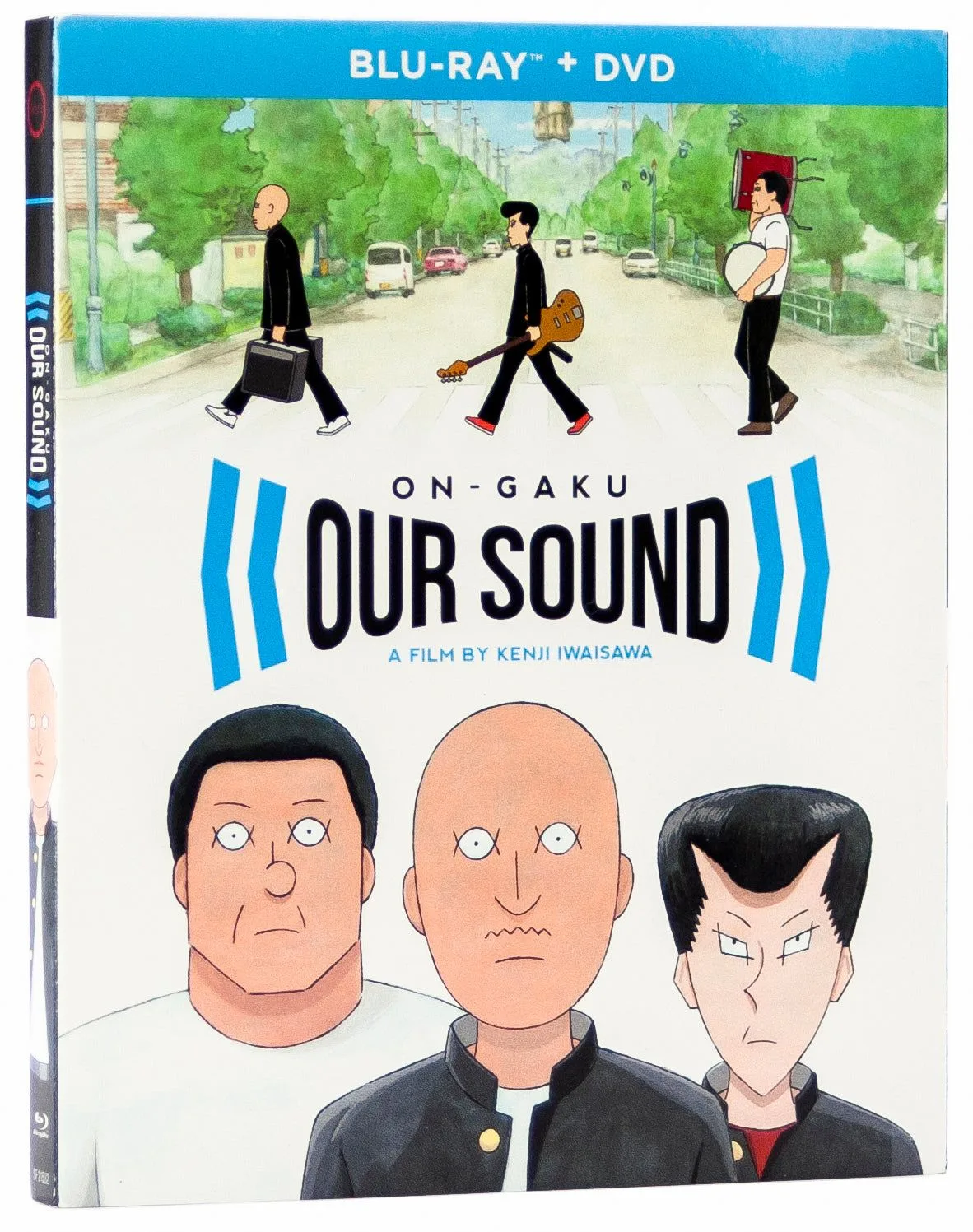
On-Gaku: Our Sound [Blu-ray + DVD]