Quick answer
Use the Lume Cube RGB Large LED Tube Light with its app to set custom colors and effects that match your event theme, from weddings to parties.
Why app control matters for events
Manually adjusting RGB lights during an event can be disruptive. The Lume Cube RGB Large LED Tube Light lets you change colors, brightness, and effects from your phone, keeping the focus on the celebration.
The 2-foot tube is compact enough to place behind a DJ booth or along a walkway, yet bright enough to wash a wall in saturated color.
How to set up color effects for an event
- Position the tube light: Place the light on a flat surface, mount it on a stand, or use the built-in magnets to attach it to a metal frame. Aim it at a wall or backdrop for a wash effect. Avoid placing it behind opaque objects that will block the light spread.
- Connect via the Lume Cube app: Power on the light and open the app. Enable Bluetooth and pair the light. The app will show the connected device once it's recognized. Make sure your phone's Bluetooth is on and the light is within 30 feet for a stable connection.
- Choose a color or effect: Use the color wheel to pick a solid hue, or select from presets like fade, strobe, or pulse. Adjust brightness to match the room's ambient light. For a subtle mood, use pastel colors at 50% brightness; for a dance floor, go with saturated reds or blues at full power.
- Sync multiple lights: If you have more than one tube, pair each one in the app and group them. Apply the same color or effect to all lights for a cohesive look. Check that each light is on the same firmware version to avoid sync delays.
Product facts
-
Lume Cube RGB Large LED Tube Light | App Controlled: The Lume Cube 2’ Tube Light is a powerful RGB LED lighting solution designed for creators, filmmakers, and photographers. Its professional-grade output and app control make it equally suited for event lighting, not just studio work.
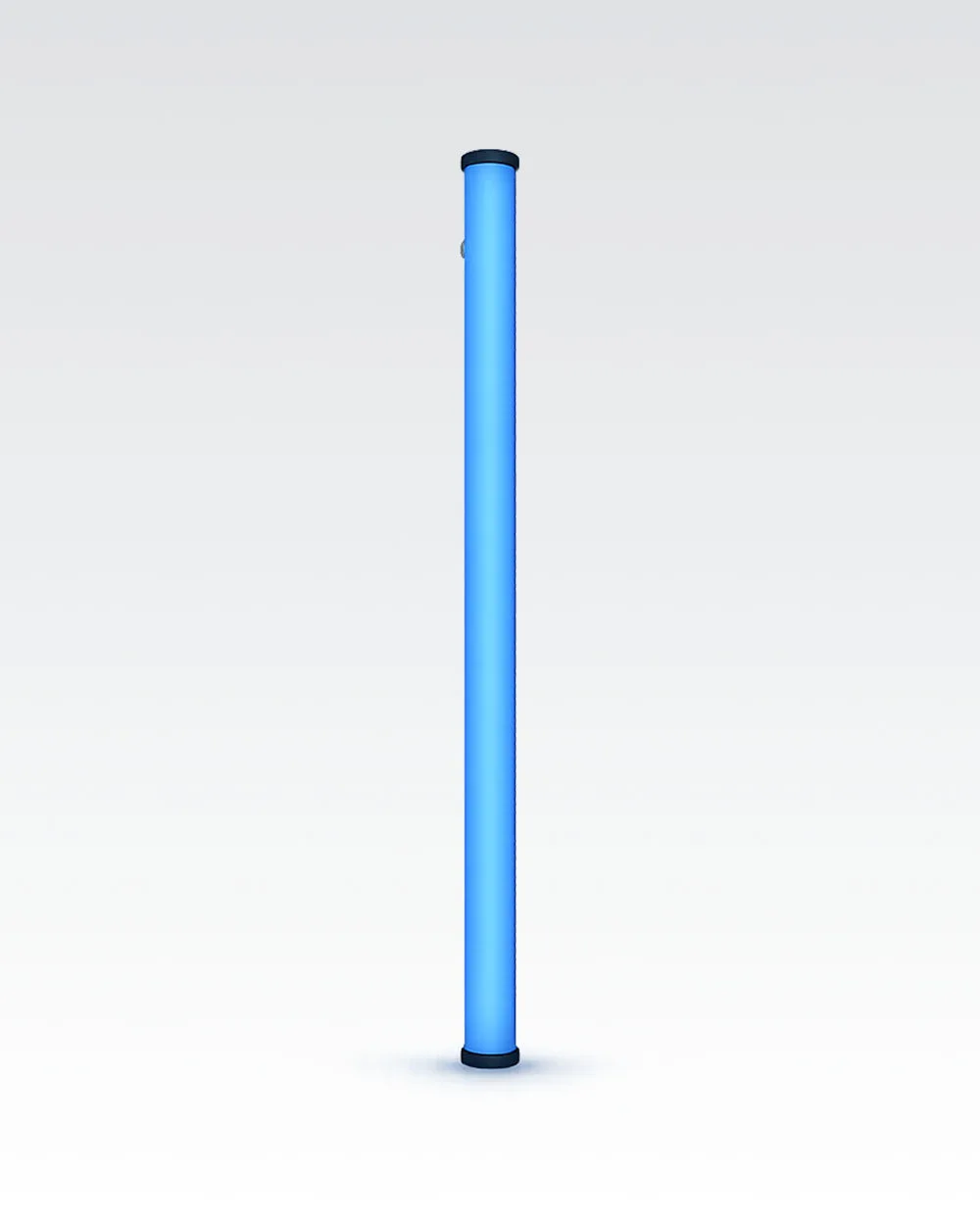
Lume Cube RGB Large LED Tube Light | App Controlled


