Quick answer
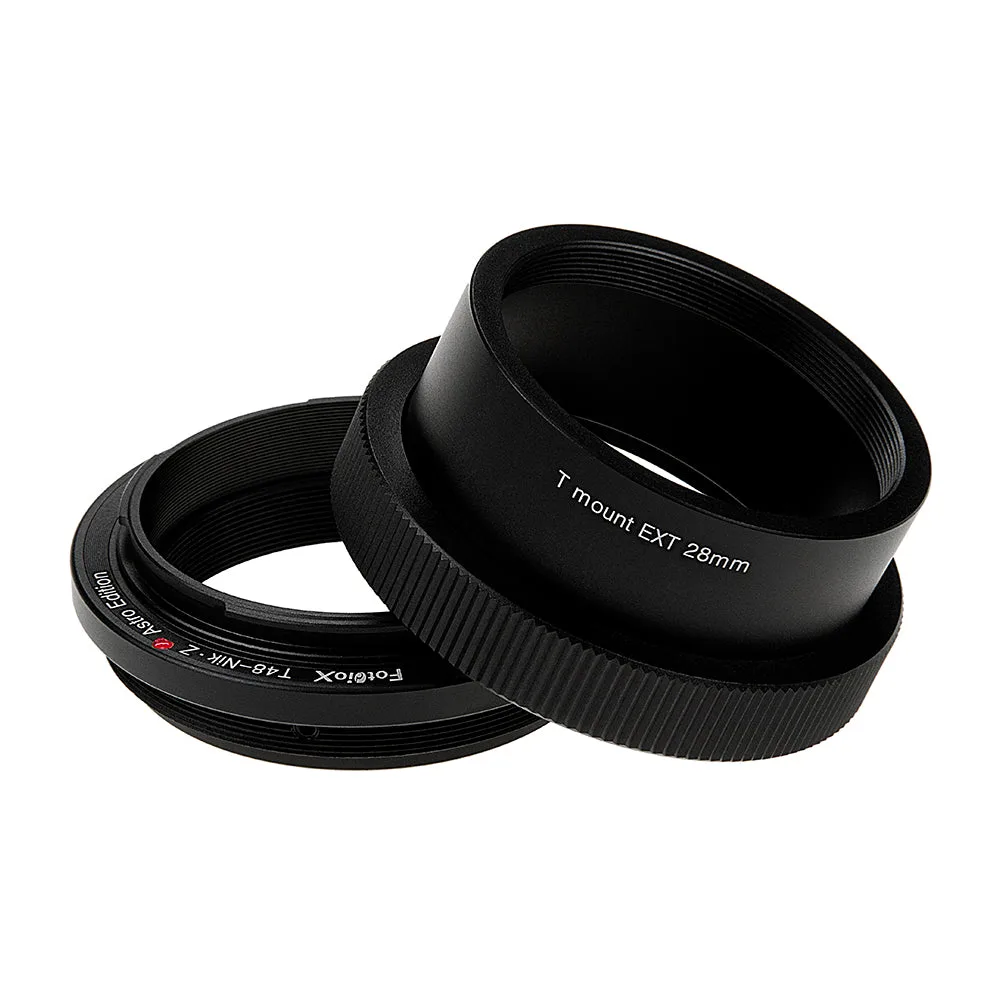
Thread a 48mm (x0.75) T-mount telescope onto a Fotodiox Astro Edition adapter matched to your camera mount, lock the camera on, then set focus and confirm infinity. For Sony A-mount bodies choose the A-mount version; for Nikon Z mirrorless choose the Z-mount version. The adapter is a mechanical part, so the setup is about a solid, square connection and repeatable focus, not electronics.
Confirm the thread and mount before you buy
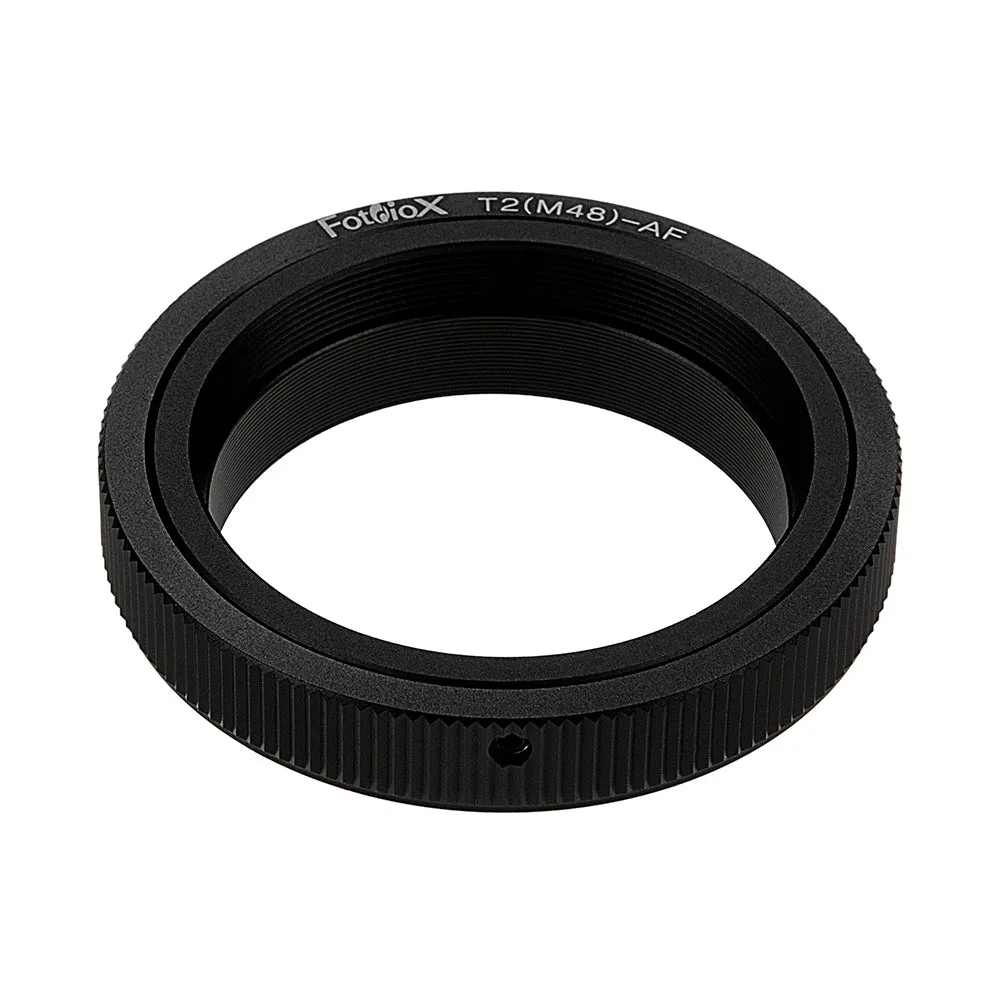
The adapter has to match two things: the telescope's 48mm x0.75 T-thread and your camera's mount. A 48mm T-mount to Sony A adapter will not fit a Nikon Z body, and a Z-mount adapter will not thread onto a different telescope interface. Check the thread on the telescope drawtube or field flattener first, then pick the adapter for your body. If the thread is not 48mm x0.75, this adapter is the wrong part and no amount of adjustment will fix it.
Mount the adapter and camera squarely
Thread the adapter onto the telescope by hand until it seats, then attach the camera body. The Astro Edition adapters use all-metal construction with chrome-plated brass mounts, and the catalog notes a precise fit with no play, gap, or wiggling when mounted. That matters because any tilt or flex shows up as soft corners and elongated stars across a long exposure. Do not force threads or overtighten; hand-tight is enough, and a cross-threaded adapter is a much bigger problem than a slightly loose one.
Set backspacing and focus travel
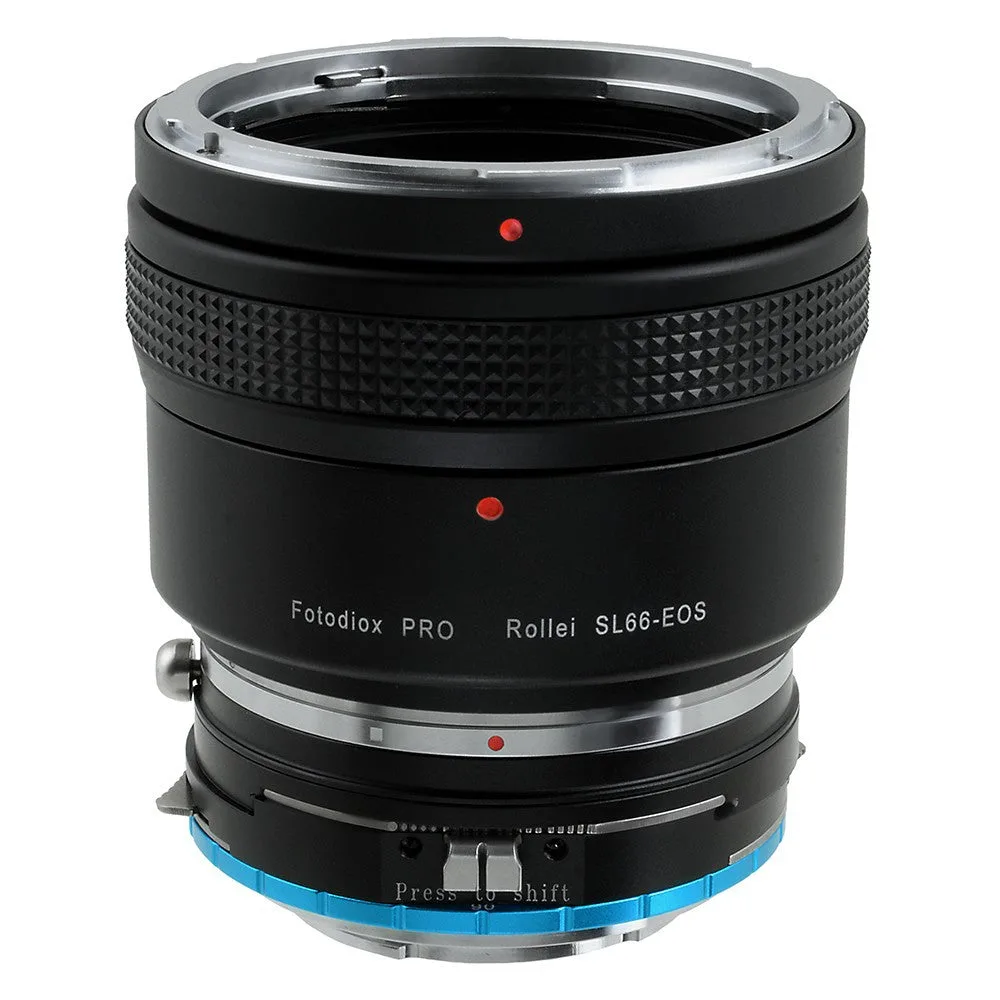
Your telescope or flattener has a required backspacing, and the adapter consumes some of it. Measure from the telescope's reference surface to the camera sensor, then add or remove extension tubes to hit the target. The Astro Edition adapters do not include a focus control dial, so focus comes from the telescope's focuser; if your focuser runs out of travel, add an extension rather than forcing the drawtube. For the Pro Double Shift adapter, backspacing is different because it has an integrated focus control dial, which gives you a second way to trim focus once the telescope is close.
Reach infinity focus and lock it down
Point at a bright star or the Moon, use live view magnification, and rack the focuser until the star is as small as possible. Once you find infinity, note the focuser position or mark the drawtube so you can return to it next session. A common mistake is focusing on a distant terrestrial object during the day; that is close but usually not true infinity, and stars will look bloated. Recheck focus after the camera and adapter have been outside long enough to match ambient temperature.
Check for tilt and light leaks in the field
Take a test frame and inspect the corners at 100 percent. If stars are soft on one side but sharp on the other, the camera or adapter is tilted; loosen, reseat, and retighten evenly. If you see a gradient or haze, check the thread joint for a gap and shield it. A solid, square mount is the whole point of a precision adapter, so treat any wobble as a stop-and-fix issue rather than something to correct in processing.
Step-by-step astro adapter setup
- Verify the 48mm x0.75 thread and camera mount: Measure or confirm the telescope thread is 48mm x0.75, then select the Astro Edition adapter for your exact body: Sony A-mount or Nikon Z-mount. Checkpoint: if the thread or mount does not match, stop and change the adapter, not the telescope.
- Thread the adapter on by hand: Seat the adapter on the telescope until it stops, then attach the camera. Do not cross-thread or overtighten. Checkpoint: the joint should feel solid with no play or gap before you add the camera.
- Set backspacing with extensions: Measure from the telescope reference surface to the sensor and add extension tubes to reach the required backspacing for your flattener or corrector. Checkpoint: if the focuser runs out of travel, add an extension instead of forcing it.
- Focus on a star, not a landscape: Use live view magnification on a bright star and rack the focuser to the smallest point of light, then mark or note the position. Checkpoint: daytime infinity focus is usually not true infinity for stars.
- Test for tilt and light leaks: Shoot a test frame, inspect corners at 100 percent, and reseat the adapter if one side is soft. Shield the thread joint if you see haze or a gradient. Checkpoint: fix tilt mechanically before you start a long imaging run.
Adapter options that fit this workflow
- Fotodiox Lens Adapter Astro Edition - Compatible with 48mm (x0.75) T-Mount Wide Field Telescopes to Sony Alpha A-Mount (Minolta AF) Mount D/SLR Cameras for Deep Space Astro-Photography: Fotodiox Lens Adapter Astro Edition for 48mm (x0.75) T-Mount telescopes to Sony Alpha A-Mount cameras, with all-metal construction and chrome-plated brass mounts. This is the version to choose if you shoot a Sony A-mount DSLR or SLT body, and the metal build helps hold alignment on long deep-space exposures.
- Fotodiox Lens Adapter Astro Edition - Compatible with 48mm (x0.75) T-Mount Wide Field Telescopes to Nikon Z-Mount Mirrorless Cameras for Deep Space Astro-Photography: Fotodiox Lens Adapter Astro Edition for 48mm (x0.75) T-Mount telescopes to Nikon Z-Mount mirrorless cameras. Mirrorless Z bodies have a short flange distance, so this adapter is the correct pairing for a 48mm T-thread telescope rather than an A-mount adapter.
- Fotodiox Pro Lens Mount Double Shift Adapter - Rolleiflex SL66 Series and Canon EOS (EF / EF-S) D/SLR Lenses to Sony Alpha E-Mount Mirrorless Camera Body with Built-In Focusing Helicoid: Fotodiox Pro Lens Mount Double Shift Adapter for Rolleiflex SL66 and Canon EOS lenses to Sony E-mount, with 9mm shift in each direction, 360-degree rotation, and an integrated focus control dial. This is a different tool for a different job: it adds shift and a focus dial for adapted lenses, not for threading a 48mm telescope, so do not order it expecting a T-mount connection.