Quick answer
Use a Zeedog silicone AirTag Holder to securely attach an Apple AirTag to your cat's collar or harness strap up to 1 inch wide.
Why a dedicated holder matters for cats
Cats are agile and curious. A loose AirTag dangling from a keyring or a makeshift pouch can snag on furniture, get caught during grooming, or fall off entirely. A silicone holder designed for pet collars keeps the tracker flush against the strap, reducing the risk of injury or loss.
The Zeedog AirTag Holders are made from flexible silicone that slides onto collars up to 1 inch wide. They hold the AirTag securely without adding bulk that might bother a cat.
What you will need
An Apple AirTag (not included), a Zeedog AirTag Holder (Pink or Jelly), and your cat's existing collar or harness with a strap width of 1 inch or less.
Step-by-step guide
- Remove the collar from your cat: Take the collar off your cat and lay it flat. This makes it easier to slide the holder on without stressing your pet. Never attempt to attach the holder while the collar is on your cat — you risk pinching their fur or skin.
- Slide the AirTag Holder onto the collar: Open the silicone holder and slide it onto the collar strap, positioning it near the buckle so it stays centered and doesn't slide around. Check that the holder sits flat and doesn't twist. A twisted holder can cause the AirTag to pop out.
- Insert the Apple AirTag into the holder: Press the AirTag into the silicone pocket until it clicks or is fully seated. Ensure the flat side of the AirTag faces outward for a snug fit. If the AirTag feels loose, the holder may not be fully seated. Remove and reinsert until it is secure.
- Reattach the collar to your cat: Fasten the collar around your cat's neck, leaving enough room for two fingers to fit between collar and neck. The holder should rest on the side or back of the neck, not under the chin. A collar that is too tight can cause discomfort; too loose and the holder may shift or the cat may slip out.
- Test the fit and range: Open the Apple Find My app and confirm the AirTag is connected. Walk a few steps away to verify the range. If the AirTag doesn't connect, the battery tab may still be in place. Pull the plastic tab before inserting.
Product facts
-
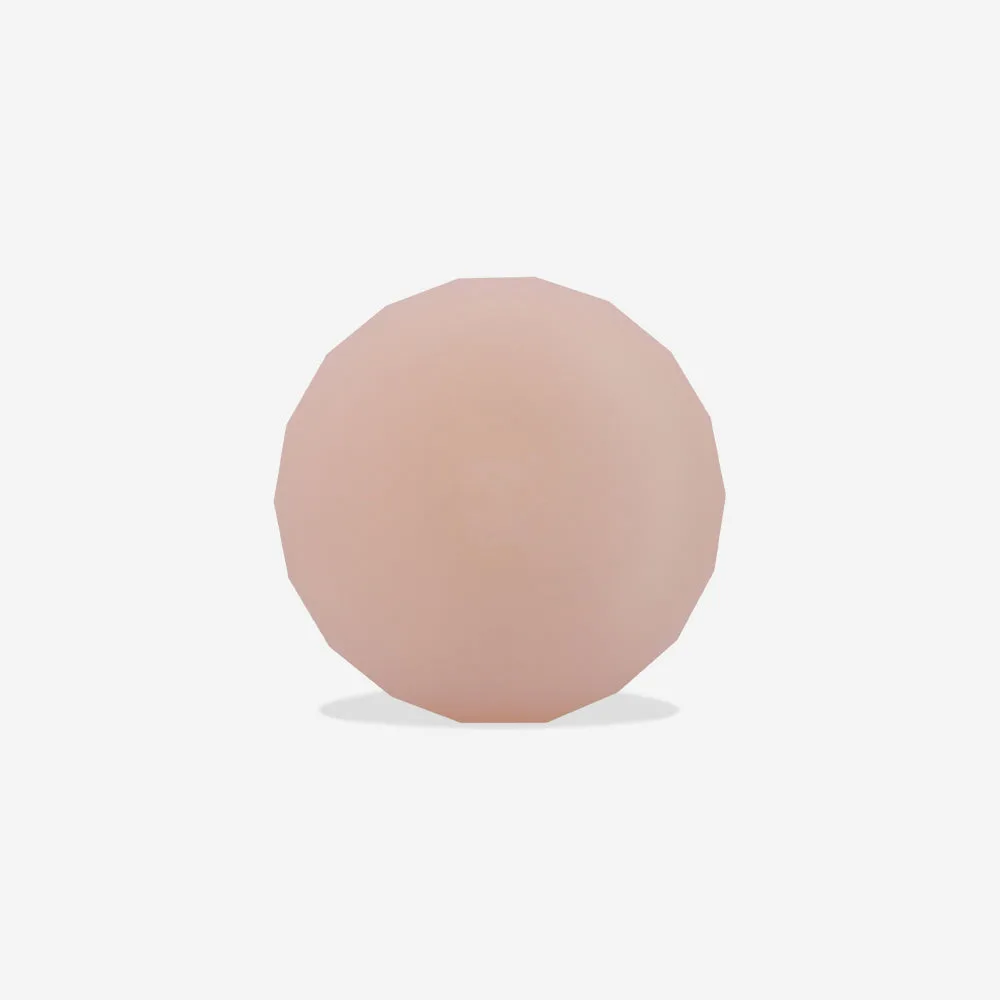
Pink | AirTag Holder: The Pink AirTag Holder is made from silicone and slides onto collars or harness straps up to 1 inch wide. Silicone is lightweight and flexible, so it won't irritate your cat's skin or add noticeable weight to the collar.
Pink | AirTag Holder