Quick Answer
Start with Program Auto (P) mode to learn the EOS R50's settings, then switch to Aperture Priority (Av) for creative control. Use the Q button for quick access to key settings.
Why a Pocket Guide Helps
The Canon EOS R50 packs a lot of features into a small body. A compact reference like the RockyNook Canon EOS R50: Pocket Guide can be a lifesaver when you're in the field and need to recall a specific setting or button function quickly.
Instead of digging through a thick manual, you can keep this guide in your camera bag and flip to the exact page you need. It's designed for photographers who want quick access to guidance while shooting or traveling.
Step-by-Step: Master Your EOS R50 Settings
- Set the Mode Dial: Rotate the mode dial to P (Program Auto) for a good starting point. This mode sets aperture and shutter speed automatically but lets you adjust other settings. For more control, switch to Av (Aperture Priority) to blur backgrounds or keep everything sharp. Check that the mode dial is fully clicked into place; a half-set dial can cause unexpected settings.
- Use the Q Button for Quick Settings: Press the Q button on the back of the camera to bring up the quick control screen. This lets you change ISO, white balance, autofocus mode, and more without diving into the main menu. Use the touchscreen to tap the setting you want to adjust. Customize the quick control screen to show your most-used settings for faster access.
- Adjust ISO for Lighting Conditions: In the quick control screen, select ISO. Use Auto ISO for general shooting, or set a specific value (100-400 for bright daylight, 800-1600 for indoor or low light). Higher ISO increases noise, so use the lowest value that still gives a fast enough shutter speed. Avoid using ISO 3200 or higher unless necessary; check your images for noise and lower ISO if possible.
- Choose the Right Autofocus Mode: Press the AF button (or use the Q button) to select autofocus mode. One-Shot AF is best for still subjects, while Servo AF tracks moving subjects. For the area, choose Spot AF for precise focusing, or Zone AF for moving subjects. If your subject is moving, switch to Servo AF and Zone AF to keep it sharp.
- Set White Balance for Accurate Colors: In the quick control screen, select WB. Use Auto (AWB) for most situations, but choose Daylight, Cloudy, or Tungsten to correct color casts. For precise control, set a custom white balance by photographing a white card under the same light. If your photos look too orange or blue, check the white balance setting before adjusting other settings.
- Use the Fn Button for Quick Access: Press the Fn button on the top of the camera to cycle through frequently used functions like drive mode, flash, and metering. You can customize which functions appear in the Fn menu via the main menu settings. Set the Fn button to your most-used function (e.g., ISO) for one-touch access.
Recommended Reference
-
RockyNook Canon EOS R50: Pocket Guide: The RockyNook Canon EOS R50: Pocket Guide is a compact reference book from Rocky Nook, made for photographers who want quick access to guidance while using the Canon EOS R50. Its pocket-sized format lets you carry it during shoots or travel, so you can look up settings without stopping to search online.
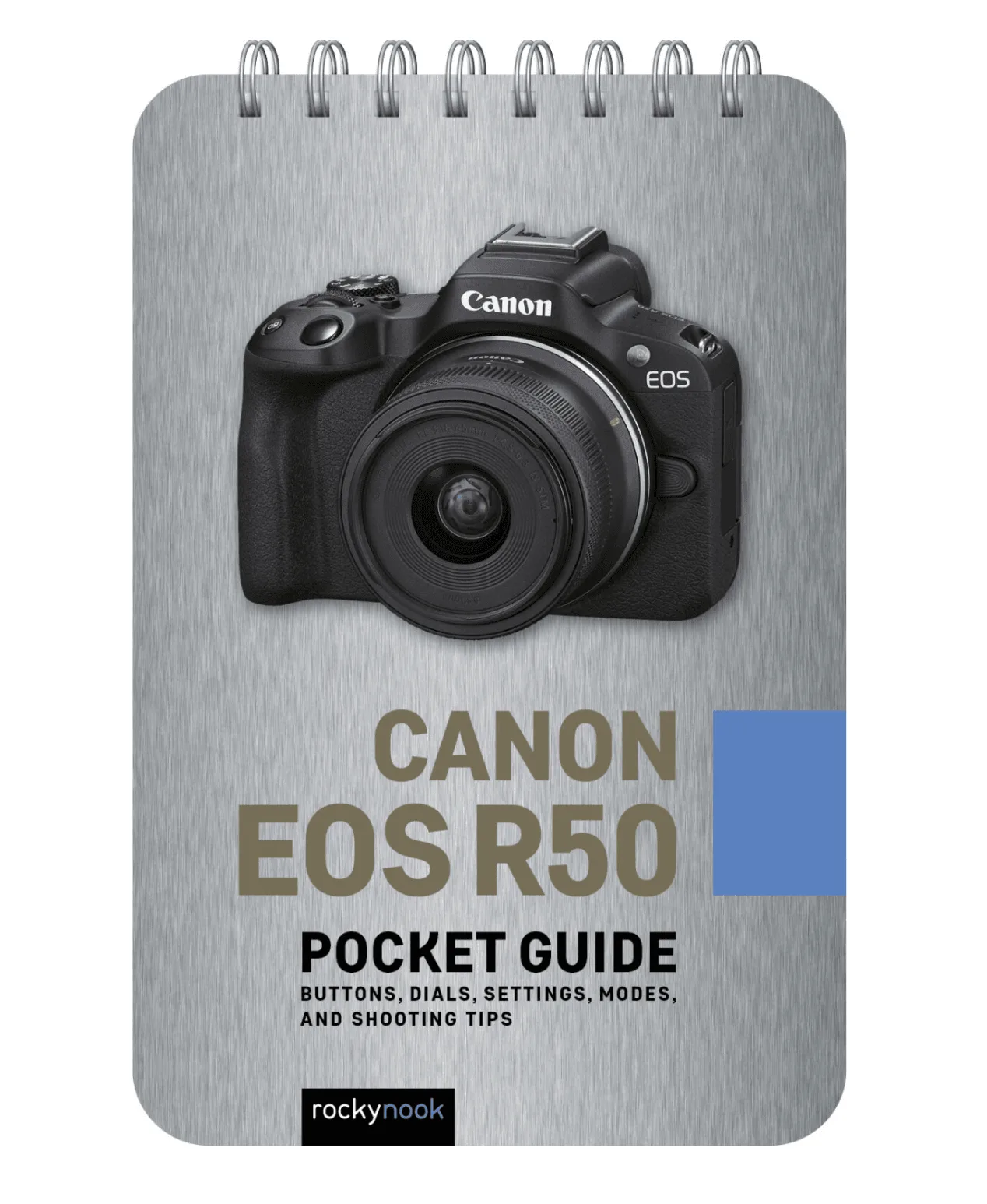
RockyNook Canon EOS R50: Pocket Guide


