Quick answer
A cassette player eats tapes because the tape is no longer being pulled evenly past the heads. The usual culprits are a glazed capstan or pinch roller, a slack take-up reel, or a tape that has already been damaged. Clean the tape path first, check that the take-up spindle turns under power, and replace the pinch roller if it feels hard or shiny. If the transport still chews tapes after that, stop and have the deck serviced rather than sacrificing more cassettes.
What eating a tape actually looks like
The symptom is rarely a mystery once you open the door. You will usually find a loop of tape pulled out of the shell and bunched around the capstan or pinch roller, often with a crease or a wrinkled section. Sometimes the tape is still threaded but the player slows, wows, or stops mid-song. Those are two stages of the same problem: the tape is being pulled faster than the take-up reel can collect it, so the slack has nowhere to go.
Before you touch anything, unplug the player or remove the batteries. Press stop, then open the cassette door slowly. Do not yank the tape out. If the shell is still seated, gently turn the take-up hub with a pencil or your finger to wind the loose tape back in. If the tape is wrapped around the capstan, release it by turning the capstan backward with a finger while guiding the tape away from the pinch roller. A tape wrinkled at the crease will not play cleanly again, but it can often be salvaged by winding past the damaged section and recording over it later.
The three causes worth checking first
Most cassette tape jammed fix attempts fail because people clean the heads and stop there. The heads are only one part of the tape path. The capstan is the thin metal spindle that drives the tape, and the pinch roller is the rubber wheel that presses the tape against it. If either is dirty, glazed, or hardened, the tape slips, skews, and gets pulled into the mechanism. Clean cassette player heads with 90 percent isopropyl alcohol and a cotton swab, then clean the capstan the same way. Let everything dry completely before you play anything.
The pinch roller is the part most often ignored. Rubber hardens with age and exposure to heat. A healthy roller feels slightly tacky and springs back when you press it. A worn one feels smooth, shiny, or hard like plastic. If yours is worn, it cannot grip the tape evenly, and no amount of cleaning will fix that. Replacement rollers are available for many portable cassette player repair jobs, but the fit is model-specific, so measure the old one or find the exact part number before ordering.
The third cause is the take-up reel. With the cassette out and the power on, press play and watch the right-hand spindle. It should rotate steadily and pull a small amount of torque. If it does not turn, the belt or idler that drives it has failed, and the player will keep eating tapes no matter how clean the rest of the path is. This is the point where a portable cassette player repair usually turns into a bench job.
How to clean the tape path without making it worse
Work with the power off and the cassette removed. Use a fresh swab for each surface and change it as soon as it picks up brown residue. Clean the heads, the capstan, and the pinch roller, then use a dry swab to remove any remaining moisture. Never use rubbing alcohol that contains additives, and never spray liquid into the mechanism. A cleaning cassette can help with light maintenance, but it will not remove heavy oxide buildup or restore a hardened roller.
After cleaning, let the player sit for a few minutes. Then test with a cassette you do not care about. If the tape plays through without skewing or slowing, the cleaning worked. If it still eats the tape, the problem is mechanical, not hygienic, and further cleaning will not help.
When to stop and choose another option
Stop if the tape path is clean, the pinch roller is soft and grips properly, and the take-up spindle turns, yet the player still chews tapes. At that point the fault is likely in the belt, idler, or motor speed, and a repair may cost more than the player is worth. Stop immediately if you see a bent capstan, a cracked cassette shell, or tape that has wrapped around the capstan shaft itself. Forcing the mechanism can damage the heads, which are the most expensive part to replace.
If you are dealing with a valuable deck, a specialist is the right call. If you are dealing with a cheap portable, the honest answer is that a replacement is often cheaper than the repair. Keep your good cassettes away from a player that has eaten even one tape until you have found and fixed the cause.
Diagnosis checklist
- Symptom: tape bunched at the capstan: The tape has been pulled out of the shell and wrapped around the capstan or pinch roller. Cause is usually a dirty or hardened pinch roller. Clean first, replace the roller if it feels hard.
- Symptom: tape plays but slows or wows: The tape is threaded but speed is uneven, and the take-up reel may not be collecting tape fast enough. Check the take-up spindle under power. If it does not turn, the belt or idler has failed.
- Symptom: tape wrinkled after removal: A crease or fold in the tape means that section will not play cleanly again. Wind past the damaged section and record over it, or retire the tape. Do not reuse it in a player that is still eating tapes.
- Symptom: clean path, still eating tapes: Heads, capstan, and roller are clean and the roller is soft, but the player still chews tape. Stop here. The fault is mechanical and likely beyond a simple home fix.
A note on storage and care
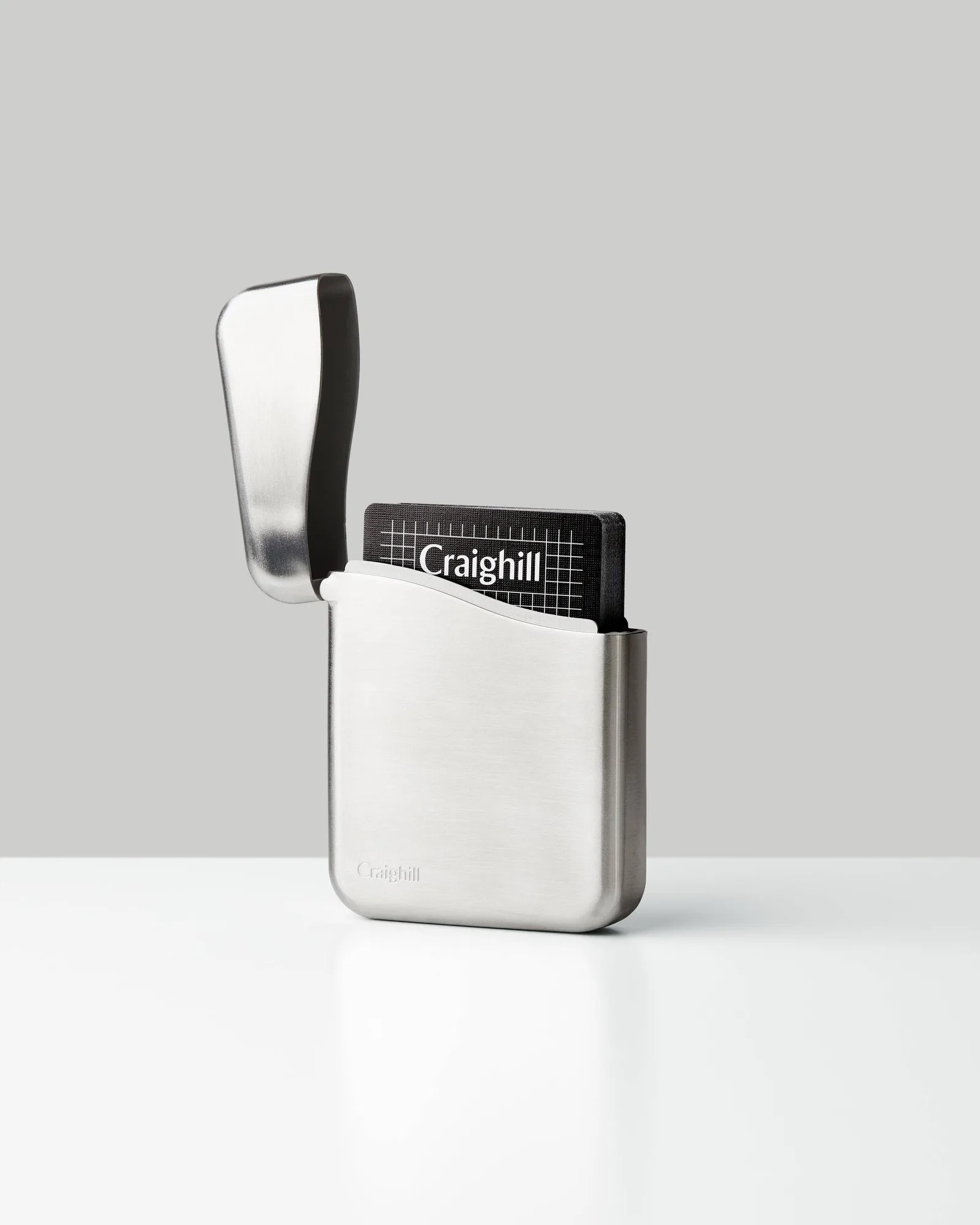
- Summit Playing Card Case: The Summit Playing Card Case from Craighill is designed to fit a standard deck of playing cards, with or without its box, and is made from a stainless steel injection molded body with a haptically rewarding hinge mechanism. It is a good reminder that rigid, close-fitting storage protects thin media from dust and pressure. The same principle applies to cassettes: keep them in their cases, upright, away from heat and magnets.