Quick answer
Most Litter-Robot error messages trace back to one of four things: a cat interrupting the cycle, a full or misaligned waste drawer, excess litter or debris on the sensors, or the unit sitting on an uneven surface. Power-cycle the unit first, then match the message to the fix below. If the same error returns after two clean attempts, stop troubleshooting and contact Whisker support.
A flashing light or app alert on your Litter-Robot is not a sign that the unit is broken. It is the robot telling you exactly where the cycle stopped, and in most cases the fix takes less than five minutes.
This guide walks through the most common Litter-Robot error messages, what triggers them, and the specific corrective action for each. Work through the steps in order, and know when to stop and ask for help instead of forcing another cycle.
Start here: the universal reset that clears most false errors
Before you chase a specific code, do the basic reset. Unplug the unit, wait about 30 seconds, then plug it back in and let it complete a full cycle without a cat nearby. This clears a stuck cycle and resets the sensors. If the error returns immediately, move on to the message-specific fixes below.
While you are at the unit, check the litter level. Overfilling is one of the most common causes of repeated errors because excess litter drags against the globe and triggers the anti-pinch sensors. Keep the litter at or slightly below the fill line, and never top it off mid-cycle.
- Unplug, wait 30 seconds, plug back in, and let it cycle once with no cat in the room.
- Confirm litter is at or below the fill line before running a test cycle.
- Check that the unit sits flat and level, especially on carpet.
Cycle interrupted or cat detected errors
If your Litter-Robot stops mid-cycle and reports that the cycle was interrupted, it detected motion or weight inside the globe. This is a safety feature, not a fault. The robot pauses, waits for the cat to leave, and then resumes or restarts the cycle on its own after a short delay.
If the message appears when no cat is in the unit, something is triggering the sensors. Loose litter, a dangling toy, or a curious pet nudging the globe can all cause it. Clear the area around the unit and run a manual cycle to confirm the sensors are reading correctly.
- Keep the area around the globe clear of toys, cords, and other pets during a cycle.
- If the error repeats with no cat present, clean the sensor area and run a manual cycle.
- Do not force the globe to keep spinning while the interruption message is active.
Waste drawer full or drawer not detected
A drawer-full message is usually accurate, but it can also appear if the drawer is not seated all the way in or if the liner is bunched up over the edge. Pull the drawer out, empty it, and reinstall it firmly until it sits flush. Smooth the liner so it does not block the sensor.
If the message persists after a clean, empty drawer, inspect the drawer opening for stuck clumps or litter that may be interfering with the sensor. A quick wipe of the drawer edges and the sensor window often resolves a false full reading.
- Empty the drawer and press it in until it stops; a partially seated drawer reads as full.
- Smooth the liner flat so it does not cover the drawer sensor.
- Wipe the sensor window with a dry cloth if the error returns on an empty drawer.
Globe will not rotate or motor strain errors
If the globe stops turning and the unit reports a motor or rotation error, the most likely cause is too much litter or a heavy clump pressing against the globe. Remove some litter, break up any large clumps, and run a cycle. A globe that is overloaded will strain and stop to protect the motor.
A dirty globe track or debris under the base can also cause rotation errors. Wipe the track and the base contact points, then test again. If the globe still will not rotate freely by hand with the unit unplugged, do not keep forcing it.
- Reduce litter to the fill line and remove oversized clumps before retesting.
- Clean the globe track and base contacts with a dry cloth.
- With the unit unplugged, the globe should rotate with light hand pressure; if it does not, stop and contact support.
Sensor, weight, or SmartScale errors
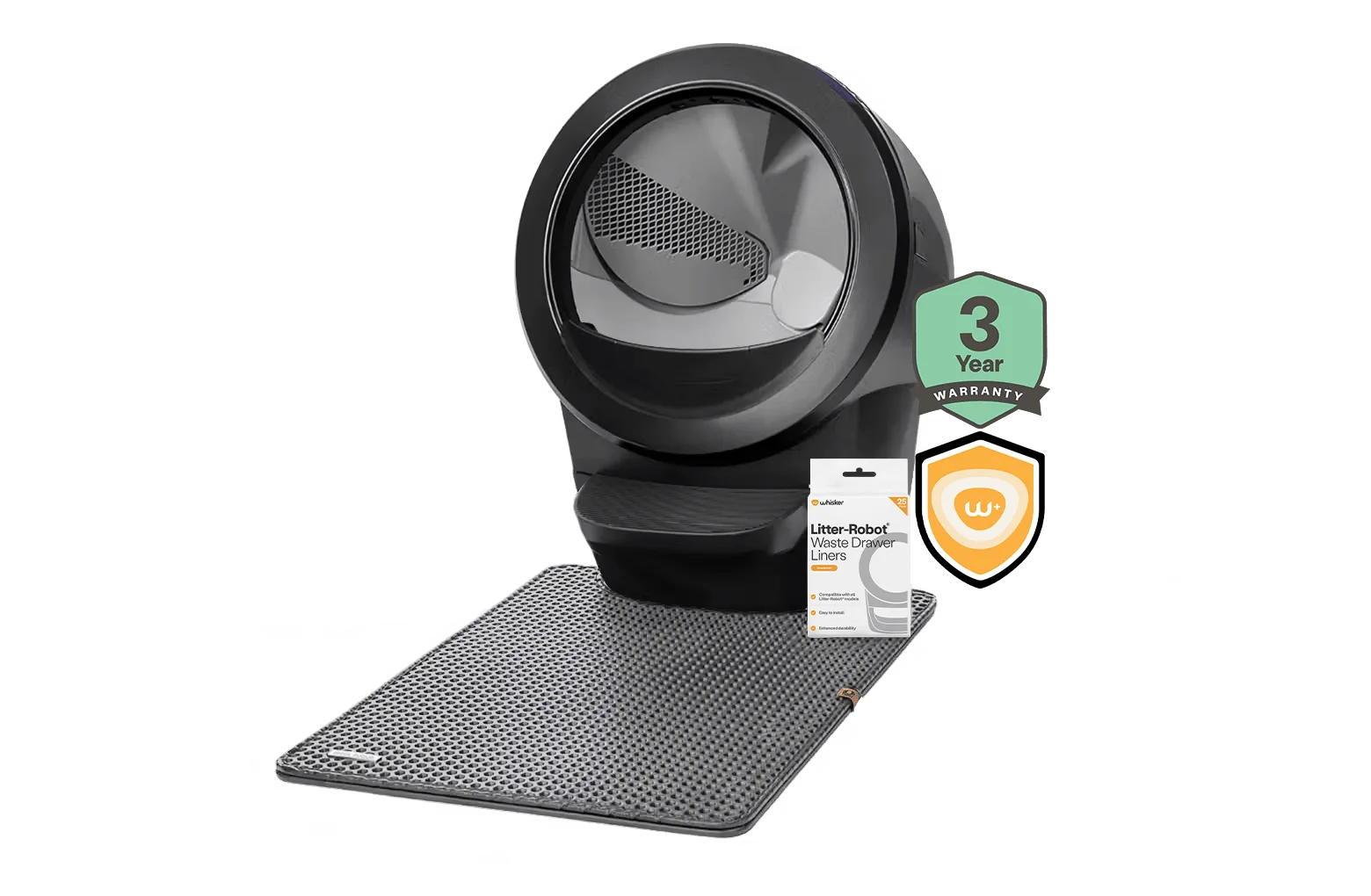
Weight and sensor errors often trace back to the surface the unit sits on. On carpet or an uneven floor, the base can rock slightly and throw off the scale readings. The Litter-Robot 4 Carpet Tray is designed specifically to improve the accuracy of SmartScale weight readings when the unit sits on carpet or uneven surfaces, and it is not required for the unit to function.
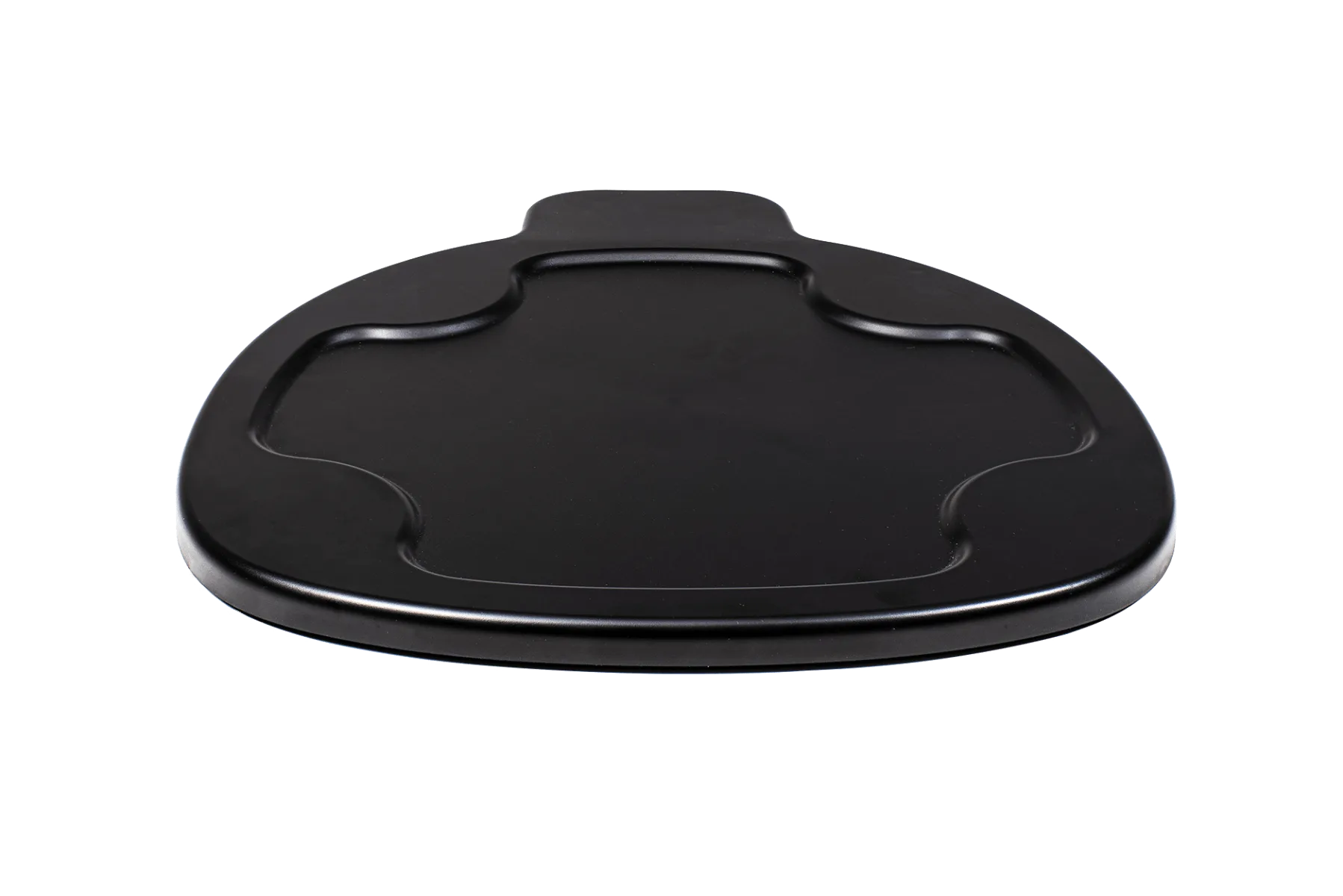
Litter-Robot 4 Carpet Tray
If you are not using a carpet tray and the unit is on carpet, that is a likely culprit. Place the tray under the base, confirm the unit is level, and run a test cycle. For persistent sensor errors, clean the sensor area and remove any litter or dust buildup.
- Use a carpet tray on carpet or uneven surfaces to stabilize weight readings.
- Make sure all four base feet are in contact with the floor or tray.
- Clean sensor windows and remove litter dust before retesting.
When to stop troubleshooting and get help
Stop and contact Whisker support if the same error returns after two full clean-and-reset attempts, if you see a burning smell or hear grinding, or if the globe will not rotate by hand with the unit unplugged. These point to a hardware issue that home fixes will not solve.
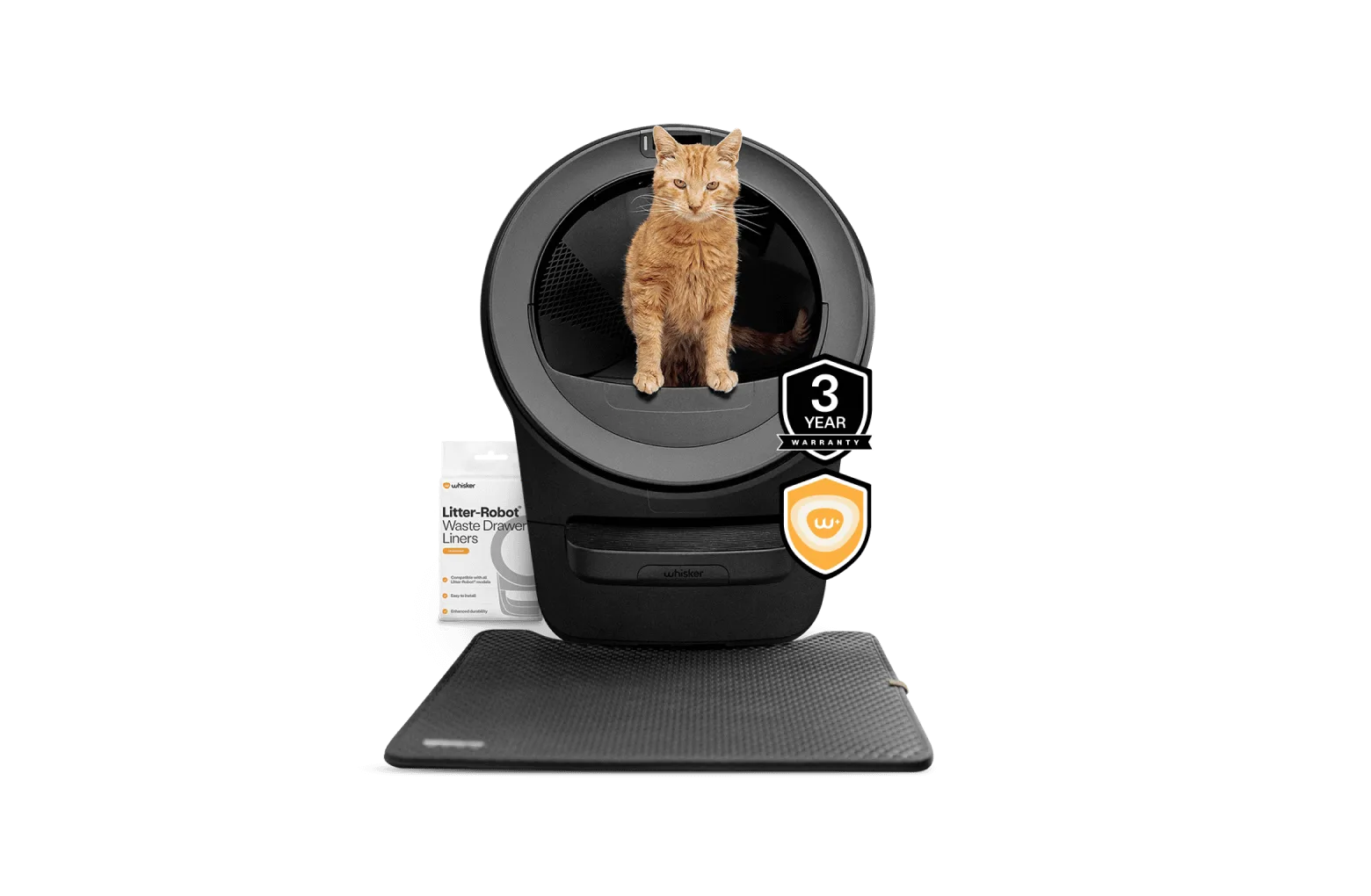
If you are still deciding on a unit, know that the Litter-Robot 5 Insights Bundle is the most advanced automatic, self-cleaning litter box for cats, and it includes a Whisker+ membership for deeper cat insights. The Litter-Robot 4 Insights Bundle pairs the Litter-Robot 4 with an included Whisker+ membership for advanced insights. Both are designed to reduce daily scooping, so most error messages you see will be maintenance prompts rather than failures.
- Two failed reset attempts on the same error means it is time to call support.
- Never ignore a burning smell or grinding noise; unplug the unit immediately.
- Keep your unit's serial number handy when you contact support.
Error message diagnosis chart
- Cycle interrupted / cat detected: The unit detected motion or weight in the globe and paused for safety. Clear the area, confirm no cat or pet is nudging the unit, and let it restart on its own. If it repeats with no cat present, clean the sensor area and run a manual cycle.
- Waste drawer full or drawer not detected: The drawer is full, not seated flush, or the liner is bunched over the sensor. Empty it, smooth the liner, and press the drawer in until it stops. If it still reads full when empty, wipe the drawer sensor window.
- Globe will not rotate / motor strain: Too much litter or a heavy clump is stalling the globe, or the track is dirty. Reduce litter to the fill line, remove large clumps, and clean the track. If the globe will not turn by hand when unplugged, stop and contact support.
- Sensor, weight, or SmartScale error: The unit is on carpet or an uneven surface, or the sensors are dusty. Add a carpet tray if on carpet, level the unit, and clean the sensor area. If errors persist after two clean resets, it is a support call, not a home fix.
Products mentioned in this guide
- Litter-Robot 4 Carpet Tray: The Litter-Robot 4 Carpet Tray improves the accuracy of SmartScale weight readings when Litter-Robot 4 sits on carpet or uneven surfaces. It is not required for Litter-Robot 4 to function. If you see weight or sensor errors on carpet, this tray is the specific fix and a low-cost add-on rather than a replacement unit.
- Litter-Robot® 5 Insights Bundle: Litter-Robot 5 is the most advanced automatic, self-cleaning litter box for cats. Stop scooping and get access to deeper cat insights with a Whisker+ membership. The included Whisker+ membership can surface usage and health patterns in the app, which helps you tell a one-off error from a recurring issue worth acting on.
- Litter-Robot® 4 Insights Bundle: The Litter-Robot 4 Insights Bundle from Whisker pairs the Litter-Robot 4 self-cleaning litter box with an included Whisker+ membership for access to advanced insights. Self-cleaning litter box design helps you stop scooping. If you are troubleshooting a Litter-Robot 4, the Insights Bundle is the version that includes the app-based data you can use to spot patterns behind repeated errors.
Most Litter-Robot error messages are maintenance prompts, not breakdowns. Reset the unit, match the message to the fix above, and give it one clean test cycle. If the same error comes back twice, stop troubleshooting and contact Whisker support with your serial number ready.