Quick answer
The Composer Pro II with the Soft Focus II optic is ideal for creating ethereal, painterly portraits and still lifes. Use wide apertures for dreamy glow and stop down to f/8 for sharp detail.
Understanding the Soft Focus II's unique look
The 50mm Soft Focus II optic is designed to produce an impressionistic image with a dreamy glow, while retaining subtle sharp detail beneath. At brighter apertures, it renders a color palette tending toward soft pastels, making it excellent for romantic portraits or fine art photography. When stopped down to f/8 or darker, the optic produces beautifully detailed, traditionally sharp images, offering surprising versatility.
How to use the Composer Pro II with Soft Focus II
- Mount the optic securely: Align the Soft Focus II optic with the Composer Pro II's bayonet mount, turn to lock, and ensure it clicks into place. A loose connection can cause unexpected light leaks or blur. Check the mount indicator before shooting.
- Set your aperture for the desired effect: For a dreamy, glowing look with soft pastels, shoot wide open (f/2.8 or f/4). For a sharper, more traditional image with subtle softness, stop down to f/8 or f/11. The aperture ring has distinct clicks; avoid resting your finger on it while composing. Wide apertures maximize glow; smaller apertures add detail.
- Focus by tilting the ball joint: Hold the Composer Pro II's barrel and gently tilt the front of the lens to shift the plane of focus. The sweet spot is where your subject appears sharpest. Over-tilting can push the subject entirely out of focus; start with a small tilt and adjust gradually. Practice tilting on a stationary object first.
- Compose with the glow in mind: Use the dreamy glow to your advantage by placing your subject against a simple background—soft light sources like windows or foliage will bloom beautifully. Avoid busy backgrounds, as the glow can make them look muddy rather than ethereal. Less is more; let the glow be the star.
- Review and adjust exposure: The Soft Focus II's glow can trick your camera's metering into overexposing. Check your histogram and dial in -0.3 to -0.7 exposure compensation if highlights are blown. Underexposure is easier to fix in post than clipped highlights. Bracket exposures when in doubt.
Product facts
-
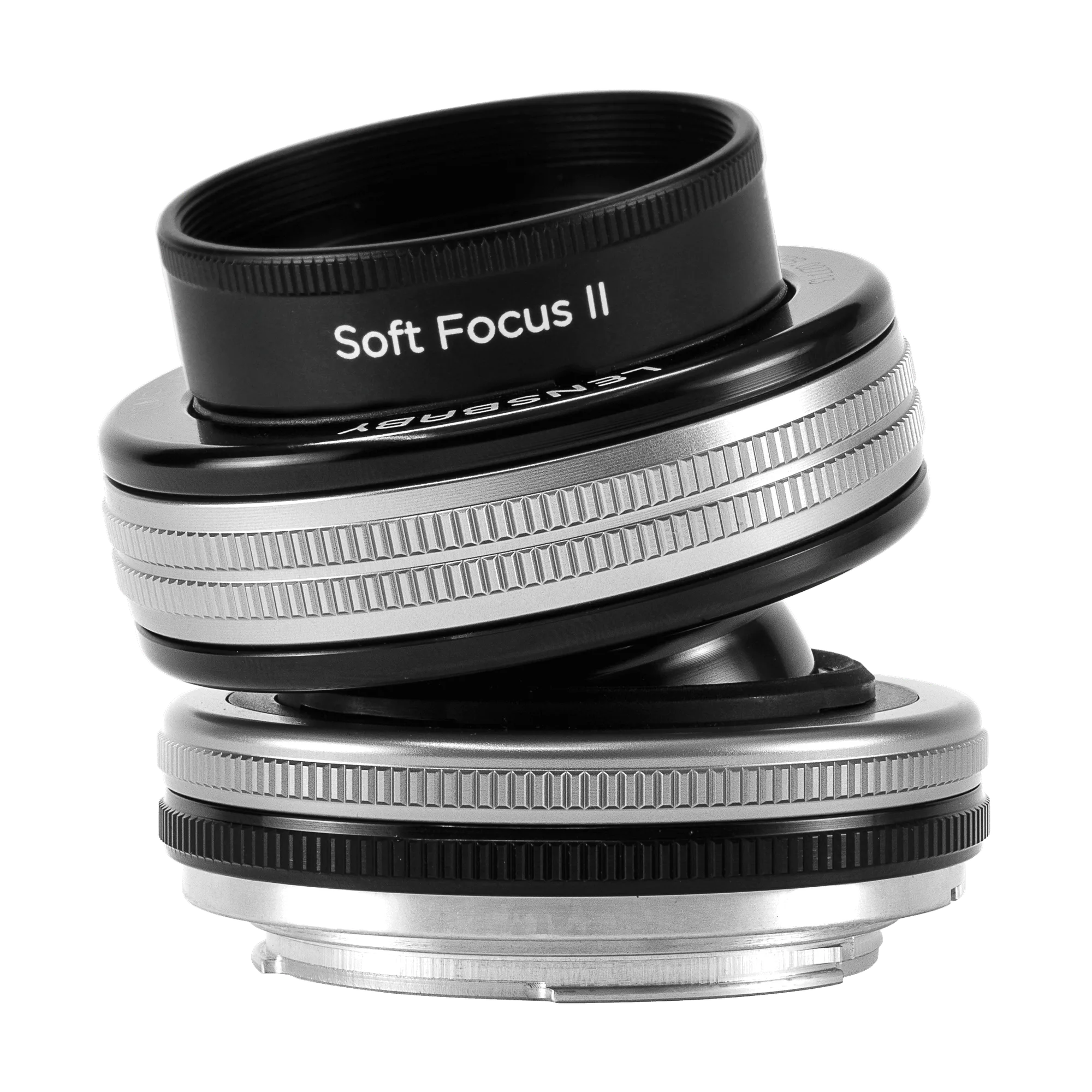
Composer Pro II with Soft Focus II: The 50mm Soft Focus II creates an impressionistic image with subtle sharp detail beneath dreamy glow, rendering a color palette tending toward soft pastels at brighter apertures. This means you can achieve a unique, painterly look straight out of camera without heavy post-processing, ideal for creative portrait work.
Composer Pro II with Soft Focus II


