Quick Answer
Install Corepad Skatez CTRL on your Endgame Gear OP1, OP1we, or OP1 8K by removing both stock layers, aligning the skate with the mouse foot, and pressing firmly. The CTRL series gives a smoother, more controlled glide than standard PRO skates.
Why Choose Corepad Skatez CTRL for Your OP1?
The Corepad Skatez CTRL series uses a special heat treatment that creates an evenly smooth surface. This makes them slightly slower and more controllable than the standard PRO series, which is ideal for gamers who want precise cursor movement without sacrificing the high-quality glide Corepad is known for.
The Endgame Gear OP1, OP1we, and OP1 8K share the same foot shape, so the same CTRL skate fits all three models. Just confirm you have the correct size before starting.
Important: Remove Both Stock Layers
A common mistake is leaving one layer of the stock feet on the mouse. The Endgame Gear OP1 series comes with two layers of adhesive-backed feet. You must peel off both completely before applying the Corepad Skatez CTRL. If you skip this, the skate won't sit flat and the glide will feel uneven.
Step-by-Step Installation Guide
- Prepare the Mouse: Turn off the mouse and remove any existing mouse feet. Use a plastic spudger or your fingernail to gently lift the edge of the stock feet. Peel off both layers completely – do not leave any adhesive residue. If residue remains, clean it with a mild adhesive remover. Check that the surface is completely bare and clean before proceeding.
- Peel and Align the Corepad Skatez CTRL: Peel the backing from the Corepad Skatez CTRL. Align the skate with the front edge of the mouse foot, ensuring the curved cutouts match the sensor windows. Do not touch the adhesive side with your fingers – use the included tweezers or the backing paper to handle it. If the skate is slightly off-center, lift it gently and reposition immediately – the adhesive is strong once pressed.
- Press and Smooth: Once aligned, press the skate firmly from the center outward. Use a soft cloth or your thumb to smooth out any air bubbles. Apply even pressure for about 10 seconds. Let the adhesive cure for at least 30 minutes before using the mouse. Wait the full cure time to ensure the skate doesn't peel off during aggressive movements.
Product Facts
-
Corepad Skatez CTRL - Endgame Gear OP1 / OP1we / OP1 8K: Corepad CTRL Skatez are manufactured using a special heat treatment process that creates an evenly smooth and even surface, making them more controllable and slightly slower than the regular PRO series. For OP1 users, this means you get a glide that's easier to stop and start precisely, reducing overshoot during fast flicks or tracking.
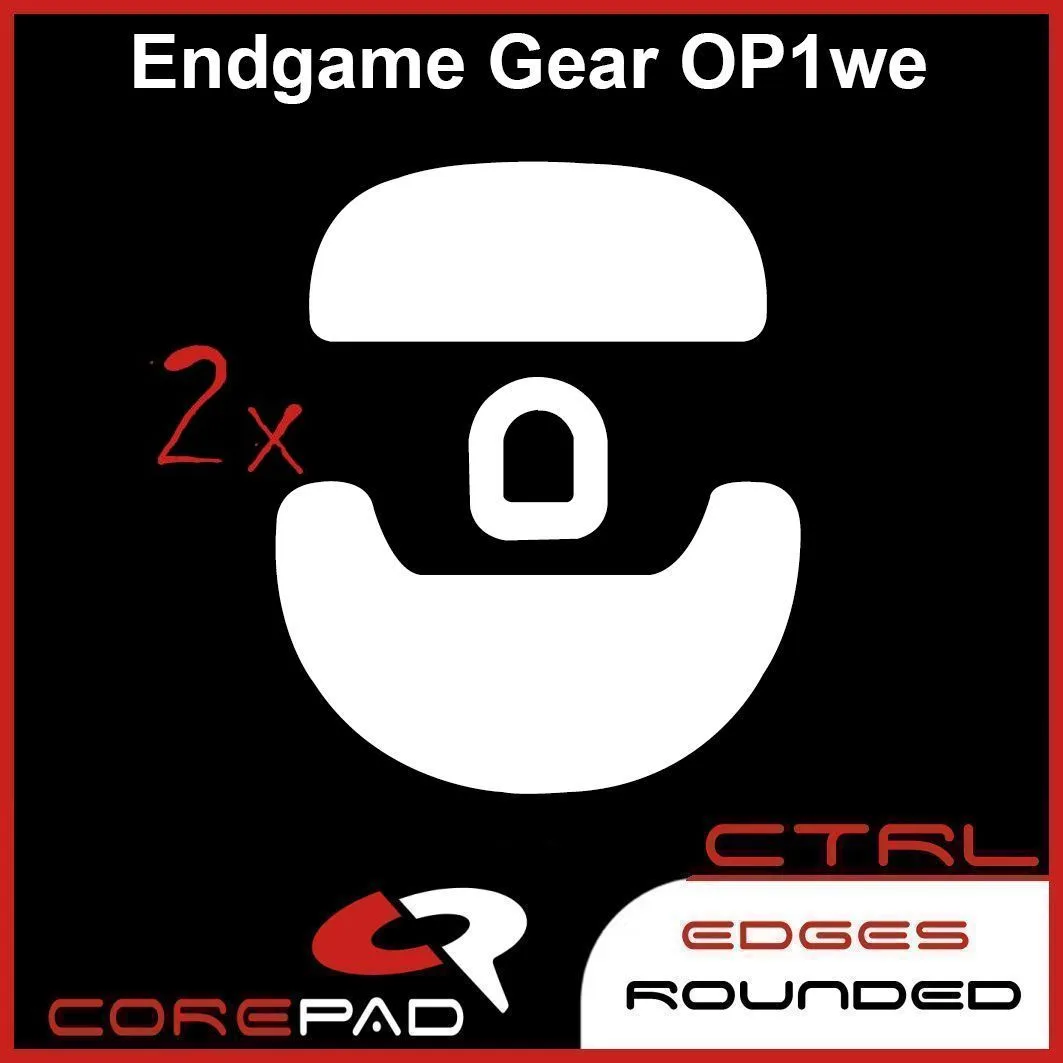
Corepad Skatez CTRL - Endgame Gear OP1 / OP1we / OP1 8K