Quick answer
Attach the EXEC6 Case Accessory to your iPhone 17 case by aligning the clips with the case's designated slots and pressing firmly until you hear a click.
Before you start: check compatibility
The EXEC6 Case Accessory is designed specifically for the EXEC6 case series. It will not fit other iPhone 17 cases, so verify your case is part of the EXEC6 line before attempting installation.
How to install the EXEC6 Case Accessory
- 1. Clean the case surface: Wipe the back of your EXEC6 case with a lint-free cloth to remove dust or oils. This helps the accessory grip firmly. Skipping this step can cause the accessory to slip off during use.
- 2. Align the accessory clips: Hold the EXEC6 Case Accessory so the two clips face downward. Match them with the two small slots on the back of your EXEC6 case. The accessory only fits one way; forcing it backward may break the clips.
- 3. Press until it clicks: Push the accessory straight down onto the case until you hear a distinct click from both clips. Do not rock or twist it. If you don't hear a click, the accessory is not fully seated. Remove and realign.
- 4. Test the connection: Gently tug the accessory to ensure it is locked in place. It should not move or wiggle. A loose accessory may detach when you put your phone in a bag or pocket.
Product facts
-
EXEC6 Case Accessory: Compatible with the EXEC6 case series, ensuring a seamless fit. You must own an EXEC6 case for this accessory to attach correctly; using it with a different case may result in a loose or unstable connection.
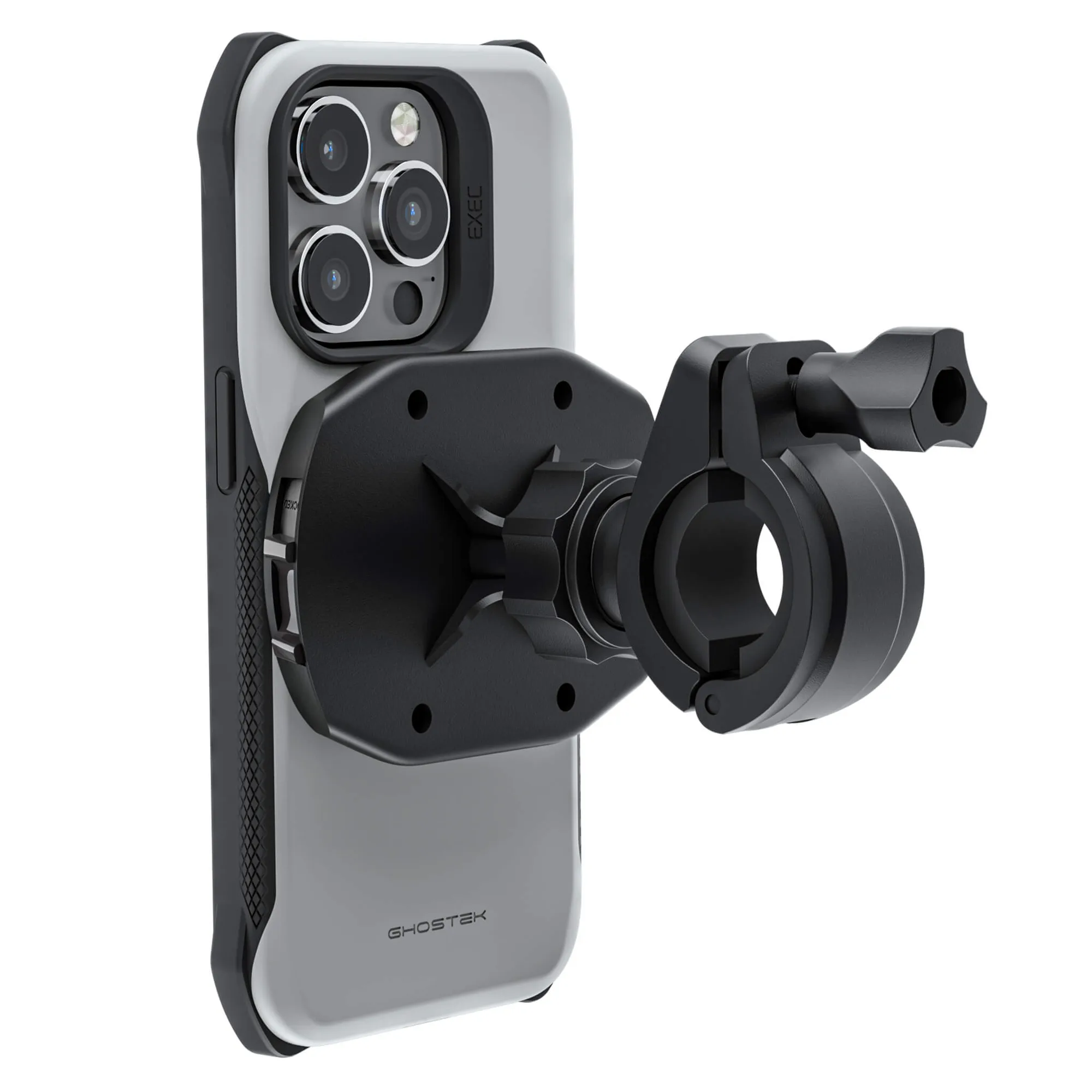
EXEC6 Case Accessory