Quick answer
Most discomfort comes from a grip that doesn't match your hand size or the device's shape, or from stiff materials that dig into your palms. Adjusting your grip position, adding padding, or switching to a flexible material can often solve the issue.
Why a grip that fits the device can still feel wrong
A grip designed specifically for your handheld model should align with ports, buttons, and contours. But even a perfectly matched grip can cause discomfort if your hand size or grip style differs from the designer's assumption. For example, a grip that works for average-sized hands may feel too wide or too narrow for others.
Material choice also plays a big role. Rigid 3D-printed materials like standard PLA offer durability but can create pressure points during long sessions. Flexible materials like TPU (thermoplastic polyurethane) absorb shock and conform slightly to your hand, reducing fatigue.
When to consider a different grip design
If adjusting your hold or adding padding doesn't help, the grip's ergonomics may not suit your needs. Some grips prioritize protection or stand functionality over comfort. Others are designed for specific play styles—like one-handed use or tabletop mode—that might not match how you game.
For smaller handhelds like the GKD Pixel 2, a 3-in-1 grip adds bulk that can improve control but may feel cramped for larger hands. For the Analogue Pocket, a full-bodied handle can spread pressure more evenly, but its shape may still not suit everyone.
Diagnose and fix your grip discomfort
- Symptom: Hand cramps or numbness after 30 minutes: Likely cause: Grip is too narrow or too wide for your hand, forcing an unnatural angle. Corrective action: Try repositioning your hands so your fingers curl naturally around the grip. If the grip has adjustable parts, experiment with different configurations. Add a thin layer of foam or grip tape to widen or soften the contact points. If repositioning doesn't help, consider a grip with a different width or material.
- Symptom: Sharp pressure on one spot of your palm: Likely cause: A rigid edge or corner of the grip digs into your hand. Corrective action: Sand down sharp edges with fine-grit sandpaper (400+ grit) if the grip is 3D-printed. Alternatively, apply a small piece of adhesive felt or silicone pad over the pressure point. If sanding isn't possible or the grip is too thin to modify, replace it with a model that has rounded contours.
- Symptom: Grip feels slippery or causes hand fatigue from gripping too hard: Likely cause: Smooth surface finish or lack of texture. Corrective action: Clean the grip with isopropyl alcohol to remove oils. Apply a textured grip tape or a silicone sleeve designed for controllers. If the grip is TPU, its natural tackiness usually improves over time. If adding texture doesn't help, look for a grip with built-in rubberized or textured areas.
Product solutions for common grip discomfort
-
3D Printed 3-in-1 Grip, Stand, and Protective Case for GKD PIXEL 2: 3-in-1 Functionality: Serves as a protective case, ergonomic grip, and stand for comfortable long gaming sessions. If your current grip lacks versatility, this design lets you switch between grip and stand modes without removing the case, reducing the need to hold the device continuously.
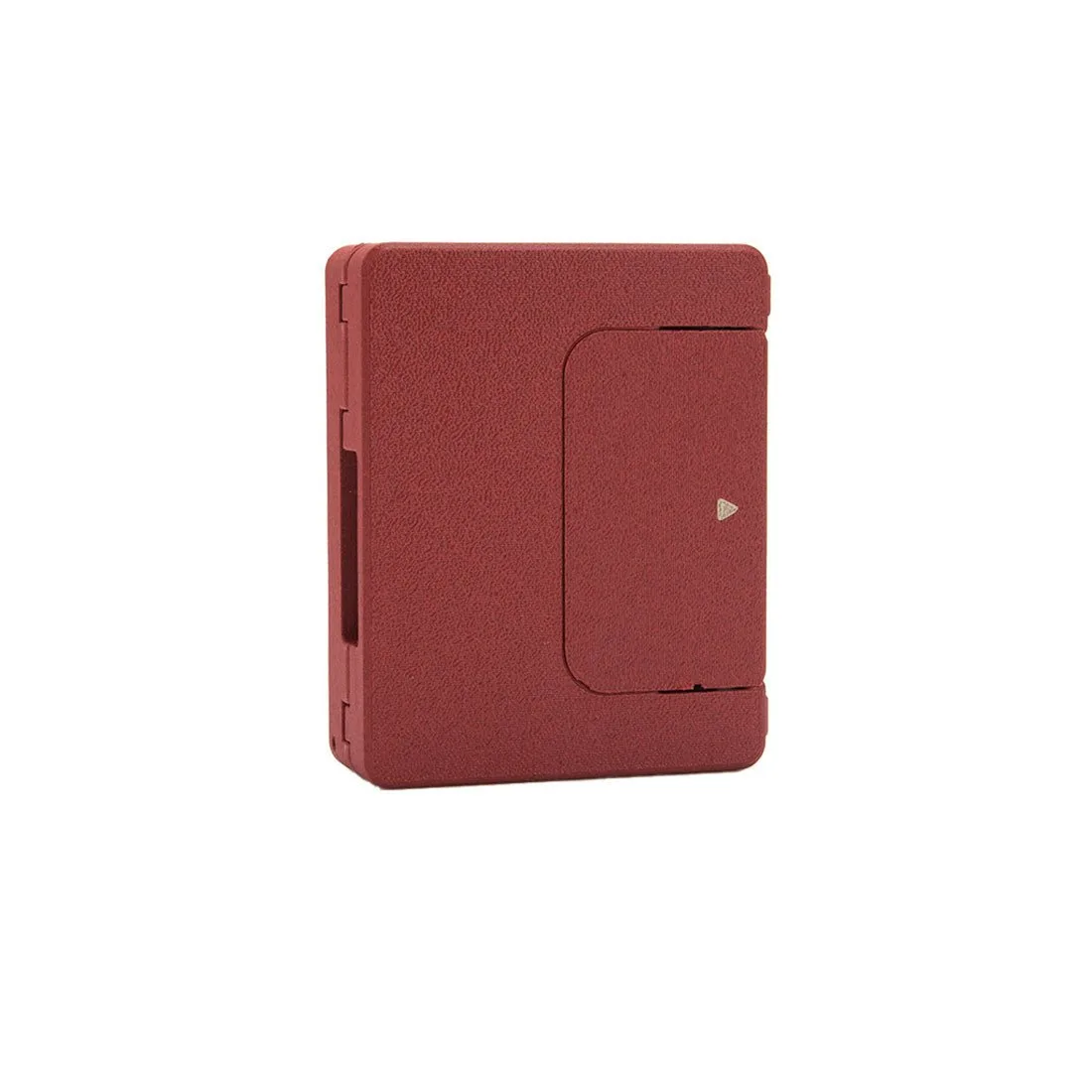
3D Printed 3-in-1 Grip, Stand, and Protective Case for GKD PIXEL 2
-
3D Printed Flexible Handle for Analogue Pocket Game Consoles: Crafted from Thermoplastic Polyurethane (TPU) elastomer material, providing high strength, resilience, wear resistance, and oil resistance while maintaining elasticity to prevent scratching the device. The flexible TPU material conforms slightly to your hand, reducing pressure points compared to rigid plastic grips—ideal for extended play sessions.
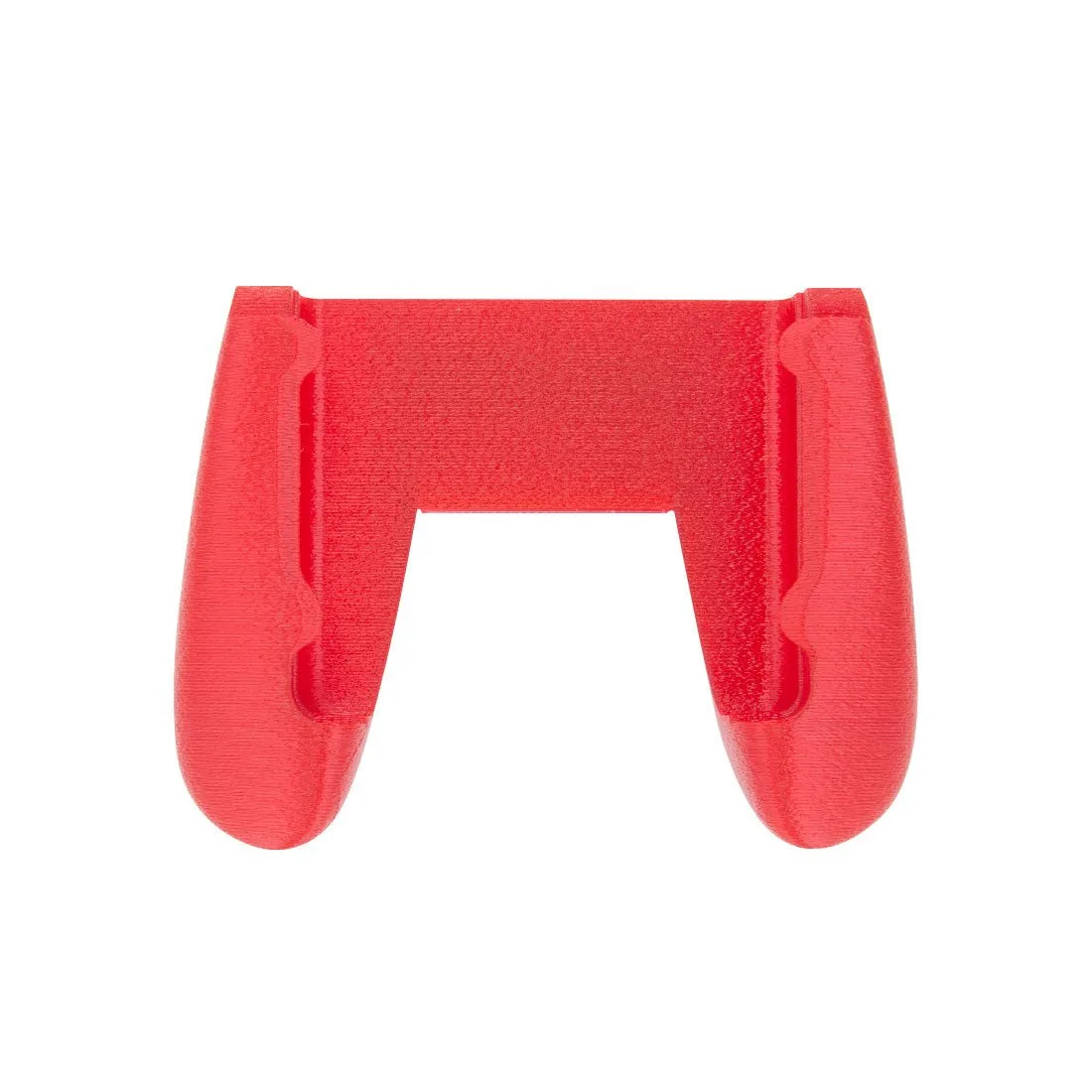
3D Printed Flexible Handle for Analogue Pocket Game Consoles