Quick answer
When the flash fires but the photo is dark, the light usually arrived at the wrong moment or at too low a level. Set your shutter speed to the camera's sync speed or slower, confirm the flash is actually firing during the exposure rather than as a pre-flash, and raise flash power or move the light closer before you change anything else.
First, separate a timing problem from a power problem
A dark frame with a visible flash pop almost always falls into one of two buckets: the flash fired outside the shutter's open window, or it fired inside the window but delivered too little light. These need opposite fixes, so identify which one you have before touching settings.
A quick test: shoot at a slow shutter speed such as 1/30 or 1/15 with the flash on. If the frame suddenly brightens, you had a timing problem. If it stays dark, the flash is firing but its light is not reaching the sensor in useful amounts, which points to power, distance, or trigger issues.
Check sync speed before anything else
Every camera has a maximum shutter speed at which the whole sensor is exposed at once. Go faster than that and the shutter curtains form a moving slit, so the flash burst only illuminates part of the frame or none of it. This is the classic flash sync speed problem, and it looks exactly like a flash that fires but produces a dark image.
Drop to your camera's stated sync speed, or one stop slower to be safe, and shoot again. If the frame lights up, you have your answer. If your camera supports high-speed sync, that mode changes the rules, but plain sync speed is still the first thing to rule out.
Rule out the trigger and pre-flash timing
With off-camera flash, a trigger that fires late or a camera that emits a metering pre-flash can leave the main burst outside the exposure. This is the most common reason an off camera flash setup looks too dark even though you clearly saw a pop.
Switch the flash out of any automatic or TTL mode into manual at a fixed power, then fire a test frame. If manual works and automatic does not, the problem is pre-flash communication, not the hardware. Optical triggers are especially prone to this because they can be fooled by the pre-flash and fire early.
Fix flash power, distance, and modifiers together
Once timing is confirmed, treat power and distance as one decision. Doubling the distance to your subject cuts the light to roughly a quarter, so a flash that worked at two feet can look dead at four. Raise power one stop at a time and re-shoot rather than jumping straight to full power.
Modifiers eat light too. A softbox, umbrella, or diffusion panel can cost one to three stops depending on size and material. If you added a modifier and the frame went dark, that is expected behavior, not a fault. Remove it, confirm the bare flash exposes correctly, then add the modifier back and compensate with power or distance.
Diagnosis: symptom, cause, action, and when to stop
- Symptom: flash pops, entire frame is black or nearly black: Cause is usually shutter speed faster than the camera's sync speed, so the flash fires while the shutter is only partly open. Set shutter to sync speed or slower and re-shoot. If the frame lights up, stop here.
- Symptom: flash pops, frame is dark only with off-camera triggering: Cause is trigger timing, often a pre-flash being read as the main burst by an optical trigger. Switch the flash to manual power and test again. If manual works, the trigger needs a different mode or a wired connection.
- Symptom: flash pops, timing is correct, frame is still underexposed: Cause is insufficient light reaching the subject from power setting, distance, or a modifier eating stops. Raise power one stop at a time, move the light closer, or remove the modifier. If none of these brighten the frame, the flash itself may be faulty and should be tested on another camera.
Used gear worth knowing about
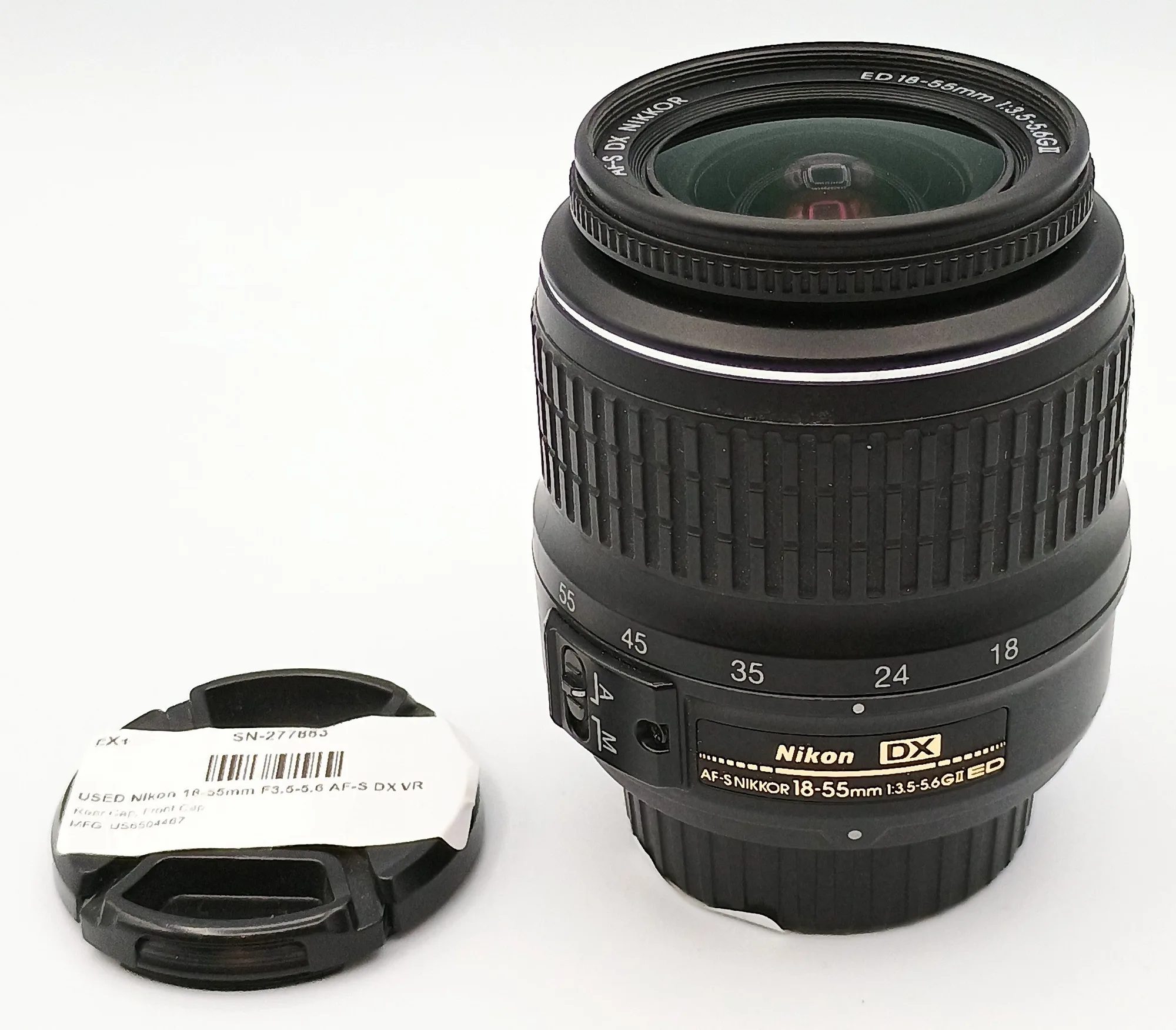
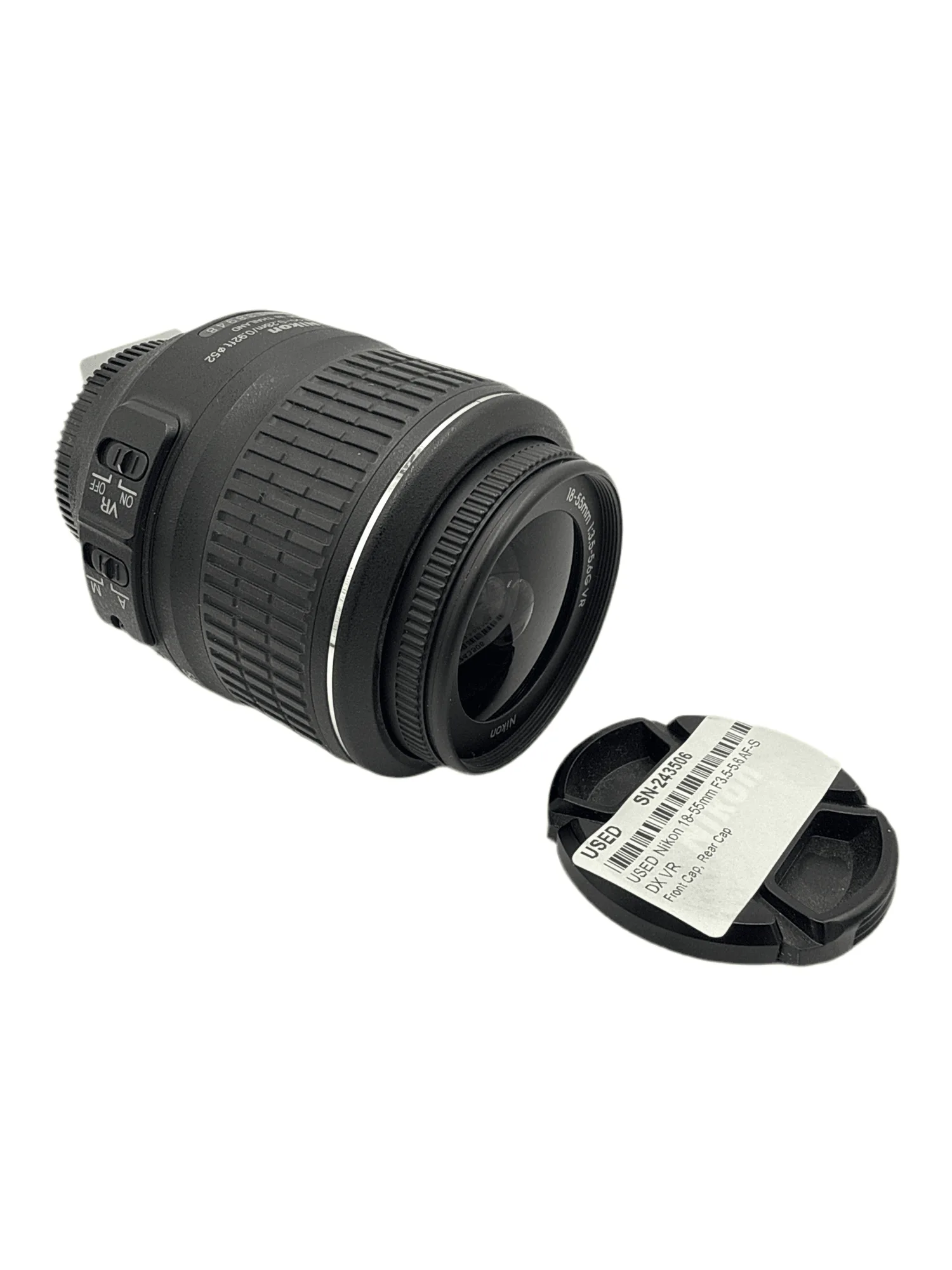
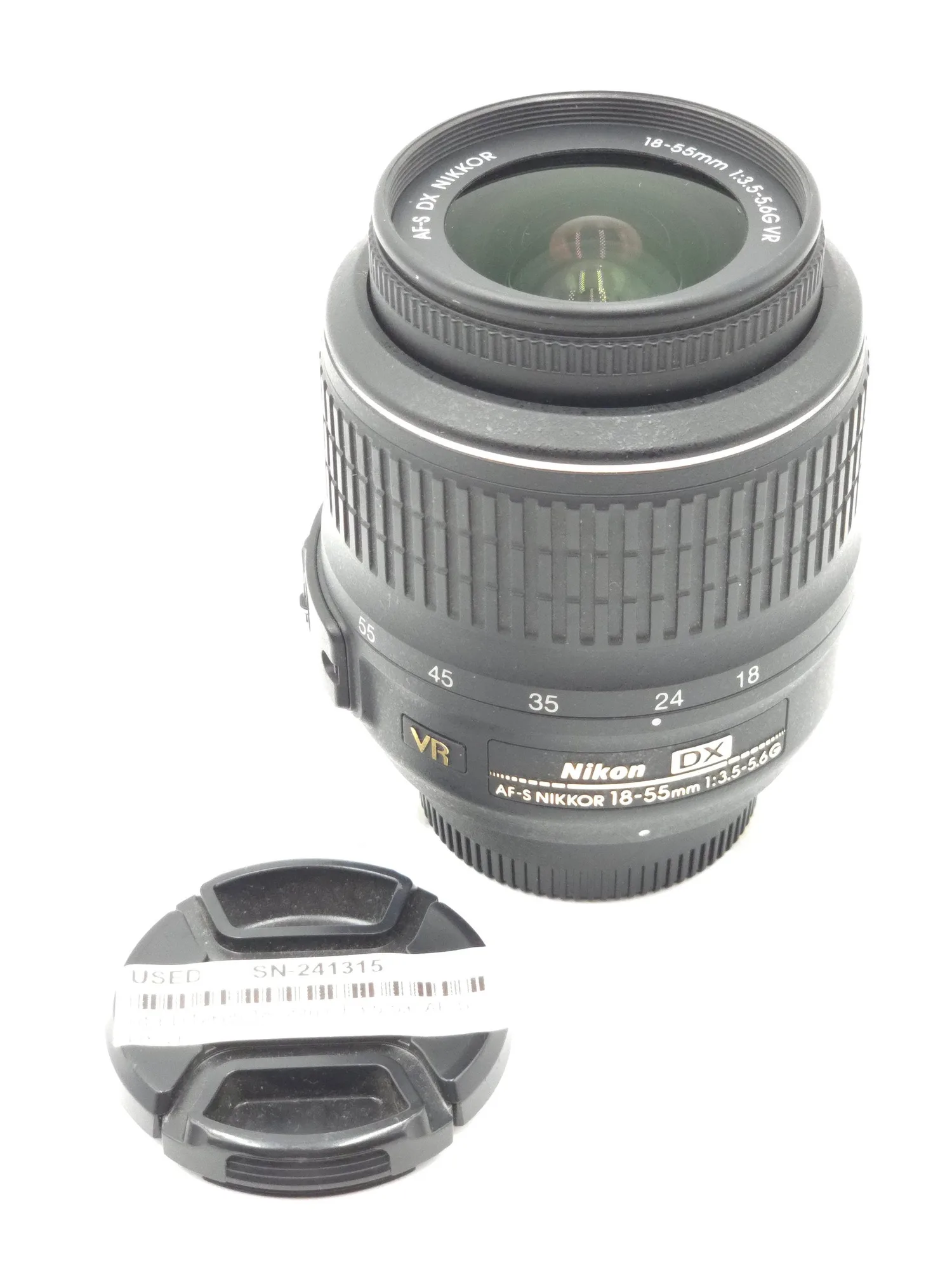
- USED Nikon 18-55mm F3.5-5.6 AF-S DX VR: This https://districtcameratech.com/products/used-nikon-18-55mm-f3-5-5-6-af-s-dx-vr-15-d1f8766b0c41a3c707921b47-1794865https://districtcameratech.com/products/used-nikon-18-55mm-f3-5-5-6-af-s-dx-vr-22-5607afeb1b2b001da0f47ec3-1794946https://districtcameratech.com/products/used-nikon-18-55mm-f3-5-5-6-af-s-dx-vr-24-bf18428dcab617fb560b2048-1795104https://districtcameratech.com/products/used-nikon-18-55mm-f3-5-5-6-af-s-dx-vr-30-e715125bd16f23ba100b4f9d-1795236USED Nikon 18-55mm F3.5-5.6 AF-S DX VR is in Excellent+ condition and includes front and rear caps plus a 100 day warranty. A clean, warrantied standard zoom removes one variable when you are testing whether a dark frame is a flash problem or a lens problem.
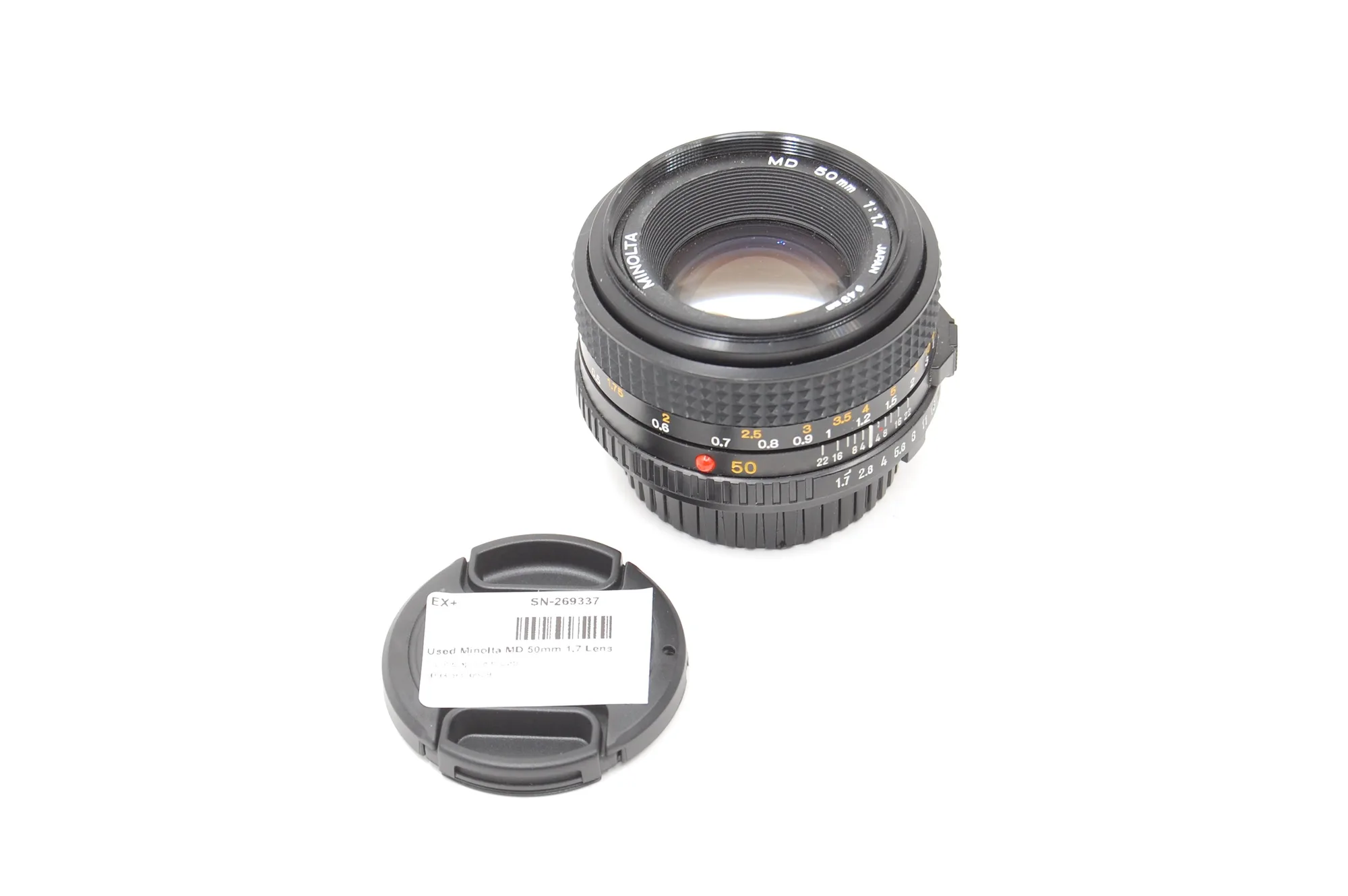
- Used Minolta MD 50mm 1.7 Lens: This Used Minolta MD 50mm 1.7 Lens is in Excellent+ condition with front and rear caps and a 100 day warranty. A fast prime gives you a wide aperture for ambient light, which helps you tell whether the darkness is from the flash or simply from an underexposed background.