Quick answer
Start Gravitorque DX by completing the tutorial and practicing movement in a low-risk area before engaging enemies. Focus on learning the dash and aim controls first, then gradually add weapon upgrades. Most early mistakes come from rushing into groups of enemies without a clear escape route.
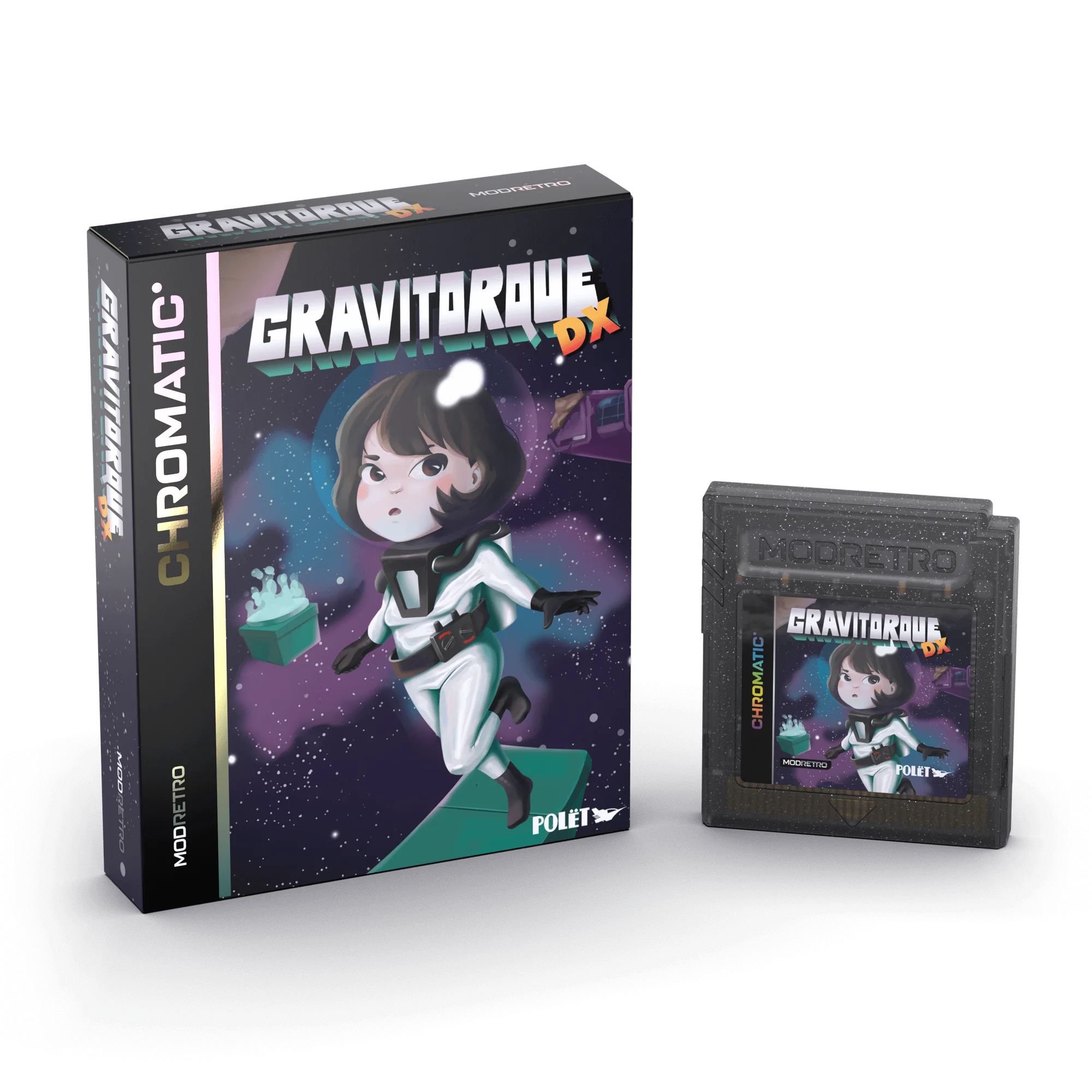
Gravitorque DX
Get comfortable with M64 shooter controls
Gravitorque DX uses a twin-stick control scheme on M64. The left stick moves your character, while the right stick aims and fires. If you are used to single-stick action games, spend five minutes in an empty area just moving and shooting at walls to build muscle memory. The dash button is your most important defensive tool; practice dashing in all eight directions before you rely on it in combat.
Understand the early game loop
The first few stages of Gravitorque DX are designed to teach you resource management. You will find weapon pickups and upgrade terminals scattered through each area. Do not hoard upgrades for later; the game scales enemy density quickly, so spending early upgrades on rate of fire or movement speed pays off more than saving for a late-game weapon. Each area also has a hidden survivor to rescue, which often rewards you with a permanent stat boost.
Choose your first upgrades wisely
When you reach the first upgrade terminal, prioritize mobility over raw damage. A faster dash cooldown or increased movement speed lets you reposition out of enemy swarms, which is the main cause of early deaths. If you prefer a more defensive playstyle, a single point in health regeneration can carry you through the first three stages. Avoid spreading upgrades across too many categories; focused builds perform better in the mid-game.
Step-by-step: your first hour in Gravitorque DX
- Complete the tutorial without skipping: The tutorial introduces dash, aim, and weapon switching. Even if you think you know twin-stick shooters, play through it once to see the game's specific timing windows. Checkpoint: you should be able to dash and shoot simultaneously without looking at the controller.
- Clear the first area slowly: Move through the opening stage at half speed. Let enemies come to you instead of charging in. Use corners to break line of sight and pick off enemies one at a time. Common mistake: rushing the first group and getting surrounded. If you die, restart and try pulling enemies back toward the entrance.
- Spend your first upgrade on mobility: At the first terminal, choose a movement or dash upgrade. This makes the second area, which has tighter corridors, much easier to navigate. Checkpoint: you should notice a clear difference in how quickly you can escape a bad position.
- Rescue the first survivor: Each early area has one survivor tucked away from the main path. Finding them usually requires exploring side rooms. The reward is often a permanent boost that helps for the rest of the run. Common mistake: skipping side rooms to save time. The permanent boost is worth the extra two minutes.
- Practice against the first elite enemy: Elite enemies appear near the end of the second area. They have a wind-up attack that you can dash through. Fight one without using consumables to learn its pattern. Checkpoint: you can defeat an elite without taking more than one hit.
M64 games worth pairing with Gravitorque DX
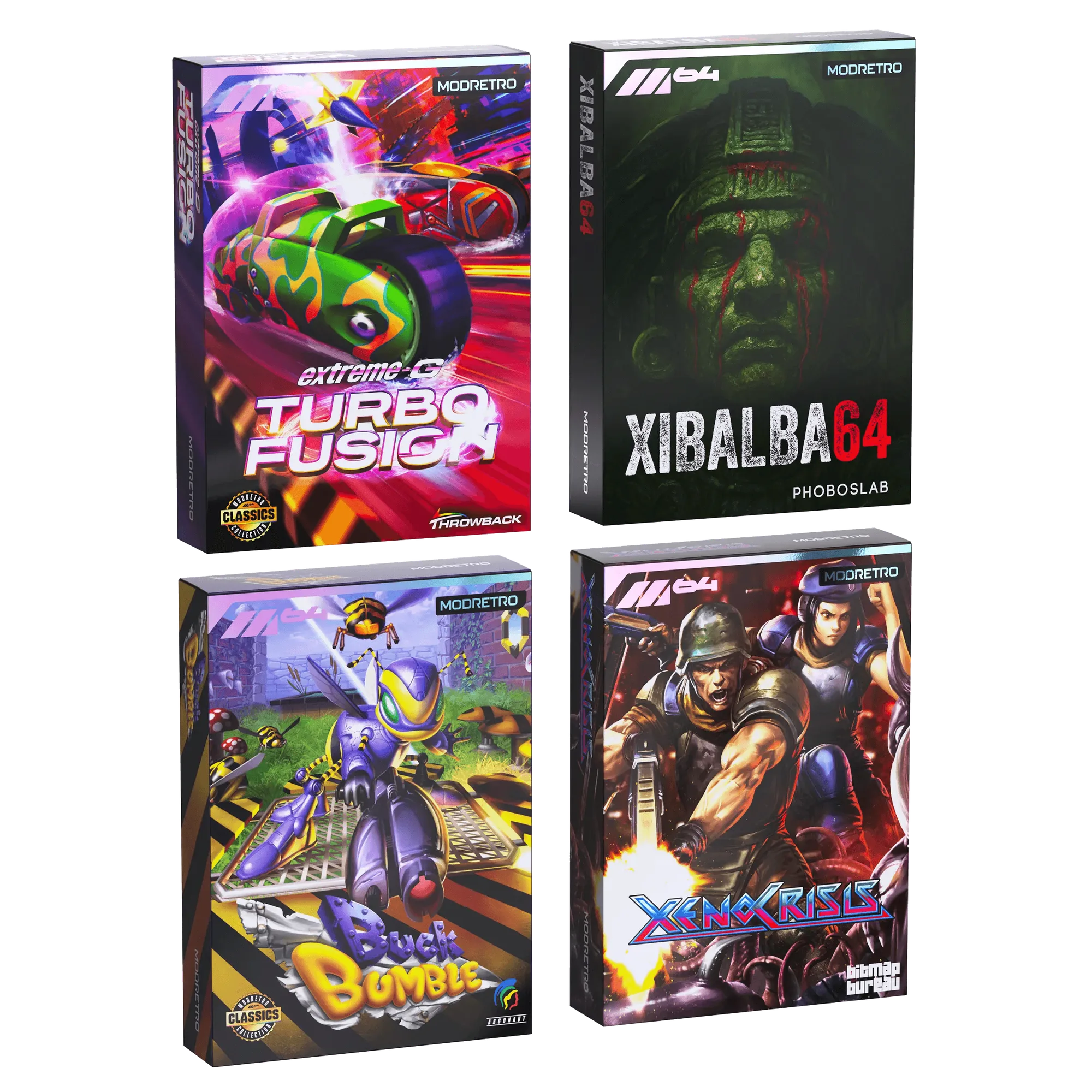
- M64 Release Titles Bundle: M64 Release Titles Bundle includes four collector's edition games on cartridge with printed manuals, including Xeno Crisis, a twin-stick arena shooter. If you enjoy Gravitorque DX's twin-stick combat, Xeno Crisis offers a similar control scheme and co-op support, making it a natural next purchase.
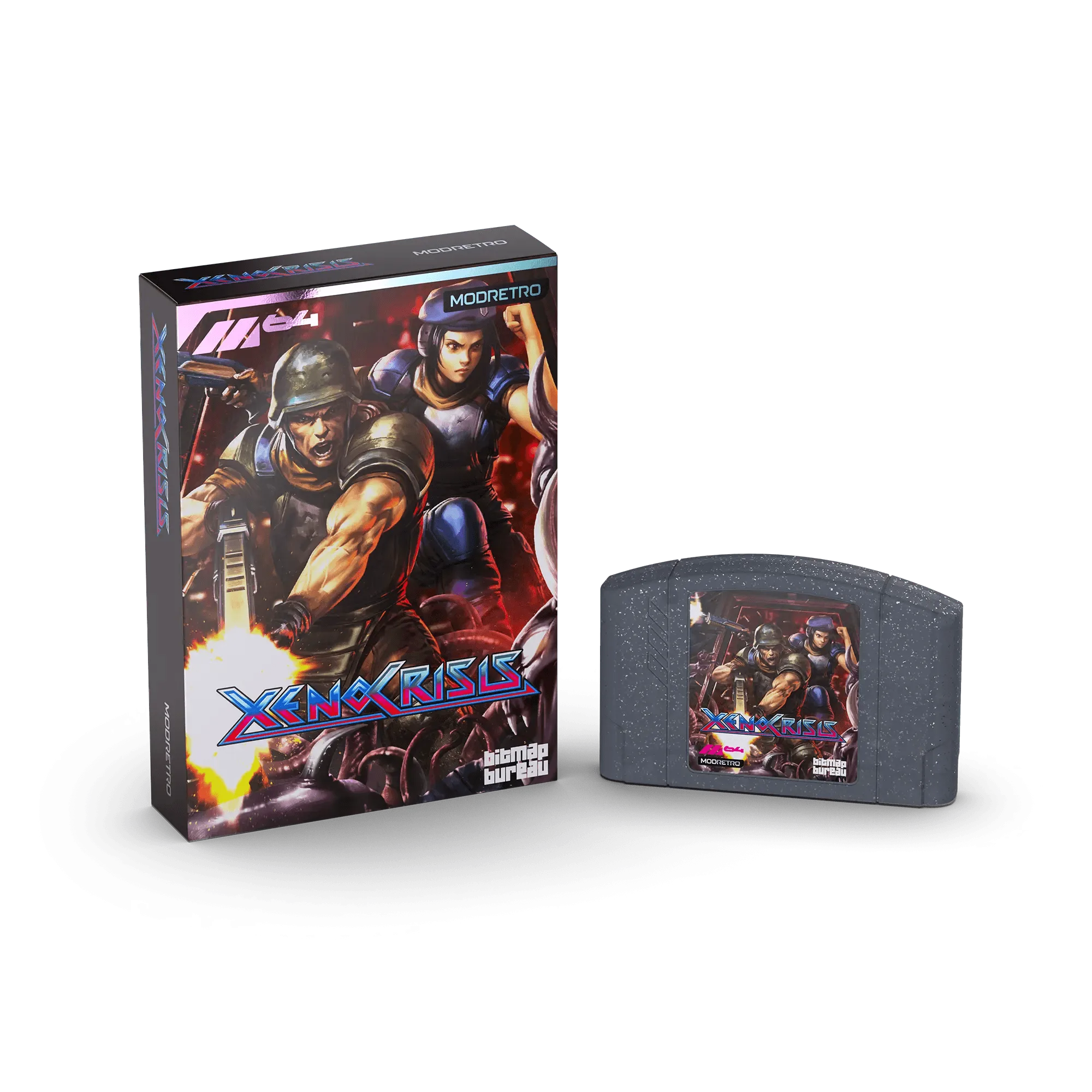
- Xeno Crisis: Xeno Crisis is a solo or co-op twin-stick arena shooter set in an alien research station with randomized elements. This standalone cartridge is a good way to practice the same movement and aiming skills you use in Gravitorque DX, especially if you want a second player to join.