Quick answer
Adjusting your Clip 2.0 for a custom fit means tightening the shoulder straps and waist belt so the carrier sits snugly against your body, with your baby's face visible and their back supported in a natural C-curve.
Why a custom fit matters
A well-fitted carrier distributes your baby's weight evenly across your hips and shoulders, reducing strain on your back and allowing for longer, more comfortable carries. It also ensures your baby maintains a safe airway and optimal hip development position.
Common fit issues
The most frequent problem is a loose waist belt, which causes the carrier to sag and puts pressure on your shoulders. Another is shoulder straps that are too tight or too loose, leading to discomfort for you or poor positioning for your baby. The Clip 2.0 does not offer a forward-facing carry position, so always keep your baby facing you.
- Loose waist belt shifts weight to shoulders
- Uneven strap tension can tilt the carrier
- Baby's face should always be visible and clear of fabric
Step-by-step adjustment guide
- Put on the carrier and adjust the waist belt: Place the carrier on your shoulders and buckle the waist belt. Position the belt at your natural waistline (just above your hips). Tighten the belt so it is snug but not restrictive. A common mistake is wearing the belt too low, which shifts the baby's weight onto your shoulders. The waist belt should be parallel to the floor and firmly against your body.
- Place your baby in the carrier: Hold your baby close to your chest and gently guide their legs through the leg openings. Ensure their bottom is seated deeply in the carrier's seat, with knees slightly higher than their bottom (the M-position). Check that their back is in a natural C-curve. A common mistake is placing the baby too high or too low; their face should be at chest level for easy monitoring. Your baby's face should be visible and their back supported in a C-curve.
- Tighten the shoulder straps: Reach over your shoulders and pull the adjustment straps downward and backward to tighten. The carrier should feel snug against your chest, with no gaps between you and your baby. A common mistake is overtightening, which can restrict your baby's breathing or make the carrier uncomfortable. You should be able to slip one finger between the strap and your shoulder. Ensure even tension on both sides; the carrier should not tilt to one side.
- Final safety and comfort check: Look in a mirror to confirm your baby's face is visible and clear of fabric. Check that the carrier's fabric supports their neck and head. Gently rock side to side; the carrier should not shift. A common mistake is skipping this check, which can lead to unsafe positioning during wear. Perform this check every time you put on the carrier.
Product facts
-
Dune Clip 2.0: The Clip 2.0 does not provide a forward-facing carry position. This means you only need to adjust for inward-facing carries, simplifying the fitting process and ensuring your baby is always in a supported, ergonomic position.
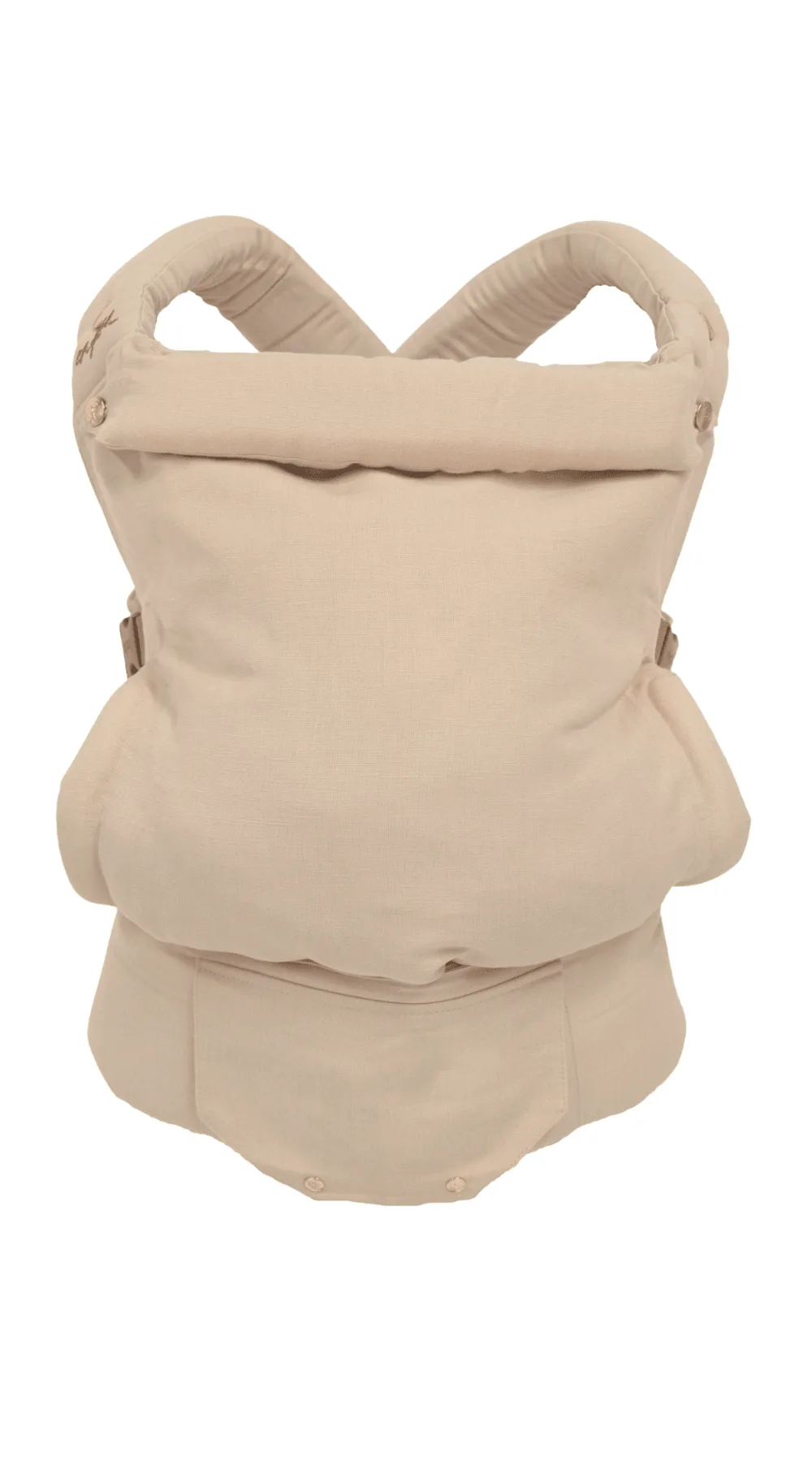
Dune Clip 2.0