Quick answer
Clean the Sora's shell with isopropyl alcohol, let it dry completely, then apply the Corepad grips one piece at a time, starting with the side you grip least. Press each piece firmly for 30 to 60 seconds, especially the edges. Skip the alcohol wipe or rush the press and the tape will lift within days, not months.
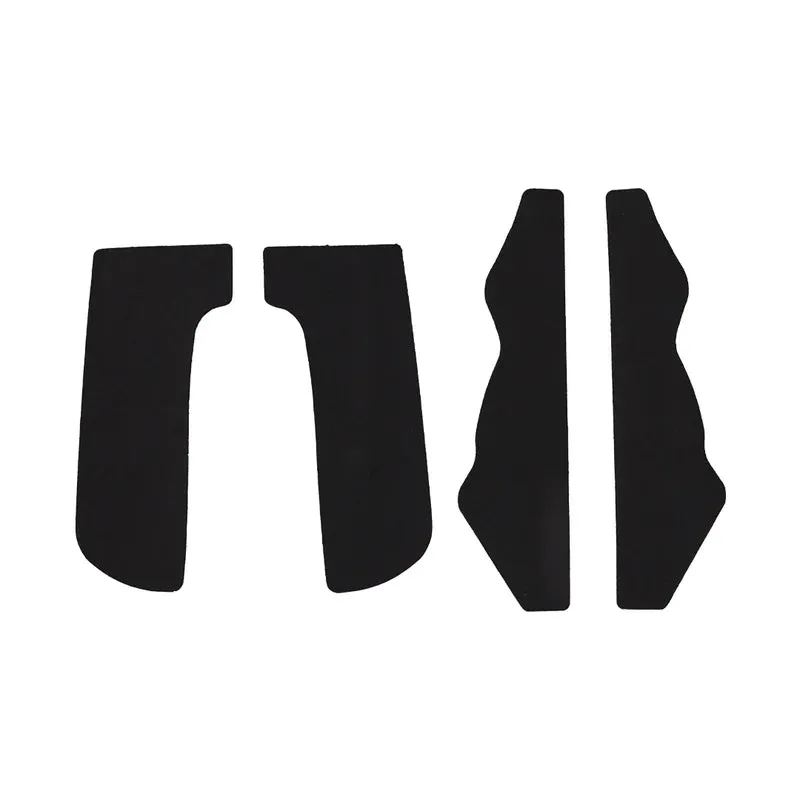
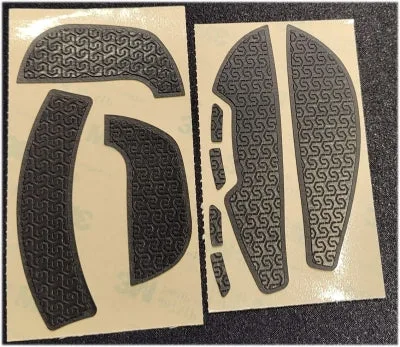
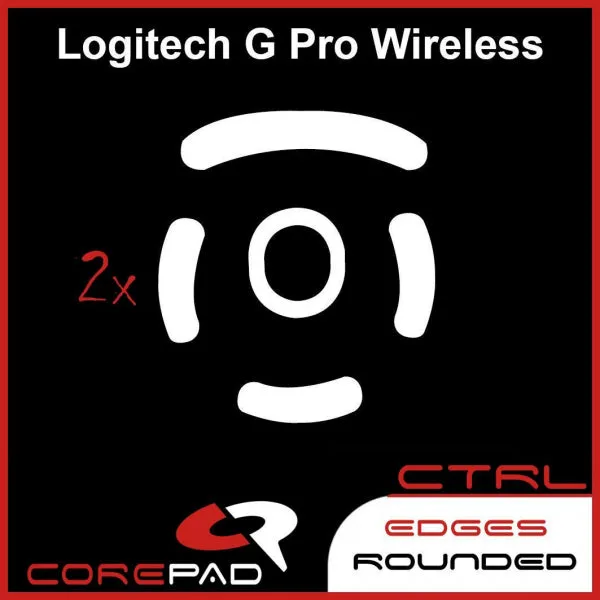
Corepad grips are a cheap upgrade for a mouse that already fits your hand well. On a Ninjutso Sora, the stock coating is smooth enough that sweaty fingers can slide during long tracking fights. A set of Corepad grips adds texture without changing the shape or weight in any meaningful way.
This guide walks through the install in order, with the mistakes that cause most grip tape to peel early. It applies to the Sora and Sora 4K, since the shell dimensions are the same. If you have never installed mouse grip tape before, budget 15 to 20 minutes and read the whole process before you start.
What you need before you start
You do not need special tools, but you do need the right prep supplies. Isopropyl alcohol at 70 percent or higher, a lint-free cloth or paper towel, and clean dry hands cover almost everything. A pair of tweezers helps with the small pieces around the side buttons, and a hair dryer on low heat can soften the adhesive if a piece refuses to sit flat.
Work on a clean, well-lit surface. Grip tape picks up dust and lint instantly, and once a stray hair is stuck under the adhesive, you will see it through the top layer. If you have pets, close the door or work in a different room. The Corepad grips themselves come pre-cut for the Sora, so there is no trimming required.
- Isopropyl alcohol 70% or higher
- Lint-free cloth or paper towel
- Tweezers for small pieces
- Hair dryer on low heat (optional)
Step 1: Clean the mouse shell properly
Wipe the entire top and both sides of the Sora with isopropyl alcohol. Pay attention to the areas where your thumb, ring finger, and pinky rest, because those are the spots that collect the most skin oil. Let the shell air dry for at least two minutes. If the surface feels cool and completely dry to the touch, it is ready.
The most common mistake here is skipping the alcohol because the mouse looks clean. Even a light film of hand oil stops the adhesive from bonding, and the grip will start peeling at the edges within a week. Do not use soap and water, and do not use a household cleaner that leaves residue.
- Checkpoint: the shell should feel dry and slightly tacky to a clean finger, not slick.
Step 2: Plan the order of the pieces
Lay out the Corepad pieces before peeling anything. Most sets include separate pieces for the left and right sides, the main buttons, and sometimes the back hump. Decide which side you grip least and start there. That gives you a low-risk piece to practice alignment before you handle the more visible pieces.
If you are right-handed, start with the left side of the mouse. If you are left-handed, start with the right side. This is not a strict rule, but it keeps your dominant hand free for the fiddly alignment work on the second and third pieces.
- Do not peel all the backing paper at once; the adhesive attracts dust fast.
Step 3: Apply each piece from the center outward
Peel the backing from one piece and hold it by the edges. Line up the cutouts with the mouse buttons or side buttons first, then let the rest of the piece settle onto the shell. Press from the center outward with your thumb, working out any air toward the edges. Small bubbles usually disappear with firm pressure; if one remains, lift that corner and lay it back down.
The most common mistake is stretching the tape to make it fit. Corepad grips are cut to the Sora's shell, so they should sit flat without tension. If a piece looks too long or short, check that you have it oriented correctly before forcing it. Stretched tape pulls back over time and leaves a visible gap.
- Checkpoint: no lifted corners after 30 seconds of firm pressure.
Step 4: Press the edges and let the adhesive cure
Edges are where grip tape fails first. Run your thumbnail along every edge of each piece, pressing down firmly. For the side pieces, wrap your thumb around the curve of the mouse and hold for a few seconds. If an edge refuses to stay down, warm it briefly with a hair dryer on low heat and press again.
After the install, avoid heavy gaming for about an hour. The adhesive continues to bond as it warms up from your hand, and a long session immediately after installation can shift a piece that has not fully set. This is also a good time to check that no piece interferes with the main button clicks or the scroll wheel.
- Checkpoint: buttons click cleanly and no tape edge sits under your finger during normal grip.
How long the grips last and when to replace them
Corepad recommends replacing grips every 3 to 5 months to avoid potential issues with adhesive removal from your mouse. That window depends on how much you play and how much you sweat. If you notice the texture smoothing out or the edges lifting despite re-pressing, it is time for a new set. Removing old tape is easier if you warm it slightly and peel slowly.
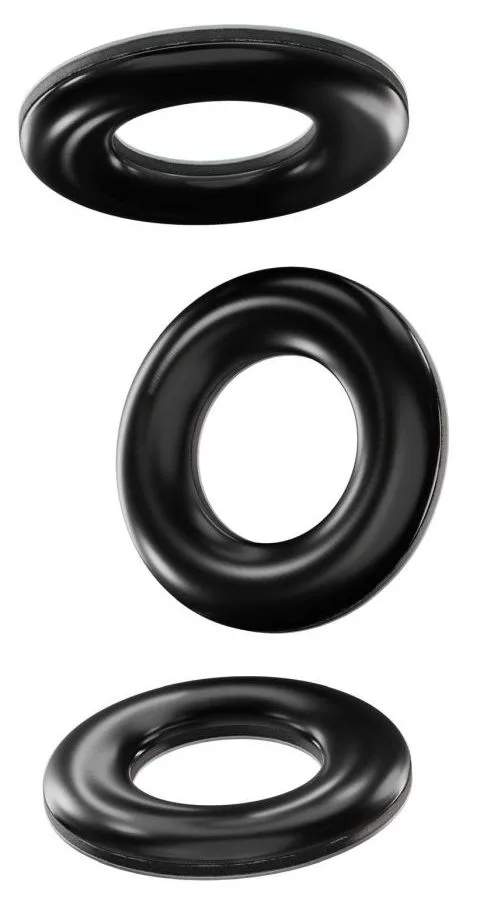
If you play on a glass mousepad, consider whether your grip tape and skates are working together. The Corepad Skatez G+ ONYX Universal Donuts are specifically recommended for glass mousepads, while the standard Corepad Skatez for something like an Xtrfy M42 Wireless use 0.75mm pure PTFE. Neither is a grip product, but they affect how the mouse feels under the same hand.
- Replace grips every 3 to 5 months as a baseline, sooner if edges lift.
- Warm old adhesive before peeling to protect the mouse coating.
Install steps at a glance
- Clean with isopropyl alcohol: Wipe the shell and let it dry for two minutes. Do not use soap or household cleaners. Checkpoint: the surface feels dry, not slick.
- Start with your non-dominant side: Peel one piece at a time and align the cutouts before pressing down. Mistake to avoid: peeling all backing paper at once.
- Press from center to edge: Work out air bubbles with your thumb and do not stretch the tape to fit. Checkpoint: no lifted corners after 30 seconds.
- Seal the edges and wait an hour: Run a thumbnail along every edge, then let the adhesive cure before a long session. Checkpoint: buttons click cleanly with no tape under your finger.
- Replace every 3 to 5 months: Warm old adhesive before peeling to protect the mouse coating. Plan a new set each season if you play daily.
Products mentioned in this guide
- Corepad Grips - Vaxee NP-01 / NP-01s: Corepad recommends replacing grips every 3 to 5 months to avoid potential issues with adhesive removal from your mouse. This is the same replacement window you should expect for Sora grips, so plan on a new set roughly every season if you play daily.
- Corepad Skatez G+ - ONYX Universal Donuts (1.00mm / 0.85mm thick): The ONYX Donuts are recommended for use on glass mousepads and are also suitable for fabric mousepads, with a PORON foam layer and a dome-shaped design. If you install grips on a Sora and also use a glass pad, these skates are the matching choice for consistent glide and stopping power.
- Wraith Armor Grips - Zowie FK1: Wraith Armor grips are designed to protect the paint and texture of your mouse while reducing the lubricating effect of sweat on the plastic surface. This is a useful comparison point if you want grip tape that also protects the shell finish, though the cut is for a different mouse shape.
A clean install takes 15 minutes and makes a bigger difference than most people expect. If you already like the Sora's shape, Corepad grips are one of the cheapest ways to keep your aim consistent when your hands get sweaty. Replace them every few months and the mouse shell underneath stays in good condition.