Quick answer
To attach an AirTag holder to your cat's collar, slide the silicone holder onto a collar or harness strap that is 1 inch wide or narrower, position it where it won't irritate your cat, and test that it fits snugly and stays in place.
Why a secure fit matters
A loose AirTag holder can slip off during play or grooming, leaving you without tracking. A holder that's too tight can cause discomfort or chafing. The Gotham AirTag Holder is made from silicone, which grips well but still needs a correct fit to stay put.
Cats are flexible and curious, so they may try to rub against furniture or squeeze through tight spaces. A well-attached holder reduces the risk of it catching on something and breaking free.
Choosing the right collar or harness
The Gotham AirTag Holder fits straps up to 1 inch wide. Measure your cat's collar or harness strap before buying. If the strap is wider than 1 inch, the holder won't fit properly. For kittens or small cats, a narrow collar is usually more comfortable, but ensure it's still wide enough for the holder to slide on securely.
Step-by-step attachment guide
- Check strap width: Measure your cat's collar or harness strap. The holder fits straps up to 1 inch wide. If it's wider, the holder won't slide on properly. Use a flexible tape measure for accuracy.
- Slide the holder onto the strap: Remove the collar from your cat. Slide the silicone holder onto the strap, starting from the buckle end. Push it along until it's positioned where you want it. Make sure the holder is oriented so the AirTag sits flat against the strap.
- Insert the AirTag: Place the Apple AirTag into the holder's slot. Press firmly until it clicks into place. The holder should cover the AirTag snugly, leaving no gaps. If the AirTag is loose, it may rattle or fall out—double-check the fit.
- Reattach the collar and adjust position: Put the collar back on your cat. Position the holder on the side of the neck or lower on the harness, away from the throat and jaw, to avoid irritation. Watch your cat for a few minutes to see if they're bothered by the holder.
- Test the fit: Gently tug on the holder to ensure it doesn't slide easily. If it moves too much, reposition it or consider a different collar width. Also, ensure the collar is snug but not tight—you should be able to fit two fingers between the collar and your cat's neck. A secure fit prevents loss, but comfort is key for your cat's well-being.
Product spotlight
-
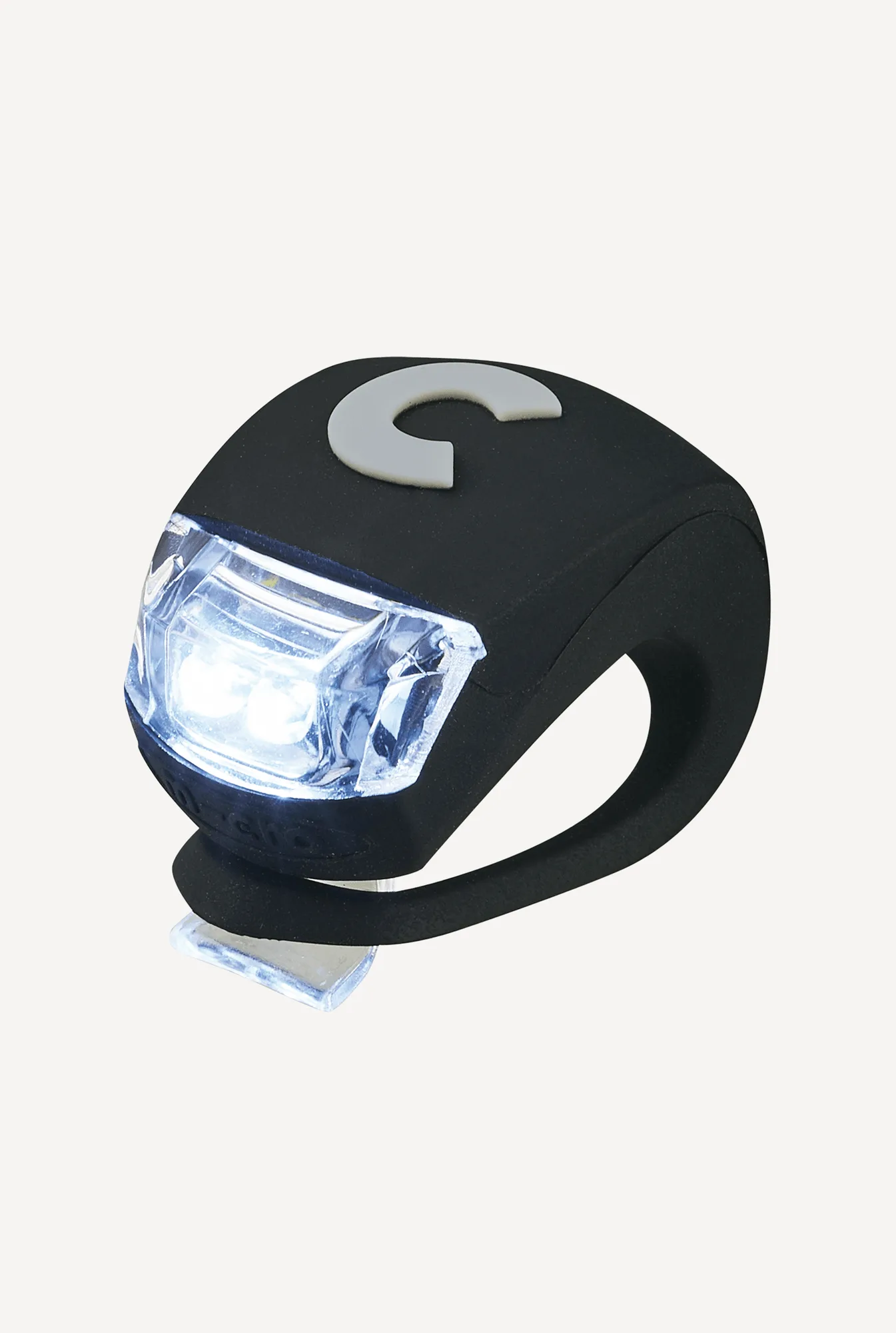
Gotham | AirTag Holder: The Gotham AirTag Holder is made from silicone and slides onto collars or harness straps up to 1 inch wide. Silicone provides a secure grip, and the 1-inch width compatibility ensures it fits most standard cat collars and harnesses.

Gotham | AirTag Holder