Quick answer
Loop the key tether through your bag's D-ring or belt loop, then snap the magnetic clasp onto your key ring. It takes about 10 seconds and keeps your keys accessible without dangling.
Why use a key tether instead of a clip?
A key tether keeps your keys securely attached to your bag or belt, so you can't accidentally drop or leave them behind. Unlike a carabiner clip, the tether's nylon cord and magnetic clasp allow you to extend the key ring to your hand without unclipping, then retract it neatly.
How to attach your key tether
- Find the attachment point: Look for a D-ring, webbing loop, or belt loop on your bag. On a backpack, the internal key clip or top handle loop works. On a belt, slide the tether's loop end over the belt before buckling. Don't attach the tether to a zipper pull — it can snap off under tension.
- Feed the tether through the loop: Pass the small loop end of the key tether through the D-ring or belt loop. Then pull the metal clasp end through the loop to create a cinch knot. Pull tight so the tether won't slide off. If the loop is too thick for the tether, try a thinner strap or use a small split ring as an adapter.
- Attach your keys: Snap the magnetic clasp onto your key ring. The magnet holds the clasp closed, but you can still pop it open with a fingernail when needed. Avoid overloading the tether — it's designed for keys, not for tools or heavy items.
- Test the retraction: Pull the key ring away from the bag and let it retract. The cord should slide back smoothly. If it catches, check that the tether isn't twisted around the bag strap. If the cord doesn't retract fully, the tether may be too short for your reach — consider repositioning it closer to where you grab keys.
Product facts
-
EDB v1 // Key Tether: The EDB v1 Key Tether is the same tether used on the Everyday Backpack and Tote. If you own a Peak Design bag, you can add a second tether for extra key storage or replace a worn one without buying a whole new bag.
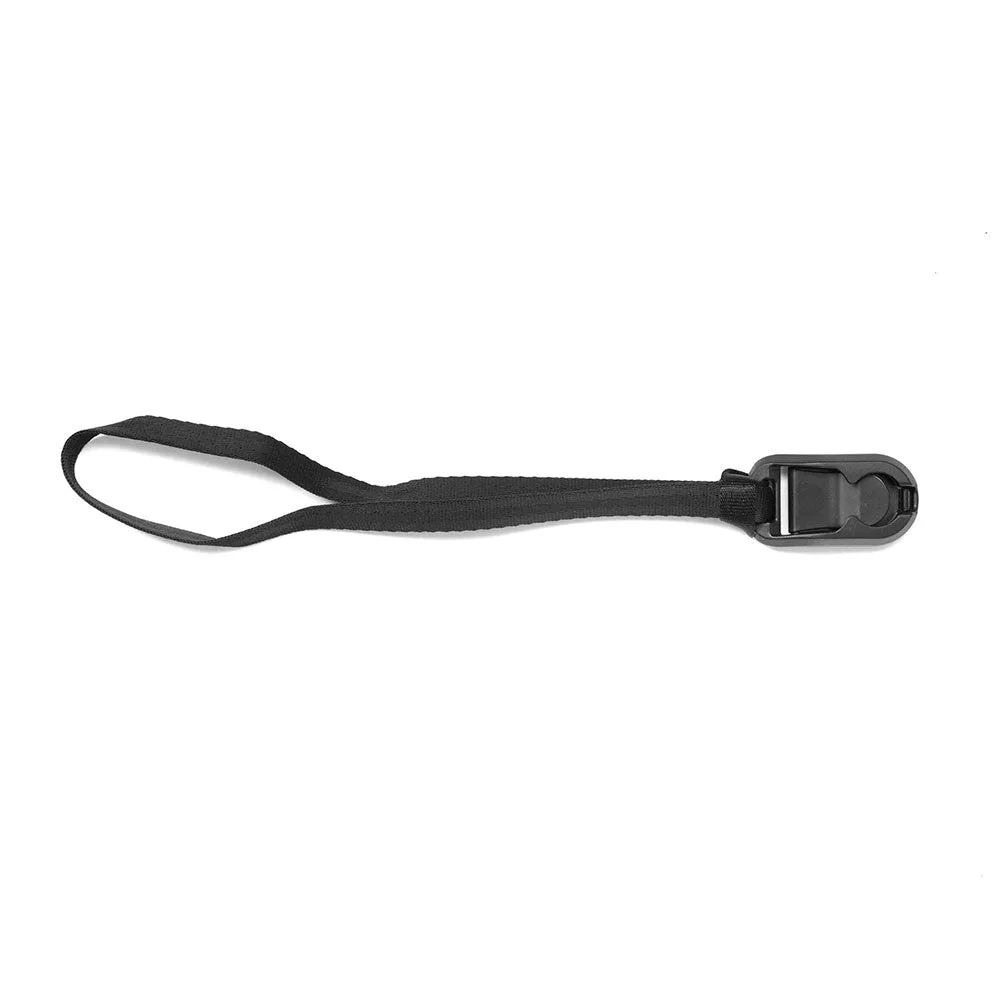
EDB v1 // Key Tether


