Quick answer
Attach a Strider Stem Adapter by first confirming your bike model, then removing the existing handlebar, installing the adapter, and securing the new handlebar—all while keeping the stem clamp properly aligned.
Why the correct adapter matters
The Strider Stem Adapter is designed to let you replace a generic handlebar with an aftermarket Strider Aluminum or Carbon handlebar. However, not all Strider bikes use the same adapter: the Strider 12 Sport and 12 Pro models each require a specific stem adapter. Using the wrong one can prevent the handlebar from fitting securely or cause alignment issues.
Before you start, check your bike model and select the matching adapter. If you're unsure, contact Strider support with your bike's model name to ensure you get the right part.
Common mistakes to avoid
A frequent error is overtightening the stem clamp, which can strip threads or crack the adapter. Another is misaligning the handlebar before tightening, leading to a crooked ride. Always follow the torque specifications if provided, and double-check alignment before final tightening.
Step-by-step installation
- Confirm your bike model and adapter: Check your bike's model (e.g., Strider 12 Sport, 12 Pro, or 12 Comp) and purchase the corresponding Strider Stem Adapter. Using the wrong adapter can lead to a loose fit. If you're unsure, contact Strider support with your bike's model name before ordering.
- Remove the existing handlebar: Loosen the stem clamp bolts using an appropriate hex wrench. Slide the handlebar out of the stem. Set the bolts aside in a safe place. Keep the bolts organized to avoid losing them during installation.
- Install the stem adapter: Place the stem adapter into the fork steerer tube. Ensure it sits flush and aligns with the front wheel. Some adapters may require a specific orientation—refer to the manufacturer's instructions. If the adapter doesn't seat fully, check for debris or burrs in the steerer tube.
- Attach the new handlebar: Slide the new Strider Aluminum or Carbon handlebar onto the adapter. Align it so the grips are perpendicular to the front wheel. Tighten the stem clamp bolts evenly, alternating sides. Tighten gradually to avoid cross-threading and ensure even pressure.
- Check alignment and security: Spin the front wheel to ensure the handlebar stays straight. Grip the handlebar and apply gentle pressure to test for any movement. If it shifts, retighten the bolts a bit more. A properly secured handlebar should not move when you wiggle it.
Product facts
-
Strider Stem Adapter: The Strider Stem Adapter is a high-performance adapter to replace a generic handlebar and install any aftermarket Strider Aluminum or Carbon handlebars. The Strider 12 Sport and 12 Pro bike models each require a specific stem adapter. Choosing the correct adapter for your bike model ensures a secure fit and prevents handlebar wobble.
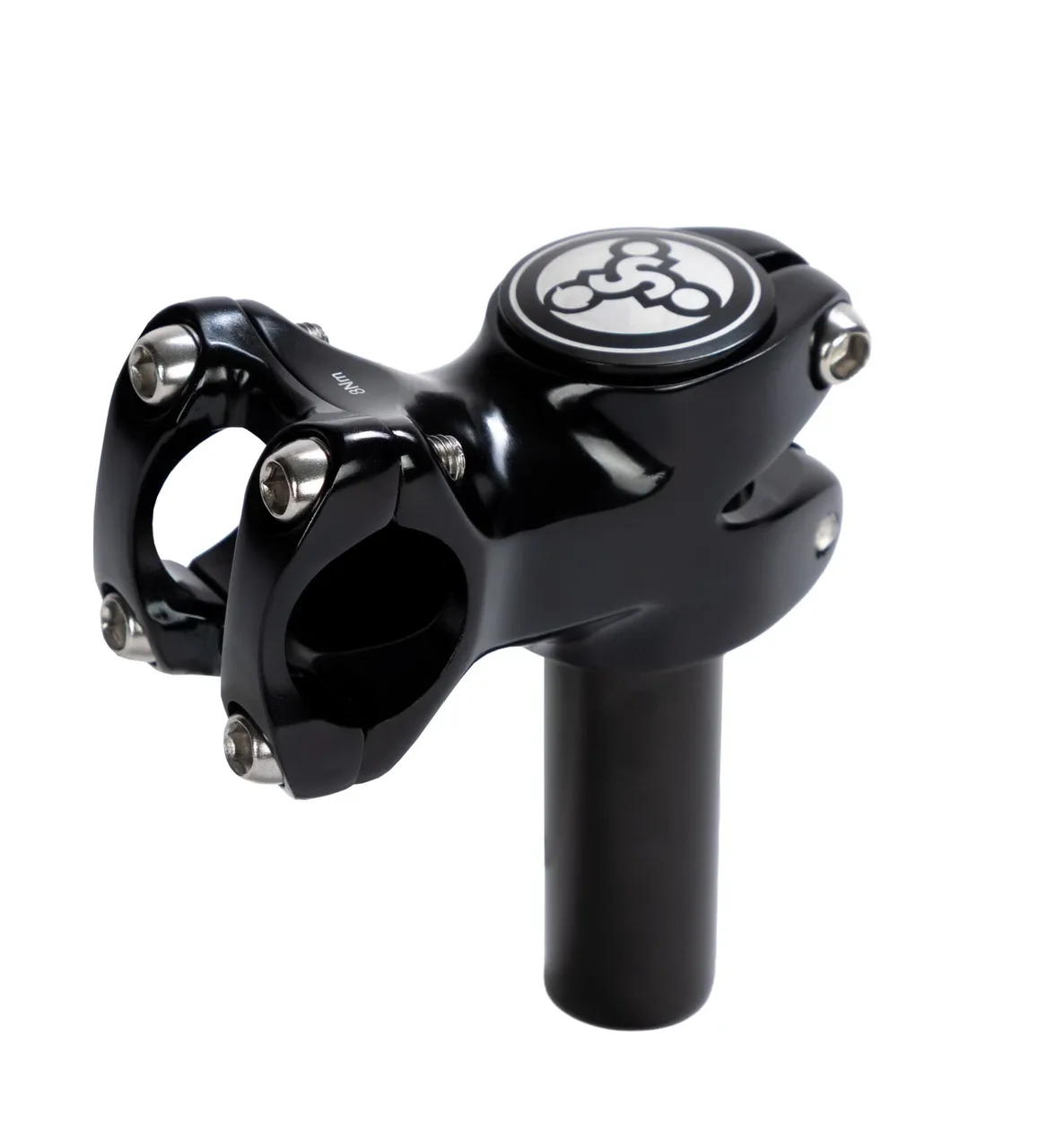
Strider Stem Adapter
-
Strider 12 Comp: The Strider 12 Comp is a 12-inch composite bike with a Standing Footrest, adjustable seat, handlebar made for tiny hands, and never-flat Ultralight Wheels. If you own a Strider 12 Comp, you can still upgrade its handlebar, but you'll need to verify which stem adapter is compatible with your model.
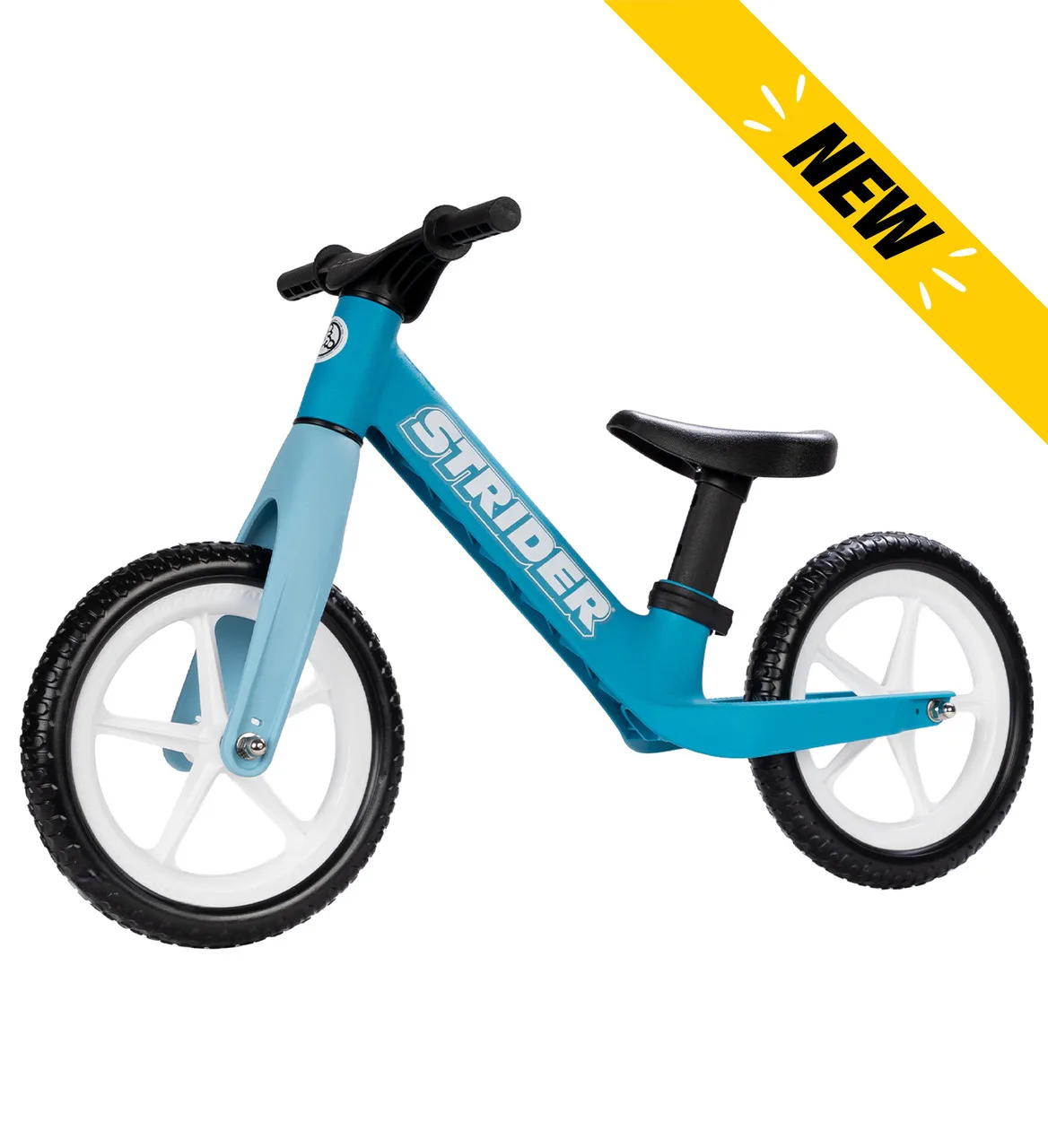
Strider 12 Comp