Quick Answer
Clean your custom PC shroud by first powering down and unplugging the system, then using a soft microfiber cloth and isopropyl alcohol to gently wipe the surface. Avoid abrasive cleaners or scrubbing pads that can scratch the finish.
Why Shroud Material Matters
Custom PC shrouds—like the one on the MAINGEAR Custom shroud Edition—are often finished with a painted or coated surface that can scratch or dull if cleaned incorrectly. Knowing the material helps you choose the right cleaning method.
The shroud's custom finish is designed to look great but requires gentle care. Harsh chemicals or rough cloths can remove the coating or leave permanent marks.
Common Cleaning Mistakes to Avoid
Many people reach for household glass cleaners or paper towels, but these can leave residues or micro-scratches. Alcohol-based wipes without proper dilution may also damage the coating.
Always test any cleaner on a small hidden area first. Stick to 70% isopropyl alcohol and a lint-free cloth for safe, streak-free results.
Step-by-Step Shroud Cleaning
- Power Down and Unplug: Shut down your PC completely and unplug all cables. This prevents electrical shock and accidental damage while cleaning. Never clean a powered-on system—moisture and static can cause shorts.
- Dust the Surface First: Use a soft, dry microfiber cloth or a compressed air duster to remove loose dust from the shroud. Wiping wet over dust can cause scratches. Skipping this step can grind dust into the finish and leave swirl marks.
- Dampen Cloth with Isopropyl Alcohol: Lightly dampen a clean microfiber cloth with 70% isopropyl alcohol. Wring out excess so the cloth is barely moist. Wipe the shroud gently in straight lines, not circles. Too much liquid can seep into seams or damage electronics. Keep the cloth damp, not wet.
- Dry and Inspect: Use a dry section of the microfiber cloth to buff the surface dry. Check for any remaining spots or streaks under good lighting. If streaks remain, repeat step 3 with a fresh cloth. Avoid reusing a dirty cloth.
- Reassemble and Power On: Once the shroud is completely dry, reconnect all cables and power on your system. Enjoy your clean, like-new custom PC. Wait at least 5 minutes after cleaning before powering on to ensure no moisture remains.
Product Spotlight
-
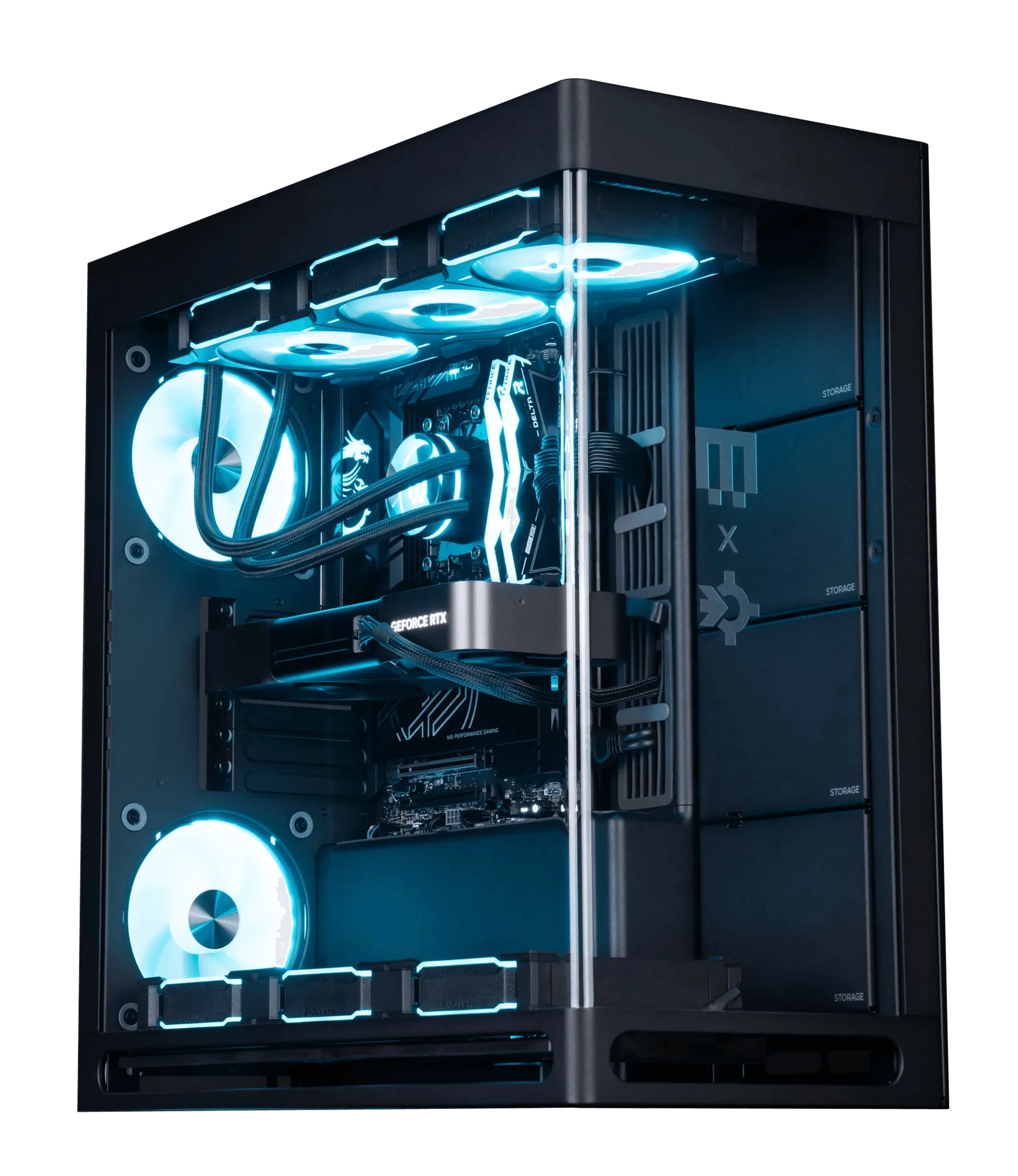
Custom shroud Edition | Intel: The MAINGEAR Custom shroud Edition | Intel is built to order with a custom shroud design. Its unique finish requires careful cleaning to preserve the custom look and resale value.
Custom shroud Edition | Intel