Quick answer
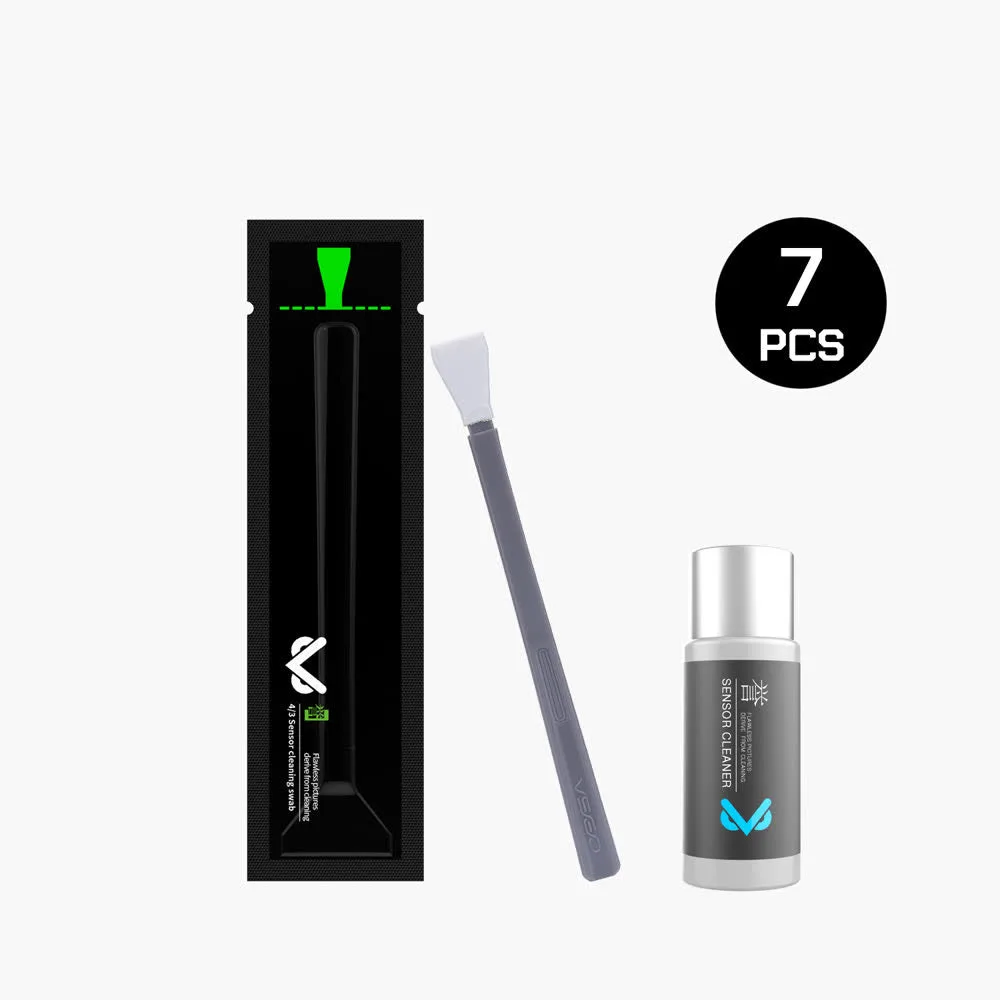
To clean a camera sensor safely, first use a blower to remove loose dust, then if spots remain, perform a wet clean using a sensor swab and a few drops of sensor cleaning fluid. Use a swab sized to your sensor, swipe once in each direction with light, even pressure, and never reuse a swab. For 4/3 sensors, the VSGO 7-in-1 4/3 Sensor Cleaning Kit VS-S01E provides the correct swab size and an alcohol-free cleaner that protects your sensor's coating.
Check for dust before you clean
Before you touch your sensor, confirm that dust is actually the problem. Set your camera to a small aperture like f/16, point it at a plain bright surface, and take a photo. Review the image on your computer; dark spots that stay in the same place are sensor dust. If you only see spots through the viewfinder, the dust is likely on the mirror or focusing screen, not the sensor. Cleaning a sensor that doesn't need it adds risk with no benefit.
Gather the right tools and work in a clean space
You need a blower, sensor swabs sized to your sensor, sensor cleaning fluid, and a clean, well-lit area with minimal air movement. Avoid cleaning in a bathroom or kitchen where airborne particles are common. A 7-in-1 sensor cleaning kit typically includes swabs, fluid, and a blower, giving you everything in one package. For full-frame sensors, use full-frame swabs; for APS-C or 4/3, use the matching size. Using an oversized swab on a smaller sensor can make it harder to control pressure and may leave streaks.
Remove loose dust with a blower first
Lock your camera's mirror up (or use the sensor cleaning mode) and remove the lens. Hold the camera with the mount facing slightly downward so gravity helps dust fall out. Use a blower to puff air across the sensor in a few short bursts; never insert the blower tip into the chamber or touch the sensor. If the blower has a stable base, you can set it down without it rolling away. After blowing, take another test photo. If spots remain, proceed to a wet clean.
Wet clean the sensor with a swab and fluid
Apply two to three drops of sensor cleaning fluid to the swab head, not directly onto the sensor. Let the swab sit for a few seconds so the fluid distributes evenly. Place the swab at one edge of the sensor and drag it slowly across to the other side with light, even pressure. Then use the opposite side of the swab to drag back across the sensor. Do not scrub back and forth; one pass in each direction is enough. Discard the swab after use. If spots remain, repeat with a fresh swab. For 4/3 sensors, the VSGO 7-in-1 4/3 Sensor Cleaning Kit VS-S01E includes swabs designed to fit the sensor perfectly and an alcohol-free cleaner that protects optical coatings.
Check your work and reassemble
After cleaning, take another test photo at f/16. If the spots are gone, you're done. If some remain, you can repeat the wet clean once more with a fresh swab. Avoid over-cleaning; multiple passes increase the chance of streaks or damage. Once satisfied, turn off the camera, lower the mirror if applicable, and reattach the lens. Store your cleaning kit in a dust-free case to keep swabs and fluid clean for next time.
Step-by-step sensor cleaning
- Test for dust: Set aperture to f/16, take a photo of a plain surface, and check for dark spots. Checkpoint: Only clean if spots are visible in the photo, not just in the viewfinder.
- Prepare your workspace: Work in a clean, still area with a blower, correct-size swabs, and sensor cleaning fluid. Mistake to avoid: Using a swab that's too large or too small for your sensor.
- Blow off loose dust: Lock the mirror up, remove the lens, and use a blower with short bursts while holding the camera face-down. Checkpoint: Never touch the sensor with the blower tip.
- Wet clean with a swab: Apply 2-3 drops of fluid to a fresh swab, drag it slowly across the sensor in one direction, then use the other side to drag back. Mistake to avoid: Scrubbing back and forth or reusing a swab.
- Verify and reassemble: Take another test photo at f/16. If spots remain, repeat once with a new swab. Then reattach the lens. Checkpoint: Stop after two wet cleans to avoid over-cleaning.
Product facts
- 7-in-1 4/3 Sensor Cleaning Kit VS-S01E: 7-in-1 4/3 Sensor Cleaning Kit VS-S01E includes a 4/3 sensor cleaning swab with a special softness design and an alcohol-free cleaner that protects optical coatings. The swab size matches 4/3 sensors for even pressure, and the alcohol-free formula is safe for your sensor's coating.
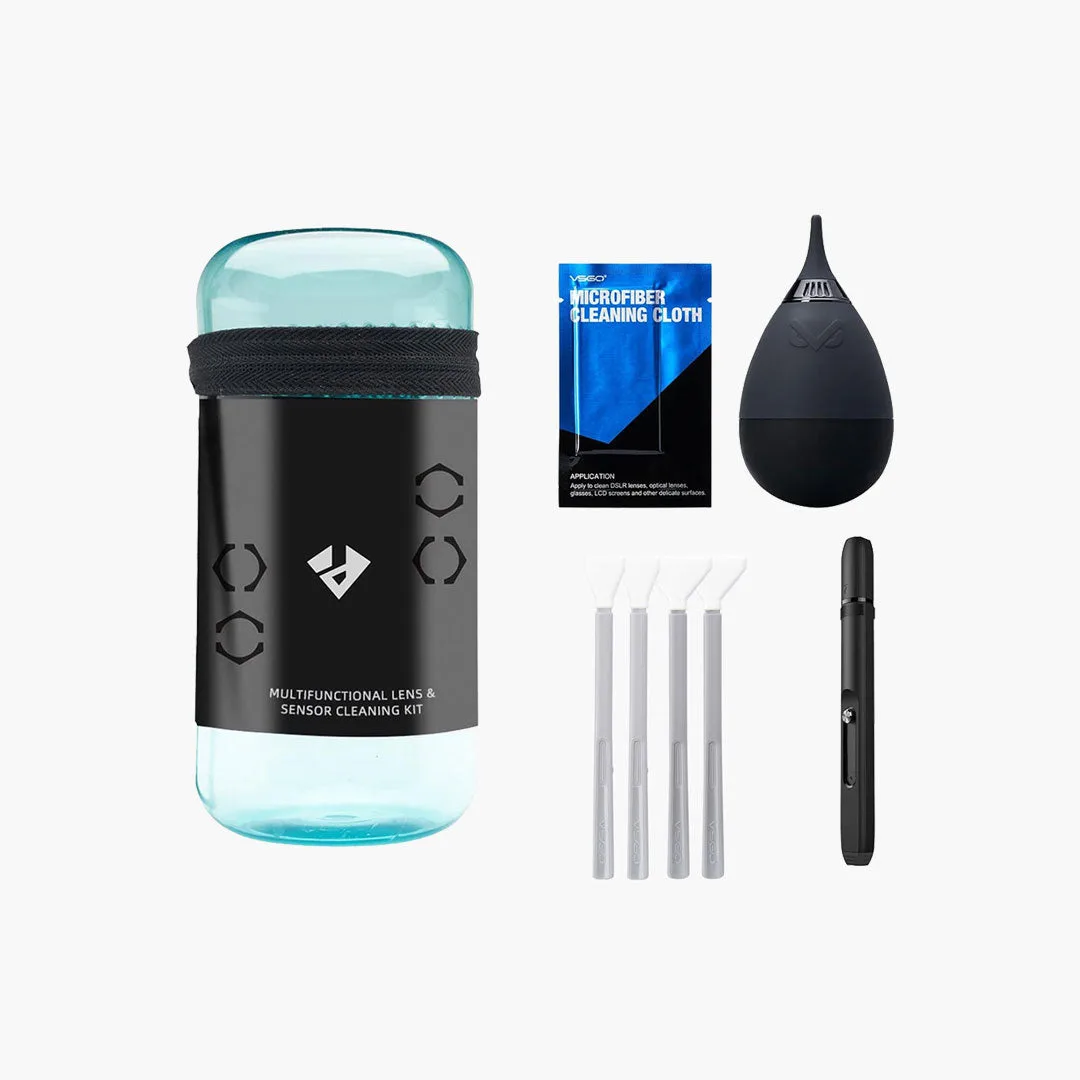
- 8-in-1 Camera Cleaning Kit VS-A7E: 8-in-1 Camera Cleaning Kit VS-A7E includes a tumbler-style air blower with stable base, dual-ended lens cleaning pen, 15x15cm microfiber cloth, and swabs for both full-frame and APS-C sensors. This kit covers full-frame and APS-C sensors plus lens cleaning, making it a versatile choice if you own multiple camera types.
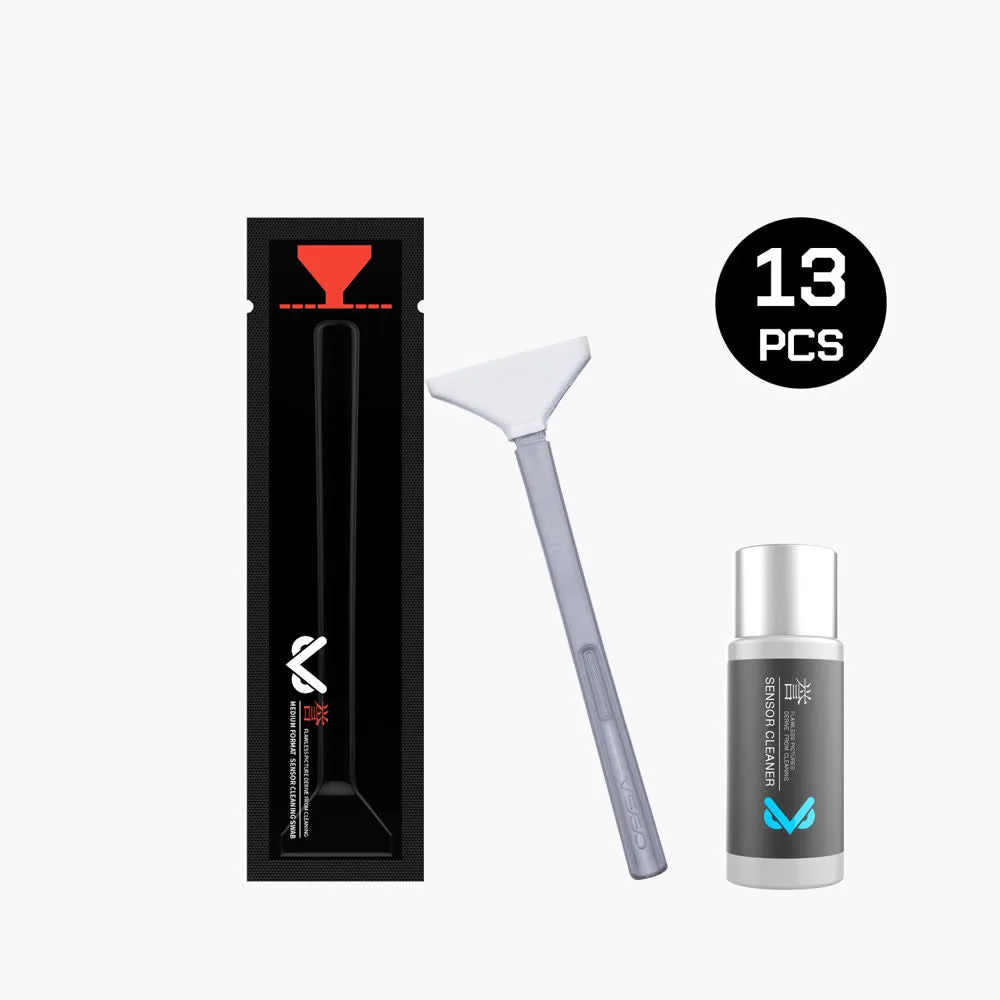
- 13-in-1 Sensor Cleaning Kit VS-S04E: 13-in-1 Sensor Cleaning Kit VS-S04E features a 34mm sensor cleaning swab for CMOS sensors and a sensor cleaning fluid that cleans stains. The 34mm swab fits full-frame sensors, and the fluid helps remove stubborn spots during a wet clean.