Quick answer
Use a 24-in-1 full-frame sensor cleaning swab kit like VSGO's V-S03E to safely remove dust and spots from your camera sensor without streaks or damage.
Why a dedicated swab kit matters
Standard cleaning cloths or cotton swabs can leave fibers or scratches on your sensor. A purpose-made swab like the VSGO 24-in-1 Full-frame Sensor Cleaning Swabs V-S03E uses a super fine microfiber cloth fully covering an extremely soft and flexible head. This design lifts particles without leaving streaks or blemishes, and the 24mm width matches full-frame sensors perfectly.
When to clean vs. when to skip
Only clean your sensor when you see visible spots in the same place on multiple images, especially at small apertures like f/16. Frequent unnecessary cleaning increases wear on the delicate sensor cover glass. If your images are clean, leave the sensor alone.
Step-by-step sensor cleaning with a 24-in-1 swab kit
- Prepare your camera and workspace: Fully charge the camera battery. Set the camera to Sensor Cleaning mode (usually in the Setup menu). Remove the lens. Work in a low-dust environment like a bathroom after running a hot shower to settle airborne particles. A low-dust workspace prevents new particles from landing on the sensor during cleaning.
- Inspect the sensor first: Use a sensor loupe or a magnifying tool to locate dust spots. If you don't have one, take a test shot of a plain white wall at f/22 and check for spots on your computer screen. This tells you exactly where to clean. Cleaning blindly can spread debris; always inspect first.
- Use a blower before the swab: Hold the camera with the sensor opening facing downward. Use a hand blower (never canned air) to dislodge loose dust. If the blower removes all spots, skip the swab step entirely. Using a swab on loose dust can grind particles into the sensor surface.
- Apply cleaning solution to the swab: If stubborn spots remain, add 1–2 drops of sensor-safe cleaning fluid to the tip of the VSGO swab. The kit does not include fluid, so use a dedicated sensor cleaning solution. Do not soak the swab; just dampen the tip. Too much fluid can leave residue; one or two drops is enough.
- Wipe the sensor in one smooth motion: Place the swab at one edge of the sensor, gently press it against the surface, and drag it across to the opposite edge in a single continuous stroke. Do not lift or reverse direction mid-stroke. Use a fresh swab for each pass. Lifting mid-stroke can redeposit dust; always wipe in one direction.
- Inspect and repeat if needed: After the wipe, take another test shot or use a sensor loupe to check for remaining spots. If spots persist, use a fresh swab and repeat the wipe. Never reuse a swab, as it carries away contaminants. One pass often removes most spots; multiple passes with fresh swabs handle stubborn residue.
Product facts
-
24-in-1 Full-frame Sensor Cleaning Swabs V-S03E: The swab head is completely covered by a super fine microfiber cloth, designed to clean effectively without leaving streaks or blemishes. This ensures you can remove dust and smudges in one pass without needing to re-clean or risk scratching the sensor cover glass.
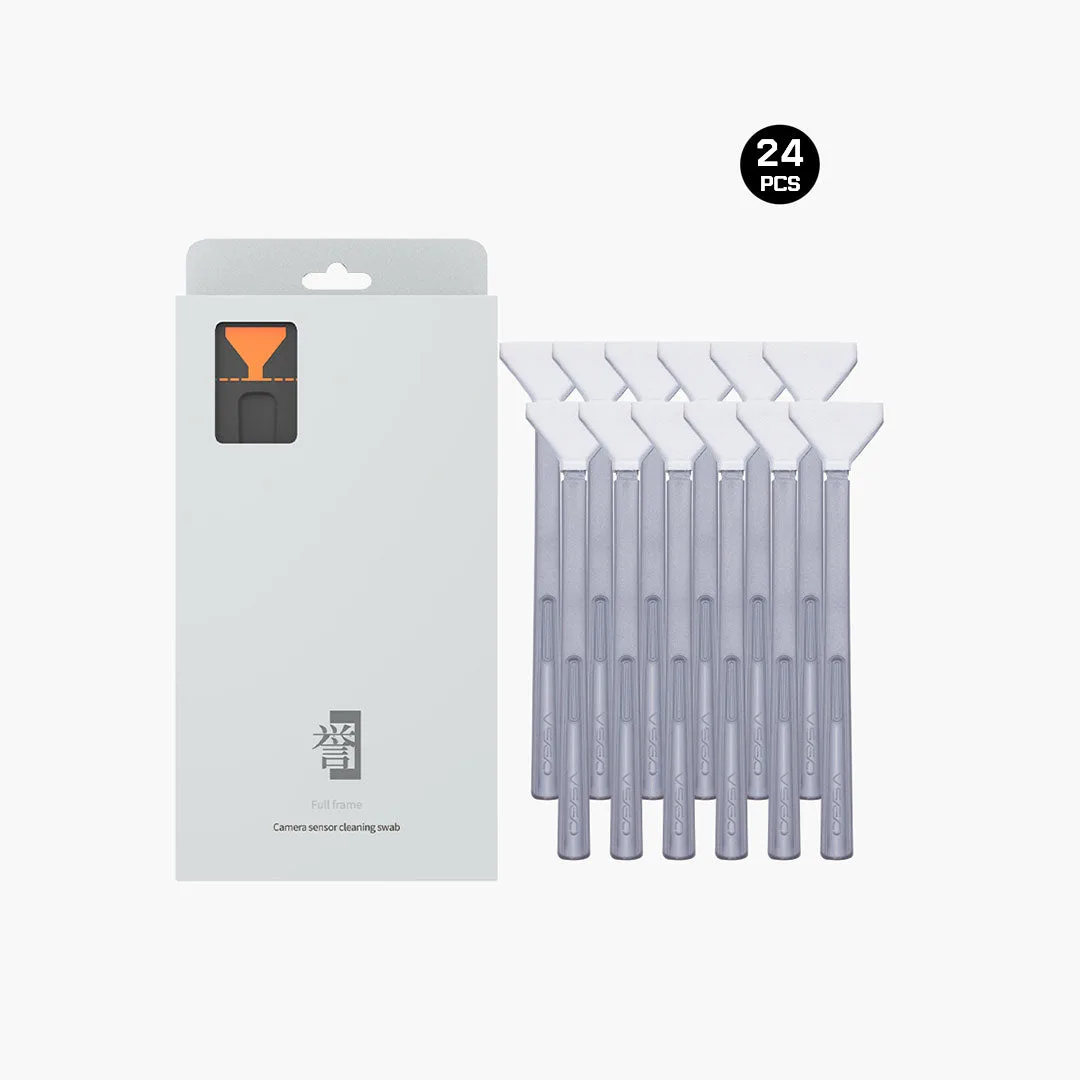
24-in-1 Full-frame Sensor Cleaning Swabs V-S03E


