Quick answer
Hardwiring your dash cam to the vehicle fuse panel gives you clean, always-on power for parking mode without dangling cables. You will need a compatible hardwire kit and a fuse tap.
Why hardwire instead of using the cigarette lighter
A cigarette lighter socket only provides power when the ignition is on, which means your dash cam cannot record while parked. Hardwiring to the fuse panel lets you tap a constant power circuit so the camera stays on, and many hardwire kits include voltage monitoring to prevent draining your car battery.
Choosing the right hardwire kit and fuse tap
Not all dash cams use the same power cable. You need a hardwire cable that matches your camera's input port, and a fuse tap that fits your vehicle's fuse type (mini, low-profile mini, or standard). The BlackVue CH-3P1 Hardwire Power Cable is designed for X Series dash cams and includes built-in timer and voltage monitoring for parking mode. For the fuse tap, the Dash Cam Hardwire Fuse Tap Kit includes eight piggy-back holders that work with mini blade fuses, turning one slot into two so your original circuit stays protected.
Step-by-step hardwire installation
- Locate your vehicle's fuse panel: Check your owner's manual for the interior fuse box location, usually under the dashboard or glove compartment. Identify a constant power fuse (one that stays live when the car is off) using a test light or multimeter. Common mistake: picking an ignition-only fuse. Confirm the fuse is live with the key removed.
- Connect the fuse tap and hardwire cable: Remove the chosen fuse from its slot and insert it into the bottom slot of the fuse tap. Place the provided fuse (usually 5A or 10A) in the top slot of the tap. Plug the tap into the empty slot. Connect the hardwire cable's positive wire to the tap's wire, the negative wire to a metal ground point (like a bolt on the chassis), and the ACC wire to an ignition-switched fuse if your kit supports parking mode detection. Checkpoint: ensure the tap is fully seated and the ground connection is clean and tight to avoid intermittent power.
- Route the cable and test parking mode: Tuck the cable along the headliner, A-pillar, and door trim to the camera location. Plug the cable into the dash cam, start the vehicle, and confirm the camera powers on. Turn off the ignition and wait a few seconds; the camera should switch to parking mode (look for a pulsing LED or reduced recording icon). Common mistake: pinching the cable under trim can damage the wire or prevent the airbag from deploying. Keep the cable away from airbag zones.
Products that help with this install
-
BlackVue CH-3P1 Hardwire Power Cable Lead X Series Dash Cam Cameras Parking Mode: Hardwiring cable to connect your dashcam to your vehicle’s battery via the fuse panel. This cable gives your X Series dash cam continuous power and built-in voltage monitoring, so parking mode works without draining the battery.
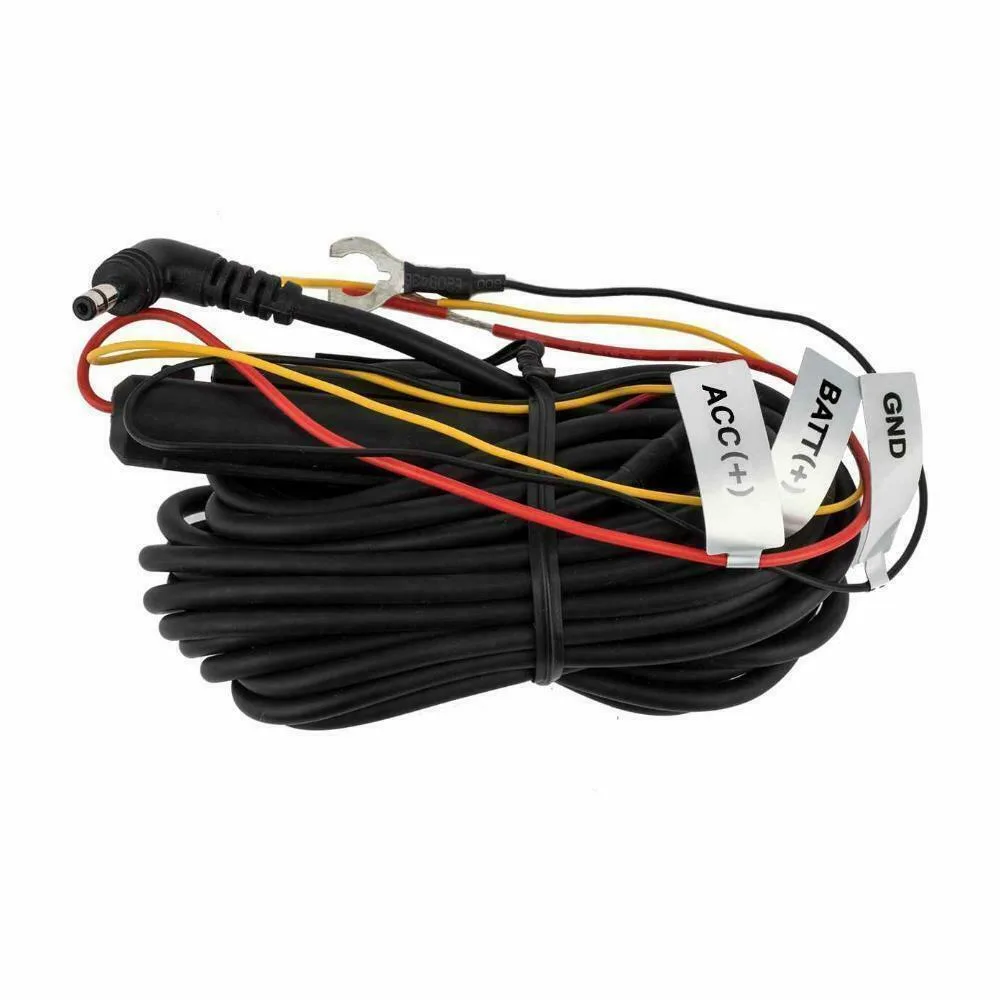
BlackVue CH-3P1 Hardwire Power Cable Lead X Series Dash Cam Cameras Parking Mode
-
Dash Cam Hardwire Fuse Tap Kit Low Profile Mini Micro Standard Piggy Back Fuses: Easily add an additional protected circuit with these holders suitable for mini blade fuses. Using a fuse tap keeps your vehicle's original circuit safe while adding a dedicated power path for the dash cam.
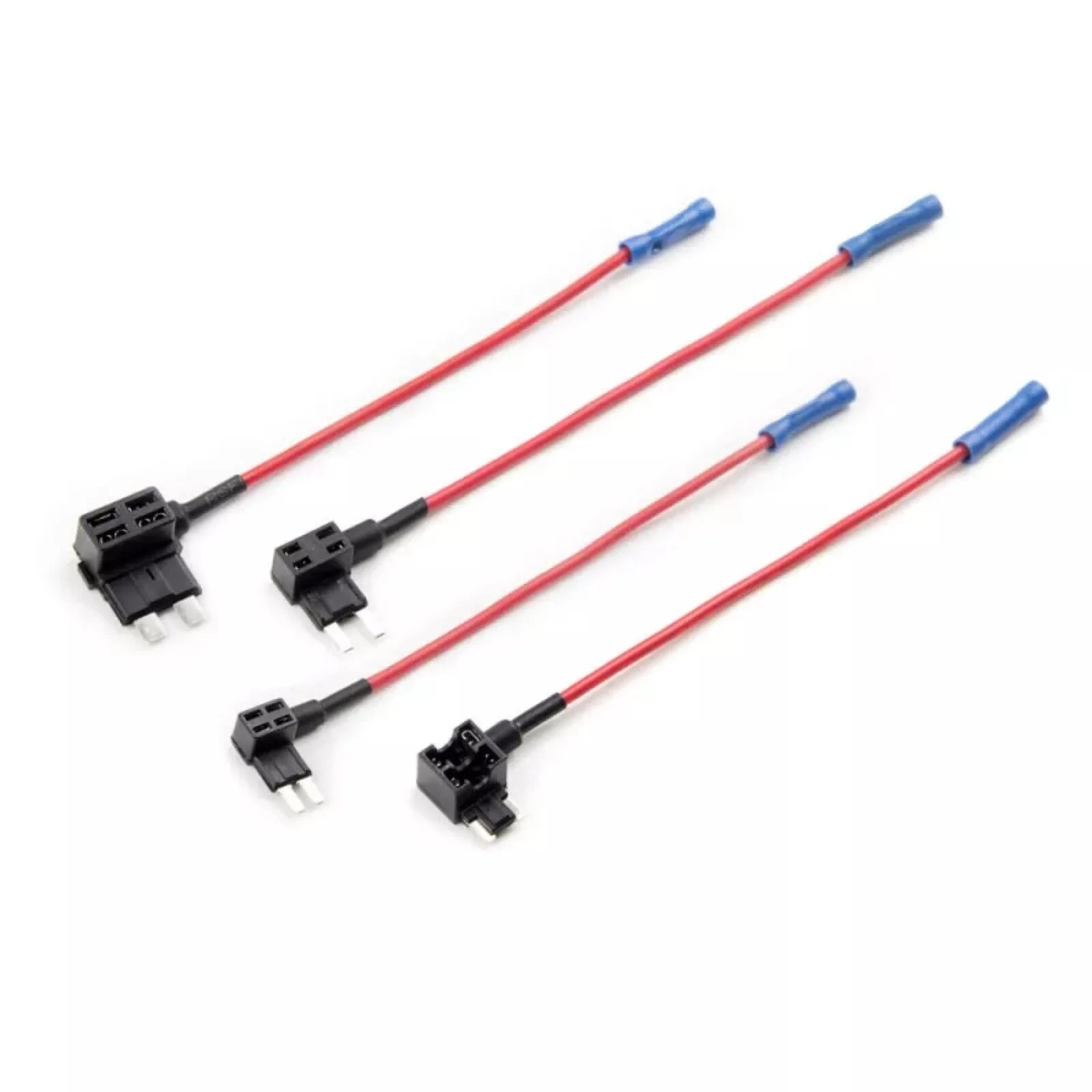
Dash Cam Hardwire Fuse Tap Kit Low Profile Mini Micro Standard Piggy Back Fuses


