Quick Answer
To install a 70mai dash cam with a hardwire kit for 24/7 parking surveillance, connect the kit's red wire to a constant 12V fuse (like a dome light) and the yellow wire to an ignition-switched fuse (like a radio), then ground the black wire to a metal bolt. Use a fuse tap to avoid cutting factory wiring, and verify the dash cam powers on with the ignition and stays on after you lock the car.
Hardwiring your 70mai dash cam unlocks 24/7 parking surveillance, so the camera keeps recording even when your car is off. Unlike a simple 12V socket install, a hardwire kit connects directly to your fuse box, providing continuous power and letting the dash cam enter parking mode automatically. This guide walks you through the entire process, from gathering tools to verifying that parking mode triggers correctly.
The job takes about 45–90 minutes depending on your car and experience. You'll need basic hand tools, a fuse tap, and patience to route the cable neatly behind trim. While professional installation is available, many owners can handle this with careful planning. Follow the steps below to avoid common pitfalls like blown fuses or a dead battery.
Tools and Parts You'll Need
Before you start, gather these essentials: a 70mai hardwire kit (compatible with your dash cam model), a fuse tap (often called an add-a-circuit), a multimeter or 12V test light, trim removal tools, a socket set or screwdriver, electrical tape, and zip ties. A flashlight or headlamp helps when working under the dashboard. Check your vehicle's fuse box diagram—usually in the owner's manual or on the fuse box cover—to identify constant and switched fuses.
Not all hardwire kits include fuse taps, so verify your kit's contents. The 70mai Hardwire Kit with USB Type-C Port, for example, is designed for select models and may require a separate fuse tap depending on your car's fuse type (ATO, mini, micro, etc.). If you're unsure, consult a professional installer or your vehicle's service manual.
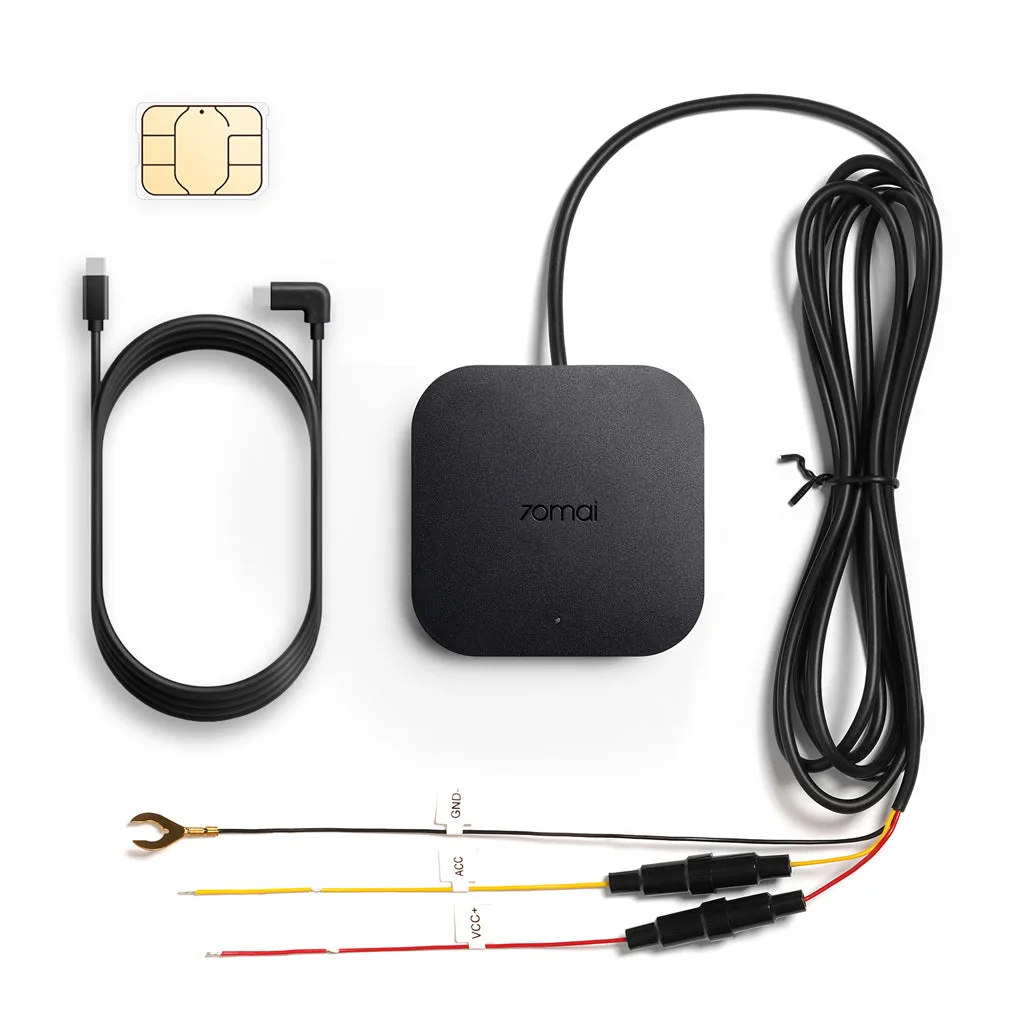
70mai Hardwire Kit with USB Type-C Port
- Common mistake: Using a fuse tap that doesn't match your car's fuse size—this can cause a loose connection or damage the fuse box.
- Checkpoint: Test your multimeter on a known live circuit to ensure it works before probing fuses.
Step 1: Disconnect the Battery
Safety first: disconnect the negative terminal of your car battery using a wrench. This prevents electrical shorts or accidental airbag deployment while you work on the fuse box. Wait a few minutes after disconnecting to let any capacitors discharge. Never skip this step—working on a live fuse box can damage your car's electronics or cause injury.
Once the battery is disconnected, open the fuse box inside the cabin (usually under the dashboard or in the glovebox). Some cars also have an engine bay fuse box, but for dash cam hardwiring, the interior box is typically easier to access and route wires from.
- Common mistake: Forgetting to disconnect the battery and accidentally shorting a live wire, which can blow fuses or fry the dash cam.
- Checkpoint: Confirm the battery is disconnected by trying to turn on your headlights—they should not illuminate.
Step 2: Identify Constant and Switched Fuses
Use your multimeter to find a constant 12V fuse (powered even when the car is off) and an ignition-switched fuse (powered only when the key is in the ACC or ON position). Good candidates for constant power include dome lights, hazard lights, or memory seats. For switched power, try the radio, cigarette lighter, or wiper fuses. Avoid critical safety systems like airbags, ABS, or engine control.
Test each fuse by touching the multimeter's black probe to a ground (metal bolt) and the red probe to the fuse's test points. With the car off, a constant fuse will show ~12V; a switched fuse will show 0V. Then turn the ignition to ON (without starting the engine) and re-test—the switched fuse should now show ~12V. Record which fuses you'll use.
- Common mistake: Choosing a fuse that powers a safety system, which could disable airbags or ABS if the fuse tap fails.
- Checkpoint: Double-check your chosen fuses with the ignition off and on to confirm behavior.
Step 3: Install the Fuse Taps
Remove the original fuse from the constant slot and insert it into the fuse tap's lower slot (the one that protects the original circuit). Then plug the fuse tap into the slot you identified. The tap has two slots: one for the original fuse and one for the dash cam's fuse (usually a 2A or 3A fuse, often included with the hardwire kit). Repeat for the switched fuse slot.
The hardwire kit's red wire (constant) connects to the constant fuse tap, and the yellow wire (switched) connects to the switched fuse tap. Some kits use different colors—check your kit's manual. Use crimp connectors or solder and heat-shrink tubing for secure, weatherproof connections. Avoid twisting wires together and wrapping with tape, as this can loosen over time.
- Common mistake: Forgetting to install a fuse in the tap's dash cam slot, which leaves the dash cam unprotected against power surges.
- Checkpoint: Tug gently on each connection to ensure it's tight and won't vibrate loose.
Step 4: Ground the Black Wire
Find a metal bolt or screw attached to the car's chassis near the fuse box. Unscrew it slightly, slide the black wire's ring terminal over the bolt, and tighten it firmly. Ensure the connection is clean—scrape away any paint or rust for a good ground. A poor ground can cause the dash cam to malfunction or not power on at all.
If you can't find a suitable ground point, look for existing grounding bolts used by other electronics. Avoid grounding to plastic or painted surfaces. Once connected, give the wire a gentle pull to confirm it's secure.
- Common mistake: Grounding to a painted surface, which prevents electrical contact and causes intermittent power.
- Checkpoint: Use a multimeter to check continuity between the black wire and a known ground—resistance should be near zero ohms.
Step 5: Route the Cable to the Dash Cam
Route the hardwire kit's cable from the fuse box to your dash cam's mounting location, typically along the top of the windshield and down the A-pillar. Use trim removal tools to gently pry back plastic panels and tuck the cable behind them. Avoid routing wires across airbag deployment zones (like the side curtain airbags in the A-pillar) or over sharp metal edges that could cut insulation.
Leave a service loop (a bit of slack) near the dash cam so you can adjust the camera angle without straining the cable. Secure the cable with zip ties or adhesive clips every 6–8 inches to prevent rattles. If your car has a powered mirror or overhead console, you might tap into those circuits, but only if you're confident in your electrical skills.
- Common mistake: Routing the cable in front of an airbag, which can interfere with deployment or become a projectile in a crash.
- Checkpoint: Ensure the cable doesn't block your view or dangle loosely—it should be fully concealed.
Step 6: Connect the Dash Cam and Test
Plug the hardwire kit's output connector into your dash cam's power port. Reconnect the car battery's negative terminal. Turn the ignition to ON—the dash cam should power on and start recording. Then turn the car off and lock it. Wait a few minutes; the dash cam should enter parking mode (often indicated by a voice prompt or LED change). If it doesn't, check your fuse tap connections and the kit's voltage cutoff setting.
Many 70mai hardwire kits include a voltage cutoff feature that powers off the dash cam if the battery drops below a certain threshold (e.g., 11.8V) to prevent draining. Consult your kit's manual to adjust this setting if needed. Test parking mode by gently tapping the car or walking in front of the camera—it should trigger recording if it has a parking surveillance mode with motion detection.
- Common mistake: Not waiting long enough for parking mode to engage—some cameras have a delay of 1–5 minutes after ignition off.
- Checkpoint: Verify the dash cam records a clip when you trigger the parking mode sensor, then review the footage on the app.
Installation Checklist: Key Steps and Pitfalls
- Disconnect the battery: Always disconnect the negative terminal before touching the fuse box to prevent shorts and electrical damage. Checkpoint: Headlights should be off when you test.
- Identify constant and switched fuses: Use a multimeter to find a fuse that stays live with the car off (constant) and one that turns on with ignition (switched). Avoid safety systems. Checkpoint: Re-test with ignition on to confirm switched fuse behavior.
- Install fuse taps correctly: Insert the original fuse into the tap's lower slot and the dash cam's fuse into the upper slot. Connect red to constant, yellow to switched. Checkpoint: Tug each connection to ensure it's secure.
- Ground the black wire: Attach the black wire's ring terminal to a clean metal chassis bolt. Scrape away paint for good contact. Checkpoint: Check continuity with a multimeter.
- Route the cable safely: Tuck the cable behind trim, avoiding airbag zones and sharp edges. Leave a service loop at the dash cam. Checkpoint: Cable should be fully concealed and secure.
- Test parking mode: Reconnect battery, power on, then turn off and lock the car. Wait for parking mode to engage and trigger it with motion. Checkpoint: Review footage to confirm recording.
Products That Support This Install
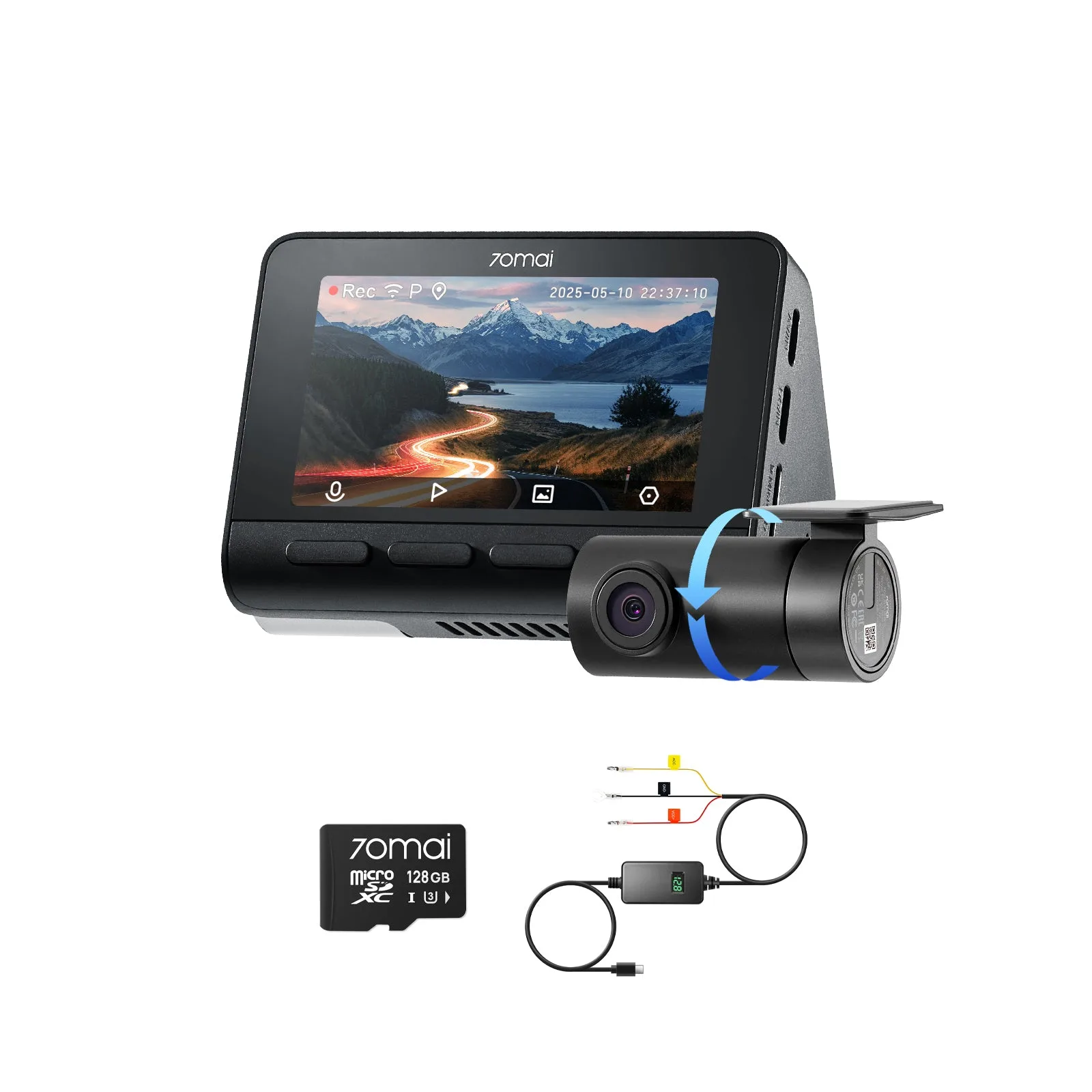
- 4K Road Trip Kit: 4K A810S Front Cam + Rear Cam + Memory Card + Hardwire Kit + CPL Filter: Includes the 70mai A810S front camera with 4K recording capability, plus a rear camera for additional coverage, and comes with a memory card, CPL filter, and hardwire kit. This kit gives you everything needed for a hardwired front-and-rear setup, saving you from buying components separately.
- 4K A800SE Flash Bundle: Front Cam + Rear Cam + Memory Card + Hardwire Kit: Combines a 4K front camera with a rear camera, plus a 128GB micro SD card and a hardwire kit for integrated installation. A complete bundle that simplifies hardwiring and ensures you have sufficient storage for parking surveillance clips.
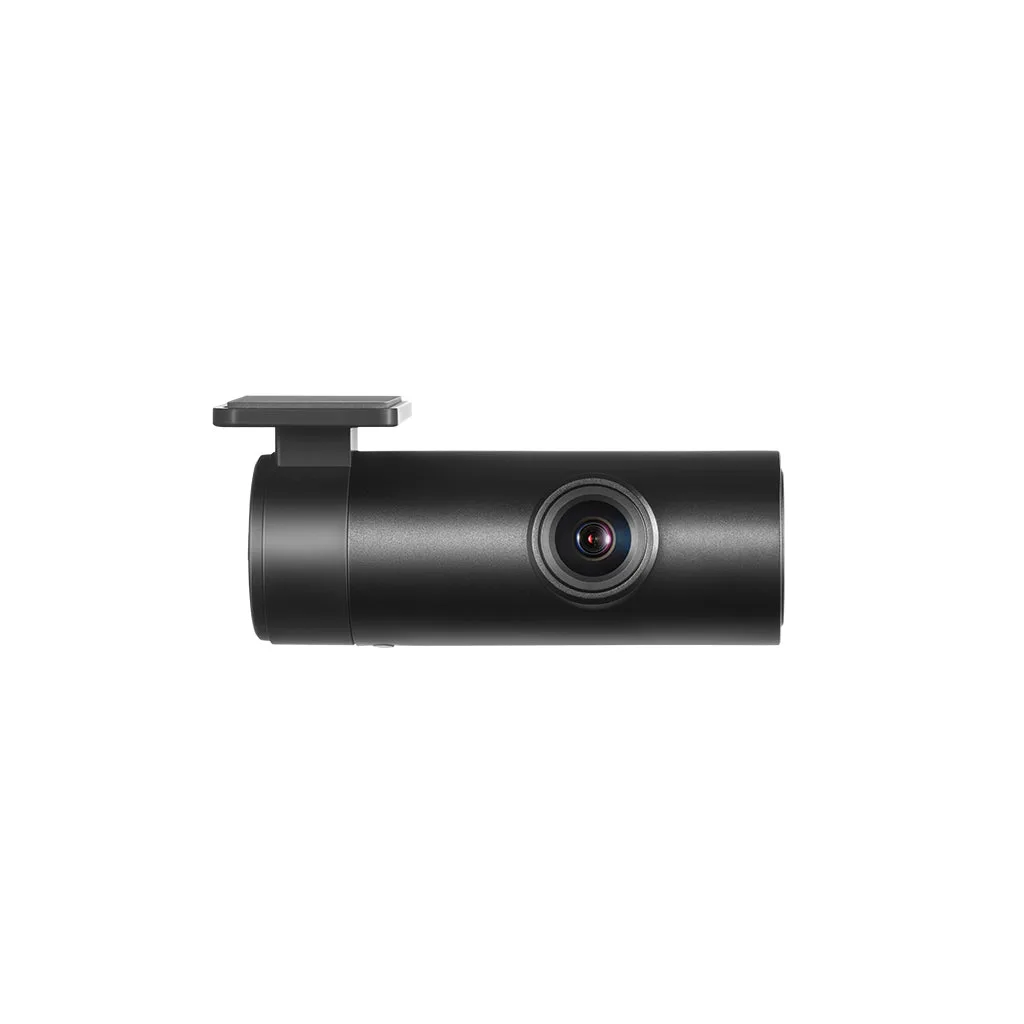
- 70mai Interior Cam FC02 for Dash Cam A510/ A810/ S500/ A200: 1080P HDR image with 130° FOV, F2.1 aperture, and infrared night vision for clear interior views. If you want interior coverage for rideshare or security, this cam adds a second channel—but note that connecting it prevents using a rear camera simultaneously.
Hardwiring your 70mai dash cam for 24/7 parking surveillance is a manageable DIY project that adds valuable security. By following these steps and avoiding common mistakes like wrong fuse selection or poor grounding, you'll have a reliable setup that protects your car even when you're away. If you're unsure at any point, consider professional installation—but with patience and the right tools, most owners can complete this successfully.