Quick answer
To install a camera LCD screen protector successfully, clean your screen in a dust-free area, align the protector carefully, and use a squeegee to remove air bubbles.
Why a screen protector matters for your camera LCD
Your camera's LCD screen is exposed to scratches from keys, straps, and accidental drops. A screen protector adds a thin, transparent layer that absorbs minor impacts and keeps the display pristine, preserving your camera's resale value.
Unlike phone screens, camera LCDs are often recessed, but they still benefit from protection, especially if you shoot outdoors or in crowded environments.
What to consider before you start
Before applying, check the size of your camera's LCD. Many protectors come in universal sizes that you can trim to fit, like the Kenro Cut to Size Screen Protectors. Ensure you have a clean, well-lit workspace with minimal dust.
If your protector is not pre-cut for your exact model, measure the screen area and trim the film slightly smaller than the screen to avoid peeling at the edges.
Step-by-step installation guide
- Clean the LCD screen: Use the provided cleaning wipe (or a microfiber cloth with a small amount of screen cleaner) to remove all dust, fingerprints, and smudges. Ensure the screen is completely dry before proceeding. Checkpoint: Hold the camera at an angle to catch any remaining dust particles in the light.
- Trim the protector if needed: If your protector is not pre-cut, place it over the LCD and mark the edges with a soft pencil. Cut slightly inside the marked lines to ensure it fits within the recessed area. Checkpoint: Use sharp scissors and cut slowly to avoid jagged edges.
- Peel and align: Peel the backing from the protector, then align it with the LCD. Hold it by the edges to avoid fingerprints. Lower it gently from one side to the other to minimize trapped air. Checkpoint: If you misalign, carefully lift and reposition immediately before the adhesive sets.
- Squeegee out bubbles: Use the included applicator or a soft card to push air bubbles toward the edges. Work from the center outward. If stubborn bubbles remain, lift the nearest corner and reapply. Checkpoint: Don't press too hard—you could damage the LCD. Use gentle, even pressure.
- Final inspection and cleanup: Check the edges for lifting and the surface for dust. If dust is trapped, peel back the protector, use a piece of tape to lift the dust off, and reapply. Wipe the surface once more. Checkpoint: Allow the protector to settle for a few hours before using the camera heavily.
Product spotlight
-
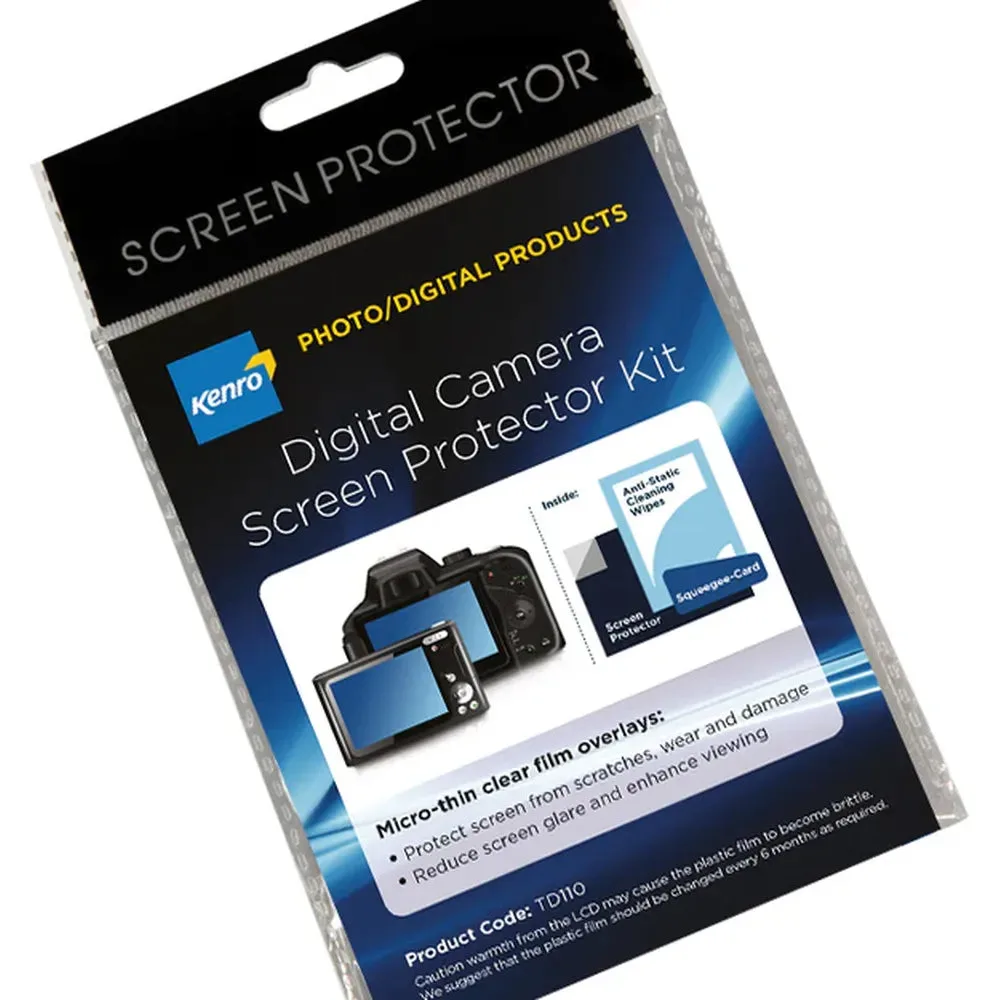
Kenro Cut to Size Screen Protectors - Pack of 3: The Kenro Cut to Size Screen Protectors - Pack of 3 includes three clear film overlays that can be trimmed to fit your LCD screen. Each protector measures 100 x 80 mm, and the kit comes with an applicator and cleaning wipes. This pack is ideal if you own multiple cameras or want a spare, and the included applicator and wipes simplify the installation process.
Kenro Cut to Size Screen Protectors - Pack of 3


