Quick Answer
Installing the Tough Clear Plus case on your iPhone 14 is straightforward: align the case with the volume and power buttons, press the corners down evenly, and check the MagSafe magnets are centered. Follow these steps to avoid gaps or misalignment.
Why Proper Installation Matters
A correctly installed case ensures full drop protection and reliable MagSafe charging. The Tough Clear Plus features built-in magnets that need precise alignment with your iPhone 14's internal magnets to snap securely onto MagSafe chargers. If the case is not seated properly, you may notice a loose fit or slower wireless charging.
The case also includes antimicrobial protection and is made from recycled materials, so handling it carefully during installation helps preserve these features.
Step-by-Step Installation
- Prepare Your iPhone 14: Remove any existing case or screen protector. Wipe the back of your iPhone with a soft, lint-free cloth to remove dust or oils. A clean surface helps the case grip firmly and prevents scratches. Even a small grain of dust can cause a gap or bubble under the clear back.
- Align the Case with the Buttons: Hold the Tough Clear Plus case so the cutouts for the volume buttons and power button face the correct side. Lower the top-left corner of the case onto the iPhone 14 first, then gently press the rest of the case down starting from the top edge. Misaligning the button cutouts is the most common mistake—check they line up before pressing down.
- Press the Corners and Edges: Starting from the top-left corner, press firmly but evenly around all four corners and along the edges. Listen for a soft click as each corner snaps into place. Avoid pressing the center of the back panel, which can flex the case. If a corner does not snap, lift the case slightly and re-align—do not force it.
- Check MagSafe Alignment: Place your iPhone 14 with the case on a MagSafe charger. The case should snap into place magnetically without sliding. If the connection feels weak or the phone does not center on the charger, remove the case and re-install, ensuring the magnets align with the Apple logo area on the back. A weak magnetic hold usually means the case is not seated flat—recheck all corners.
- Test Button and Port Access: Press each button (volume up, volume down, power/side button) to ensure they click smoothly. Check that the Lightning port, speaker grilles, and microphone cutouts are fully exposed. If any button feels stiff, the case may be slightly off—re-seat that edge. Stiff buttons after installation indicate the case is not fully snapped along that side.
About This Case
-
Tough Clear Plus (MagSafe) - iPhone 14: The Tough Clear Plus includes strong built-in magnets for MagSafe alignment and 15-foot drop protection. Proper installation ensures the magnets align perfectly with your iPhone 14 for fast wireless charging and that the case stays secure during drops.
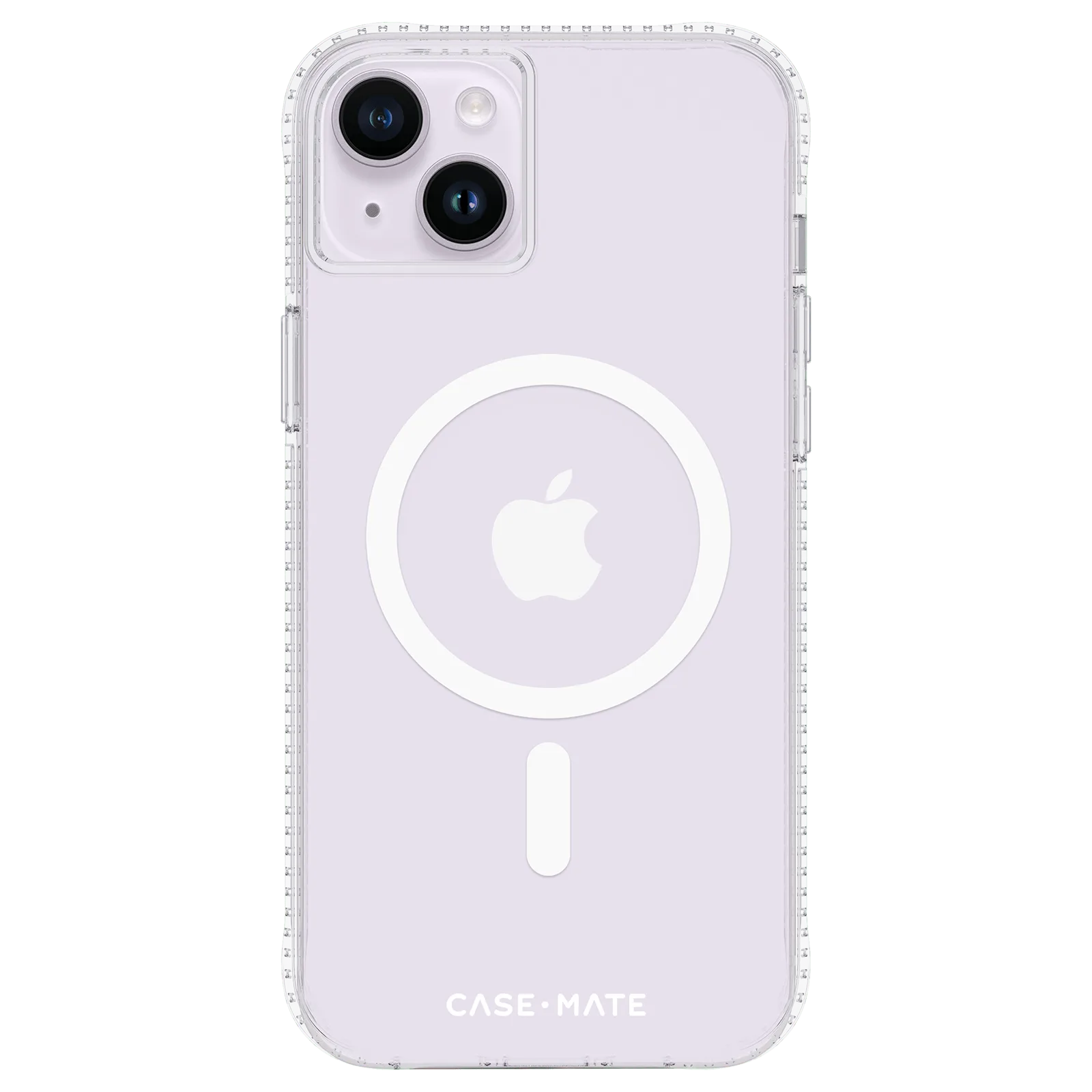
Tough Clear Plus (MagSafe) - iPhone 14