Quick answer
Set your flash zoom head to the same focal length as your lens, or one step wider. This matches the light spread to your lens's field of view, preventing dark corners and wasted light. If your flash lacks a zoom head, use a diffuser or bounce the flash to widen coverage.
Why focal length matching matters
A flash's zoom head concentrates light into a narrower or wider beam to match your lens's angle of view. If the beam is too narrow, your photo will have dark corners. If it's too wide, you waste light and reduce your effective range. Matching the zoom to your lens ensures even illumination across the frame and maximizes the flash's reach.
How to set the zoom head
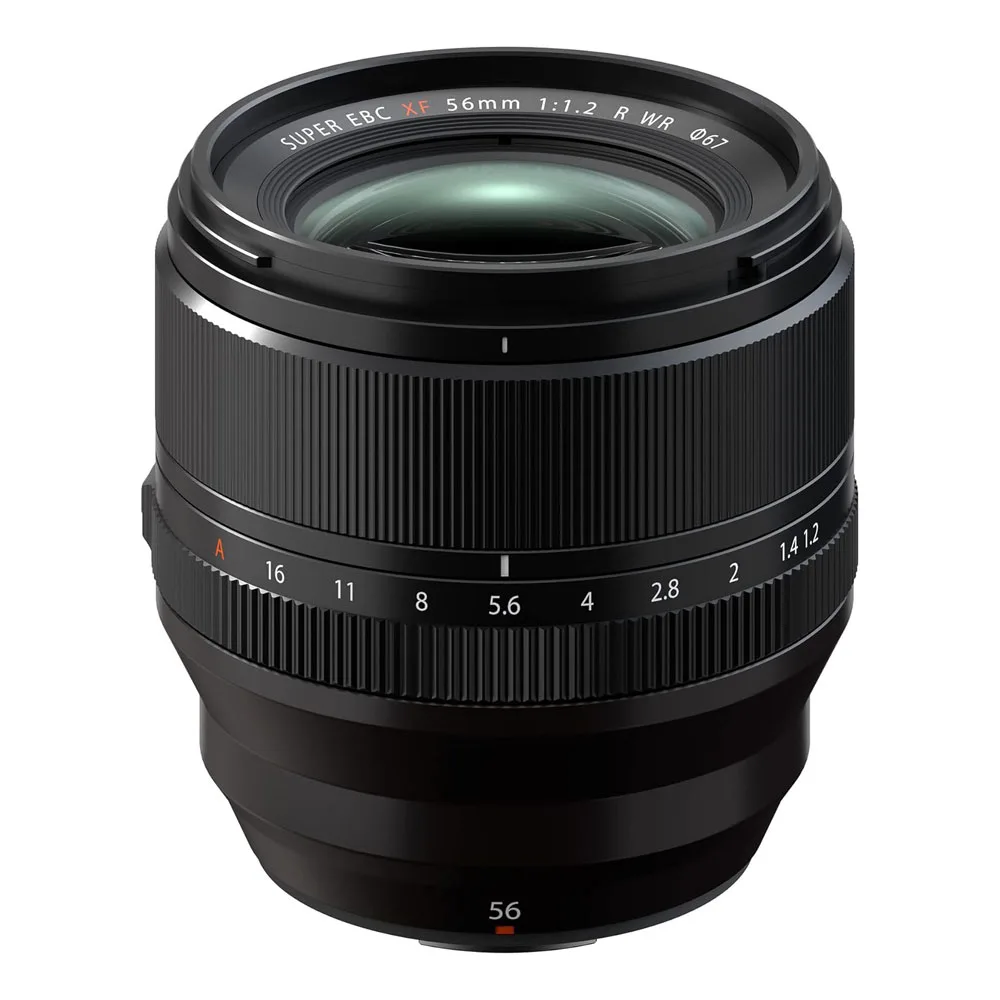
Most speedlights let you set the zoom manually or automatically. In auto mode, the flash reads the lens focal length from the camera and adjusts. In manual mode, you dial in the number. Start by matching the flash zoom to your lens focal length. If you see vignetting, zoom the flash out (to a wider setting) until the corners are bright. For lenses like the Fujinon XF56mm F1.2 R WR, which has a 56mm focal length, set your flash to 56mm or 50mm if available.
Using diffusers and bounce for wider coverage
If your flash doesn't zoom wide enough for a wide-angle lens, or if you want softer light, use a diffuser or bounce the flash off a ceiling or wall. Bouncing spreads the light over a larger area, effectively widening the coverage. This is especially useful when shooting with a 56mm lens indoors, as it softens shadows and reduces the harshness of direct flash.
Off-camera flash and focal length
When using off-camera flash, the zoom head setting still matters. If you're using a modifier like an umbrella or softbox, the light spreads out, so you can often set the flash to a wider zoom to fill the modifier. If you're using a bare flash off-camera, match the zoom to your lens focal length just as you would on-camera. Remember that the distance between flash and subject also affects coverage: the closer the flash, the wider the spread.
Guide number basics for exposure
The guide number (GN) indicates the flash's power at a given ISO and zoom setting. A higher GN means more reach. When you zoom the flash head to a longer focal length, the GN increases because the beam is narrower. This is why matching the zoom to your lens is crucial: it balances coverage and power. To calculate the correct aperture, divide the GN by the flash-to-subject distance. For example, if your flash has a GN of 40 at 56mm and your subject is 5 meters away, use f/8 (40 ÷ 5 = 8).
Step-by-step: Matching your flash to your lens
- Check your lens focal length: Look at your lens barrel or camera display to confirm the focal length you're using. If you're using a zoom lens, note the exact setting. Common mistake: Assuming the focal length without checking, especially with zoom lenses.
- Set the flash zoom head: On your flash, set the zoom to match your lens focal length. If your flash has auto zoom, ensure it's enabled and the camera is communicating with the flash. Checkpoint: Verify the flash zoom setting matches the lens focal length before shooting.
- Test and adjust for even coverage: Take a test shot and check the corners for darkening. If you see vignetting, zoom the flash out one step (to a wider setting) until the corners are bright. Common mistake: Leaving the flash zoomed in too tight, causing dark corners.
- Consider using a diffuser or bounce: If you need softer light or wider coverage, attach a diffuser or bounce the flash off a nearby surface. This spreads the light and reduces harsh shadows. Checkpoint: Bouncing can reduce effective power, so you may need to increase flash output.
- Adjust exposure using guide number: Calculate the aperture by dividing the guide number (at your zoom setting) by the flash-to-subject distance. Set your camera accordingly. Common mistake: Forgetting that zooming the flash changes the guide number and thus exposure.
Product facts
- Fujinon XF56mm F1.2 R WR Lens: Fujinon XF56mm F1.2 R WR Lens features a fast F1.2 aperture, advanced optics, and weather resistance, delivering stunning portraits, smooth bokeh, and precise focus even in challenging conditions. This lens's 56mm focal length pairs well with a flash zoomed to 56mm for even coverage, and its fast aperture lets you balance flash with ambient light in low-light situations.
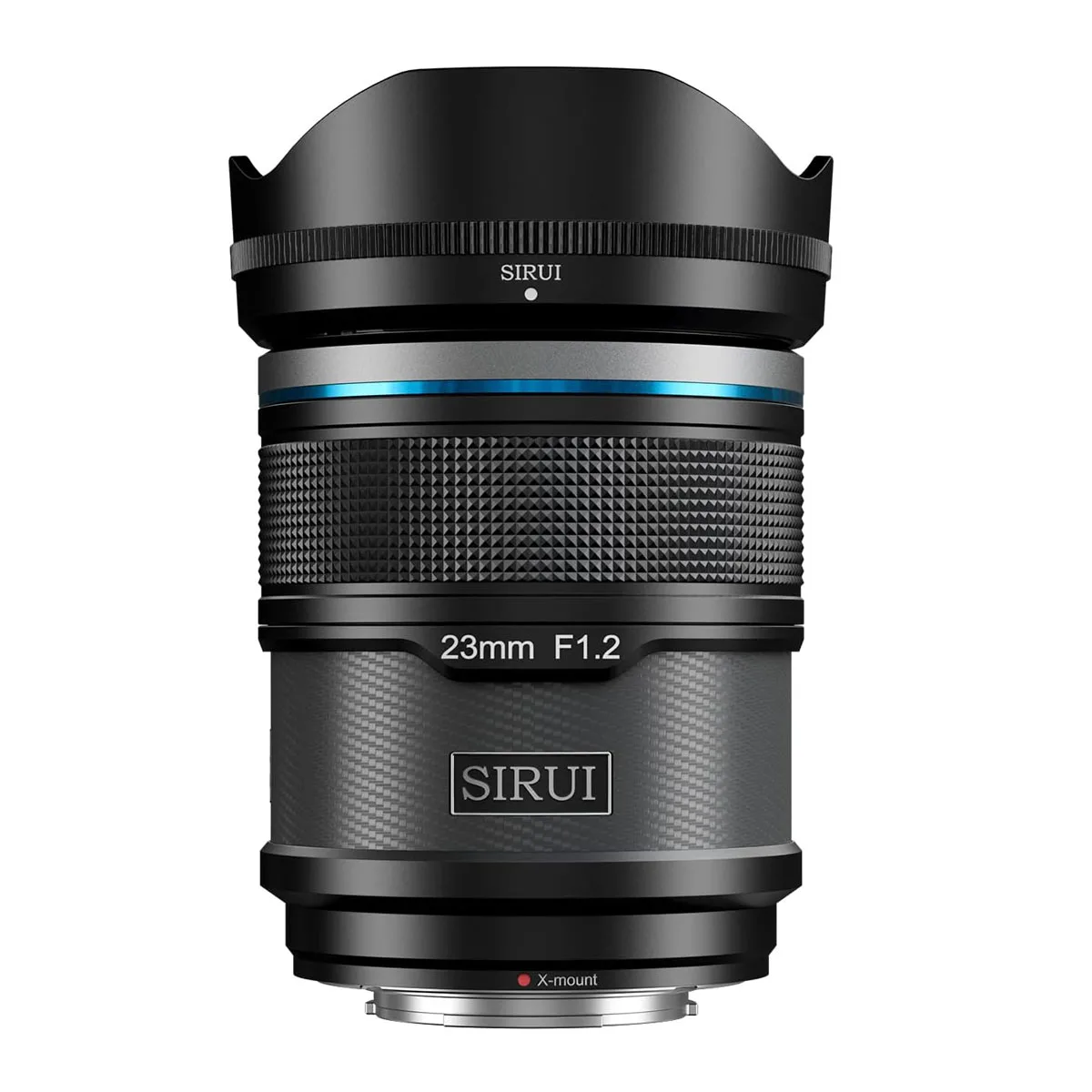
- SIRUI Sniper 23mm F1.2 Autofocus Lens for X Mount: SIRUI Sniper 23mm F1.2 Autofocus Lens for X Mount is a budget-friendly F1.2 auto-focus lens with swift and silent auto-focus, minimal focus breathing, and a lightweight carbon body, perfect for low-light filming and creative storytelling. At 23mm, this lens requires a wider flash zoom setting (around 24mm) to avoid dark corners, and its autofocus helps you keep up with moving subjects when using flash.