Quick answer
Organize a tote bag by splitting it into three zones: a main compartment for bulky items, a front or side pocket for items you reach for constantly, and a small pouch for loose essentials. Then run a two-minute daily reset so nothing settles at the bottom. The goal is not a perfectly packed bag, it is a bag where you can put a hand on any item in under five seconds.
Tote bags are the easiest bag to carry and the hardest bag to keep organized. One wide opening means keys, chargers, a water bottle, and a paperback all end up in the same pile, and you end up digging with one hand while holding a coffee in the other.
The fix is a repeatable routine rather than a clever insert. Below is a seven-step process you can run once, then repeat in a couple of minutes a day. Each step includes the mistake that quietly undoes the work.
Why totes turn into a pile
A tote has one job: carry a lot. That is also its weakness. With no structured pockets, every item competes for the same floor space, and heavier things sink. A laptop sleeve, a water bottle, and a pouch all drift to the bottom, which is exactly where you cannot see them.
The answer is not to carry less. It is to give each category of item a fixed home, so your hand learns the layout. Once the layout is fixed, you stop searching and start reaching.
- Heavier items belong against your back or the bag's base, not loose in the middle.
- Anything you touch more than twice a day should never sit at the bottom.
Step 1: Empty the bag completely
Tip everything onto a table, including the receipts, the spare hair tie, and the pen that has been rolling around for a month. You cannot organize around unknown contents, and most tote clutter is old clutter rather than daily essentials.
Sort into three piles: keep in the bag, keep elsewhere, and discard. Be strict with the middle pile. A tote should hold what a normal day needs, not what a bad day might need.
- Checkpoint: if you have not used an item in two weeks, it does not earn a permanent spot.
Step 2: Decide your three zones
Before you put anything back, assign zones. Zone one is the main compartment for bulky items such as a laptop sleeve, a notebook, or a light layer. Zone two is a front or side pocket for items you reach for constantly, like a phone, transit card, or keys. Zone three is a small pouch for loose items that would otherwise scatter.
If your tote has only one open compartment, zone three does the heavy lifting. A single pouch can hold cables, a charger, lip balm, and headphones, and it can be lifted out in one motion when you switch bags.
- Common mistake: creating five zones in a bag with two pockets, which collapses the first time you are in a hurry.
Step 3: Group small items into one pouch
Loose small items are the main reason a tote feels chaotic. Gather them into one pouch rather than scattering them across pockets. Chargers, cables, earbuds, and a power bank belong together because they are used together.
Keep the pouch soft-sided so it molds around larger items instead of fighting them. If your pouch has a wrist strap, use it, since you can carry the pouch alone on a quick errand and leave the tote behind.
- Checkpoint: shake the pouch gently. If it rattles loudly, you have packed too many hard items together.
Step 4: Place bulky items first, not last
Most people pack the small things first and then wedge in the laptop, which buries everything. Reverse it. Put the largest, flattest item in first, standing upright against the back wall, then build around it.
This keeps the bag's shape stable and stops the tote from folding in on itself when you set it down. It also protects a laptop or tablet from being crushed by a water bottle.
- Common mistake: laying a laptop flat at the bottom, where every other item lands on top of it.
Step 5: Use vertical space for bottles and umbrellas
Tall items should stand, not lie down. A water bottle lying on its side rolls, leaks, and takes up the width of the whole bag. Standing it in a corner or an exterior side pocket keeps it contained and easy to grab.
If your tote has no side pocket, place the bottle in a corner and pack soft items around its base to hold it upright. A water bottle holder is a small accessory that solves this permanently if you carry a bottle daily.
- Checkpoint: tip the bag gently. Nothing should shift more than an inch.
Step 6: Keep the grab zone clear
The top two inches of the bag are prime real estate. Reserve that space for the items you need without looking: phone, keys, transit card, and maybe a pen. If the grab zone is buried, you will dig every single time.
This is where a small crossbody or pouch earns its place. A compact bag with a dedicated front pocket can hold the fast-access items, leaving the tote for everything else.
- Common mistake: dropping keys loose in the main compartment where they scratch a laptop or phone screen.
Step 7: Reset the bag at the end of the day
Organization is not a one-time event. Spend two minutes each evening removing rubbish, returning the pouch to its spot, and putting the grab-zone items back where they belong. That small habit is what separates a tote that works from a tote you dread opening.
If you rotate bags, keep the pouch packed and simply move it across. The pouch becomes your portable core, and every bag you own is instantly organized.
- Checkpoint: if the reset takes longer than two minutes, you are carrying too much.
Your tote organization checklist
- Empty and sort: Tip the bag out and sort into keep, relocate, and discard piles. Checkpoint: anything unused for two weeks leaves the bag.
- Assign three zones: Main compartment for bulky items, a pocket for fast access, one pouch for loose essentials. Do not create more zones than your bag has pockets.
- Pack bulky items first: Stand a laptop or tablet upright against the back wall, then build around it. Never lay a laptop flat at the bottom.
- Stand bottles and umbrellas: Use a corner or side pocket and pack soft items around the base to keep them upright. Checkpoint: tip the bag and nothing should shift more than an inch.
- Protect the grab zone: Keep the top two inches for phone, keys, and cards only. Clip keys to a loop so they cannot scratch a screen.
- Reset nightly: Two minutes to remove rubbish and return the pouch and grab-zone items. If it takes longer, you are carrying too much.
Accessories that make tote organization easier
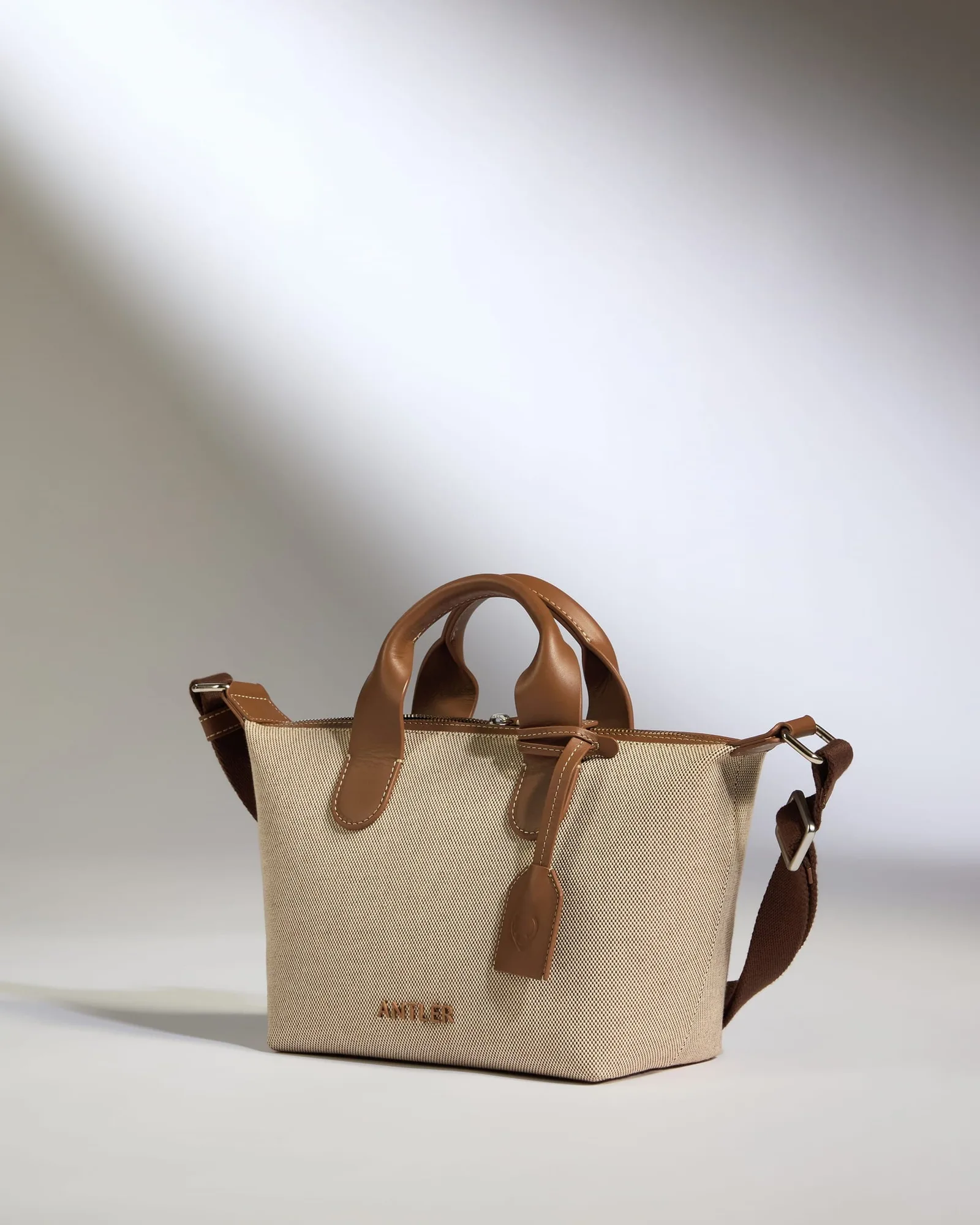
- Heritage Mini Crossbody in Natural: Crafted with durable Oxford Weave cotton canvas and premium leather detailing, with an anti-fray and water-repellent treatment and scratch-resistant leather trims. A compact crossbody with its own structure works as your grab-zone bag, so phone, cards, and keys stop floating loose in the tote and the canvas stands up to daily use.
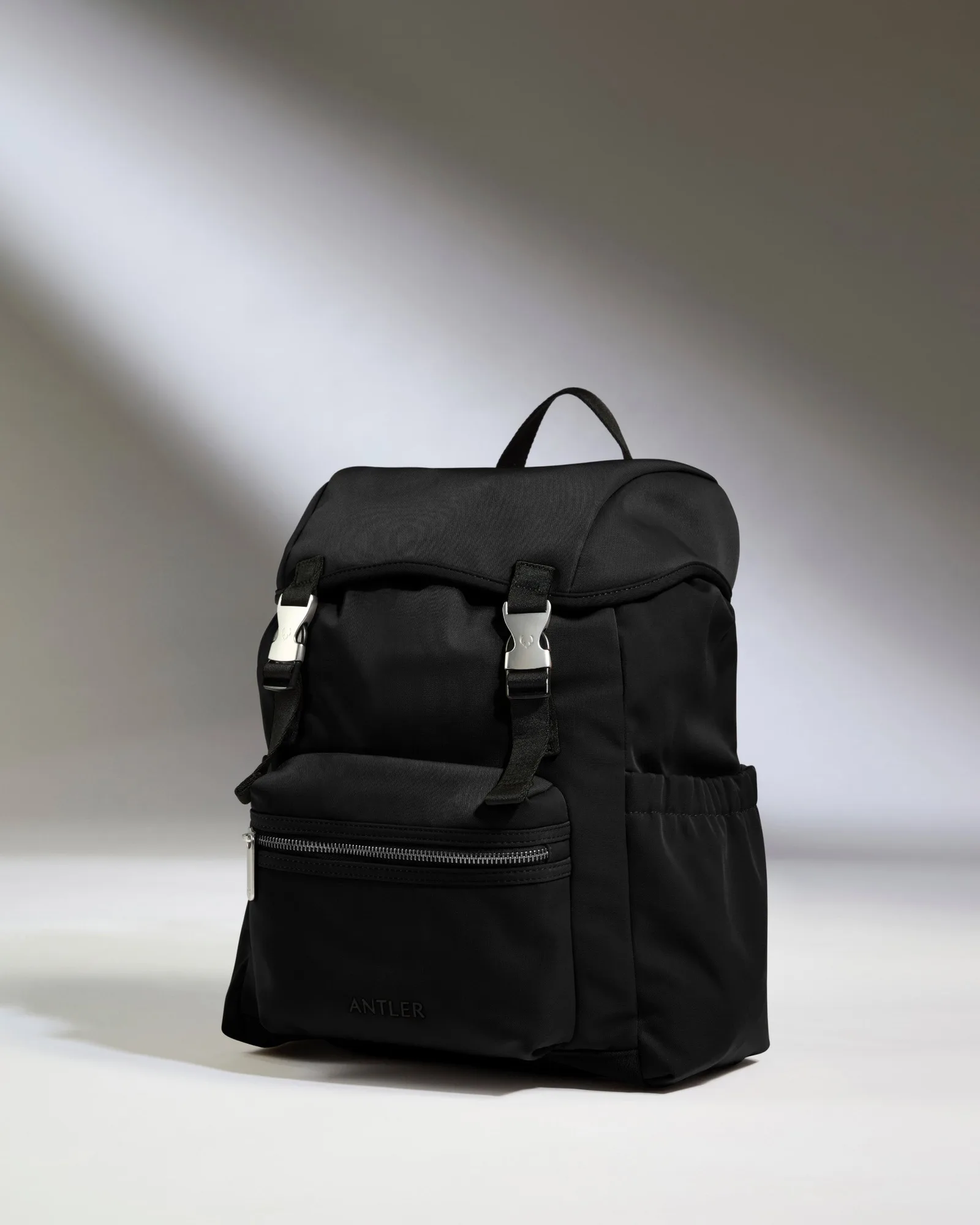
- Icon Drawstring Backpack in Black: Made from 100% recycled fabric with a durable water-resistant finish, with a softer silhouette and considered travel features. On days when a tote alone is not enough, a drawstring backpack adds a second compartment for a layer or gym kit without turning the tote into a bottomless pile.
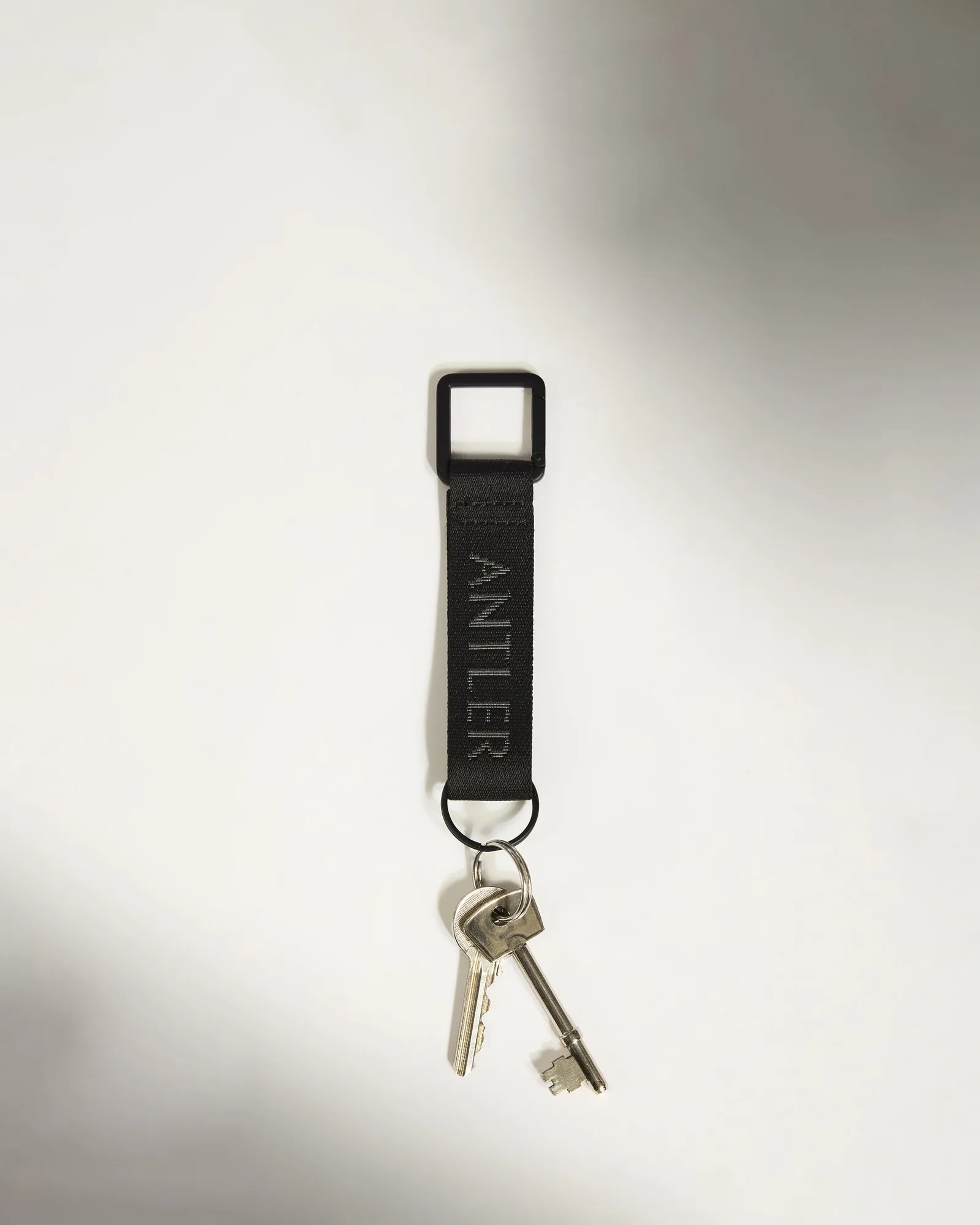
- Icon Keyring in Black: Crafted from durable 100% nylon webbing with a secure carabiner clip and classic keyring loop. Clipping keys to the tote's strap or an interior loop keeps them in the grab zone and off your phone screen, and the carabiner makes them easy to move between bags.
A tote works best when every item has a fixed home and the top of the bag stays clear. Run the seven steps once, then keep the two-minute reset, and you will stop digging for your keys on the walk to the station.