Quick Answer
Pack your TECUM M CNNCT Top backpack by prioritizing your laptop in the dedicated sleeve, using the organizer for small items, and balancing weight with the bottle holder and main compartment.
Why the TECUM M Works for College
The TECUM M CNNCT Top backpack is designed for urban commuting, making it a solid choice for college. Its padded back and streamlined shape help you carry books and a laptop comfortably across campus. The dedicated laptop sleeve and organizer keep your gear accessible without digging through the main compartment.
Step-by-Step Packing Guide
- Load the Laptop Sleeve First: Slide your laptop into the dedicated padded sleeve inside the main compartment. This protects it from bumps and keeps it flat against your back for better weight distribution. Common mistake: placing the laptop loose in the main compartment can lead to screen damage if books shift.
- Organize Small Items in the Front Pocket: Use the convenient organizer pocket for pens, phone, charger, and ID. The security pocket inside is ideal for your wallet or keys. Checkpoint: avoid overstuffing the organizer so the zipper closes easily and items don't fall out.
- Pack Heavy Books Close to Your Back: Place heavy textbooks or binders vertically in the main compartment, against the back panel. Lighter items like notebooks go toward the front. Common mistake: stacking heavy items on top of each other can make the backpack bulge and strain your shoulders.
- Use the Bottle Holder for Hydration: Slide a water bottle into the practical bottle holder on the side. This frees up space inside and keeps your drink accessible without unzipping. Checkpoint: make sure the bottle fits snugly so it doesn't fall out when you bend over.
- Balance the Load and Zip Up: After packing, adjust items so the backpack feels balanced side to side. Zip the main compartment fully to prevent spills. The padded back and raised back panel help distribute weight evenly. Common mistake: packing everything on one side can cause back strain and make the backpack sag.
Product Facts
-
TECUM M CNNCT TOP BLACK: Our premium CNNCT collection for the urban professional delivers effortless commuting functionality. Our streamlined backpack Tecum M features a dedicated laptop sleeve, convenient organizer, and practical bottle holder. The dedicated laptop sleeve keeps your computer secure and separate from books, while the organizer prevents small items like pens and chargers from getting lost.
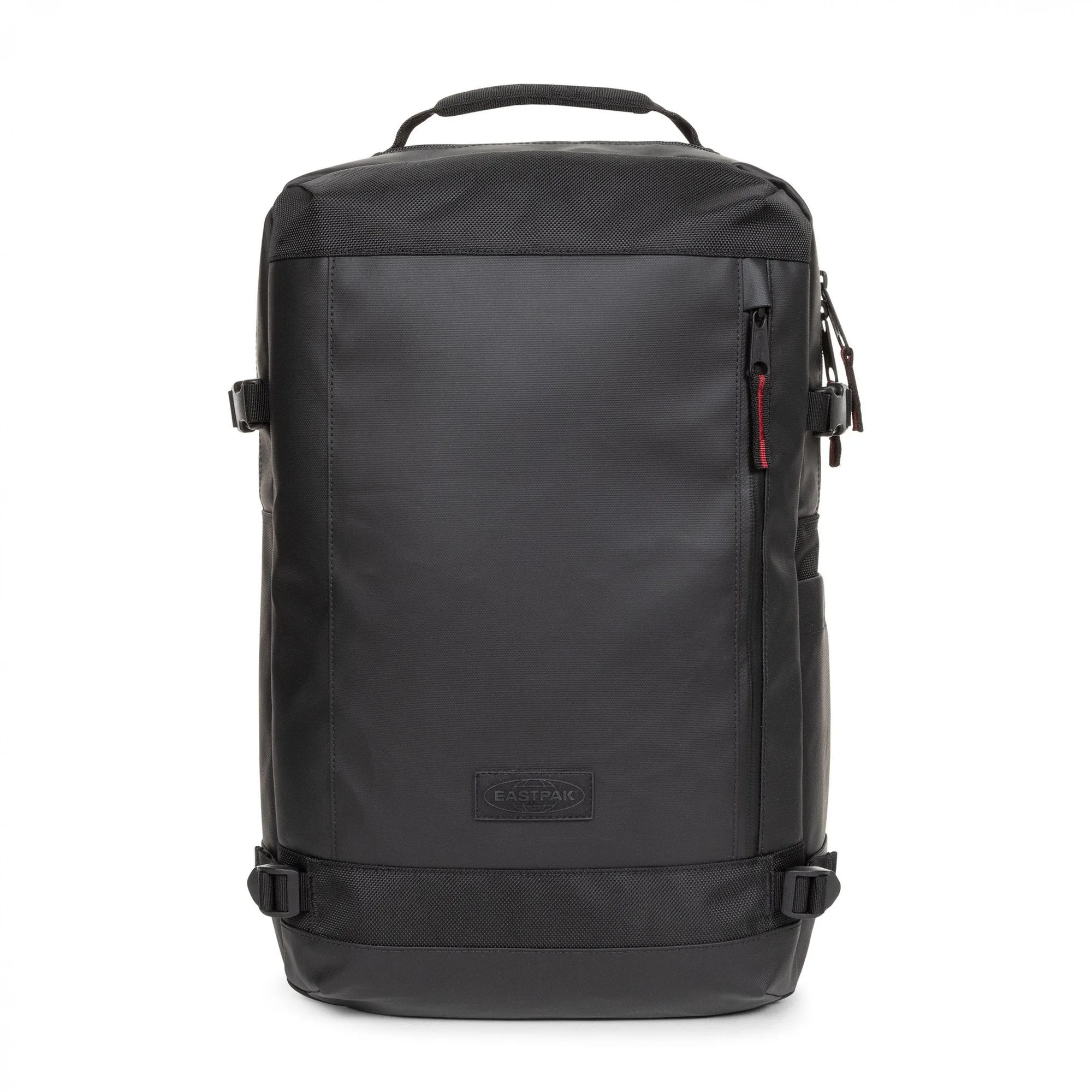
TECUM M CNNCT TOP BLACK


