Quick answer
To reduce false alerts on Wyze cameras, lower motion sensitivity, create detection zones that exclude busy areas like streets or trees, enable person or pet detection if your camera supports it, and adjust notification cooldowns. Start with sensitivity at 50% and refine zones based on actual alerts.
Why false alerts happen and what you can control
False alerts on Wyze cameras usually come from moving trees, passing cars, changing light, or pets. Your camera sees motion as pixel changes, so anything that shifts can trigger a notification. You can control sensitivity, detection zones, detection types, and notification settings. Each camera model may offer different options; check your camera's settings in the Wyze app to see what's available.
Step 1: Lower motion sensitivity gradually
Open the Wyze app, select your camera, tap Settings, then Detection Settings. Find Motion Sensitivity and reduce it by 10–20% at a time. Test for a day before lowering further. Too low and you might miss real events; too high and you get constant alerts.
Step 2: Set a detection zone to mask busy areas
In Detection Settings, tap Detection Zone. Draw a zone that covers only the areas you care about—like your porch or driveway—and exclude public sidewalks, swaying branches, or heat vents. This is your wyze camera notification zone. Make sure the zone is not so small that a person walking up is missed.
Step 3: Enable person and pet detection if available
If your camera supports it, turn on Person Detection and Pet Detection in Detection Settings. These use on-device or cloud AI to filter out non-human or non-pet motion. Note that pet detection may not distinguish your pet from a stray animal, and person detection may miss someone in heavy clothing. Adjust as needed.
Step 4: Adjust notification settings and cooldown
Go to Notifications in the camera settings. You can set a cooldown period (e.g., 1 minute) to avoid rapid-fire alerts, and choose to be notified only for person or pet events. If you have Wyze Cam Plus, you can also use Smart Filters. Without a subscription, you may see more false alerts because advanced detection is limited.
Step 5: Consider camera placement and accessories
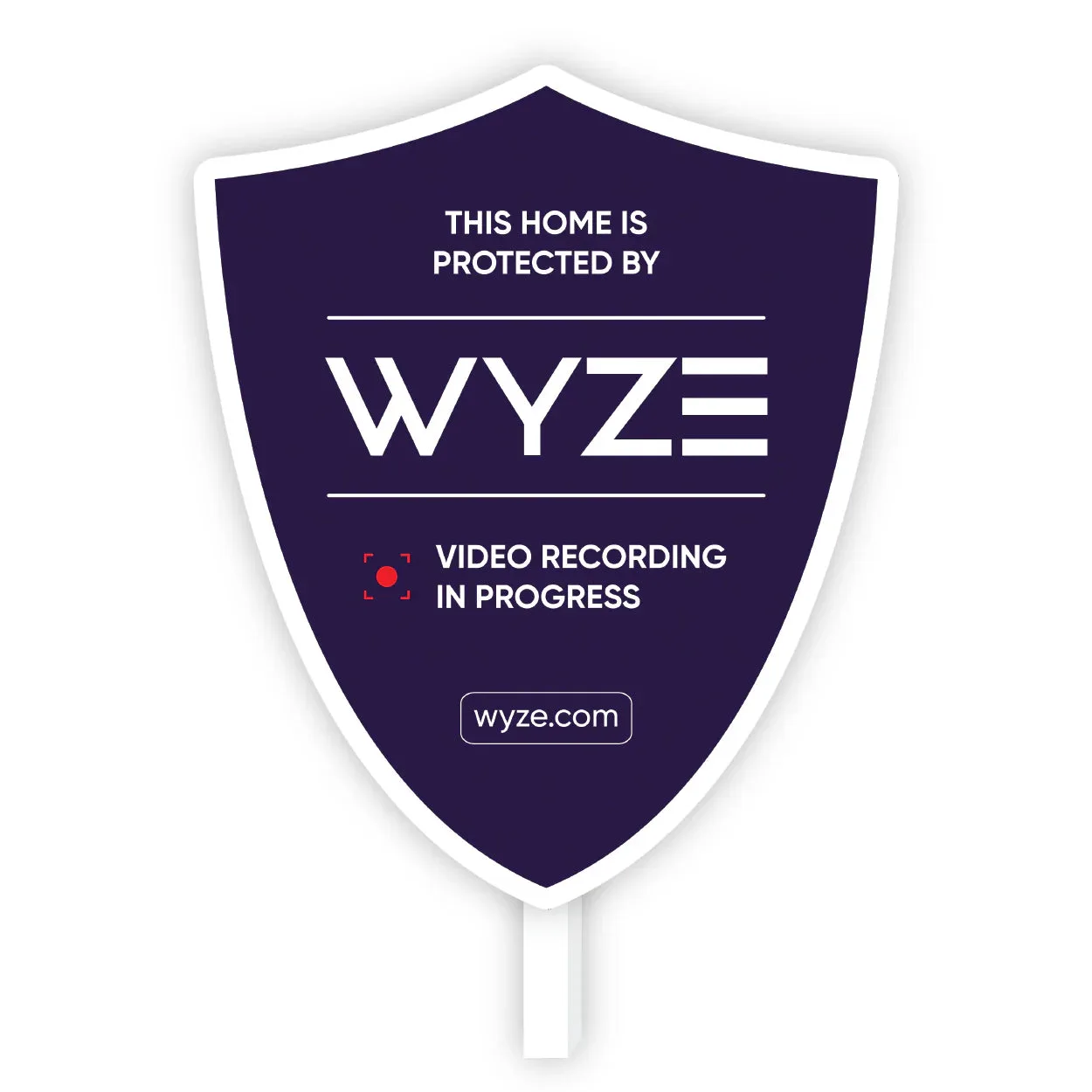
Where you mount your camera matters. Aim it away from roads, direct sunlight, and moving foliage. If you need to shoot through a window, a window mount can reduce glare and reflections that cause false triggers. For outdoor deterrence, a visible yard sign can discourage intruders, but it won't affect camera alerts.
Step-by-step: Reduce false alerts on your Wyze camera
- Lower motion sensitivity: In the Wyze app, go to Detection Settings and reduce sensitivity by 10–20% increments. Test after each change. Checkpoint: If you still get alerts from trees or cars, lower another 10%.
- Create a detection zone: Draw a zone that covers only your key areas, excluding sidewalks, roads, and swaying branches. Checkpoint: Walk through the zone to confirm the camera detects you.
- Enable person and pet detection: Turn on Person Detection and Pet Detection if your camera supports it. These filters reduce alerts from non-relevant motion. Checkpoint: If you have pets, test that pet detection doesn't miss them.
- Adjust notification cooldown and filters: Set a cooldown period and choose to be notified only for person or pet events if available. Checkpoint: After a day, review alerts to see if any false ones remain.
- Optimize camera placement: Aim the camera away from busy streets and direct sunlight. Use a window mount if shooting through glass. Checkpoint: If false alerts persist, consider moving the camera to a different angle.
Products that can help with false alerts
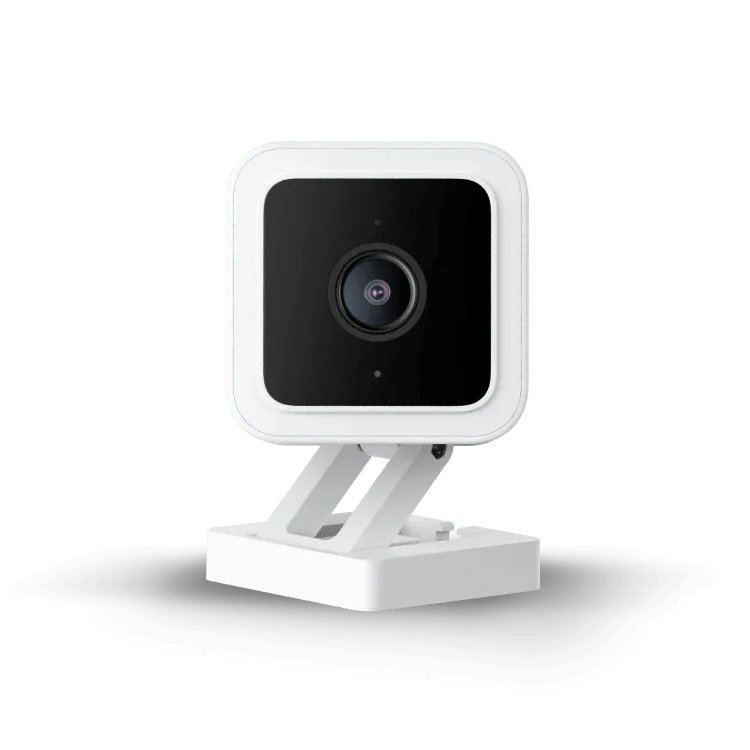
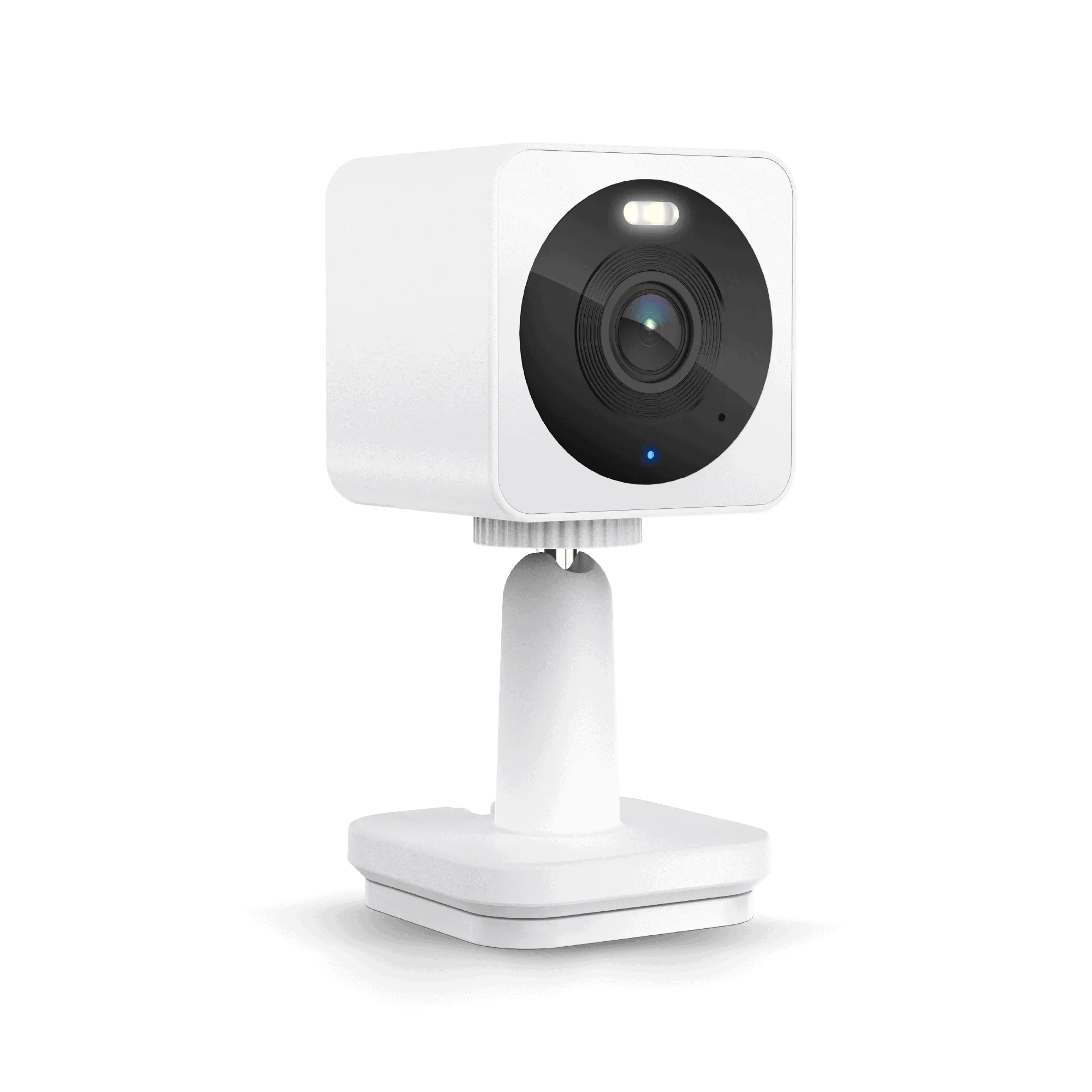
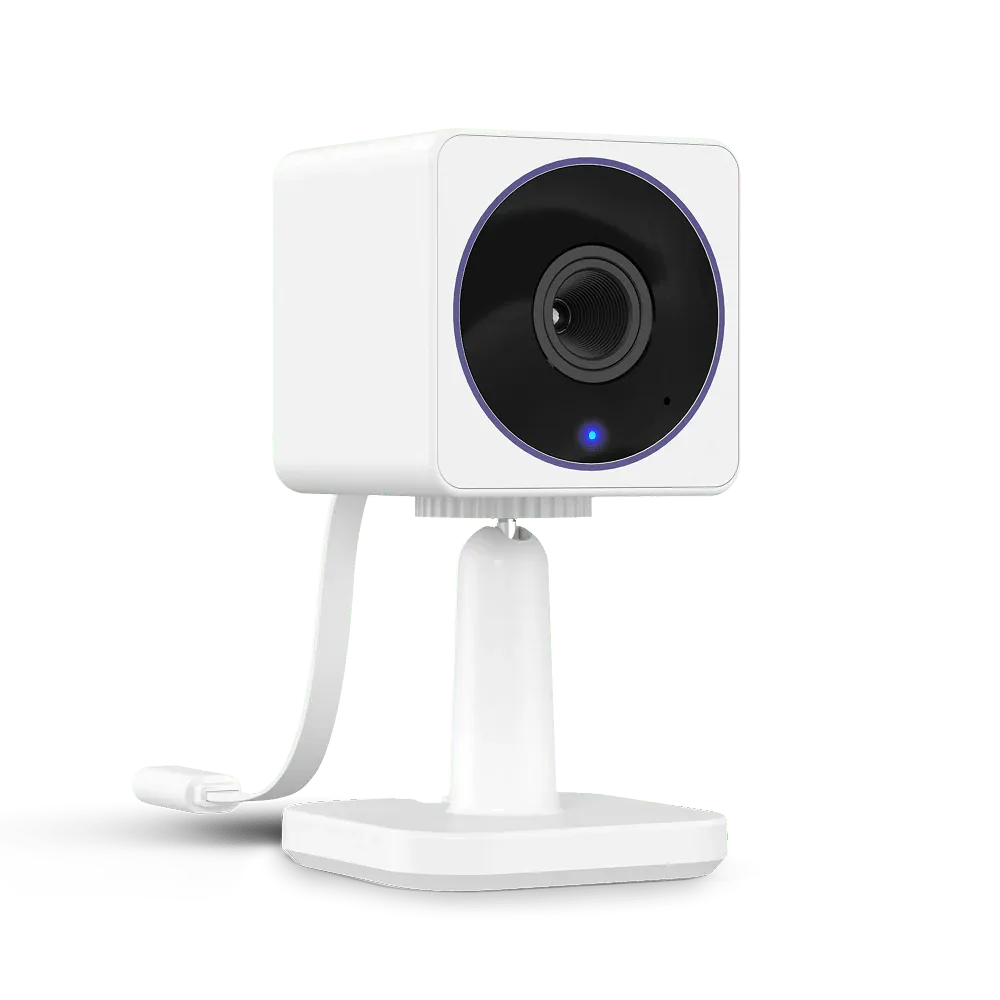
- Wyze Window Mount: Wyze Window Mount lets you attach Wyze Cam v3/Cam v3 Pro/Cam v4, Wyze Cam OG, or Wyze Cam OG Telephoto to a glass surface for a clear view free of glare or reflection. If you place a camera behind a window, glare and reflections can trigger false motion alerts. This mount reduces those issues, giving you a cleaner image.
- Wyze Cam Pan v2: Wyze Cam Pan v2 offers motion tracking, two-way audio, and 360-degree coverage. Pan and tilt can help you aim the camera precisely to avoid false triggers from areas you don't care about, though you'll still need to set zones and sensitivity.
- Wyze Security Yard Sign: Wyze Security Yard Sign is a tough aluminum sign to deter potential intruders. While it won't reduce false alerts, it can add a layer of deterrence so you rely less on notifications for security.