Quick answer
To set up your Q Acoustics M20 wireless speakers, connect the left and right speakers with the supplied cable, plug in the main speaker, then press the source button until Bluetooth appears on the front panel. Pair from your device and you are ready to play.
What you need before you start
The Q Acoustics M20 is a powered bookshelf system, meaning the amplifier is built into the left speaker. You do not need a separate receiver or amplifier. The right speaker connects to the left via a dedicated speaker cable, so make sure that cable is included and undamaged.
For Bluetooth streaming, your source device (phone, tablet, or computer) should support aptX HD for the best wireless audio quality. Standard Bluetooth works too, but you will miss the high-resolution 24-bit/48kHz streaming the M20 can deliver.
Positioning your speakers for best sound
Place the speakers on a sturdy shelf or stand at ear level when seated. Keep them at least 6 inches from the wall behind to avoid boomy bass. The M20s are rear-ported, so too much rear wall proximity will muddy the low end.
Aim for a stereo triangle: each speaker should be roughly the same distance from your listening position. If you place one in a corner and the other in open space, the stereo image will feel unbalanced.
Step-by-step setup guide
- Unbox and connect the speakers: Remove both speakers from the packaging. Connect the right speaker to the left (main) speaker using the supplied speaker cable. Match the red (+) and black (-) terminals on both ends. Tighten the binding posts by hand. Common mistake: reversing polarity (swapping + and -) causes weak bass and a hollow sound. Double-check the markings.
- Power on the main speaker: Plug the power cord into the left (main) speaker and then into a wall outlet. Press the power button on the front panel. The LED will glow white once the speaker is ready. If the LED does not light, check that the power cord is fully seated and the outlet is live. Do not use a power strip that is switched off.
- Select Bluetooth input: Press the Source button on the front panel or remote until the display shows 'BT'. The speaker will enter pairing mode automatically. The LED will flash blue. Common mistake: pressing Source too quickly and skipping past Bluetooth. Wait for the display to settle on 'BT' before trying to pair.
- Pair your device: On your phone, tablet, or computer, open Bluetooth settings and look for 'Q Acoustics M20' in the list. Tap to pair. Once connected, the LED will turn solid blue and you will hear a confirmation tone. If the speaker does not appear, turn Bluetooth off and on again on your source device. The M20 remembers up to 8 paired devices.
- Adjust volume and enjoy: Use the volume knob on the speaker or the remote to set your listening level. Start at a low volume and increase gradually. The M20 also has bass and treble controls on the remote if you need to tune the sound to your room. Common mistake: maxing out the volume on the source device and then trying to control volume on the speaker, which can introduce distortion. Keep your source at 80-90% and use the speaker volume for fine adjustments.
Product facts
-
Q Acoustics M20 Wireless Powered Bookshelf Speakers aptX HD Bluetooth 5.0 Black: The Q Acoustics M20 streams high-resolution audio over aptX HD Bluetooth up to 24-bit/48kHz and plays 24-bit/192kHz natively over USB. If you want the highest wireless sound quality, make sure your phone or computer supports aptX HD; otherwise the M20 will still work but at standard Bluetooth resolution.
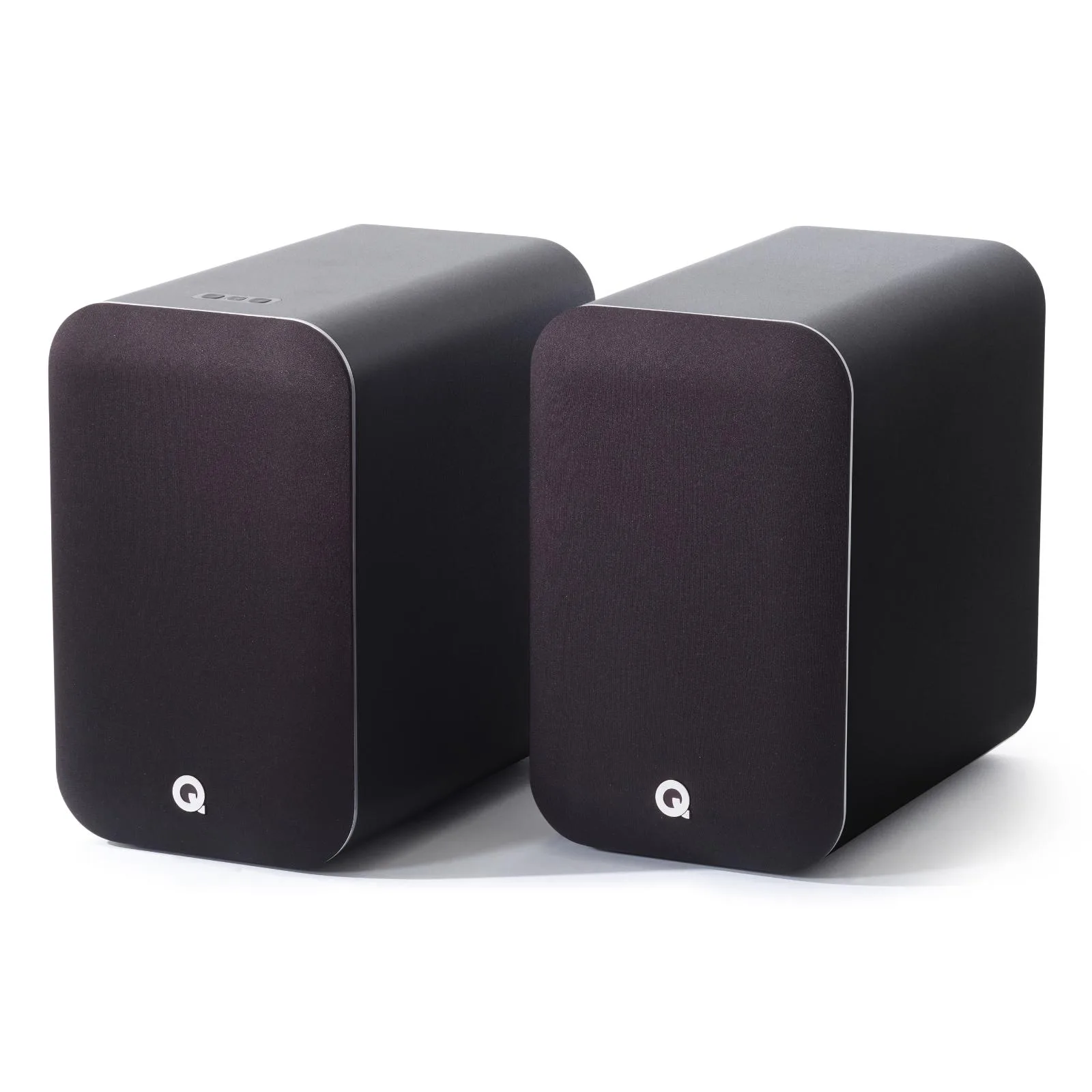
Q Acoustics M20 Wireless Powered Bookshelf Speakers aptX HD Bluetooth 5.0 Black


