Quick answer
Set up the Scythe: The Wind Gambit expansion by choosing which modules to include—airships, resolutions, or both—then follow the specific steps for each module before starting your game.
Choosing modules before setup
The Wind Gambit expansion offers two independent modules: airships and resolutions. You can use one, both, or neither in any game. Airships add seven huge miniatures and 16 ability tiles that give each faction a unique airship power. Resolutions change the end-game trigger with eight tiles that create new victory conditions. Decide before setup so you know which components to prepare.
If you are new to the expansion, try using only airships first. They add tactical depth without altering the core end-game pacing. Resolutions can dramatically shift strategy, so add them once you are comfortable with airships.
What you need from the base game
You still need the full Scythe base game set up as normal: the game board, faction mats, combat cards, encounter cards, resources, and all standard tokens. The Wind Gambit does not replace any base game components—it adds on top. Make sure you have the base game ready before opening the expansion box.
Step-by-step setup
- 1. Prepare the base game: Set up the Scythe base game completely as you normally would. Place the game board, distribute faction mats, shuffle combat and encounter decks, and set up the resource piles and player tokens. Common mistake: forgetting to set up the base game first. The expansion only adds components; it does not include base game setup instructions.
- 2. Choose your modules: Decide whether to use airships, resolutions, or both. If using airships, take the 7 airship miniatures and 16 ability tiles. If using resolutions, take the 8 resolution tiles. Keep unused components in the box. Checkpoint: you can mix modules freely, but for your first game, start with airships only to keep the rules manageable.
- 3. Set up airships: Shuffle the 16 airship ability tiles and deal one face-up tile to each faction. Place the corresponding airship miniature on the faction mat’s designated airship slot. Return unused tiles to the box without looking at them. Common mistake: dealing multiple tiles per faction. Each faction gets exactly one airship ability for the game.
- 4. Set up resolutions: Shuffle the 8 resolution tiles and randomly reveal one tile face-up near the board. This tile determines the new end-game trigger for the session. Return the remaining tiles to the box without looking. Checkpoint: read the resolution tile aloud so all players understand the new victory condition before the game begins.
- 5. Confirm solo or multiplayer mode: If playing solo, include the Automa components from the expansion as instructed in the Automa rulebook. For multiplayer, no additional setup is needed beyond the steps above. Common mistake: solo players sometimes forget the Automa cards are in the expansion box, not the base game.
Product details
-
Scythe: The Wind Gambit: Scythe: The Wind Gambit adds two new modules: airships (7 huge miniatures and 16 ability tiles) and resolutions (8 tiles that change the end-game trigger), plus Automa components for solo play. The airships module gives each faction a unique airship ability, while resolutions alter how the game ends, making each playthrough feel different.
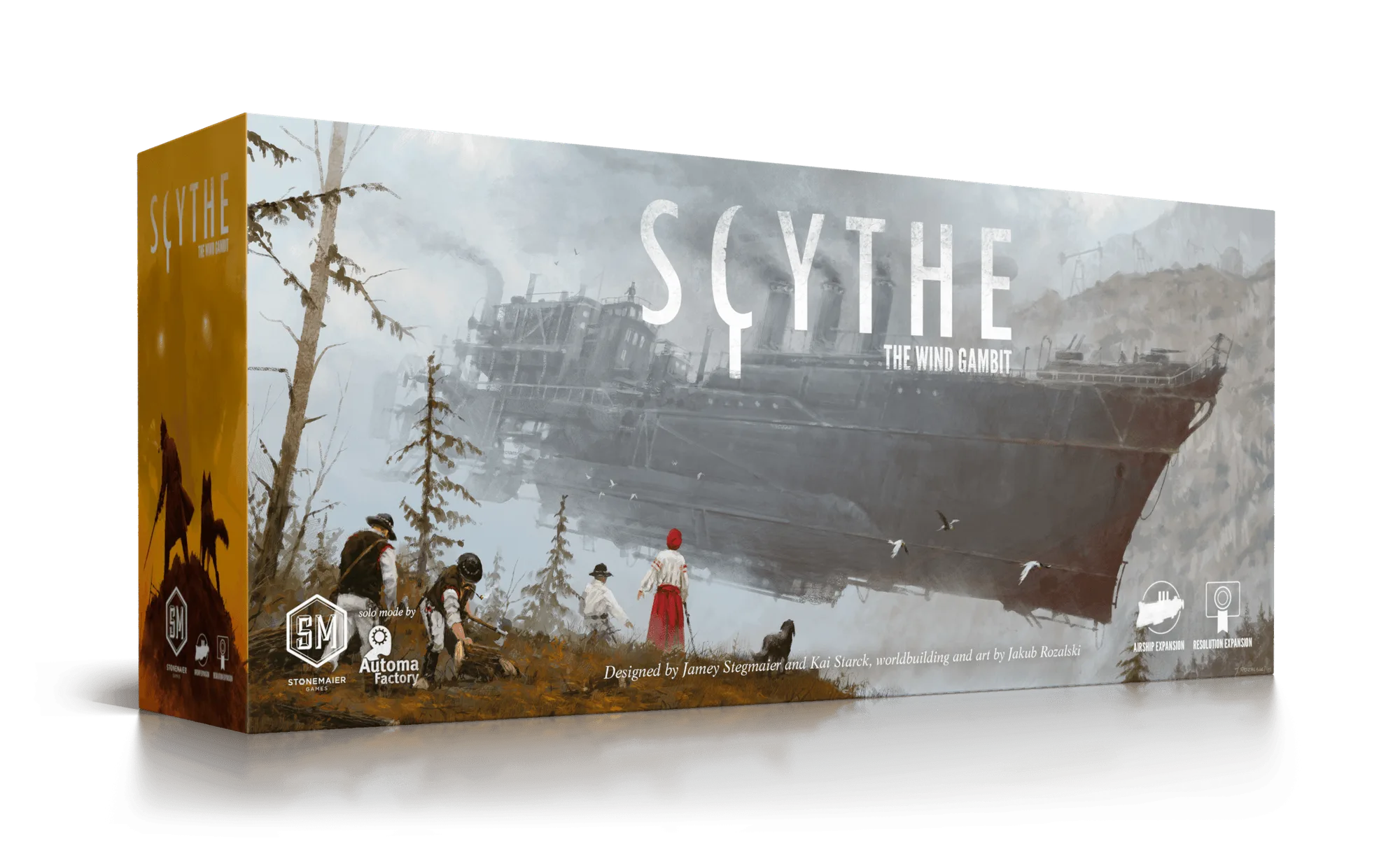
Scythe: The Wind Gambit