Quick Answer
To use a wireless flash trigger for off-camera flash, attach a compatible transmitter to your camera's hot shoe, pair it with a receiver or built-in remote flash, and adjust your settings via TTL or manual control for the desired lighting effect.
Why Use a Wireless Trigger Instead of a Sync Cord
A wireless flash trigger gives you freedom to place your flash anywhere in the scene without being tethered by a cable. This is especially useful for portrait, event, and creative lighting setups where you need to control the direction and quality of light. The trade-off is that you need to ensure reliable line-of-sight or strong radio signal between the trigger and the flash, and you may need to manage battery life for both devices.
Step-by-Step Setup Guide
- Step 1: Install Batteries and Attach the Trigger: Insert fresh batteries into your wireless trigger (transmitter) and your off-camera flash. Slide the trigger onto your camera's hot shoe and tighten the locking wheel. Common mistake: Forgetting to lock the trigger can cause intermittent connection loss. Always lock the trigger to ensure a stable electrical connection.
- Step 2: Set the Trigger and Flash to the Same Channel: Use the trigger's menu or touchscreen to select a channel (e.g., channel 1). Do the same on your off-camera flash or its receiver. Common mistake: Using different channels is the most frequent reason a flash doesn't fire. Double-check that both devices are on the same channel and group ID.
- Step 3: Choose TTL or Manual Mode: On the trigger, select TTL if you want the camera to automatically adjust flash exposure based on metering. Select Manual (M) to set power levels yourself. Common mistake: Expecting TTL to work perfectly in every scene—it can be fooled by very bright or dark backgrounds. Use TTL for fast-paced events; switch to Manual for consistent results in controlled setups.
- Step 4: Position the Flash and Test Fire: Place your off-camera flash on a light stand or hold it in position. Press the test button on the trigger to fire the flash. Common mistake: Placing the flash behind a large object or too far away can block the radio signal. Test fire from the actual shooting distance and angle to confirm reliable triggering.
- Step 5: Adjust Flash Exposure and Shoot: In TTL mode, use exposure compensation (+/-) on the trigger to brighten or darken the flash output. In Manual mode, adjust power level (e.g., 1/4 power) until the lighting looks right. Take a test shot and review the histogram. Common mistake: Over-relying on the camera's LCD—use the histogram to check for clipped highlights or shadows. Bracket your flash power in manual mode to find the ideal exposure quickly.
Product Facts
-
Godox X3 PRO C Touchscreen TTL Wireless Flash Trigger for Canon: The Godox X3 PRO C features a touchscreen interface and Bluetooth app integration for intuitive flash control. This makes adjusting flash power, group settings, and TTL compensation faster than using physical buttons, especially when you're behind the camera or using a stand.
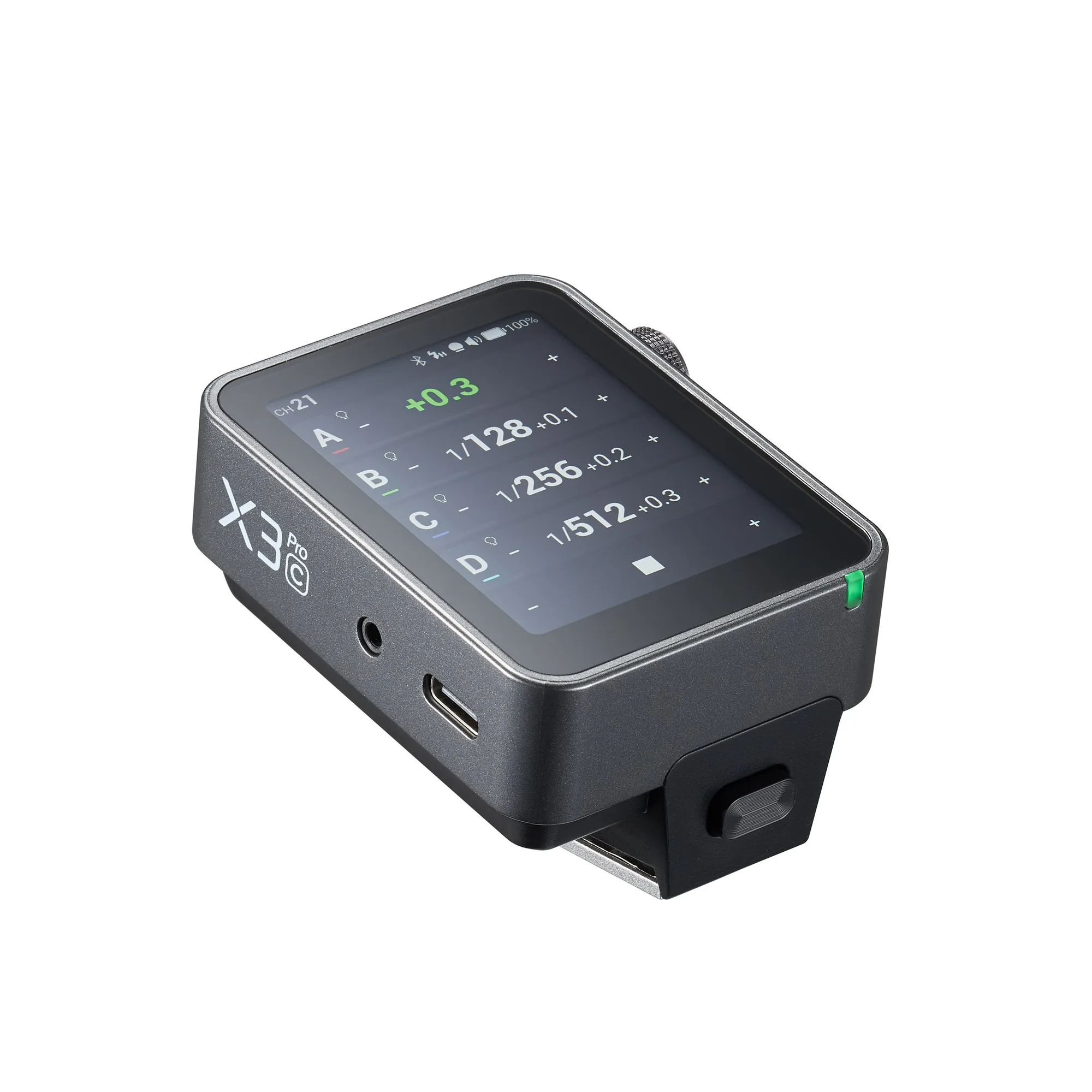
Godox X3 PRO C Touchscreen TTL Wireless Flash Trigger for Canon


