Quick Answer
Use a battery-free air blower like the VSGO Airlink Mini to safely dislodge dust from your camera sensor and lens without introducing static or moisture. Just plug it into a USB-C power source, set the airflow level, and direct short bursts at the dust.
Why Battery-Free Matters for Camera Cleaning
Traditional air blowers that rely on disposable batteries can run out of power mid-cleaning or add extra weight to your kit. A battery-free design, like the VSGO Airlink Mini, draws power from any USB-C source — your phone, power bank, or laptop — so it's always ready when you are. This also keeps the blower lightweight (just 77g) and eliminates the risk of battery leaks damaging your gear.
Understanding Airflow Settings
Not all dust requires the same force. The Airlink Mini offers stepless 5–110W control, letting you start with lower pressure for loose surface dust and increase only if needed. Its brushless motor reaches up to ~100,000 RPM, delivering up to 40m/s airflow and 5.0kPa pressure. Always begin at the lowest effective setting to avoid blowing debris deeper into your camera body.
Step-by-Step Guide to Using a Battery-Free Air Blower
- Step 1: Prepare Your Camera and Environment: Turn off your camera and remove the lens to expose the sensor (if cleaning the sensor) or point the lens opening downward. Work in a low-dust room — avoid bathrooms or windy outdoor areas. A clean, still environment prevents new particles from settling during cleaning. Common mistake: cleaning near a fan or open window, which blows fresh dust onto the sensor right after you remove it.
- Step 2: Connect the Blower to Power: Plug the battery-free air blower into a USB-C power source — your phone, power bank, or laptop. The VSGO Airlink Mini has no internal battery, so it will only run while connected. Ensure the cable doesn't tug or create a trip hazard. Checkpoint: use a fully charged power bank if you're away from a wall outlet. A low-power source may reduce airflow.
- Step 3: Set the Airflow Level: Start with the lowest airflow setting (around 5W). The stepless control lets you dial up gradually. For loose dust on the sensor or lens, low pressure is often enough. Only increase if stubborn particles remain. Common mistake: starting at full power can force dust into crevices or damage delicate sensor coatings.
- Step 4: Direct Short Bursts at the Dust: Hold the blower nozzle 2–3 inches from the surface and use short, controlled bursts. Aim at an angle rather than straight on to avoid pushing dust into the sensor cavity. Move around the area to dislodge particles from different directions. Checkpoint: never touch the sensor or lens surface with the nozzle. If dust remains after several bursts, use a dedicated sensor swab — don't increase pressure excessively.
- Step 5: Inspect and Repeat if Necessary: Reattach the lens, take a test photo of a plain white wall at a small aperture (f/16 or smaller), and check for remaining dust spots on your computer screen. If spots persist, repeat the process or consider a wet cleaning method. Common mistake: assuming one pass is enough. Dust often settles in layers; multiple light passes are safer than one aggressive blast.
Product Facts
-
Airlink Mini Air Blower VP018 - Battery-Free: The Airlink Mini runs on universal Type-C power — no batteries required. It weighs only 77g and features a brushless motor spinning up to ~100,000 RPM, delivering up to 40m/s airflow and 5.0kPa pressure. This means you can always power it from your phone or power bank, and the adjustable airflow lets you match the force to the sensitivity of your camera sensor or lens coating.
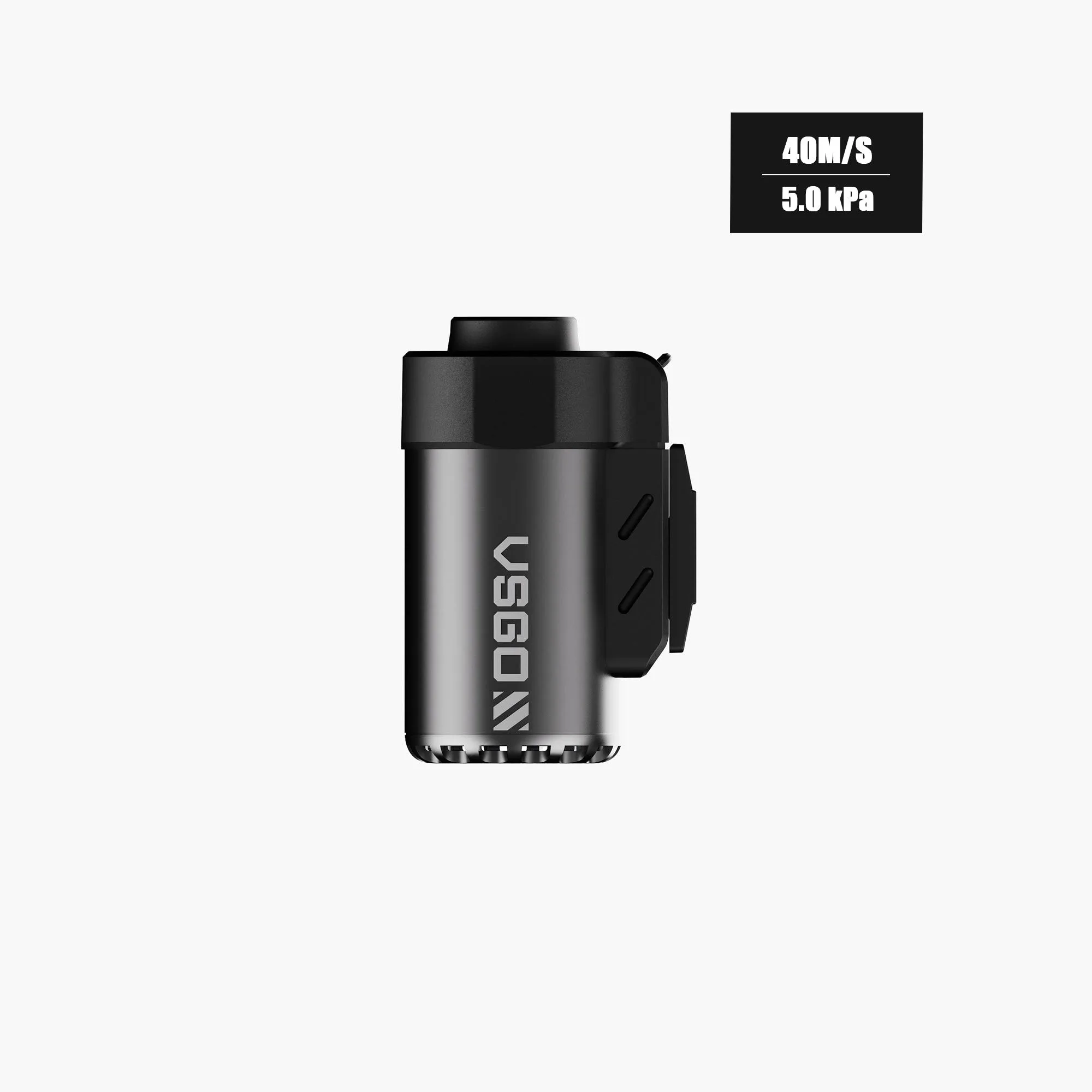
Airlink Mini Air Blower VP018 - Battery-Free


