Quick answer
To use BattleTech MapPack: Alien Worlds in your campaign, unroll the four double-sided maps and choose a layout that matches your scenario's terrain needs. Place maps side-on or edge-on to create a 34" x 22" battlefield, then add terrain elements to reflect the alien environment. Use the wild colors and new terrain to inspire unique tactical challenges and narrative twists.
Choose the right map for your mission
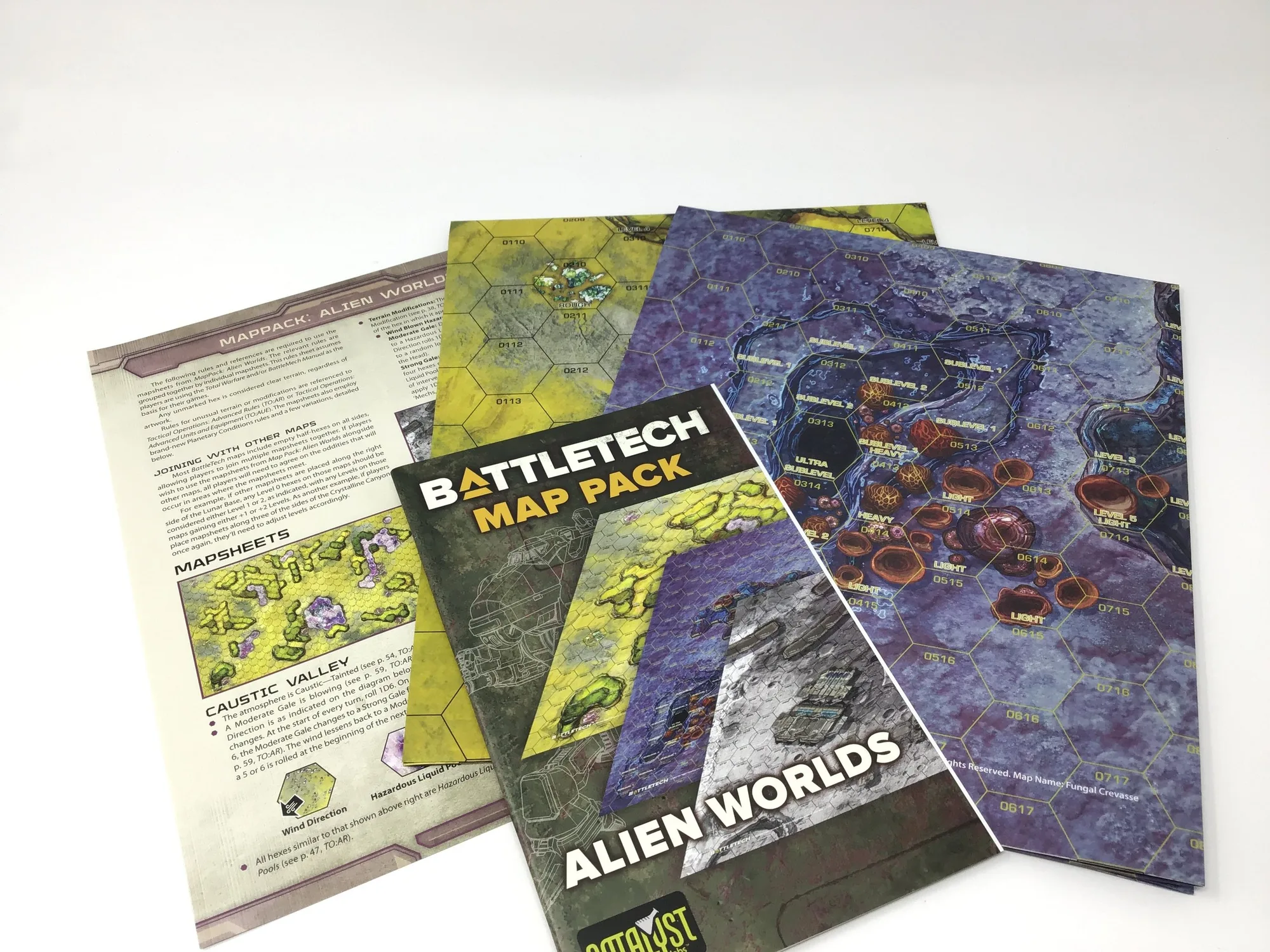
Each MapPack: Alien Worlds includes two double-wide, double-sided maps, giving you four distinct alien battlefields. Before you deploy forces, review the terrain on each side. One side might feature crystalline formations that block line of sight, while another offers open plains with strange vegetation. Match the map to your mission objectives: a recon scenario benefits from dense cover, while a pitched battle needs open lanes for maneuver. If you're unsure, start with the map that has the most varied elevation, as it offers options for both attackers and defenders.
Set up the battlefield correctly
The maps are 17" x 22" each, and you can place them side-on or edge-on to create different footprints. For a standard two-map game, align them along the long edge to make a 34" x 22" play area. If you want a wider front, place them side-on for a 44" x 17" field. Always leave a small gap between maps to avoid bending the paper, and use a playmat or weights to keep corners flat. A common mistake is overlapping maps, which can hide terrain features and create unfair advantages.
Integrate alien terrain into your tactics
The new terrain elements and wild colors aren't just cosmetic; they can define tactical decisions. For example, a map with a large central crater might become a king-of-the-hill objective. Use the unique features to force players out of their comfort zones. If a map has narrow canyons, expect bottlenecks and ambushes. Discuss with your opponent whether certain terrain counts as cover or difficult ground before the game begins. This prevents mid-game arguments and keeps the focus on strategy.
Build narrative scenarios around the maps
Alien Worlds maps are perfect for campaign missions set on unexplored planets. Create a story where the attackers must secure a landing zone on one map, then push into the interior on the next. Use the wild colors to represent exotic atmospheres or biomes. For a twist, add a rule that certain terrain damages units that end their turn there, simulating hazardous flora or unstable ground. This encourages movement and adds a layer of risk. Keep a campaign log of which maps you've used to maintain continuity.
Step-by-step setup
- Unroll and flatten maps: Remove maps from packaging and lay them flat. If they curl, place heavy books on corners for an hour. Mistake: using maps immediately can cause sliding and uneven play. Checkpoint: maps lie flat without curling.
- Select map sides and orientation: Decide which side of each map to use based on terrain. Place them side-on or edge-on to create the desired battlefield size. Mistake: not considering how orientation affects terrain continuity. Checkpoint: battlefield dimensions match your scenario.
- Define terrain effects: Agree with your opponent on how alien terrain features work (cover, difficult ground, etc.). Mistake: assuming all terrain is cosmetic. Checkpoint: both players understand terrain rules.
- Deploy forces and objectives: Set up units and objectives according to the scenario. Use the alien environment to inspire deployment. Mistake: ignoring map features when choosing deployment zones. Checkpoint: objectives are placed fairly and clearly.
- Play and adapt: During the game, use the terrain to your advantage. If a rule seems unclear, make a quick ruling and move on. Mistake: pausing too long to debate terrain. Checkpoint: game flows smoothly with minimal interruptions.
Product facts
- BattleTech: MapPack: Alien Worlds: BattleTech: MapPack: Alien Worlds includes two double-wide, double-sided maps providing four brand-new alien battlefields with new terrain elements and wild colors. This gives you four distinct environments to choose from, extending the variety of your campaign without needing additional terrain pieces.
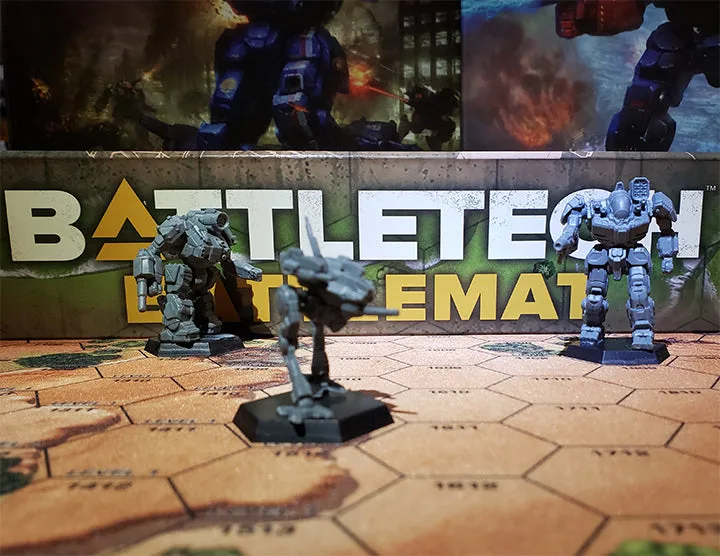
- BattleTech: BattleMat (Grasslands): BattleTech: BattleMat (Grasslands) is a 34" x 22" neoprene map, the perfect two-map size for most games, and is high-resolution with great color quality. If you prefer a durable, rollable surface, the BattleMat offers a consistent play area that pairs well with MapPack maps for larger battles.
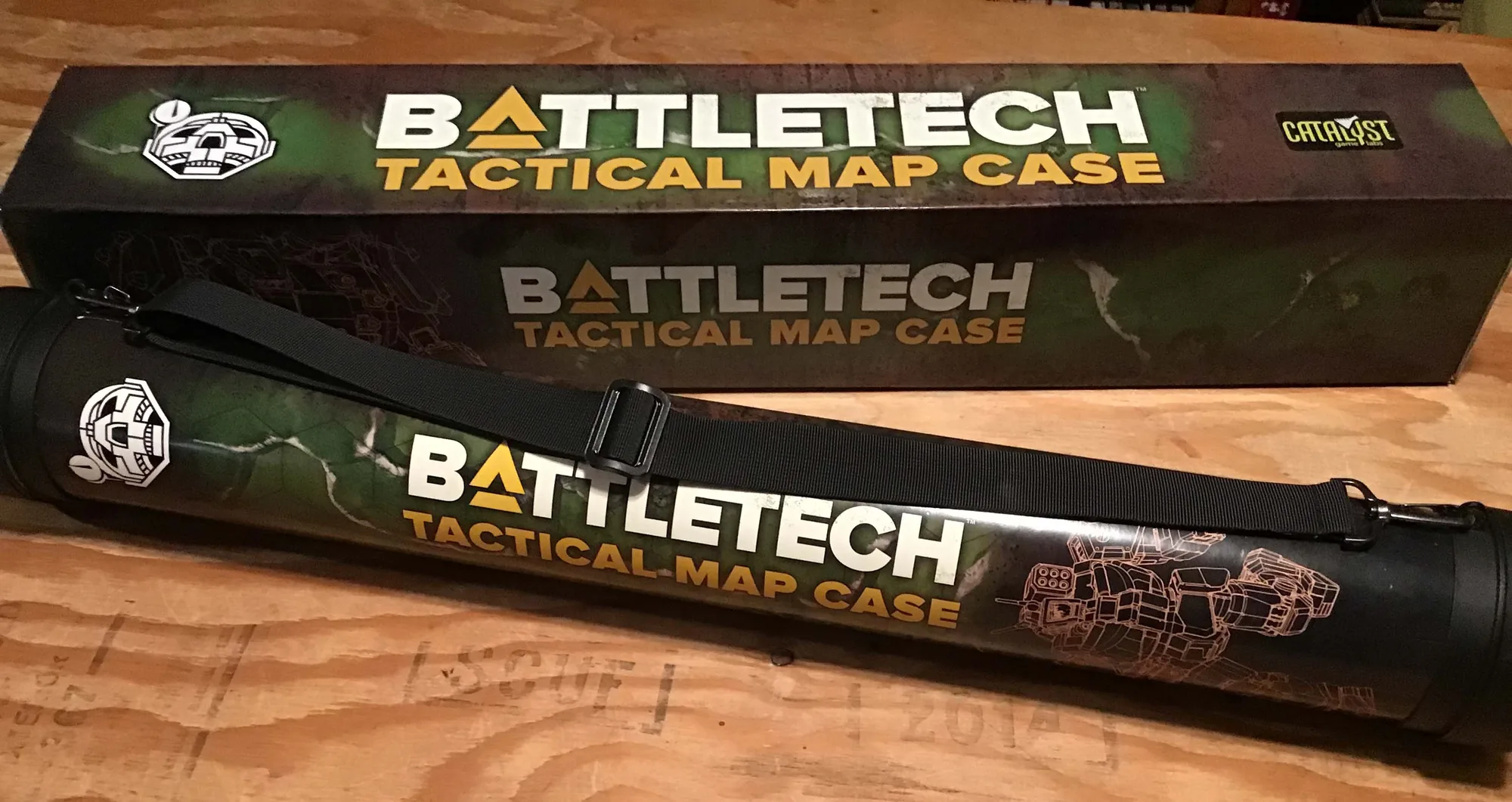
- BattleTech: Tactical Map Case: The Tactical Map Case holds two rolled neoprene maps for a full battlefield size of 44" x 34" and includes a cylinder case for dice. This case keeps your maps protected and organized, making it easy to transport your alien battlefields to game night.