Quick answer
Use a high-quality matte sticker paper, trim precisely, and press firmly onto a clean, dry planner page to get the best results with Enchanted Chapters printable stickers.
Why paper choice matters for fantasy stickers
The Knight's Sword and The Archer printable sticker sets are designed for instant digital download and home printing. Their high-resolution artwork looks crisp on matte or glossy sticker paper, but matte paper reduces glare and blends better with dot grid pages. Avoid standard copy paper—it will not hold the adhesive or color well.
Trimming and placement tips
The detailed designs in the Enchanted Chapters Collection—like the Knight's Sword heraldry and the Archer's woodland motifs—show best when cut close to the outline. Use a craft knife or small scissors for intricate edges. Leave a thin white border if you prefer a sticker-like look, but avoid cutting into the printed art.
Step-by-step: Applying Enchanted Chapters printable stickers
- Print on matte sticker paper: Load matte sticker paper into your home printer and print the Knight's Sword or The Archer design at full resolution. Allow the ink to dry for at least 2 minutes. Common mistake: printing on glossy paper causes smudging and glare on planner pages.
- Cut out the sticker closely: Use sharp scissors or a craft knife to cut around the design. For intricate details like sword grips or bowstrings, work slowly and rotate the paper. Common mistake: cutting too far from the outline leaves excess white border that looks unfinished.
- Peel and place on a clean page: Wipe the planner page with a dry cloth to remove dust. Peel the sticker from the backing and position it carefully. Press from the center outward. Common mistake: placing the sticker on a dusty or oily page reduces adhesion and causes peeling later.
- Burnish for lasting hold: Rub the sticker firmly with the back of a spoon or a bone folder. Pay extra attention to edges and narrow parts of the design. Common mistake: skipping burnishing leads to corners lifting after a few days of use.
Product facts
-
Printable Sticker: Knight's Sword: Printable Sticker: Knight's Sword — instant digital download, high-resolution illustrations for crisp lines and rich color. You can print only the pages you need, and the detailed heraldic artwork stays sharp even after cutting.
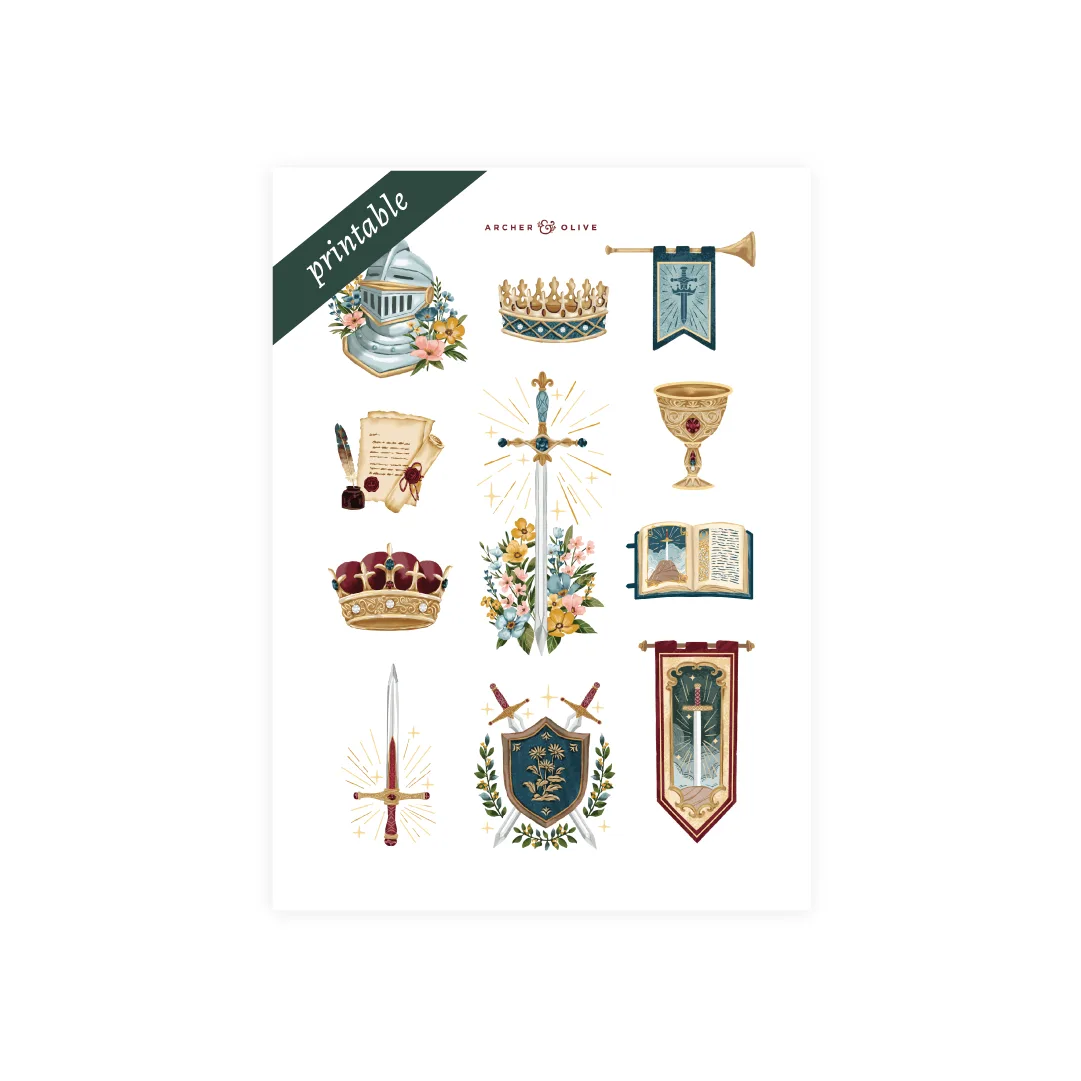
Printable Sticker: Knight's Sword
-
Printable Sticker: The Archer: Printable Sticker: The Archer — instant digital download, high-resolution artwork for clean, detailed prints. The woodland archery motifs print with fine detail, so trimming precisely preserves the storybook feel in your planner.
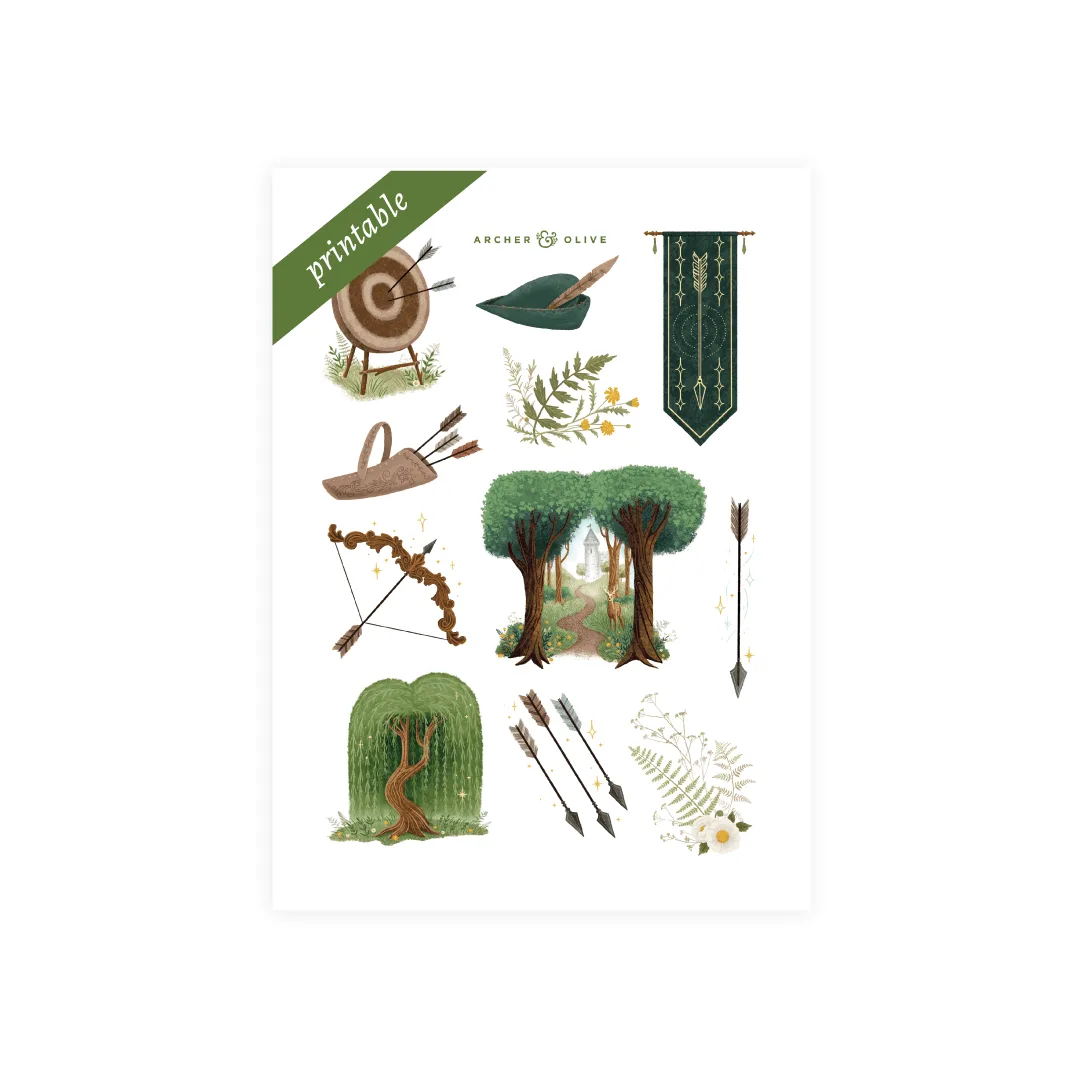
Printable Sticker: The Archer